

Fusion Connected Blocks Resurs pak za Minecraft 1.20.1, 1.21.1
Čini da se teksture mnogih blokova povezuju
Fusion Connected Blocks adds connecting textures for many common blocks such as polished andesite, diamond blocks, and bookshelves.
Fusion Connected Blocks requires

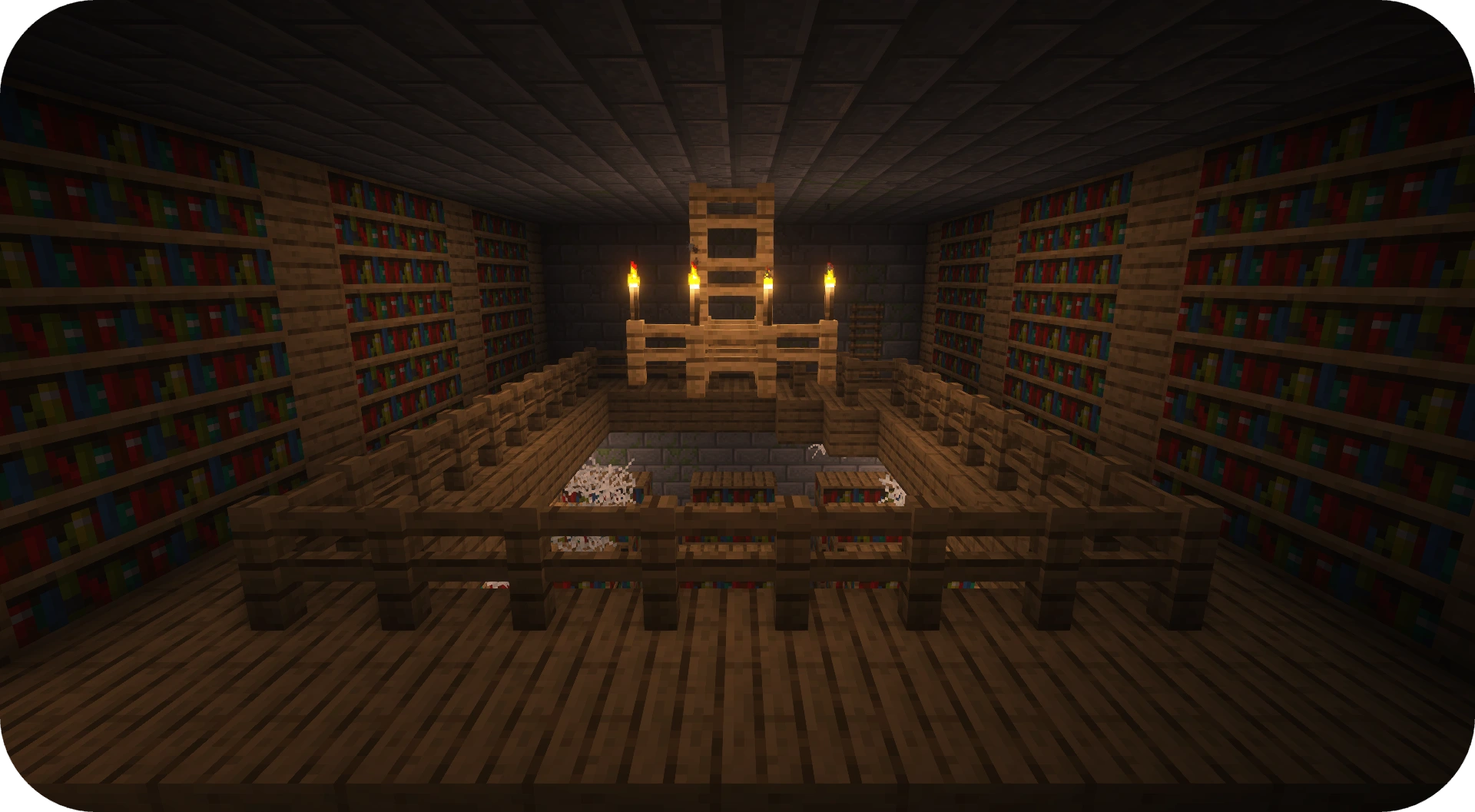
Fusion to work correctly. You can find Fusion by either clicking here or on the image below.
Kako instalirati Fusion Connected Blocks
With Millida Launcher
Install Millida Launcher
The launcher is free: download it at millida.net/launcher and sign in with any nickname.
Click “Install” on this page
The launcher opens and installs the resource pack for Minecraft 1.20–26.3 automatically.
Launch the game
A profile with it appears in the launcher: click “Play”.
Manually
Download the archive
Pick the file Fusion Connected Blocks v1.1.0 for Minecraft 1.20-26.2.zip (265 KB) for your game version. No need to unpack it.
Put it in the resourcepacks folder
The easiest way: “Options”, then “Resource Packs”, then “Open Pack Folder”, and drag the archive there.
Enable the pack
In the same window, move the pack to the right-hand “Selected” column and click “Done”.
Verzije
Sa zavisnostima
| Minecraft | Loader | Fajl | Datum | Akcije |
|---|---|---|---|---|
| 1.21 | — | v1.1.0 for Minecraft 1.20-26.3265 KB 28 |
Recenzije
Budi prvi koji će oceniti Fusion Connected Blocks



