
Foxay shader Resurs pak za Minecraft 26.40
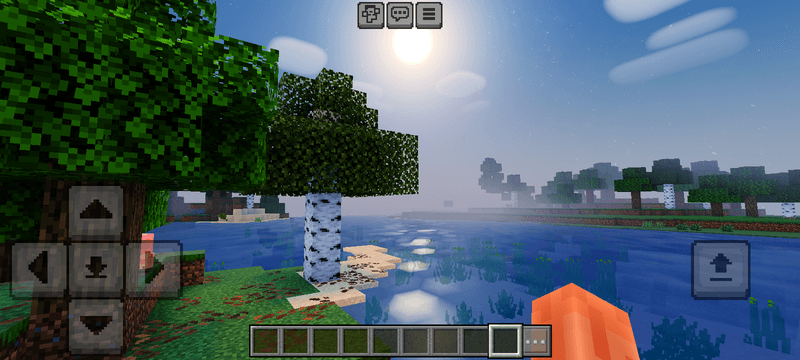
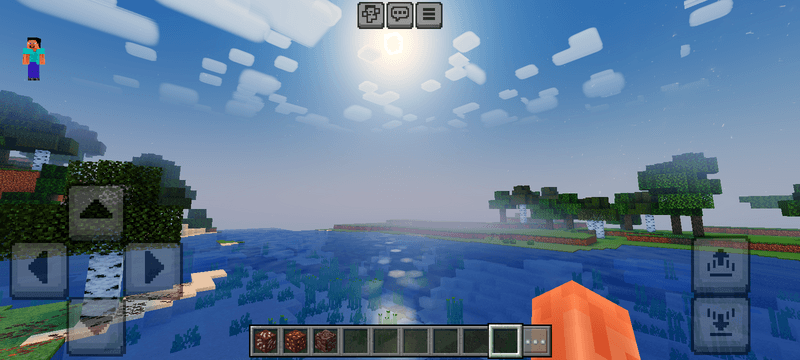
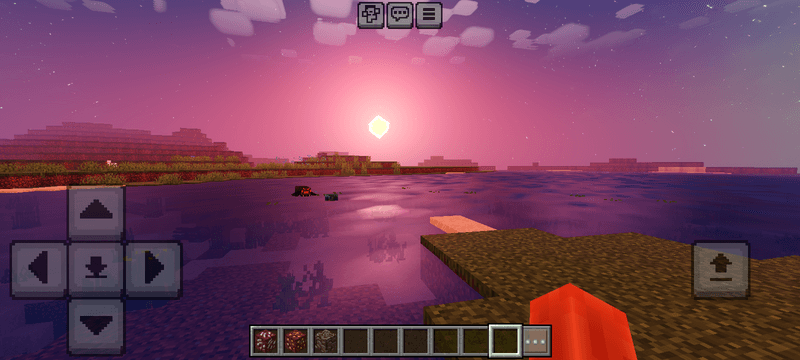
Transformišite svoj MCPE svet sa Foxay Shader-om! Doživite zadivljujuće aurora noćno nebo, živopisne svetleće rude i neverovatne svetlosne efekte. Preuzmite sada da nadogradite svoju Minecraft grafiku i istražite istinski impresivan univerzum!
FOXAY SHADER
Only works on Minecraft patch
Transform your MCPE world with Foxay Shader! Experience breathtaking aurora night skies, vibrant glowing ores, and stunning lighting effects. Download now to upgrade your Minecraft graphics and explore a truly immersive universe!
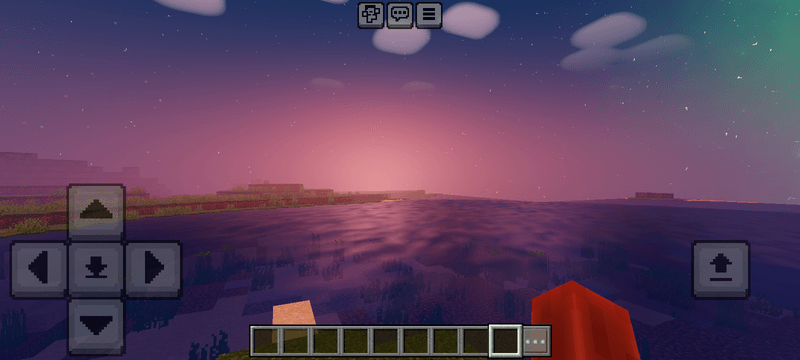
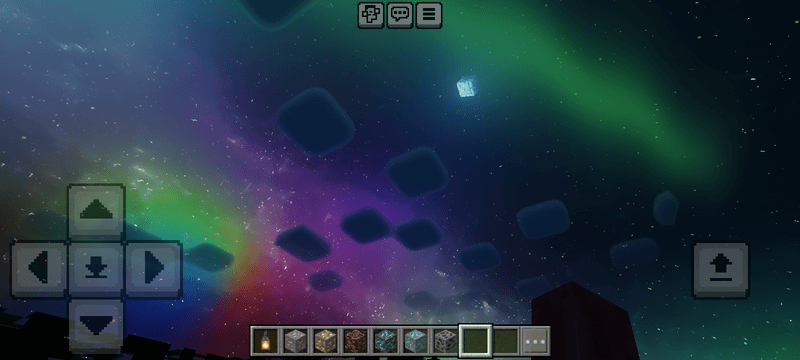
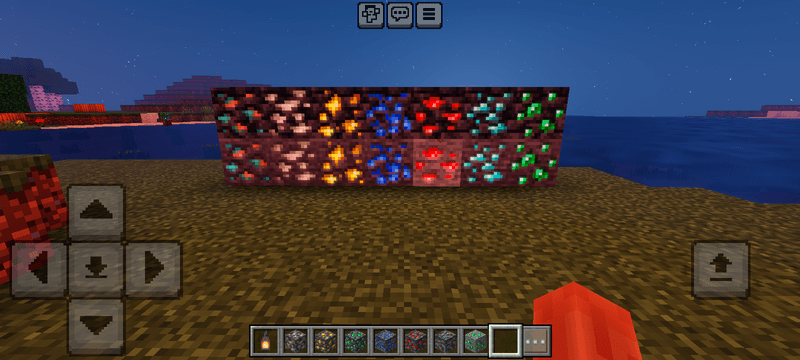
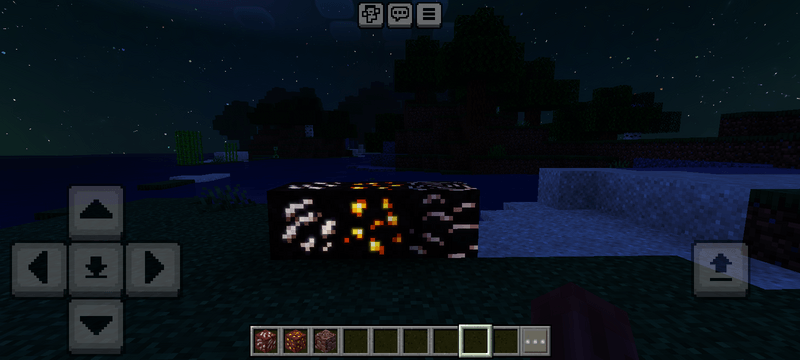
Kako instalirati Foxay shader
With Millida Launcher
Install Millida Launcher
The launcher is free: download it at millida.net/launcher and sign in with any nickname.
Click “Install” on this page
The launcher opens and installs the resource pack for Minecraft 26.20–26.40 automatically.
Launch the game
A profile with it appears in the launcher: click “Play”.
Manually
Download the archive
Pick the file ytaun_foxayshader_v3.mcpack (1.1 MB) for your game version. No need to unpack it.
Put it in the resourcepacks folder
The easiest way: “Options”, then “Resource Packs”, then “Open Pack Folder”, and drag the archive there.
Enable the pack
In the same window, move the pack to the right-hand “Selected” column and click “Done”.
Verzije
Sa zavisnostima
| Minecraft | Loader | Fajl | Datum | Akcije |
|---|---|---|---|---|
| 26.20 | — | ytaun_foxayshader_v3.mcpack1.1 MB |
Recenzije
Budi prvi koji će oceniti Foxay shader


