

CozyUI+ Resurs pak za Minecraft 1.20.1, 1.21.1
Menja korisnički interfejs u uredan i suptilan high-definition stil, pokrivajući sve vanilla UI elemente kao i mnoge korisne klijentske modove.
- preuzimanja
- 99 preuzimanja
- pregleda
- 340 pregleda
- lajkova
- 1 lajkova
- Ažurirano
- Ažurirano 10.10.2026
- 1.6.1 — 26.3
 Vanila igra
- Klijent
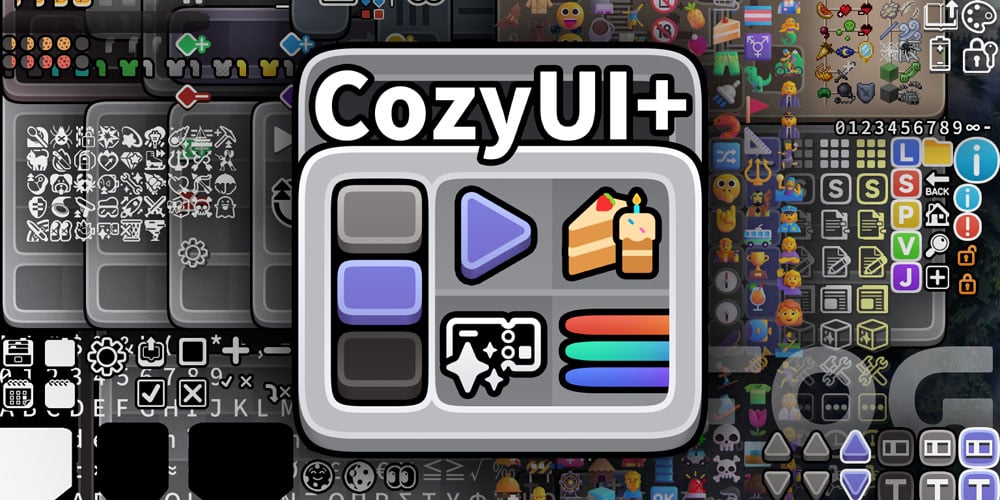

CozyUI+
Modifies the User Interface into a neat and subtle high-definition style, covering all the vanilla UI elements as well as many useful client mods.
GameVersion ≥1.20
Title: CozyUI+
Author: 零雾〇五 Fogg05
● This pack is based on:
○ Fluent Emoji:https://github.com/microsoft/fluentui-emoji
○ NotoSans:https://github.com/notofonts/noto-cjk

● Covered mods
Mod Name - Home Page Link - -
OptiGUI | 🔗 Modrinth | ⭐ Recommended Apple Skin | 🔗 Modrinth | 🔄 Optional Detail Armor Bar | 🔗 Modrinth | 🔄 Optional Litematica | 🔗 Modrinth | 🔄 Optional MiniHUD | 🔗 Modrinth | 🔄 Optional Replay Mod | 🔗 Modrinth | 🔄 Optional Inventory Hud+ | 🔗 CurseForge | 🔄 Optional Dynamic Crosshair | 🔗 Modrinth | 🔄 Optional Jade | 🔗 Modrinth | 🔄 Optional Roughly Enough Items | 🔗 Modrinth | 🔄 Optional Just Enough Items | 🔗 Modrinth | 🔄 Optional Inventory Profiles Next | 🔗 Modrinth | 🔄 Optional Xaero's Minimap | 🔗 Modrinth | 🔄 Optional Xaero's World Map | 🔗 Modrinth | 🔄 Optional Mod Menu | 🔗 Modrinth | 🔄 Optional No Chat Reports | 🔗 Modrinth | 🔄 Optional Simple Voice Chat | 🔗 Modrinth | 🔄 Optional Entity Features | 🔗 Modrinth | 🔄 Optional Overflowing Bars | 🔗 Modrinth | 🔄 Optional

● Recipes in the brewing stand
All the recipes are drawn on the brewing stand interface to help everyone memorize.
● OptiGUI MOD
Various colored shulker boxes, droppers, dispensers, and ender chests can be distinguished by the background color.
● Emoji+ & MCsans+
Modify the fonts to high-definition NotoSans and FluentEmoji.
https://github.com/Fogg05/Emoji-Plus
https://github.com/Fogg05/MCsans-Plus
● Experience bar RGB
Inventory selection boxes and experience bars feature RGB cycling with a very slow gradient, where the colors are continually adjusted to ensure a leisurely and soothing pace.
● Button Animations
Some buttons will be animated in game versions ≥1.21
Kako instalirati CozyUI+
With Millida Launcher
Install Millida Launcher
The launcher is free: download it at millida.net/launcher and sign in with any nickname.
Click “Install” on this page
The launcher opens and installs the resource pack for Minecraft 1.6.1–26.3 automatically.
Launch the game
A profile with it appears in the launcher: click “Play”.
Manually
Download the archive
Pick the file CozyUI+_v1.11_no-fonts.zip (15 MB) for your game version. No need to unpack it.
Put it in the resourcepacks folder
The easiest way: “Options”, then “Resource Packs”, then “Open Pack Folder”, and drag the archive there.
Enable the pack
In the same window, move the pack to the right-hand “Selected” column and click “Done”.
Verzije
Sa zavisnostima
| Minecraft | Loader | Fajl | Datum | Akcije |
|---|---|---|---|---|
| 26.3 | — | 26.315.4 MB 97 | ||
| 26.3 | — | 26.340.1 MB | ||
| 1.21 | — | 1.2114.4 MB 2 | — | |
| 1.20.1 | — | 1.20.114.4 MB | — |
Sadržaj koji ga zahteva
Recenzije
Budi prvi koji će oceniti CozyUI+



