

Armors Enhanced Resurs pak za Minecraft 1.20.1, 1.21.1
💎 Suptilna poboljšanja oklopa i elytra koja ostaju verna Minecraftovoj draži.
🛡️ Armors Enhanced
Redesigned armors and elytra for a refined vanilla look.
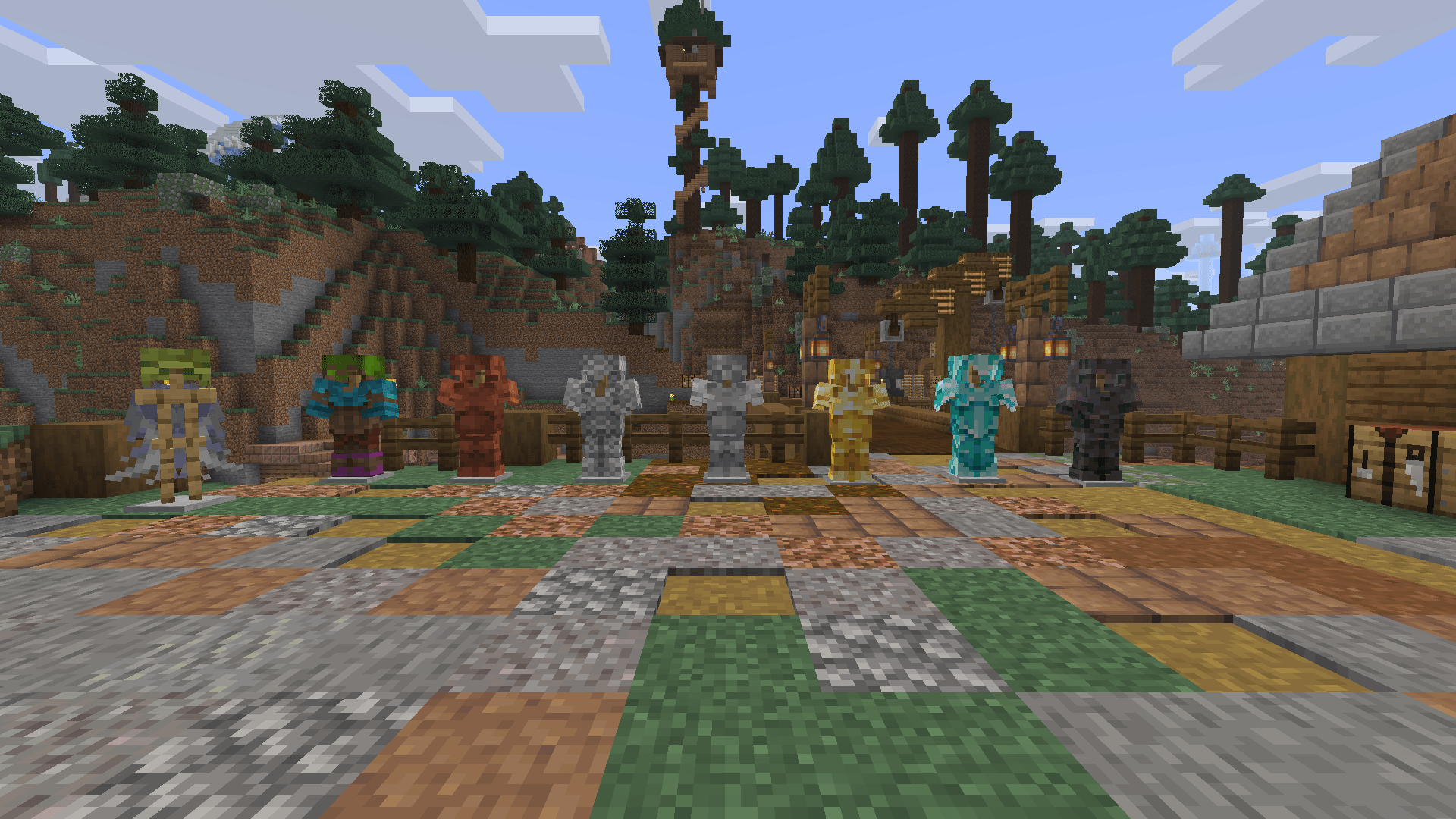
Armors Enhanced refreshes Minecraft’s armor sets and elytra with subtle redesigns that stay true to the vanilla style. Each armor piece has been carefully detailed for better clarity, texture balance, and consistency — giving a polished look without breaking the original Minecraft feel.
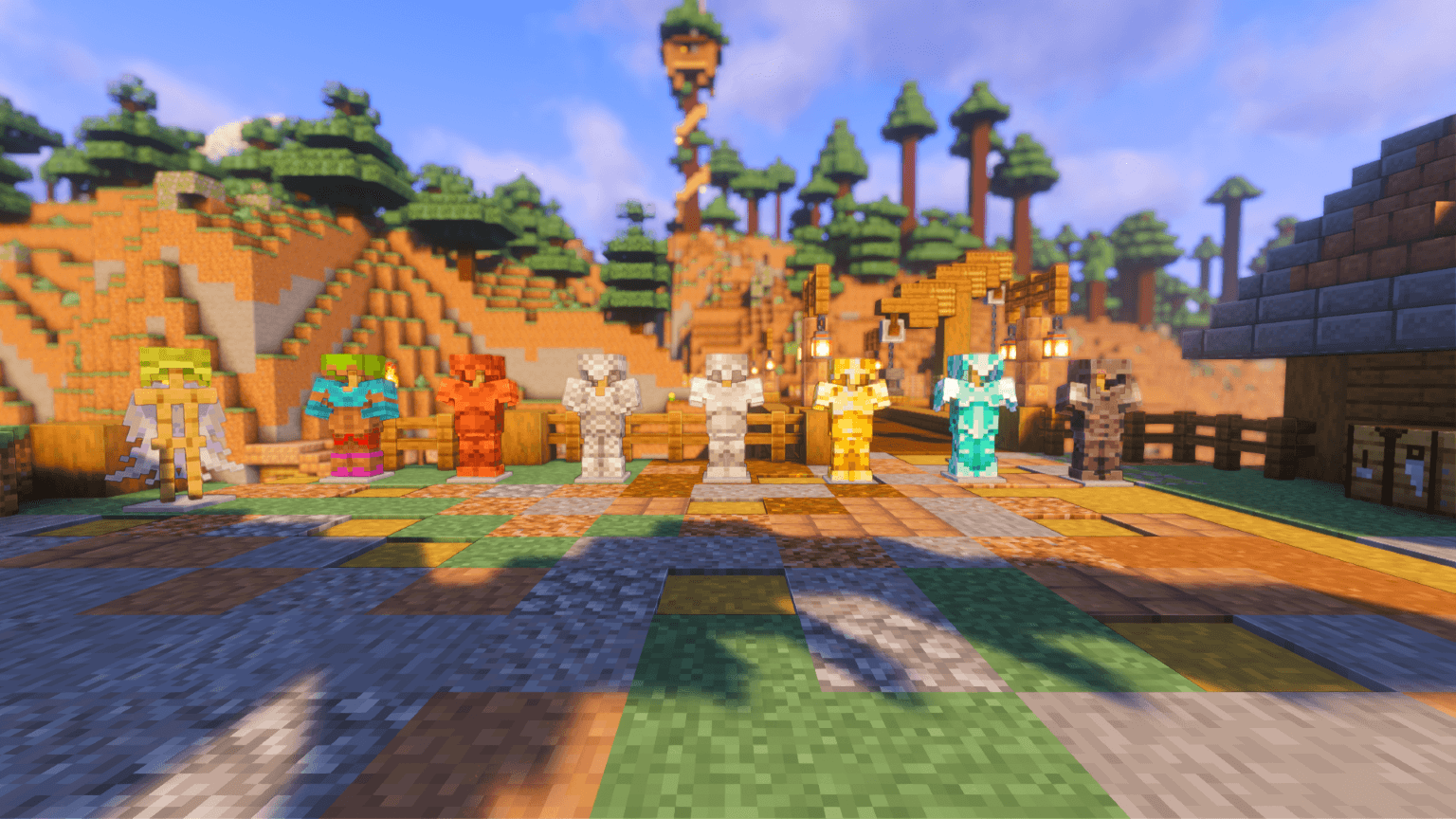
✨ Features
- Reworked textures for all armor sets
- Redesigned elytra for a smoother, cohesive style
- Works perfectly with other vanilla-friendly packs
Kako instalirati Armors Enhanced
With Millida Launcher
Install Millida Launcher
The launcher is free: download it at millida.net/launcher and sign in with any nickname.
Click “Install” on this page
The launcher opens and installs the resource pack for Minecraft 1.16–1.21.10 automatically.
Launch the game
A profile with it appears in the launcher: click “Play”.
Manually
Download the archive
Pick the file §6Armors Enhanced§8.zip (118 KB) for your game version. No need to unpack it.
Put it in the resourcepacks folder
The easiest way: “Options”, then “Resource Packs”, then “Open Pack Folder”, and drag the archive there.
Enable the pack
In the same window, move the pack to the right-hand “Selected” column and click “Done”.
Verzije
Sa zavisnostima
| Minecraft | Loader | Fajl | Datum | Akcije |
|---|---|---|---|---|
| 1.16.3 | — | Armors Enhanced118 KB 7 |
Recenzije
Budi prvi koji će oceniti Armors Enhanced


