

MCF Shaders za Minecraft 1.20.1, 1.21.1
Nebo, oblaci, magla i voda svi naginju ka sanjivim ljubičastim i roze nijansama.
 Fabric
 OptiFine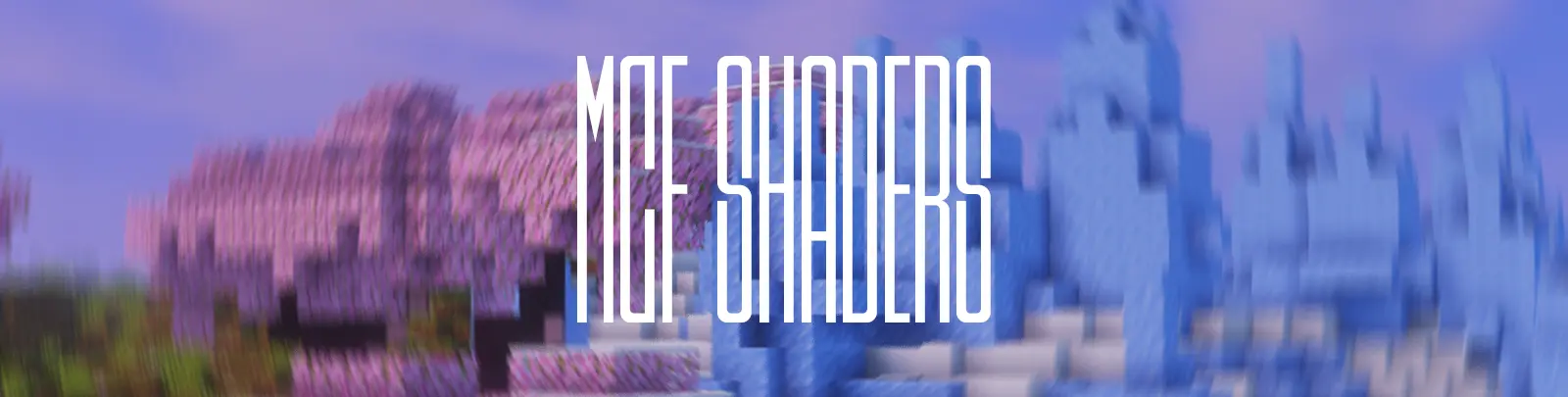
MCF Shaders by GLE
MCF Shaders by GLE is a fork of MellowShaders by TheCMK, retuned for a soft, light fantasy aesthetic.
Sky, clouds, fog, and water all lean into dreamy purple and pink hues, giving builds an ethereal, storybook glow instead of MellowShaders' original tone. Lighting stays gentle and diffused, so cherry blossoms, ice, and pastel biomes pop without harsh contrast.

Added on top of the Mellow base
- Cinematic Bars, an adjustable letterbox effect for film like framing
- Film Grain, toggleable with adjustable strength for subtle texture
- Vignette, with adjustable falloff for softer edge darkening
- Motion Blur, toggleable with adjustable strength for smoother camera movement
Together these give MCF a moodier, more cinematic screenshot feel while keeping Mellow's lightweight performance, built for players who want their world to look like a pastel fantasy render straight out of the box.

Kako instalirati MCF Shaders
With Millida Launcher
Install Millida Launcher
The launcher is free: download it at millida.net/launcher and sign in with any nickname.
Click “Install” on this page
The launcher opens and installs the shaders for Minecraft 1.19–26.2 automatically.
Launch the game
A profile with it appears in the launcher: click “Play”.
Manually
Install Iris or OptiFine
Without a shader mod the game cannot see shaders. Install it for the same Minecraft version.
Download the shader archive
Pick the file MCFShaders_v1.zip (302 KB) and do not unpack it.
Put it in the shaderpacks folder
“Options”, then “Video Settings”, then “Shader Packs”, then “Open Shader Pack Folder”, and drag the archive there.
Select the shaders
In the same window, click the pack name and “Apply”.
Verzije
Sa zavisnostima
| Minecraft | Loader | Fajl | Datum | Akcije |
|---|---|---|---|---|
| 26.2 | Iris, OptiFine | 26.2302 KB |
Recenzije
Budi prvi koji će oceniti MCF Shaders


