
Luna shader za Minecraft 1.20.1, 1.21.1
Luna shaders: profinjeni odsjaji vode sa duboko plavom nijansom i jedinstvenim efektom rotirajuće crne rupe unutar End portala.
O Luna shader šejderima

A balanced visual experience blending Vanilla simplicity with a magical fantasy theme.
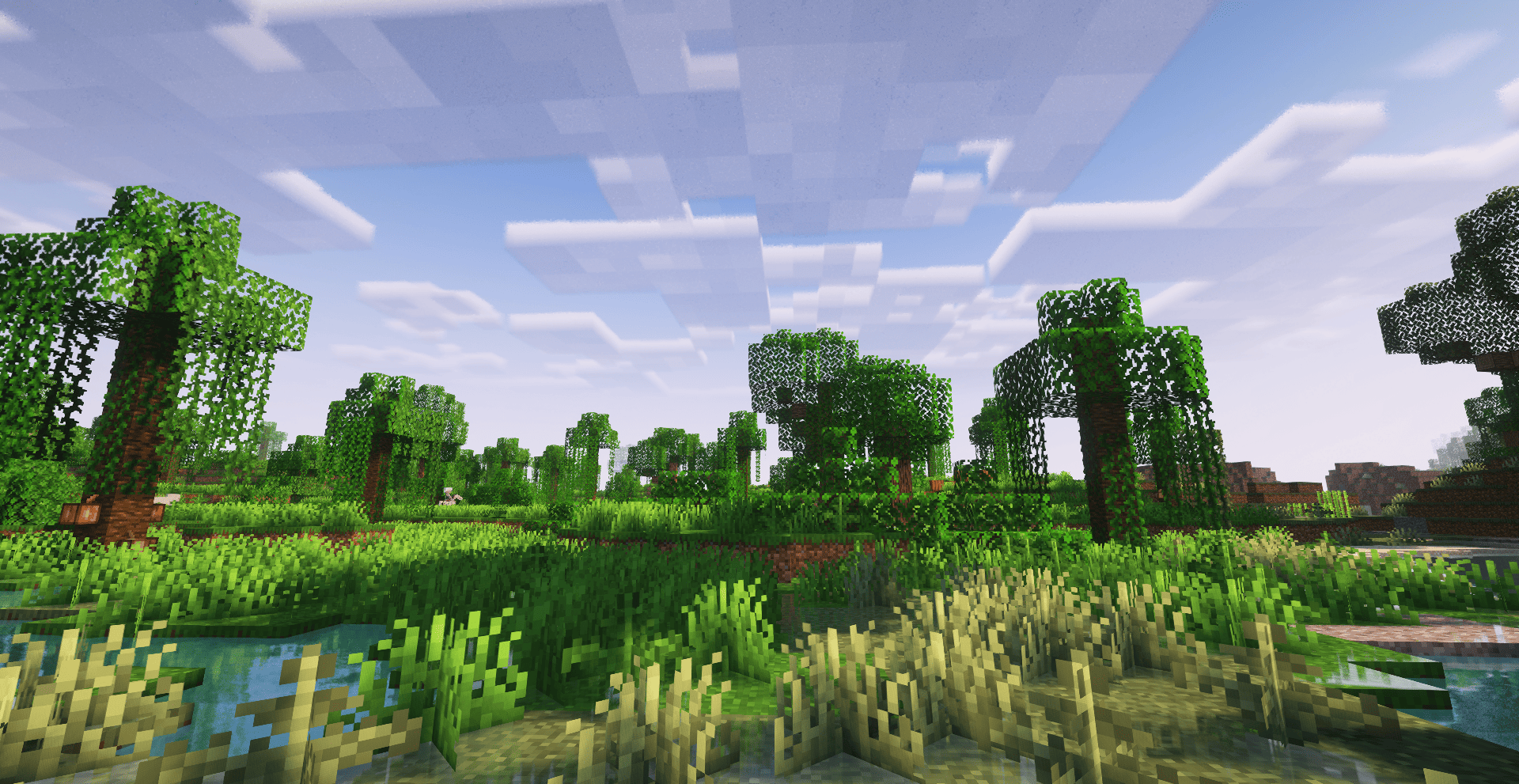
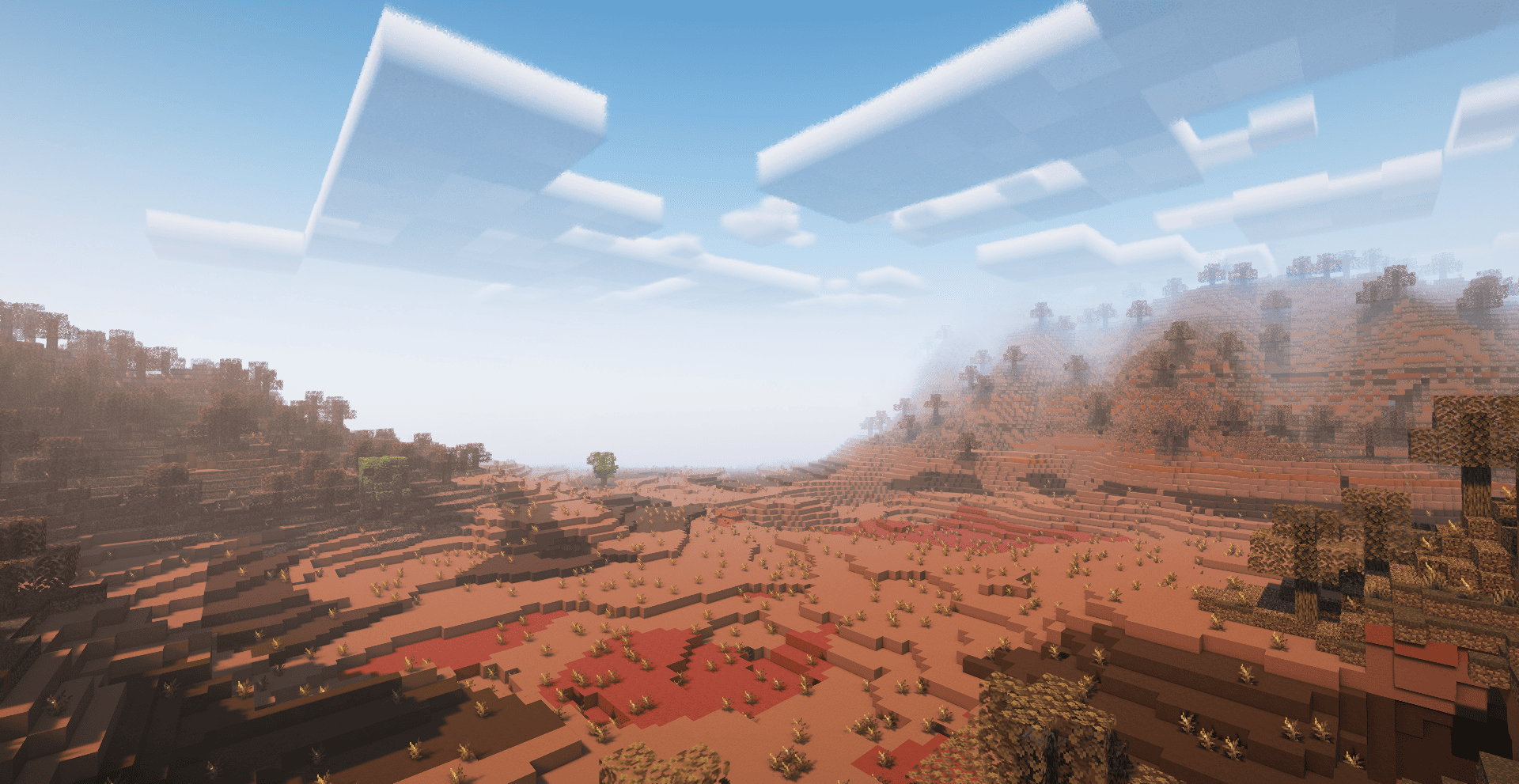
Luna Shader focuses on delivering a well-balanced visual environment that seamlessly mixes realism with imagination. The shader's identity is built on creating a charming "fantasy" atmosphere through a precise reflection system during rainfall, vibrant God Rays, and transforming the night into a stunning cosmic canvas where celestial bodies and planets stand out artistically.

God Rays: A visual effect that adds flowing light shafts through trees and open spaces.
The End Dimension: A dedicated space theme featuring a animated Black Hole at the center as a core visual element.
Night Sky: Added static celestial bodies and planets in the skybox to enhance the nocturnal aesthetic.
Clouds: Enhanced "Vanilla" style clouds designed to match the game's original feel.
Weather Effects: A wetness system that appears on surfaces along with water reflections during rain.
Lighting Balance: Adjusted light and shadow levels to ensure visual clarity across all times and conditions

This pack is a modified version based on the work of Complementary Development (EminGT). All original engine code, lighting systems, and visual frameworks belong to them. Huge thanks for releasing their work under a license that allows community modifications.
Original Creator: EminGT
Based on: Complementary Shaders
Modified by: Haider_x
Origina GitHup source
License: Complementary License Agreement 1.6
Kako instalirati Luna shader
With Millida Launcher
Install Millida Launcher
The launcher is free: download it at millida.net/launcher and sign in with any nickname.
Click “Install” on this page
The launcher opens and installs the shaders for Minecraft 1.19–26.3 automatically.
Launch the game
A profile with it appears in the launcher: click “Play”.
Manually
Install Iris or OptiFine
Without a shader mod the game cannot see shaders. Install it for the same Minecraft version.
Download the shader archive
Pick the file Luna shader.zip (3.8 MB) and do not unpack it.
Put it in the shaderpacks folder
“Options”, then “Video Settings”, then “Shader Packs”, then “Open Shader Pack Folder”, and drag the archive there.
Select the shaders
In the same window, click the pack name and “Apply”.
Verzije
Sa zavisnostima
| Minecraft | Loader | Fajl | Datum | Akcije |
|---|---|---|---|---|
| 1.21 | — | Luna shader 1.0.1 .zip3.8 MB 44 |
Česta pitanja
Which Minecraft versions does Luna shader work on?
There are files for 1.19–26.3, 29 versions in total. The newest is 26.3.
Where can I download Luna shader safely?
On this page: the file Luna shader.zip (3.8 MB) is stored on Millida’s server, with no link shorteners. SHA-1 checksum: 8a28659ad2b9833ae16ab398773b99d8b2fb3f4d.
Recenzije
Budi prvi koji će oceniti Luna shader


