

EclipseLite Šejderi za Minecraft 1.21.1, 1.21
EclipseLite je lagani shader sa niskim senkama i mekim oblacima koji svetle, savršen za offline svetove ili survival servere. Uživaj u atmosferskim vizualima bez žrtvovanja performansi — idealno za sisteme niže i srednje klase.
O EclipseLite šejderima

ABOUT
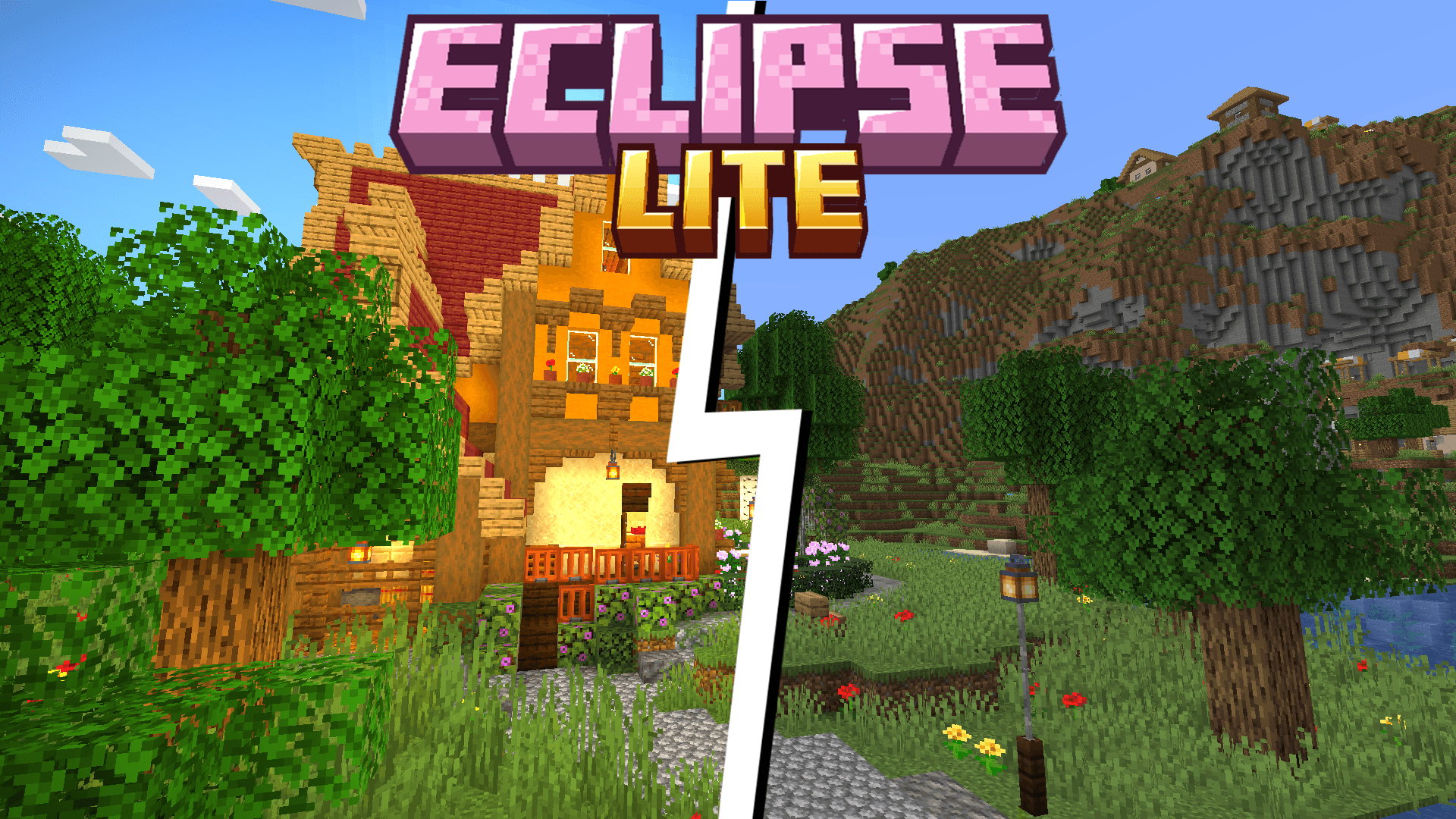
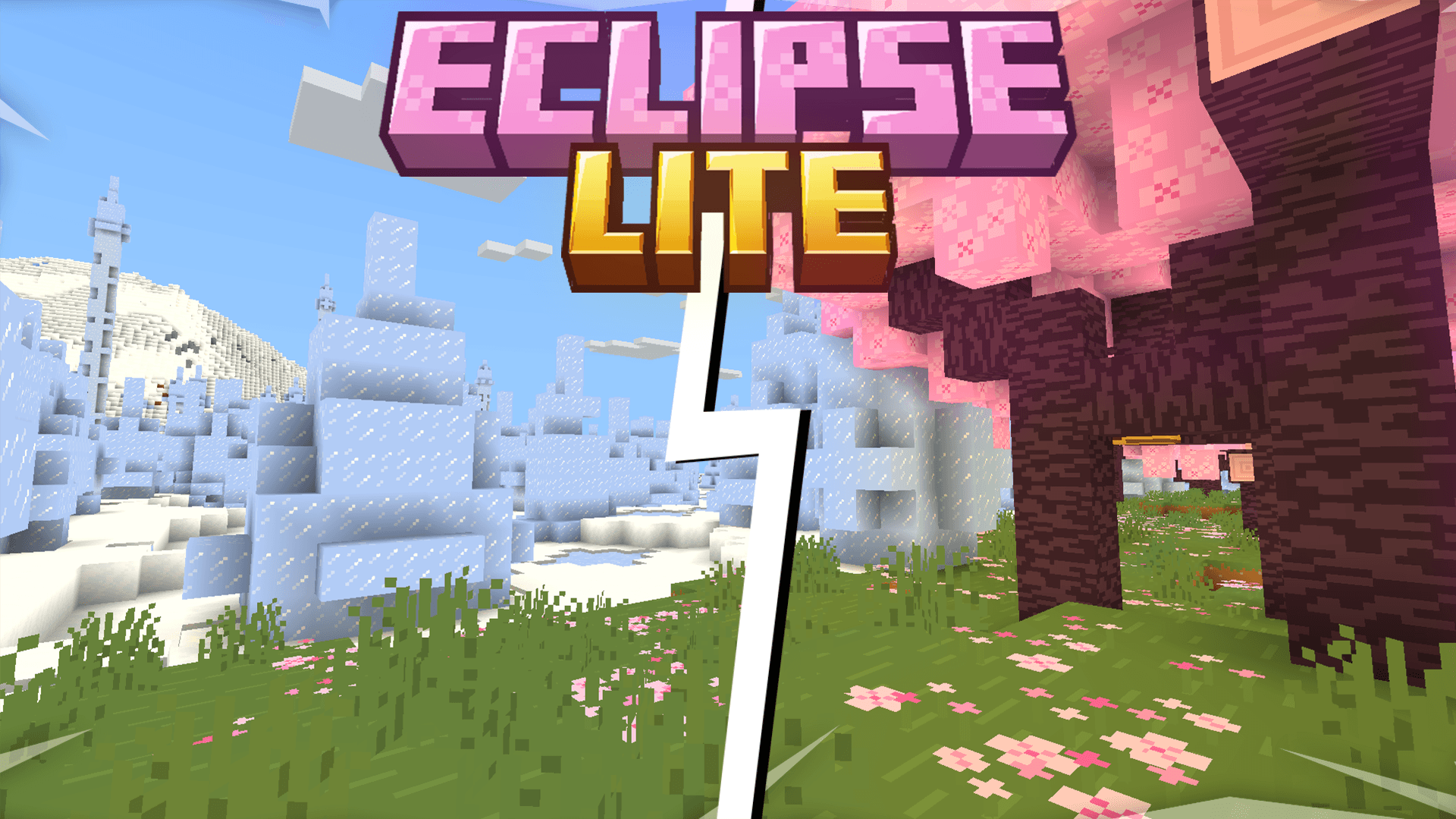
Eclipse Lite is a super lightweight Minecraft shader made for the absolute lowest-end PCs, laptops, and toasters that can’t handle even Sildur’s or Mellow shaders. It keeps the classic vanilla Minecraft look but adds subtle improvements - like glowing transparent water and cleaner, whiter clouds - all while running buttery-smooth on any system.
Features
Eclipse Lite is made for ultra-low-end devices. It has no waving effects and avoids all heavy features like bloom, motion blur, and depth of field to ensure high FPS. The water uses the default Minecraft style but is transparent for a cleaner, more aesthetic look. This shader is in BETA, so minor bugs may be present. It's perfect for players who can’t run shaders like Sildur’s Lite or Mellow but still want a subtle visual boost.
BUGS
Found a bug? You can report it by creating a ticket under the bug category in our Discord server. Your feedback helps us improve Eclipse Lite and fix issues faster. Every report means a lot to us and truly makes our day better!

Kako instalirati EclipseLite
With Millida Launcher
Install Millida Launcher
The launcher is free: download it at millida.net/launcher and sign in with any nickname.
Click “Install” on this page
The launcher opens and installs the shaders for Minecraft 1.21–1.21.5 automatically.
Launch the game
A profile with it appears in the launcher: click “Play”.
Manually
Install Iris or OptiFine
Without a shader mod the game cannot see shaders. Install it for the same Minecraft version.
Download the shader archive
Pick the file §d§lEclipse§e§lLite.zip (10 KB) and do not unpack it.
Put it in the shaderpacks folder
“Options”, then “Video Settings”, then “Shader Packs”, then “Open Shader Pack Folder”, and drag the archive there.
Select the shaders
In the same window, click the pack name and “Apply”.
Verzije
Sa zavisnostima
| Minecraft | Loader | Fajl | Datum | Akcije |
|---|---|---|---|---|
| 1.21 | — | EclipseLite9.5 KB 4 |
Česta pitanja
Which Minecraft versions does EclipseLite work on?
There are files for 1.21.5, 1.21.4, 1.21.3, 1.21.2, 1.21.1, 1.21. The newest is 1.21.5.
Where can I download EclipseLite safely?
On this page: the file §d§lEclipse§e§lLite.zip (10 KB) is stored on Millida’s server, with no link shorteners. SHA-1 checksum: 8db39b38d34c269cc173c6dafa7cb0705f12ad4e.
Recenzije
Budi prvi koji će oceniti EclipseLite


