

Chippa256 Shaders za Minecraft 1.20.1, 1.21.1
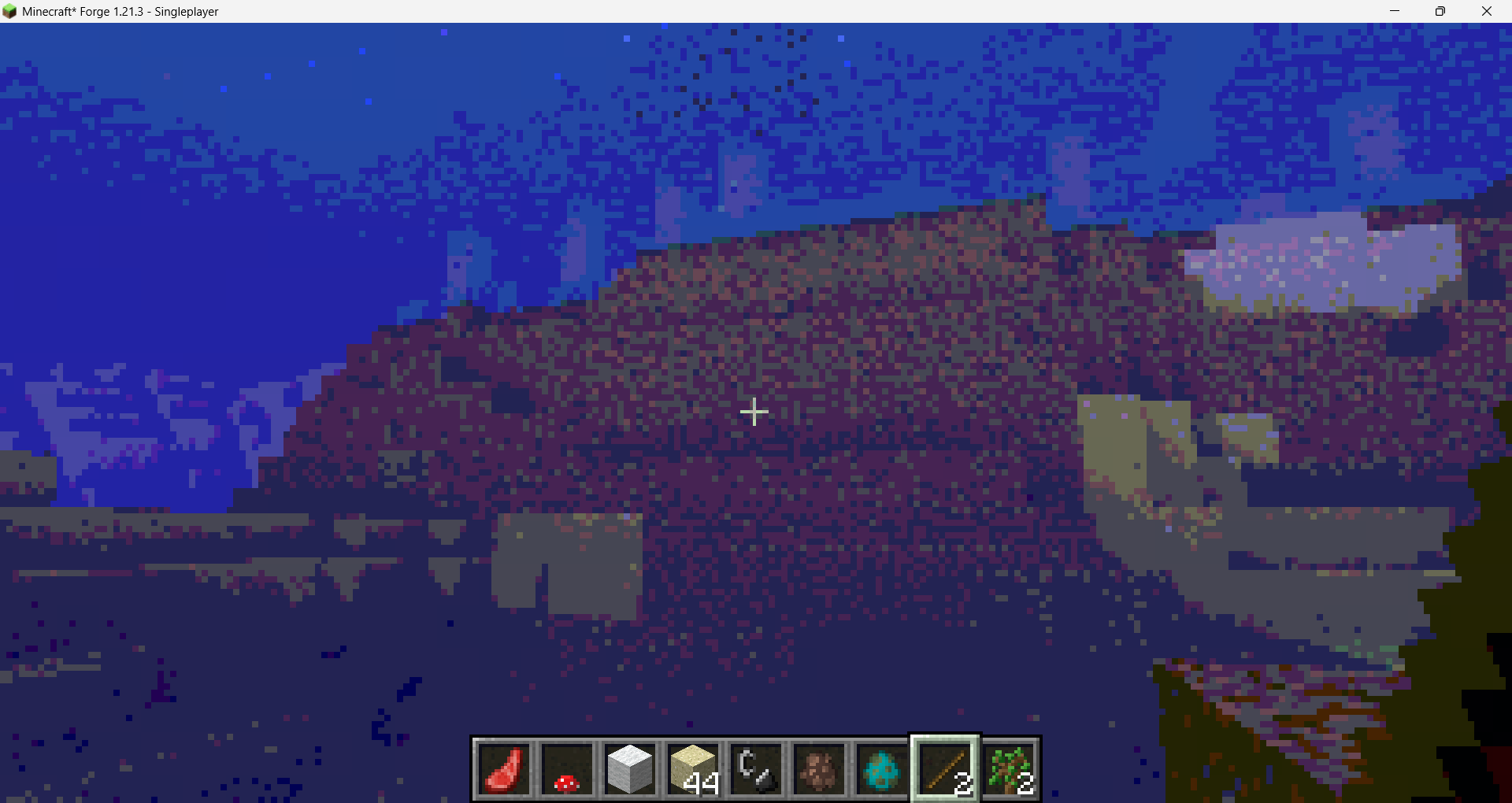
Dajte svom Minecraft-u retro izgled sa 256 boja uz opcije niske rezolucije pikselacije!
O Chippa256 Shaders šejderima
Very basic but effective shader that applies dithering and other vintage screen effects to make the iconic low-res look and feel of Minecraft seem even more low-res!
Kako instalirati Chippa256 Shaders
With Millida Launcher
Install Millida Launcher
The launcher is free: download it at millida.net/launcher and sign in with any nickname.
Click “Install” on this page
The launcher opens and installs the shaders for Minecraft 1.0–1.21.10 automatically.
Launch the game
A profile with it appears in the launcher: click “Play”.
Manually
Install Iris or OptiFine
Without a shader mod the game cannot see shaders. Install it for the same Minecraft version.
Download the shader archive
Pick the file Mew_Chippa256_v0.3.zip (3 KB) and do not unpack it.
Put it in the shaderpacks folder
“Options”, then “Video Settings”, then “Shader Packs”, then “Open Shader Pack Folder”, and drag the archive there.
Select the shaders
In the same window, click the pack name and “Apply”.
Verzije
Sa zavisnostima
| Minecraft | Loader | Fajl | Datum | Akcije |
|---|---|---|---|---|
| 1.7.6 | — | Mew Chippa256 v0.3 (Latest Stable)2.6 KB 2 |
Česta pitanja
Which Minecraft versions does Chippa256 Shaders work on?
There are files for 1.0–1.21.10, 100 versions in total. The newest is 1.21.10.
Where can I download Chippa256 Shaders safely?
On this page: the file Mew_Chippa256_v0.3.zip (3 KB) is stored on Millida’s server, with no link shorteners. SHA-1 checksum: 34d9d52875dbfe3138d8417a50ca3b53825539b6.
Recenzije
Budi prvi koji će oceniti Chippa256 Shaders


