

Carrot Shaders za Minecraft 1.20.1, 1.21.1
Šejderi fokusirani na prirodno osvetljenje, poboljšane senke i balansirane boje.
 Fabric
 OptiFine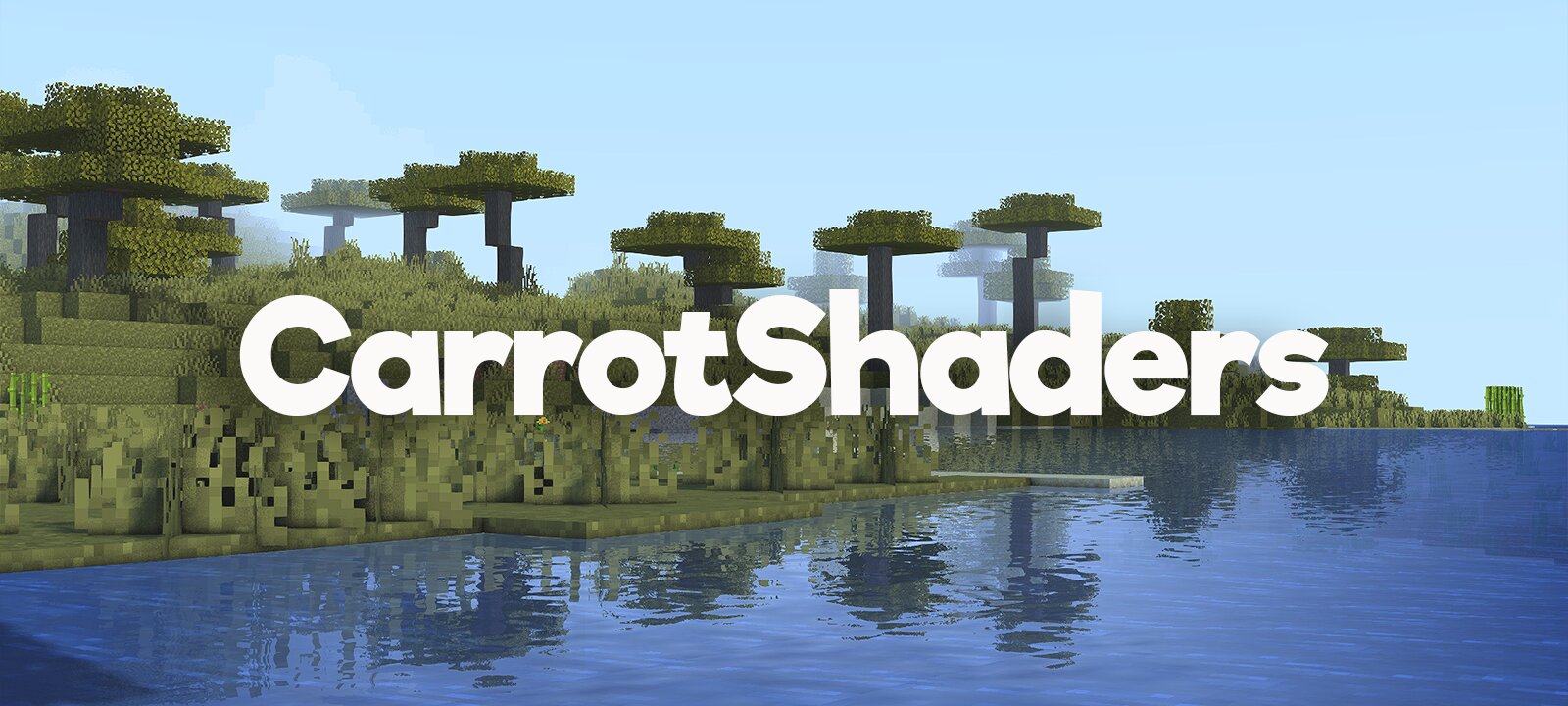
Carrot Shaders
Carrot Shaders is a vanilla+ Minecraft shader pack by EptuneStudios, designed to enhance Minecraft's visuals while keeping the original vanilla style. It improves color grading, exposure, contrast, and lighting for a more balanced and natural look.
The shader features more visible shadows, brighter sky lighting, subtle warm sunlight, improved indirect lighting, and reduced fog distance for clearer terrain. An ambient light floor also helps prevent shadows from becoming overly dark while retaining detail in darker areas.
Carrot Shaders focuses on a clean and natural visual experience without adding unnecessary effects, making it a subtle visual upgrade for players who want Minecraft to look better while still feeling like vanilla Minecraft.

Credits & License
Carrot Shaders by EptuneStudios Based on Body Camera Shaders by LoLip_p.
The original shader is licensed under CC BY 4.0. Carrot Shaders is redistributed under the same license.
- Original Author: LoLip_p
- Original Project: Body Camera Shaders
- Modifications: EptuneStudios
- License: CC BY 4.0
You are free to share and adapt the shader, including for commercial purposes, provided that you give appropriate credit to LoLip_p as the original author and EptuneStudios for the modifications, include a link to the license, and indicate if changes were made.

Kako instalirati Carrot Shaders
With Millida Launcher
Install Millida Launcher
The launcher is free: download it at millida.net/launcher and sign in with any nickname.
Click “Install” on this page
The launcher opens and installs the shaders for Minecraft 1.20–26.1.2 automatically.
Launch the game
A profile with it appears in the launcher: click “Play”.
Manually
Install Iris or OptiFine
Without a shader mod the game cannot see shaders. Install it for the same Minecraft version.
Download the shader archive
Pick the file CarrotShaders_v1.zip (479 KB) and do not unpack it.
Put it in the shaderpacks folder
“Options”, then “Video Settings”, then “Shader Packs”, then “Open Shader Pack Folder”, and drag the archive there.
Select the shaders
In the same window, click the pack name and “Apply”.
Verzije
Sa zavisnostima
| Minecraft | Loader | Fajl | Datum | Akcije |
|---|---|---|---|---|
| 26.1.2 | Iris, OptiFine | 26.1.2479 KB |
Recenzije
Budi prvi koji će oceniti Carrot Shaders


