

BrighterAccessibility Šejderi za Minecraft 1.20.1, 1.21.1
Uklanja senke i maglu iz igre za osobe sa oštećenim vidom. Ima podršku za Distant Horizons.
- preuzimanja
- 3 preuzimanja
- pregleda
- 71 pregleda
- Ažurirano
- Ažurirano 03.09.2026
- 1.0 — 1.21.4
 Fabric
- Klijent
BrighterAccessibility
Overview
Compatible with Distant Horizons
BrighterAccessibility is a custom shader designed to enhance visibility for visually impaired players by making the world brighter. This shader aims to improve accessibility.

Installation
- Download the BrighterAccessibility.zip file from the link provided.
- Extract the contents into your Minecraft shaderpacks folder.
- Launch Minecraft and select the BrighterAccessibility shader from the iris shaders menu.

Usage
Once installed, the shader will automatically adjust the brightness levels, making dark areas easier to see for visually impaired players. Enjoy a more accessible Minecraft
This shader is intended solely for accessibility purposes. It should not be used to gain gameplay advantages. If you have any concerns or feedback, please reach out to me.
Screenshots
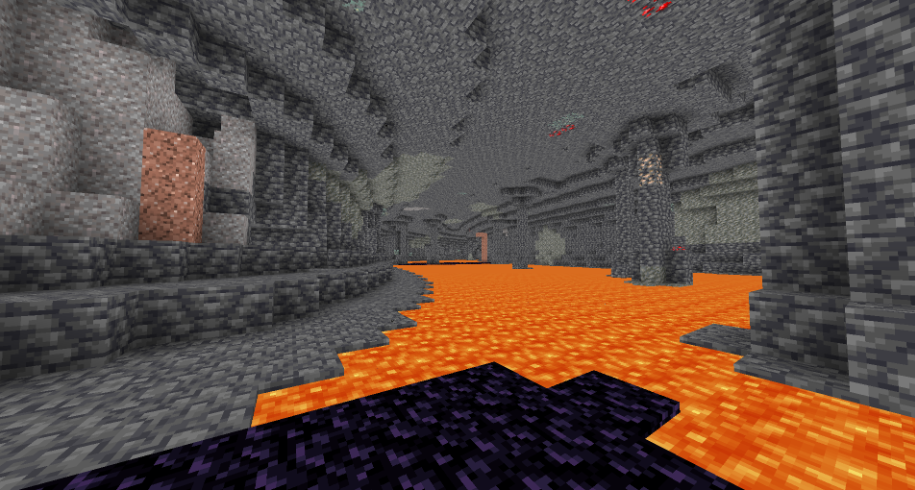
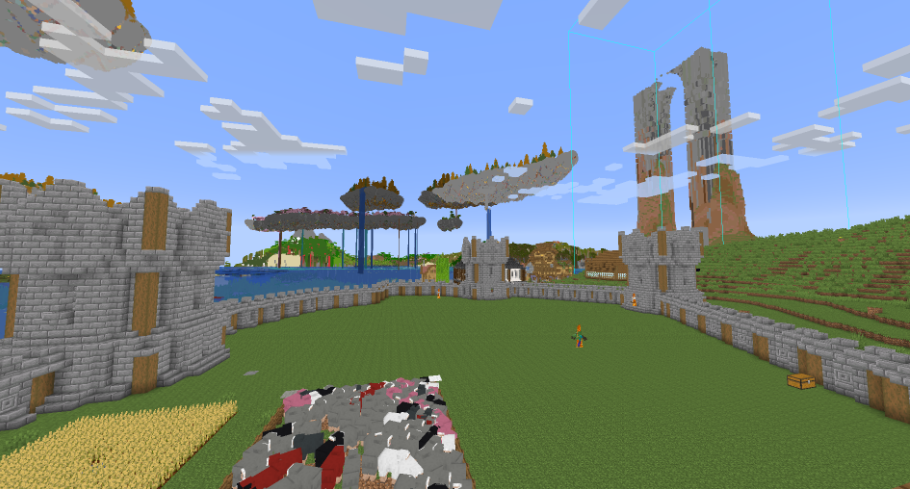
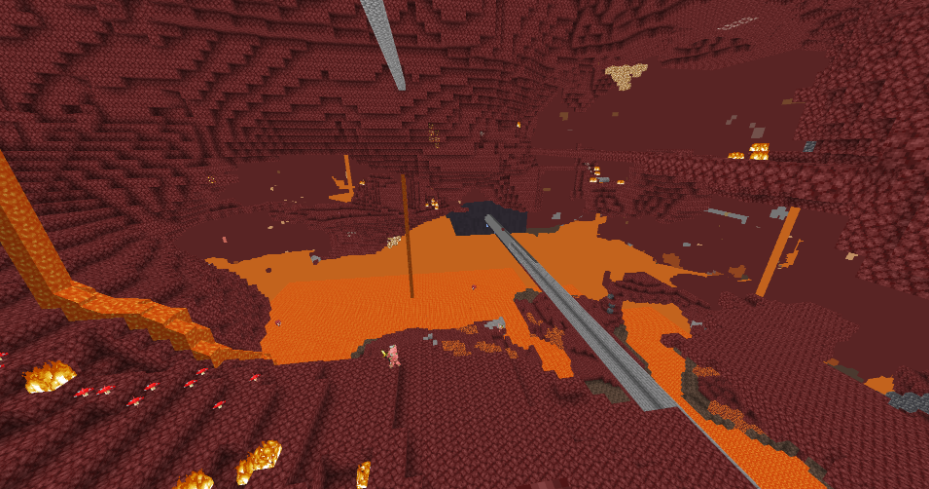
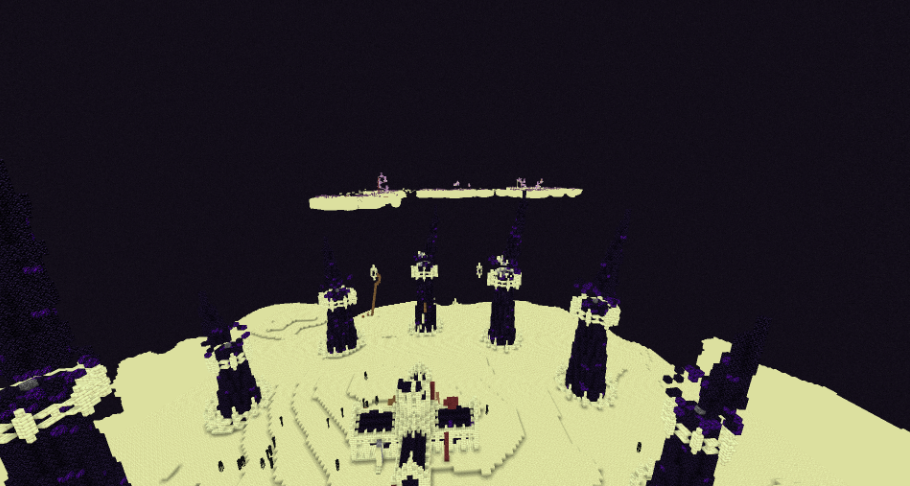
Kako instalirati BrighterAccessibility
With Millida Launcher
Install Millida Launcher
The launcher is free: download it at millida.net/launcher and sign in with any nickname.
Click “Install” on this page
The launcher opens and installs the shaders for Minecraft 1.0–1.21.4 automatically.
Launch the game
A profile with it appears in the launcher: click “Play”.
Manually
Install Iris
Without a shader mod the game cannot see shaders. Install it for the same Minecraft version.
Download the shader archive
Pick the file BrighterAccessibility.zip (4 KB) and do not unpack it.
Put it in the shaderpacks folder
“Options”, then “Video Settings”, then “Shader Packs”, then “Open Shader Pack Folder”, and drag the archive there.
Select the shaders
In the same window, click the pack name and “Apply”.
Verzije
Sa zavisnostima
| Minecraft | Loader | Fajl | Datum | Akcije |
|---|---|---|---|---|
| 1.17.1 | Iris | 1.17.13.5 KB 3 | ||
| 1.15.2 | Iris | 1.15.23.5 KB | ||
| 1.14.4 | Iris | 1.14.43.5 KB | ||
| 1.7.10 | Iris | 1.7.103.5 KB | ||
| 1.21 | Iris | 1.213.5 KB | — | |
| 1.20.1 | Iris | 1.20.13.5 KB | — | |
| 1.19.2 | Iris | 1.19.23.5 KB | — | |
| 1.18.2 | Iris | 1.18.23.5 KB | — |
Recenzije
Budi prvi koji će oceniti BrighterAccessibility


