

AerixiumSFA Shaders za Minecraft 26.2
AerixiumSFA je shader paket optimizovan za performanse za Minecraft, koji nudi jasne, živopisne vizuale, realistično osvetljenje i 3D paralaksu. Dobijte filmsku grafiku uz čisto i glatko igranje.
AerixiumSFA Shader Pack
Overview: AerixiumSFA is a custom-optimized Minecraft shader pack designed to strike the perfect balance between high-end visual fidelity and performance. Whether you are looking for crisp, clean visuals or a cinematic atmosphere, this shader pack transforms your Minecraft world into a breathtaking, immersive experience.
Key Features:
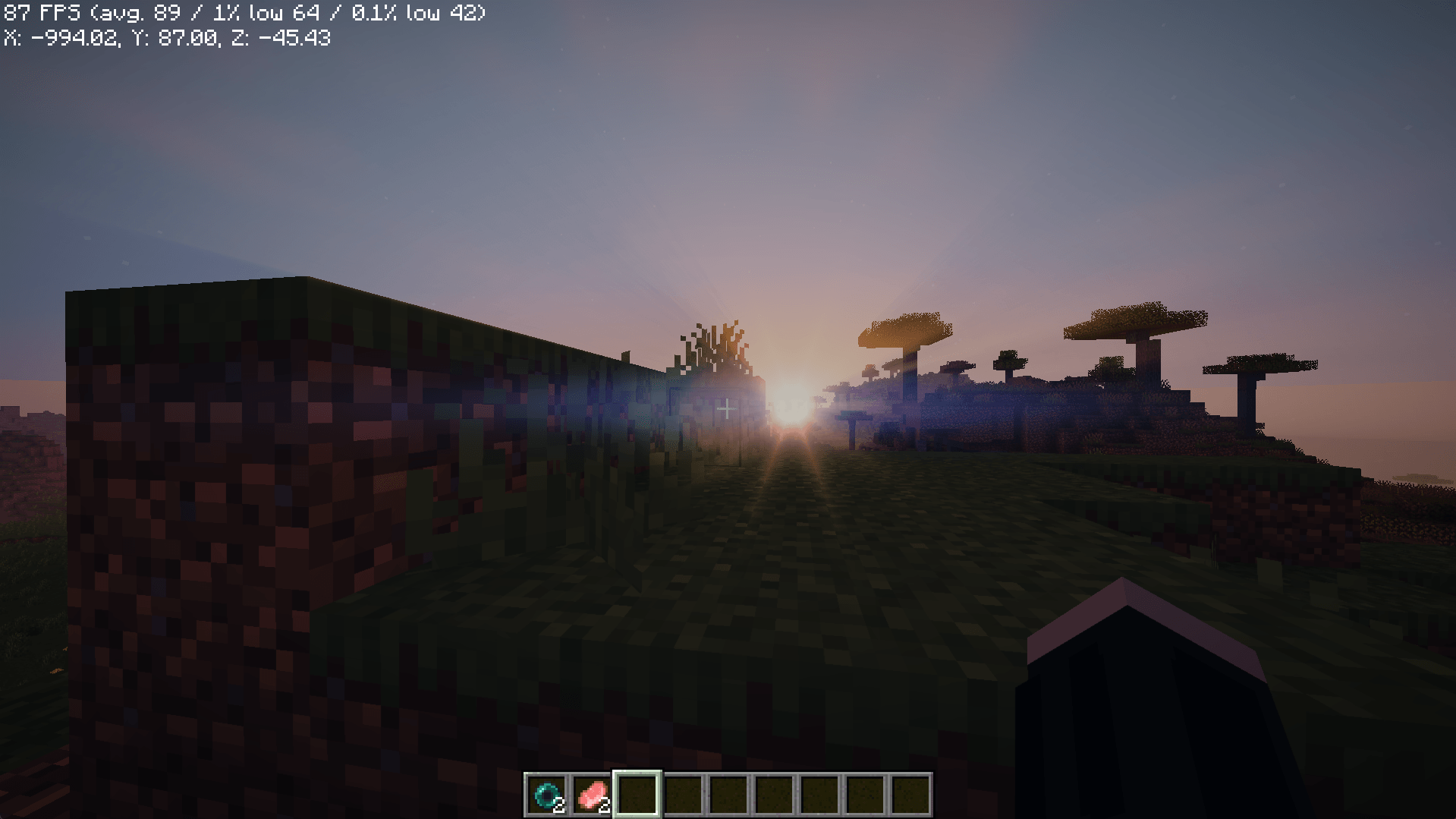
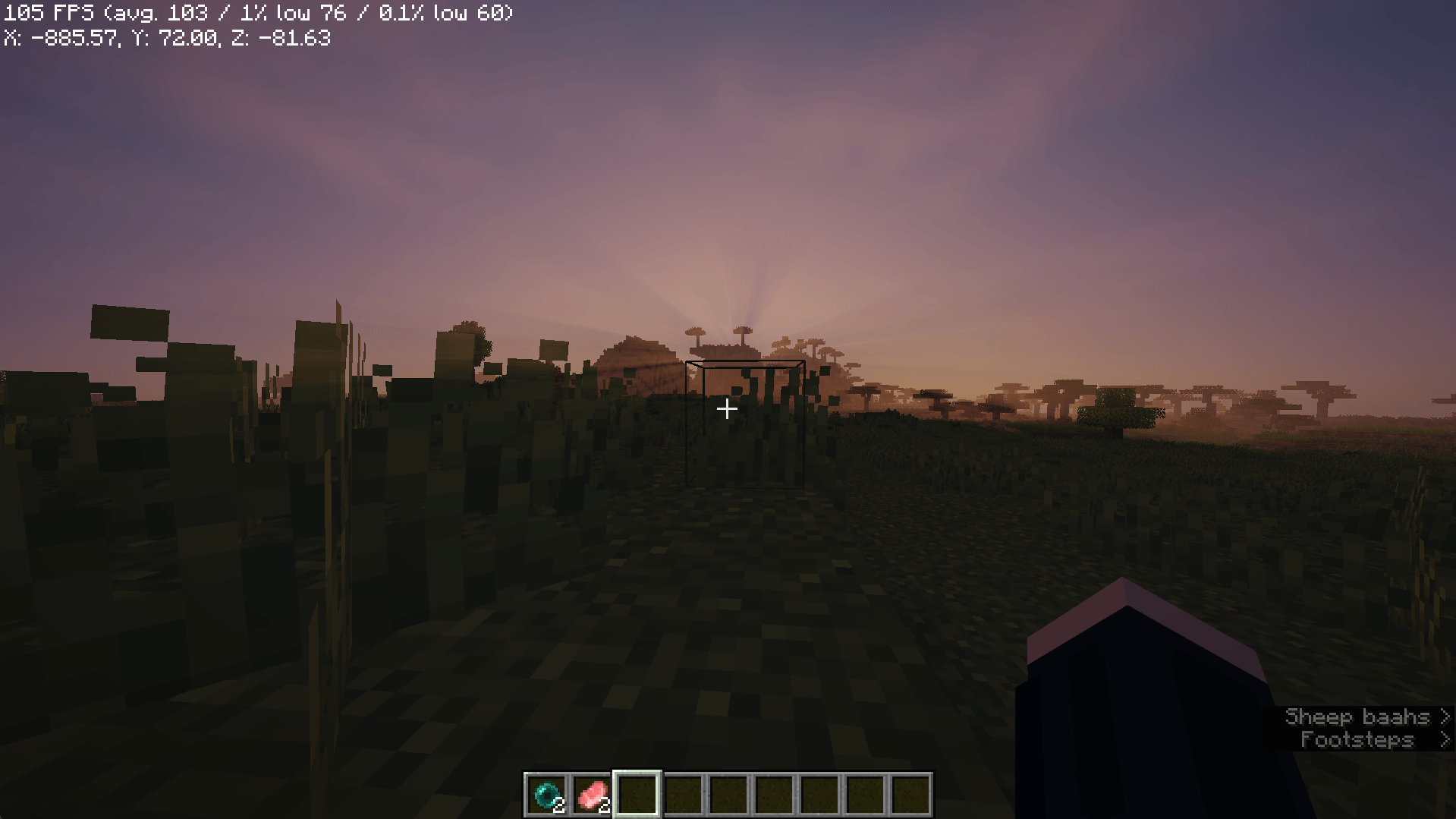
Realistic Lighting & Reflections: Experience enhanced water reflections and advanced block light handling that brings your environment to life.
Parallax Mapping Support: Features deep, realistic 3D textures that add physical depth and detail to standard blocks.
Performance-First Design: Optimized to deliver stunning visuals while maintaining a smooth frame rate, even on mid-range hardware.
Clean & Vibrant Aesthetics: Designed to avoid muddy color blending, providing a clean, sharp, and vibrant look similar to a "bleach" or high-end cinematic style.
Modern Atmosphere: Infuses the game with a sophisticated lighting aesthetic that provides a subtle "cyberpunk" vibe to your builds.
Kako instalirati AerixiumSFA Shaders
With Millida Launcher
Install Millida Launcher
The launcher is free: download it at millida.net/launcher and sign in with any nickname.
Click “Install” on this page
The launcher opens and installs the shaders for Minecraft 1.21.11–26.2 automatically.
Launch the game
A profile with it appears in the launcher: click “Play”.
Manually
Install Iris or OptiFine
Without a shader mod the game cannot see shaders. Install it for the same Minecraft version.
Download the shader archive
Pick the file AerixiumSFA.zip (119 KB) and do not unpack it.
Put it in the shaderpacks folder
“Options”, then “Video Settings”, then “Shader Packs”, then “Open Shader Pack Folder”, and drag the archive there.
Select the shaders
In the same window, click the pack name and “Apply”.
Verzije
Sa zavisnostima
| Minecraft | Loader | Fajl | Datum | Akcije |
|---|---|---|---|---|
| 1.21.11 | — | AerixiumSFA.zip119 KB 1 |
Recenzije
Budi prvi koji će oceniti AerixiumSFA Shaders


