
O LapisPortals pluginovu
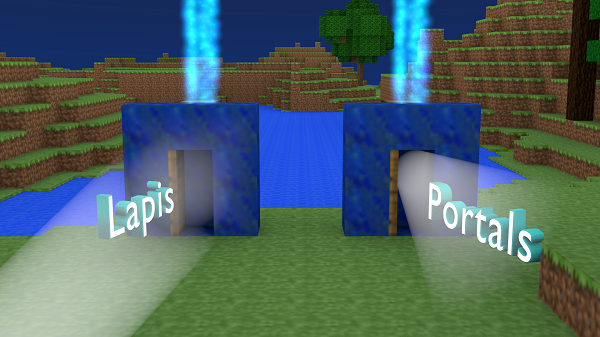
This plugin adds the ability to create portal structures that link to each other based on the contents of a chest. There are two types of portals: default and global. Default portals will link from portal A to portal B and vice-versa. Global portals act as a central node for teleportation and can eliminate the need for /home and /spawn commands.
LapisPortals
Tutorial
http://www.youtube.com/watch?v=LKvkwrZeB7Q&noredirect=1 (EN) https://www.youtube.com/user/NiliBukkit (DE)
Permission/Economy (optional)
In order to use economy and/or permissions, you need vault and both a vault compatible economy (e.g. iConomy) and permissions system.
- LapisPortals.create
- LapisPortals.teleport
- LapisPortals.teleport.free
- LapisPortals.teleport.lightning
- LapisPortals.teleport.nosick
- LapisPortals.teleport.nodelay
Confiuration
- PortalMaterial: lapis_block
- Price: 0
- Lightning: true
- TeleSickness: true
- UsePermsAndEcon: true
- TeleDelay: 0
GitHub
For those who would like to contribute to the project, the source is now available on GitHub! https://github.com/avere001/LapisPortals
Kako instalirati LapisPortals
A server on Paper or Spigot
The plugin runs on the server core; players do not need to install anything.
File goes into the plugins folder
Download the file LapisPortals.jar (26 KB) and put it into the server’s plugins folder.
Restart the server
On startup the plugin creates its own settings folder in plugins.
Use the “To server” button
On Millida Hosting, the button at the top of the page uploads the file to your server and restarts it for you.
Verzije
Sa zavisnostima
| Minecraft | Loader | Fajl | Datum | Akcije |
|---|---|---|---|---|
| — | — | LapisPortals v1.3.1426 KB |
Recenzije
Budi prvi koji će oceniti LapisPortals


