
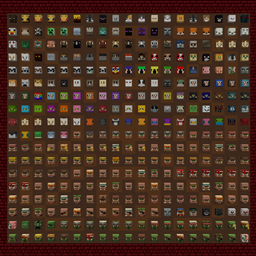
DropHeads Plugin za Minecraft 1.21.1, 1.19.2
Player and Mob Heads Full-featured plugin
DropHeads
Let the head hunt begin!
Using high quality textures 85% supplied by Minecraft-Heads.com ❤️
Highlights
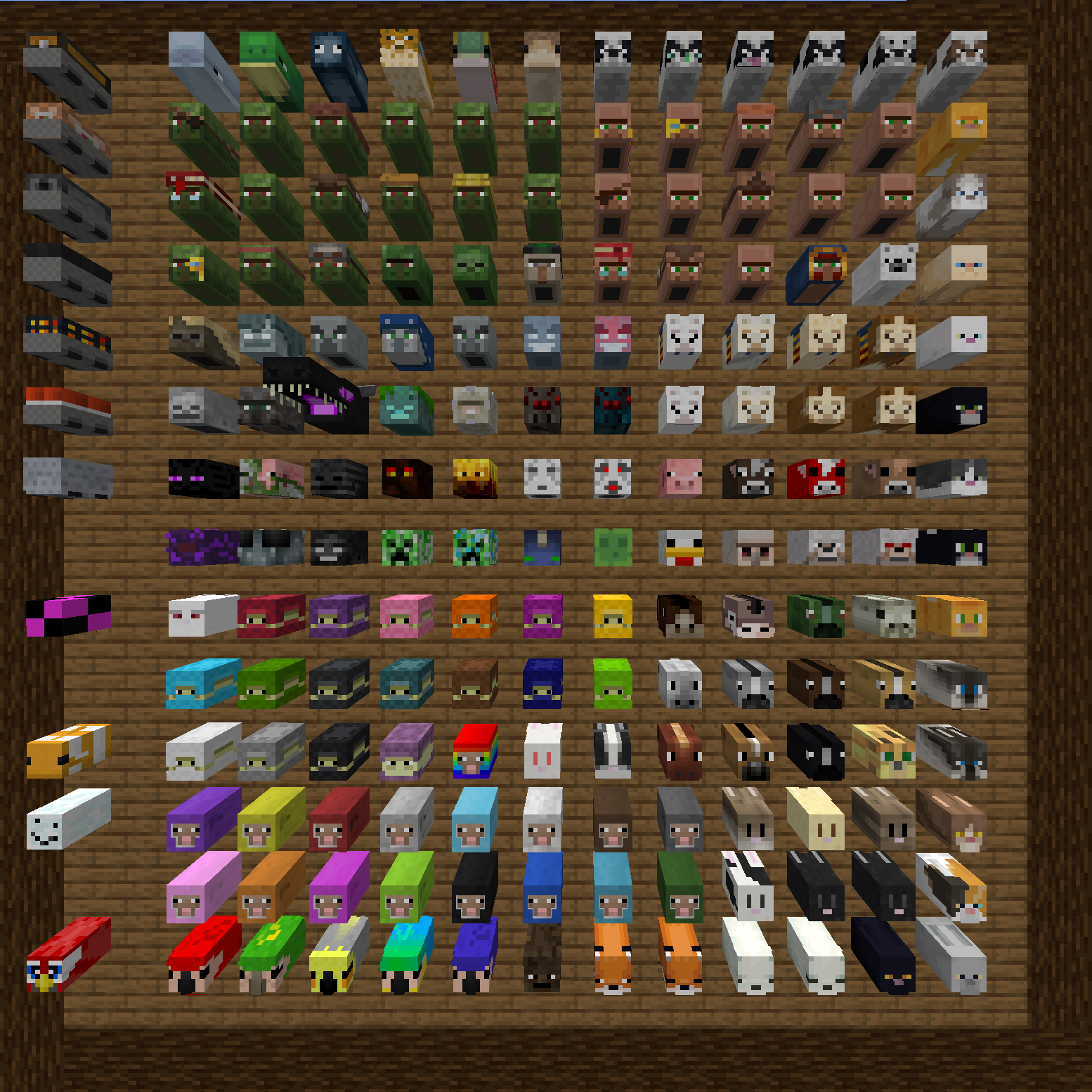
- Super configurable
- Heads as a loot drop, or with a command
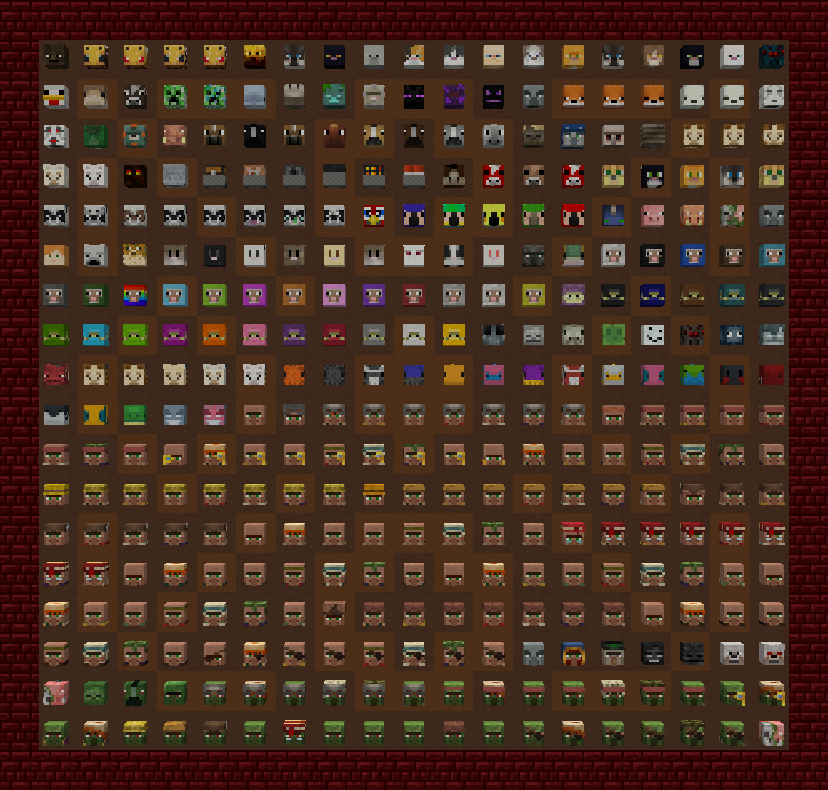
- Huge variety (e.g., snow fox, lime sheep, zombified swamp farmer villager, ...)
- Behead messages and translation support
- Regularly updated heads from the latest Minecraft snapshots
- Complete API for other developers to hook into
Configuration
Default values picked to fit well on most servers, However, if you like getting into configuration, here's just a taste of what you can do:
- Adjust drop rates based on mob type
- Adjust drop rates based on ticks-lived
- Adjust drop rates based on what weapon is used
- Adjust drop rates based on spawn conditions (Breeding, Spawners, /summon, ...)
- Require using specific weapon(s) to get heads to drop
- Enabling charged creeper head drops
- Change any head textures, or add your own
- Optionally require killed by a player (configurable what counts as 'killed by a player')
- Opt-in automatic updates
- ...and more! Check out config files in the GitHub repository
Permissions
For an always update-to-date list, check here.
dropheads.canlosehead: Can drop a head upon death dropheads.canbehead.<mob_type>: Can get heads from killing the given mob dropheads.alwaysbehead.<mob_type>: Get heads for 100% of kills (unless canlosehead is false) dropheads.silentbehead: Avoid triggering a global behead message in chat *
dropheads.canplacehead: Can place a head as a block dropheads.clickinfo: Can see the name of a head by clicking it * dropheads.spawn: Can get heads with a command * dropheads.droprate: Can check head drop rates with a command
- = has sub-permissions
Troubleshooting / F.A.Q.
Q: Heads are not dropping! A: There a many possible causes; here is a quick checklist of things you should try:
- Check if another plugin is causing the issue (compatibility)
- Check if you have the dropheads.canbehead permission
- Check head-drop-rates and spawn-cause-modifiers configs (e.g. spawn egg rates are nerfed!)
- Keep in mind the time-alive, weapon-used, and looting modifiers.
- If killing a player, check if they have the dropheads.canlosehead permission
- If you have modified your config files, check them carefully for other causes
Q: Does this plugin cause lag? A: It shouldn't! I hear it is much faster than Xisumavoid's datapack :)
Q: Can I edit the head textures (i.e., to match a resource pack)? A: Yes! Look in the head-textures.txt file
Q: Migrating from another heads plugin? A: It should be an easy drag-n-drop replacement, but if you have any issues let me know!
Q: How do I install on Forge/Fabric/Singleplayer? A: DropHeads currently only works on Bukkit and its forks (Spigot, etc); try the MMH-Nano datapack
Q: Where do I get help / report a bug? A: You can post a comment below, create a bug report, or DM me :)
Q: Older versions of Minecraft? A: Currently, DropHeads runs on 1.13+. You can find older DropHead jars for 1.12 in the Files tab, otherwise seek out a plugin with support for legacy versions, such as PlayerHeads.
Planned
- Fabric support
- Improve existing textures
- Tropical Fish heads (have the 22 common ones, still need the 3104 rare varieties ☹️)
- Horse variants (for the different patterns)
- Carpeted llamas
Please reach out if you find bugs or have a texture suggestions!
Kako instalirati DropHeads
A server on Paper or Spigot
The plugin runs on the server core for Minecraft 1.13–26.1.2; players do not need to install anything.
File goes into the plugins folder
Download the file DropHeads_v3.10.10.jar (461 KB) and put it into the server’s plugins folder.
Restart the server
On startup the plugin creates its own settings folder in plugins.
Use the “To server” button
On Millida Hosting, the button at the top of the page uploads the file to your server and restarts it for you.
Verzije
Sa zavisnostima
| Minecraft | Loader | Fajl | Datum | Akcije |
|---|---|---|---|---|
| 1.20.6 | — | DropHeads v3.10.10461 KB 2 | ||
| 1.20.6 | — | DropHeads v3.10.9.3459 KB | ||
| 1.16 | — | DropHeads v3.7.10422 KB |
Recenzije
Budi prvi koji će oceniti DropHeads


