
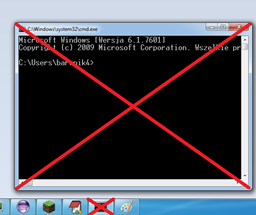
Console Plugin za Minecraft 1.4.7
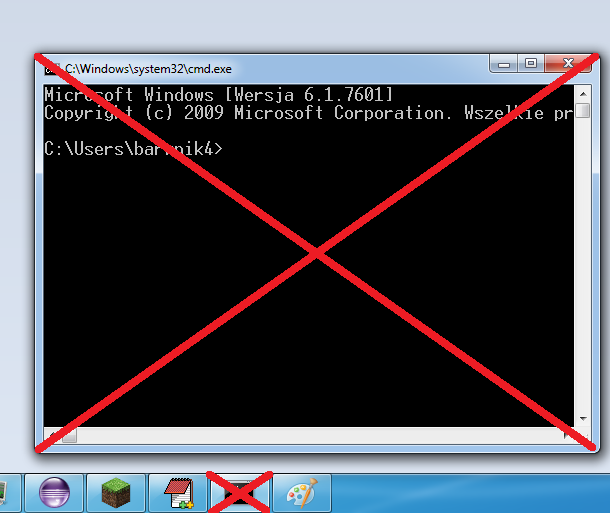
Fast console! Disable, enable plugins and more! Run in tray server! No CMD!!!
O Console pluginovu
Hi! Would you like console, but no icon cmd? Or console in tray? Yes? Download it!
Functions
- Safe exit from server (with close window, this is same as /save-all, next /stop)
- Write command in window
- On minimize window is hidden and create in tray
- One click on tray - show Window
- Context button of mouse (default left) - show context menu with option: Plugins, Show console, Exit, Save exit)
- Every plugin in context menu has got options: disable, enable, save config, save default config
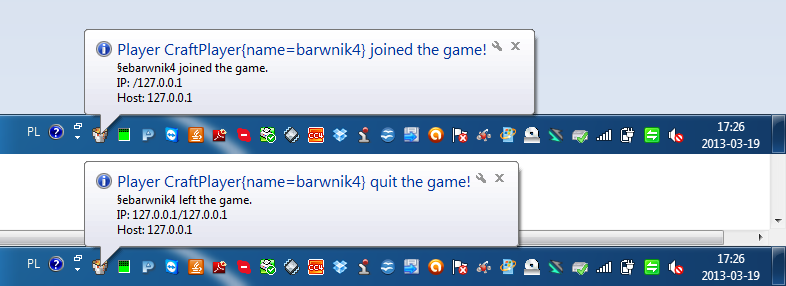
- On mouse over (tray) - show memory server, IP, how many players
- Run server with double click on file .jar (for example "craftbukkit-1.4.6-R0.1.jar")
- Detailed time (example 16:22:34.385 25.12.2012 - HH:MM:SS.MILISECONDS DD.MM.YYYY)
- Error is red
- Name of class file in jar and method, when send information to console (good for developers!)
- Enable/Disable WhiteList
- Add/Delete player from WhiteList (only Online Player)
- And more!
You must kick after delete player from whitelist! you can add/delete player, if WhiteList is enable!/ You can use file .bat too, but you don't see content console!
Instalation
- Download plugin to folder /plugins/
- Click on file .jar (you must open it with Java, no WinRar or Zip!)
- Wait 5 seconds
- Enjoy!
Screen Shots
http://dev.bukkit.org/server-mods/console/images/ (click here to open gallery)
Help?
I can also help you! Click here, to write to me tickets.
Quote:
PluginFake
MsgView
Informer
Console
Kako instalirati Console
A server on Paper or Spigot
The plugin runs on the server core for Minecraft 1.4.7; players do not need to install anything.
File goes into the plugins folder
Download the file console.jar (47 KB) and put it into the server’s plugins folder.
Restart the server
On startup the plugin creates its own settings folder in plugins.
Use the “To server” button
On Millida Hosting, the button at the top of the page uploads the file to your server and restarts it for you.
Minecraft 1.4.7 runs on Java 8: with a different Java version the game may close right after launch.
Verzije
Sa zavisnostima
| Minecraft | Loader | Fajl | Datum | Akcije |
|---|---|---|---|---|
| 1.4.7 | — | Console v1.147 KB |
Česta pitanja
Which Minecraft versions does Console work on?
Only Minecraft 1.4.7: there are no files for other versions.
Which Java does Console need?
Minecraft 1.4.7 runs on Java 8. If the game closes right after launch, the usual cause is the wrong Java version in the profile settings.
Where can I download Console safely?
On this page: the file console.jar (47 KB) is stored on Millida’s server, with no link shorteners. SHA-1 checksum: eec09b6284e0b721e5c1c750dc3d7119e6717ddd.
Recenzije
Budi prvi koji će oceniti Console


