

Description
This plugin allows your players to change their skins by command. These skins have to be downloaded from Mojang, because Minecraft clients only accept from Mojang signed skins. But you can choose every skin that another minecraft user currently has.
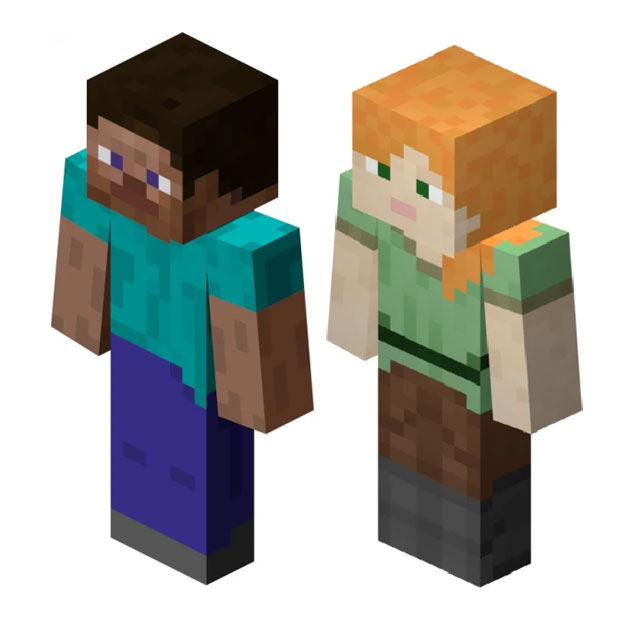
Moreover it will be possible to set a custom standard skin. If you want to, this plugin can set this standard skin for all players who still have the default steve or alex skin.
Features
- Lightweight
- Instant skin updates
- Easy to use
- Implemented cache to benefit performance
- Nearly no mojang rate limits due caching
- No client modification needed
- Possibility to create a standard skin
Commands
- /setskin <uuid > - Sets your skin to be equal to the player with the selected uuid
- /setskin < playerName>
- /setskin < onlinePlayer > < newSkinUUID/newSkinPlayerName >
- /skinupdate - Invalidates the database entry and fetches the fresh skin from the Mojang servers
Permissions
- changeskin.command.skinupdate - Command to refresh the own skin
- changeskin.command.setskin.* - All the commands below
- changeskin.command.setskin - Set your own skin
- changeskin.command.setskin.other - Set the skin of other players
Whitelist and blacklist permissions
Whitelist
- changeskin.skin.whitelist.uuid - Allow this specific skin
- changeskin.skin.whitelist.* - allows all skins
Blacklist
- changeskin.skin.whitelist.*
- -changeskin.skin.whitelist.uuid
Source code
You don't have to decompile the plugin. You can find there the source code with comments and building utilities. ChangeSkin is open source and hosted on GitHub; feel free to fork, star, or contribute by making pull requests and opening issues.
https://github.com/TuxCoding/ChangeSkin
Video Tutorials (not by me)
Portuguese:
English:
Kako instalirati ChangeSkinX
A server on Paper or Spigot
The plugin runs on the server core for Minecraft 1.8–1.19.3; players do not need to install anything.
File goes into the plugins folder
Download the file ChangeSkinBukkit.jar (2.7 MB) and put it into the server’s plugins folder.
Restart the server
On startup the plugin creates its own settings folder in plugins.
Use the “To server” button
On Millida Hosting, the button at the top of the page uploads the file to your server and restarts it for you.
Minecraft 1.19.3 runs on Java 17: with a different Java version the game may close right after launch.
Verzije
Sa zavisnostima
| Minecraft | Loader | Fajl | Datum | Akcije |
|---|---|---|---|---|
| 1.9 | — | ChangeSkinX v3.22.7 MB |
Česta pitanja
Which Minecraft versions does ChangeSkinX work on?
There are files for 1.8–1.19.3, 15 versions in total. The newest is 1.19.3.
Do players need to install ChangeSkinX?
No, the plugin goes only on the server, into the plugins folder: players do not need to download anything.
Which Java does ChangeSkinX need?
Minecraft 1.19.3 runs on Java 17. If the game closes right after launch, the usual cause is the wrong Java version in the profile settings.
Where can I download ChangeSkinX safely?
On this page: the file ChangeSkinBukkit.jar (2.7 MB) is stored on Millida’s server, with no link shorteners. SHA-1 checksum: 1b65e286e6843696a867fb5d1144fe9c202aa42c.
Recenzije
Budi prvi koji će oceniti ChangeSkinX


