
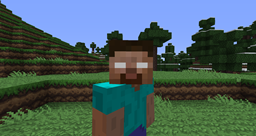
Be Herobrine Plugin za Minecraft
Sada TI možeš biti Herobrine!
O Be Herobrine pluginovu
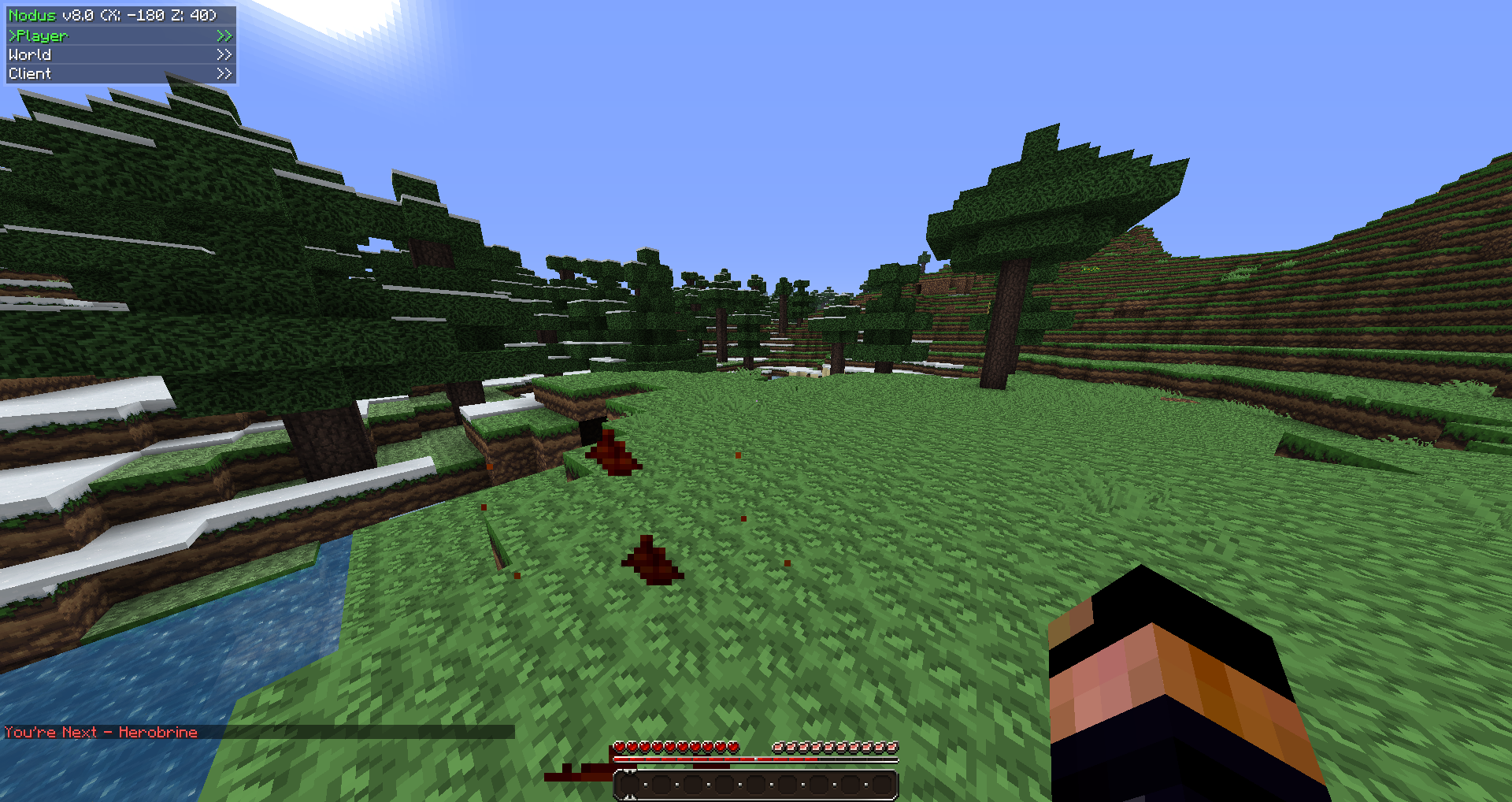
What this plugin does: Allows any admin or owner of a server to become Herobrine, giving them the skin and nametag of Herobrine. It also allows you to use many gadget commands such as vanishing which makes you invisible until you reappear. This plugin's intention is to give any admin or owner a laugh as they scare their players.
Video: http://www.youtube.com/watch?v=6I6TzVJfLjo
Commands: Type /bh.help ingame to view them all.
- /bh: Toggles being Herobrine.
- /bh.tp: Teleports to a player.
- /bh.v: Toggles vanished on/off.
- /bh.control: Allows a player to control another player's chat, which includes typing commands or chatting as them. Cannot type spaces though.
- /bh.ex: Causes a small explosion near a player that is harmful. Beware it destroys blocks.
- /bh.summon: Summon a creature.
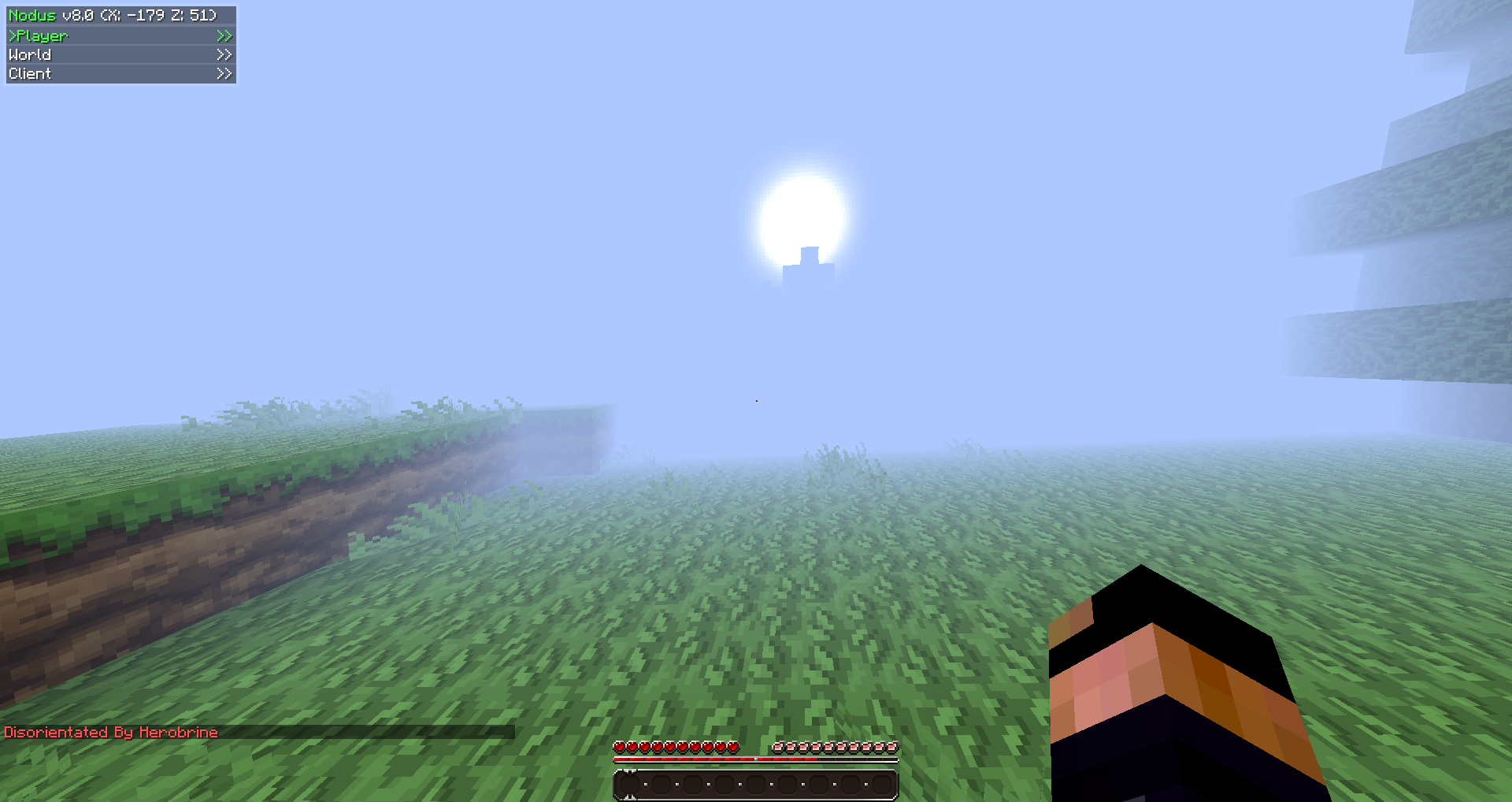
- /bh.do: Disorients player, making them blind and nauseated for a short time.
- /bh.fw: Begin fire-walking.
- /bh.reload: Reloads plugin variables.
- /bh.help: Shows all of the commands.
Permission Nodes:
- BeHerobrine.use
- BeHerobrine.help
- BeHerobrine.reload
- BeHerobrine.tp
- BeHerobrine.kill
- BeHerobrine.disorientate
- BeHerobrine.control
- BeHerobrine.scare
- BeHerobrine.explode
- BeHerobrine.summon
- BeHerobrine.vanish
- BeHerobrine.firewalk
To-Do List:
- Nothing at the moment; Suggestions welcome.
Bugs:
- No known bugs.
Required Plugins: READ!!! You require one of these plugins for /bh to work.
- DisguiseCraft - http://dev.bukkit.org/server-mods/disguisecraft/
Suggestions: Have an idea? Go here.
Kako instalirati Be Herobrine
A server on Paper or Spigot
The plugin runs on the server core; players do not need to install anything.
File goes into the plugins folder
Download the file BeHerobrine1.5.2.jar (12 KB) and put it into the server’s plugins folder.
Restart the server
On startup the plugin creates its own settings folder in plugins.
Use the “To server” button
On Millida Hosting, the button at the top of the page uploads the file to your server and restarts it for you.
Verzije
Sa zavisnostima
| Minecraft | Loader | Fajl | Datum | Akcije |
|---|---|---|---|---|
| — | — | BeHerobrine1.5.212.2 KB |
Česta pitanja
Do players need to install Be Herobrine?
No, the plugin goes only on the server, into the plugins folder: players do not need to download anything.
Where can I download Be Herobrine safely?
On this page: the file BeHerobrine1.5.2.jar (12 KB) is stored on Millida’s server, with no link shorteners. SHA-1 checksum: a2522e179216607394e17bbb0e57227ccdd5d3e9.
Recenzije
Budi prvi koji će oceniti Be Herobrine


