

O The Hytale Pack modpaku
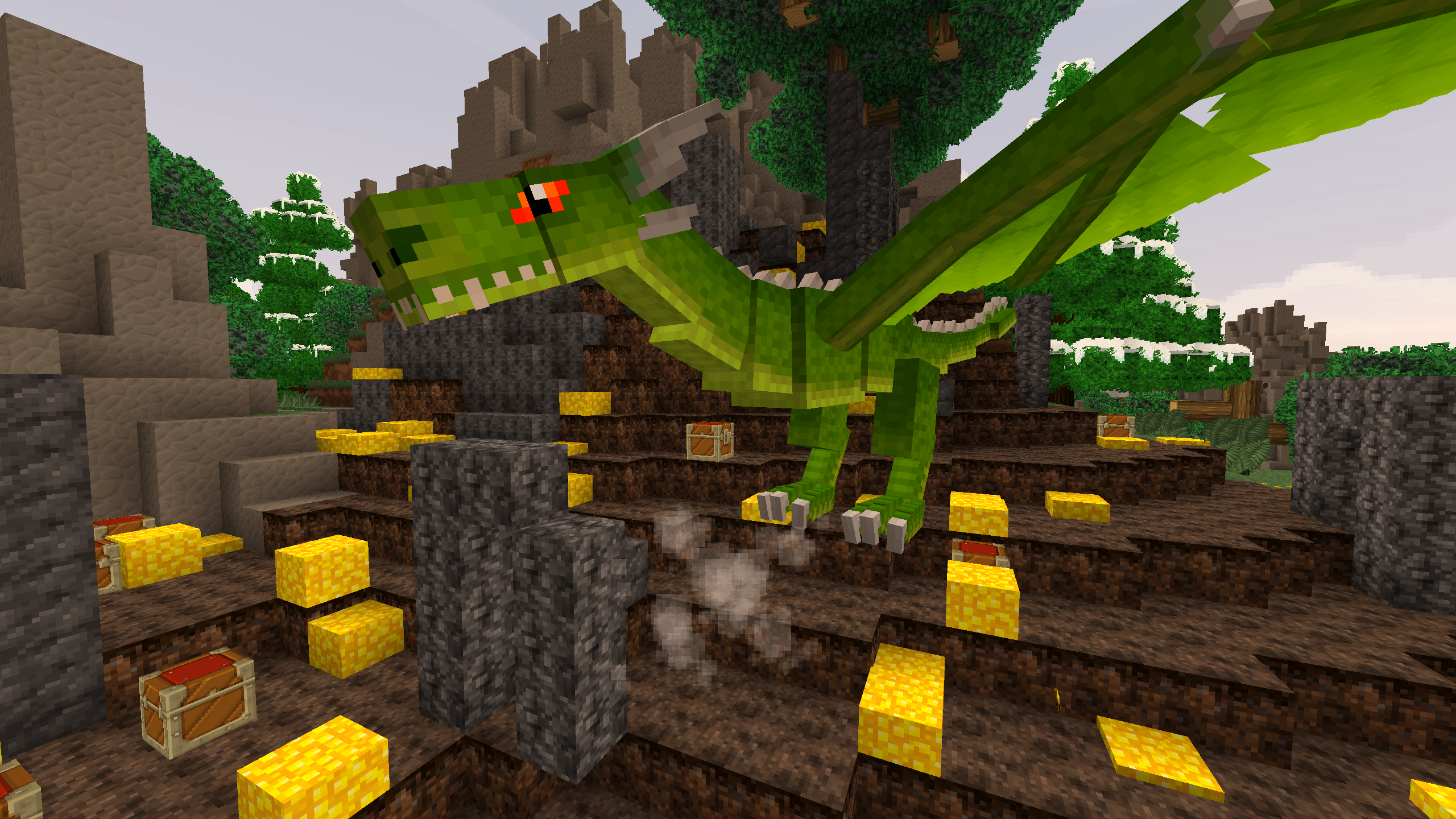
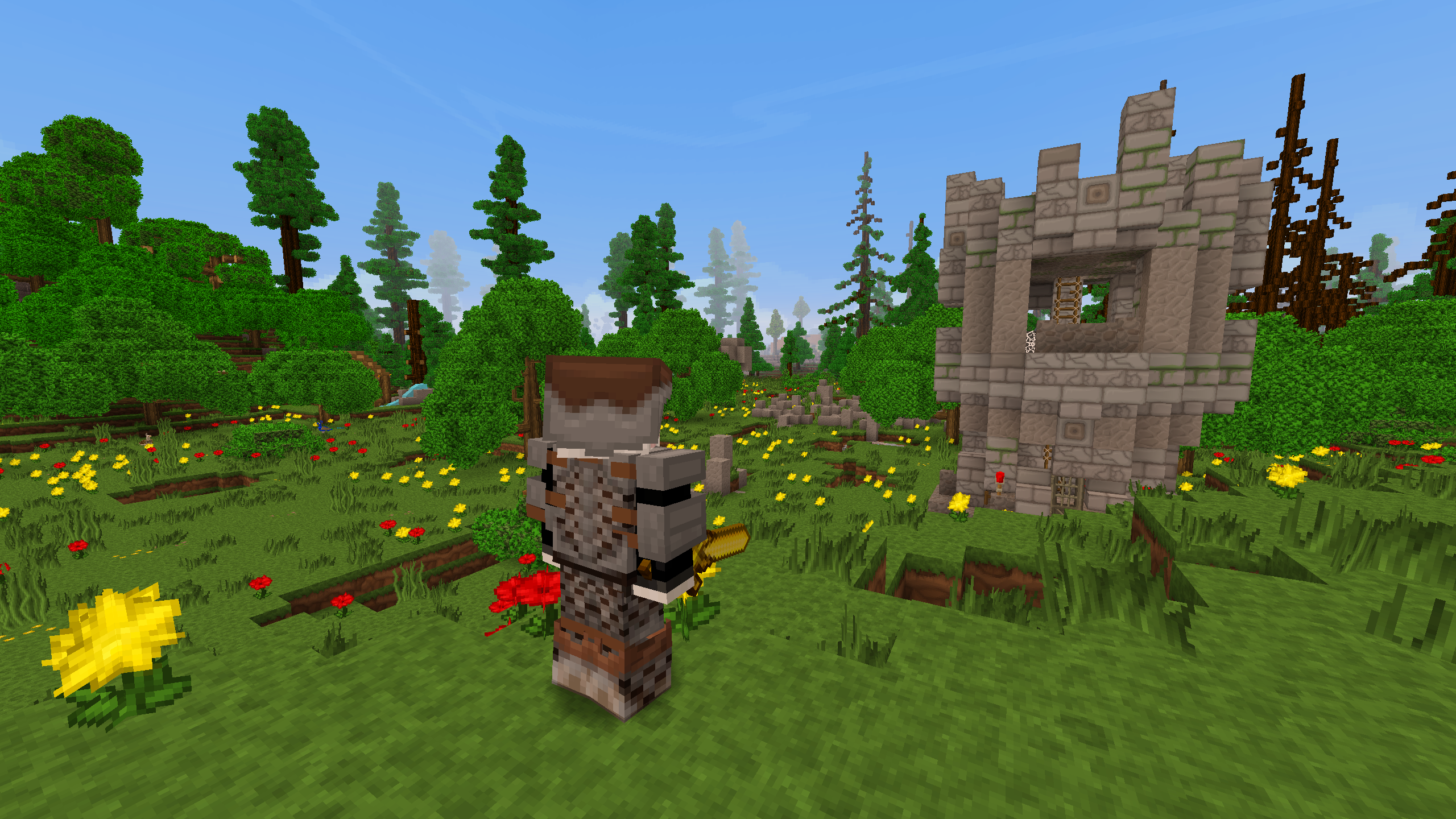
Are you excited to play Hypixel's recently announced video game Hytale? Unfortunately we don't actually know when this game will release. In the mean time, I created this modpack in order to bring minecraft closer to Hitale in terms of visuals and gameplay. Obviously this won't be perfect, but I did my best.
Be sure to download the PureBDCraft resource pack (32x), along with Sildur's Vibrant shaders (lite).
MODS
- Animania
- AutoRegLib
- Better Foliage
- BetterFPS
- Biome Bundle
- Blockcraftery
- Blur
- CoralReef
- CraftStudio API
- Dynamic Surroundings
- Dynamic Trees
- Electroblob's Wizardry
- Exotic Birds
- Familiar Fauna
- Fancy Block Particles
- Farseek
- Grappling Hook Mod
- Ice and Fire
- JourneyMap
- Just a Few Fish
- LLibrary
- Mantle
- Millénaire
- Mo' Bends
- Mowzie's Mobs
- MysticalLib
- Open Terrain Generator
- OreLib
- Quark
- RealBench
- Rope Bridge
- Shadowfact's Forgelin
- Shoulder Surfing Reloaded
- Simple Camp Fire
- Sound Filters
- Streams
- The Erebus
- Tinkers Construct
- ViesCraft - Airships!
Kako instalirati The Hytale Pack
With Millida Launcher
Install Millida Launcher
The launcher is free: download it at millida.net/launcher and sign in with any nickname.
Click “Install” on this page
The launcher opens and installs the modpack for Minecraft 1.12.2 automatically.
Launch the game
A profile with it appears in the launcher: click “Play”.
Manually
Download the modpack archive
In the version list above, pick the file The Hytale Pack-3.0.zip (16 MB).
Import it into a launcher
A launcher that supports modpacks (Millida Launcher, Prism) takes the archive via “Add modpack”, then “From file”. No need to unpack it yourself.
Allocate memory
Modpacks need more memory than the plain game: set 4–6 GB in the profile settings.
On a server
Use the “To server” button
On Millida Hosting, the button at the top of the page uploads the file to your server and restarts it for you.
Invite friends: they install the same modpack
To join the server, every player needs the same modpack version.
Minecraft 1.12.2 runs on Java 8: with a different Java version the game may close right after launch.
Verzije
Sa zavisnostima
| Minecraft | Loader | Fajl | Datum | Akcije |
|---|---|---|---|---|
| 1.12.2 | — | The Hytale Pack-3.0.zip16.4 MB |
Česta pitanja
Which Minecraft versions does The Hytale Pack work on?
Only Minecraft 1.12.2: there are no files for other versions.
Which Java does The Hytale Pack need?
Minecraft 1.12.2 runs on Java 8. If the game closes right after launch, the usual cause is the wrong Java version in the profile settings.
Where can I download The Hytale Pack safely?
On this page: the file The Hytale Pack-3.0.zip (16 MB) is stored on Millida’s server, with no link shorteners. SHA-1 checksum: 62310a31c3ed41abc350b57d9aaaef5645deb5f6.
Recenzije
Budi prvi koji će oceniti The Hytale Pack


