

GregTech Community Pack Modern za Minecraft 1.20.1
Tutorial Pack za nove igrače GregTech-a na modernoj verziji
- preuzimanja
- 22 preuzimanja
- pregleda
- 99 pregleda
- Ažurirano
- Ažurirano 01.11.2026
- 1.20.1
 Forge
Welcome to the GregTech CEu Modern Community Pack!
This lightweight expert modpack has been designed by some of the members of the GTCEu project. It is coupled with Applied Energistics, FTB Quests and a variety of QoL mods to provide all the needs to experience GregTech, from the early game to the late game!
This modpack is for you if:
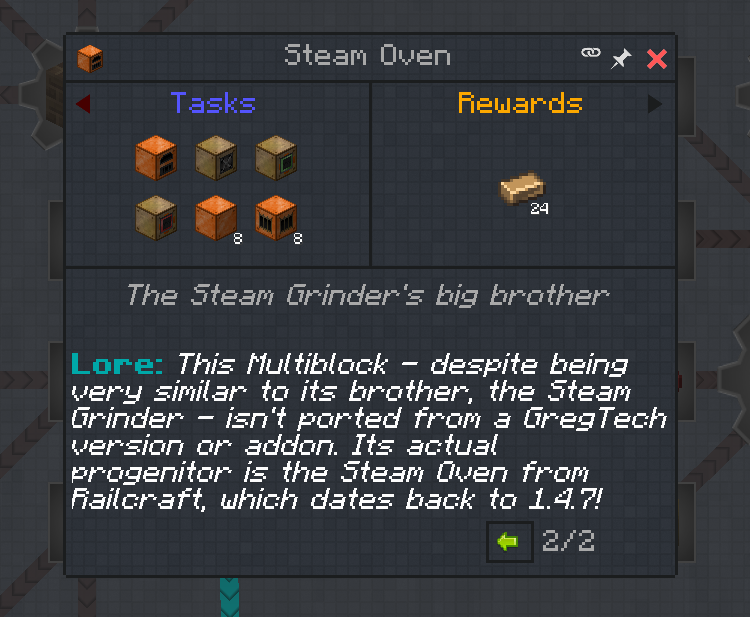
- You're new to GregTech, and want to play through it on a modern version
- You like detailed questbooks to guide you through the nuances of a mod, and walk you through mechanics in detail!
- You want a lightweight modpack without many other mods (but this doesn't prevent you from adding them manually).
- You're looking for inspiration to develop your own modpack with GTCEu. We've written the quests to help with this, too!
Links:
GitHub repository for the modpack
Discord Link for GTCEu & the modpack
Mod page for GregTech CEu Modern
Kako instalirati GregTech Community Pack Modern
With Millida Launcher
Install Millida Launcher
The launcher is free: download it at millida.net/launcher and sign in with any nickname.
Click “Install” on this page
The launcher opens and installs the modpack for Minecraft 1.20.1 on Forge automatically.
Launch the game
A profile with it appears in the launcher: click “Play”.
Manually
Download the modpack archive
In the version list above, pick the file GregTech CEu Modern Community Pack-1.14.5.zip (338 KB).
Import it into a launcher
A launcher that supports modpacks (Millida Launcher, Prism) takes the archive via “Add modpack”, then “From file”. No need to unpack it yourself.
Allocate memory
Modpacks need more memory than the plain game: set 4–6 GB in the profile settings.
On a server
Use the “To server” button
On Millida Hosting, the button at the top of the page uploads the file to your server and restarts it for you.
Invite friends: they install the same modpack
To join the server, every player needs the same modpack version.
Minecraft 1.20.1 runs on Java 17: with a different Java version the game may close right after launch.
Verzije
Sa zavisnostima
| Minecraft | Loader | Fajl | Datum | Akcije |
|---|---|---|---|---|
| 1.20.1 | Forge | GregTech CEu Modern Community Pack-1.14.5.zip338 KB 22 |
Recenzije
Budi prvi koji će oceniti GregTech Community Pack Modern


