

 Forge
🍀 FWF: LuckyBlocks
FWF: LuckyBlocks is part of the FunWithFriends modpack series, designed for fast-paced, fun, and unpredictable multiplayer races with friends. It offers a light minigame-style experience with competitive gameplay and quick rounds. The maps are fully reset before each match, so every round starts fresh. Perfect for friendly competition without the need for a dedicated server. Just play, reset, and go again.
New Mode Is Comming Soon! (The Walls)
Found a Bug or have a Suggestion? Join Discord!
The first 100 members will receive a unique role!
🧩 Main Features:
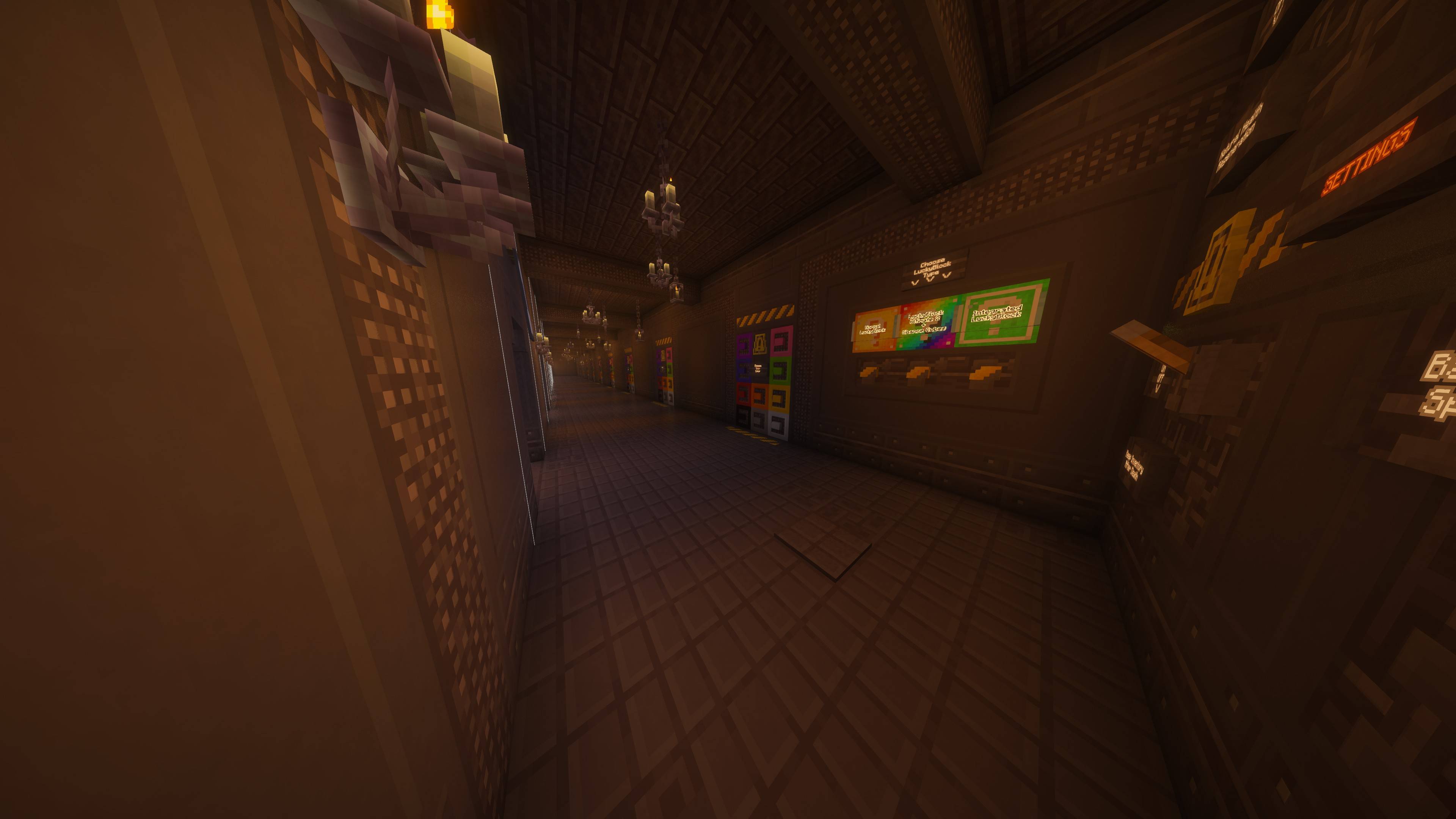
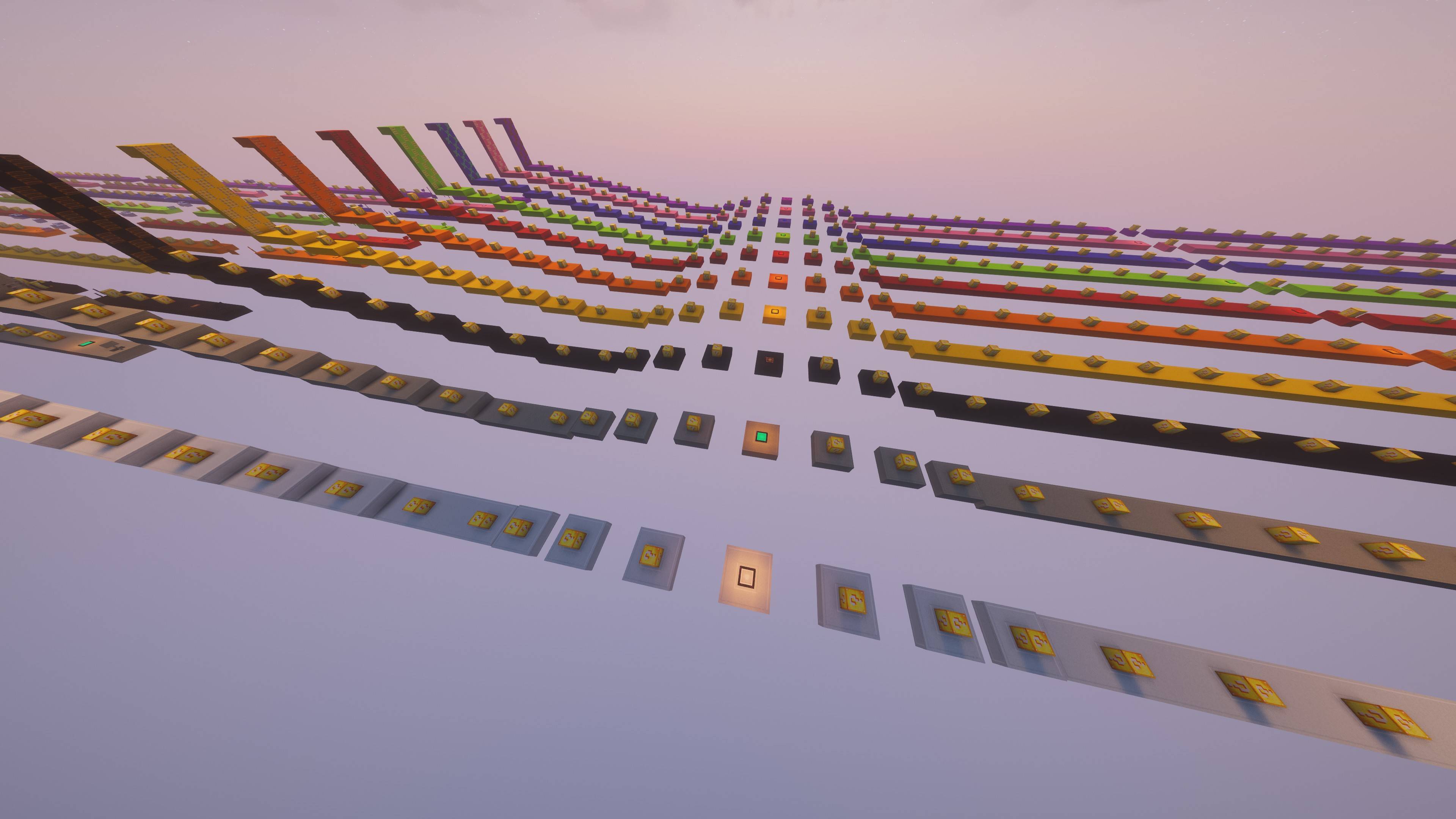
- Dynamic Maps – choose from multiple race maps and customize them before each game!
- Player Setup (2–10 players) – select how many friends can join the race.
- Track Customization – assign individual track colors for each player for a personalized look.
- Endless Variety – no two races are ever the same thanks to random Lucky Block effects.
💥 Included Mods:
- Lucky Block – the original mod full of surprises
- Lucky Blocks Ultimate 2 – a powerful expansion of random events
- Chance Cubes – fortune or disaster? The cube decides!
- Integrated Lucky Blocks – better integration and smoother gameplay
- Simple Voice Chat – talk with your friends directly in-game using proximity voice chat
- Essentials - join your friends’ worlds or invite them to yours with a single click for free
- E4MC – host or join Minecraft worlds for free, perfect for playing together with friends
🌐 E4MC Setup:
- Enter a single-player world in Minecraft.
- Open Options and select “Open to LAN”.
- Configure any settings you want (game mode, cheats, etc.) and click “Start LAN World”.
- After opening to LAN, an IP address and port will appear in the chat — share this with your friends.
- Your friends can join for free by entering the IP and port in Multiplayer
🎙️ Simple Voice Chat Setup:
- Join the same world or server as your friends.
- Press V (default key) to open the Voice Chat menu.
- Make sure your microphone and speakers/headphones are working — you should see a small circle near your player when speaking.
- Voice chat is proximity-based, so you’ll hear only nearby players — great for realistic in-game conversations!
- For private servers, ensure the Voice Chat port (usually 24454) is open if you are hosting.
💡 Tip: Using Simple Voice Chat together with Essentials or E4MC makes playing with friends even more fun — talk while joining their worlds instantly!
Gather your friends, customize your map, and jump into a wild race full of laughter, luck, and pure chaos! 🍀 Whether you're competing seriously or just having fun, FunWithFriends – LuckyBlocks guarantees a unique experience every time.
Kako instalirati FWF LuckyBlocks
With Millida Launcher
Install Millida Launcher
The launcher is free: download it at millida.net/launcher and sign in with any nickname.
Click “Install” on this page
The launcher opens and installs the modpack for Minecraft 1.20.1 on Forge automatically.
Launch the game
A profile with it appears in the launcher: click “Play”.
Manually
Download the modpack archive
In the version list above, pick the file FWF LuckyBlocks v1.0.36.zip (61 MB).
Import it into a launcher
A launcher that supports modpacks (Millida Launcher, Prism) takes the archive via “Add modpack”, then “From file”. No need to unpack it yourself.
Allocate memory
Modpacks need more memory than the plain game: set 4–6 GB in the profile settings.
On a server
Use the “To server” button
On Millida Hosting, the button at the top of the page uploads the file to your server and restarts it for you.
Invite friends: they install the same modpack
To join the server, every player needs the same modpack version.
Minecraft 1.20.1 runs on Java 17: with a different Java version the game may close right after launch.
Verzije
Sa zavisnostima
| Minecraft | Loader | Fajl | Datum | Akcije |
|---|---|---|---|---|
| 1.20.1 | Forge | FWF: LuckyBlocks v1.0.3661.1 MB |
Recenzije
Budi prvi koji će oceniti FWF LuckyBlocks


