
Stop's Skyblock World Mapa za Minecraft 1.21.1, 1.21
Jedinstveno Skyblock iskustvo smešteno na plutajućim ostrvima sa prilagođenim resursima.
O Stop's Skyblock World mapi
Welcome to Stop's Skyblock World, a classic Skyblock experience that challenges you to survive and thrive across multiple floating islands. In this world, you'll explore, gather resources, and aim to complete the game in a traditional Skyblock style.
Custom Islands:
You’ll begin your adventure on the Main Island, where you'll spawn and set up your base. Surrounding you are Eight unique islands:
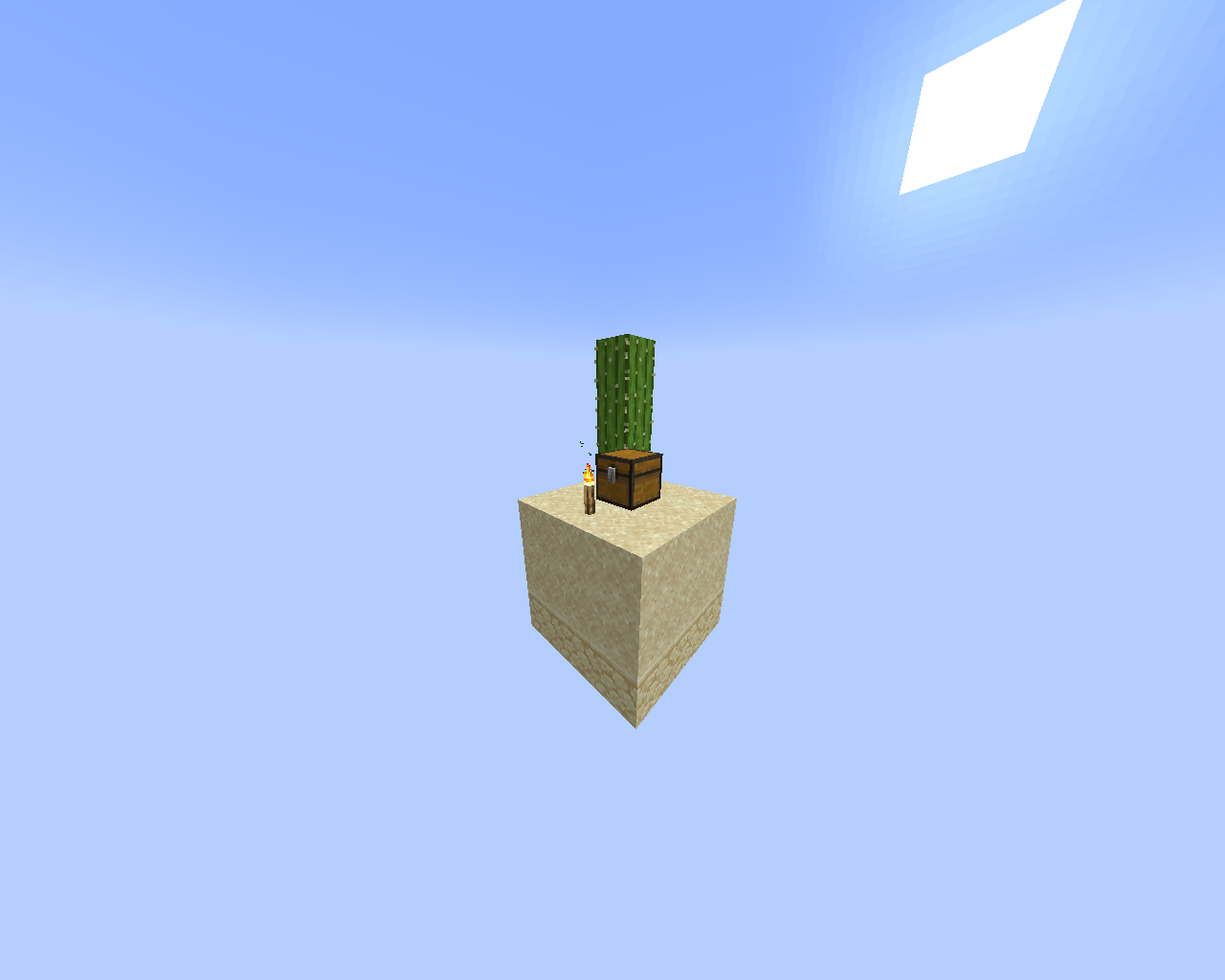
- Desert Island - A barren land with limited resources but the key to Get to the nether.
- Mossy Island - Lush and overgrown, offering different blocks and supplies for Decorations.
- Amethyst Island - Sparkling with amethyst crystals and some sculk. Offering some blocks of sculk and more.
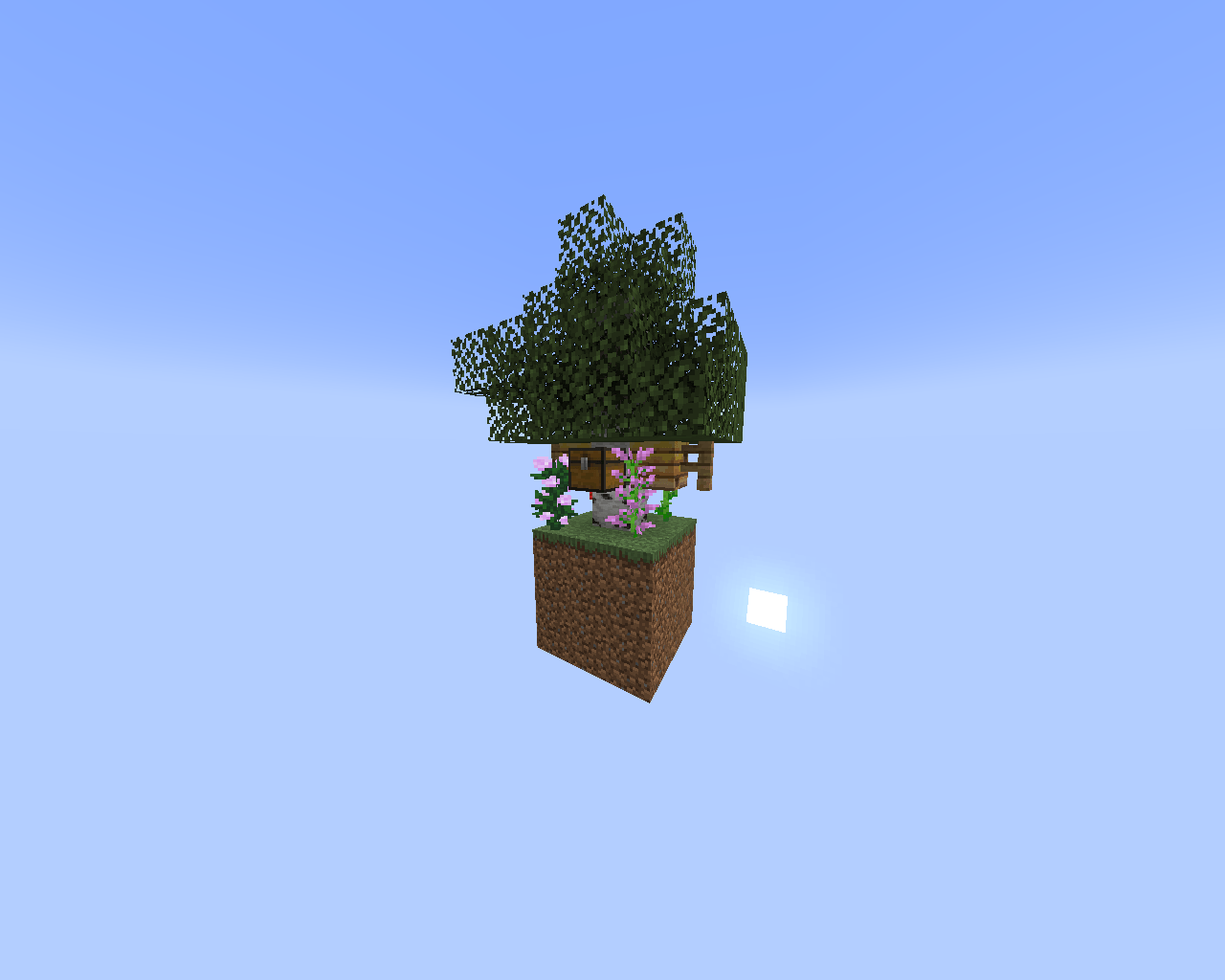
- Birch Island - A serene environment with a birch tree and flowers, Offering almost every Sapling
- Stone Island - A Stoney Island, Offering Diffrent ores and materials For Upcoming challenges.
- Badland Island - A Island made out of diffrent blocks. Offering Blocks and Supplies for Decorations.
- Wool Island - A Colory Island, made out of the sheeps Wool, Offering Almost every dye.
- Jungle Island - A Grassy and Leafy Island, Offering almost every wood type.
Each island presents its own Items and resources, giving you new opportunities as you expand and explore.
Game Mechanics:
Your goal is simple yet challenging: survive. You'll start on the main island and will need to:
- Gather blocks and build bridges to reach new islands.
- Collect resources like wood, ores, and other materials from each island.
- Expand your world, creating farms, crafting tools, and preparing for larger adventures.
- Explore the Nether and ultimately aim to beat the game, all while managing limited resources and mastering the survival mechanics.
NOTICE: This Skyblock Experience is inspired by @Chiefxd's Horror Skyblock series, Thanks to @Chiefxd for making this possible, Without him. This Skyblock Experience would have not been possible.
Credits:
Stopthisalll
ABOLSITO
Join my discord server: https://discord.gg/3tdbVuThyf
Kako instalirati Stop's Skyblock World
With Millida Launcher
Install Millida Launcher
The launcher is free: download it at millida.net/launcher and sign in with any nickname.
Click “Install” on this page
The launcher opens and installs the map for Minecraft 1.20.5–1.21.1 automatically.
Launch the game
A profile with it appears in the launcher: click “Play”.
Manually
Download the map archive
Pick the file Stops Skyblock V3.5.zip (21 MB).
Unpack it into the saves folder
The world folder (with level.dat inside) must sit directly in .minecraft/saves.
Open the world
“Singleplayer”: the map will be in your world list.
On a server
Replace the world folder
Stop the server and put the map folder in place of world (or set its name in level-name).
Use the “To server” button
On Millida Hosting, the button at the top of the page uploads the file to your server and restarts it for you.
Verzije
Sa zavisnostima
| Minecraft | Loader | Fajl | Datum | Akcije |
|---|---|---|---|---|
| 1.21 | — | Stops Skyblock V3.5, 1.21 - 1.21.121.1 MB | ||
| 1.21 | — | Stops Skyblock V3.4, 1.21 - 1.21.120.9 MB | ||
| 1.20.5 | — | Stops Skyblock V3.3, 1.20.5 - 1.20.620.7 MB |
Česta pitanja
Which Minecraft versions does Stop's Skyblock World work on?
There are files for 1.21.1, 1.21, 1.20.6, 1.20.5. The newest is 1.21.1.
Where can I download Stop's Skyblock World safely?
On this page: the file Stops Skyblock V3.5.zip (21 MB) is stored on Millida’s server, with no link shorteners. SHA-1 checksum: 529e2056654d1aa1d3d780ec8ea84b2b5c486f22.
Recenzije
Budi prvi koji će oceniti Stop's Skyblock World



