

SecurityCraft's Escape Room Mapa za Minecraft 1.15.2
Mapa escape room koju su napravili autori SecurityCraft-a, korišćena za April Fools' Day 2020
O SecurityCraft's Escape Room mapi
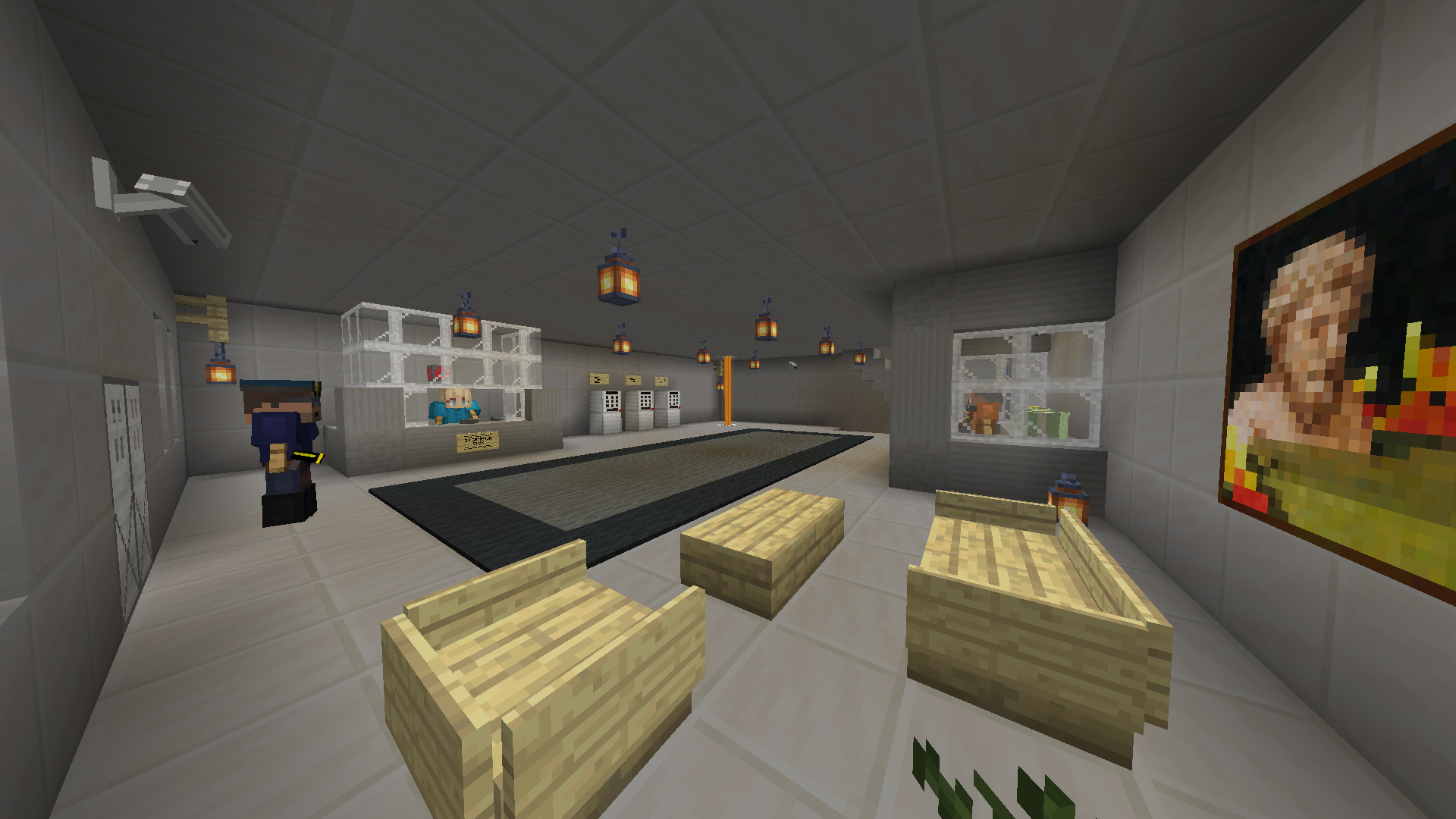
This map was created for the April Fools' Day 2020 joke on the SecurityCraft mod discord server. It features three rooms with puzzles for the player to solve in order to be able to advance to the next room. Additionally, there are 13 advancements for the players to achieve. On top of that, we have hidden a lot of easter eggs in the map (some only accessible with creative/spectator mode). Can you find them all?
Important (read before playing!):
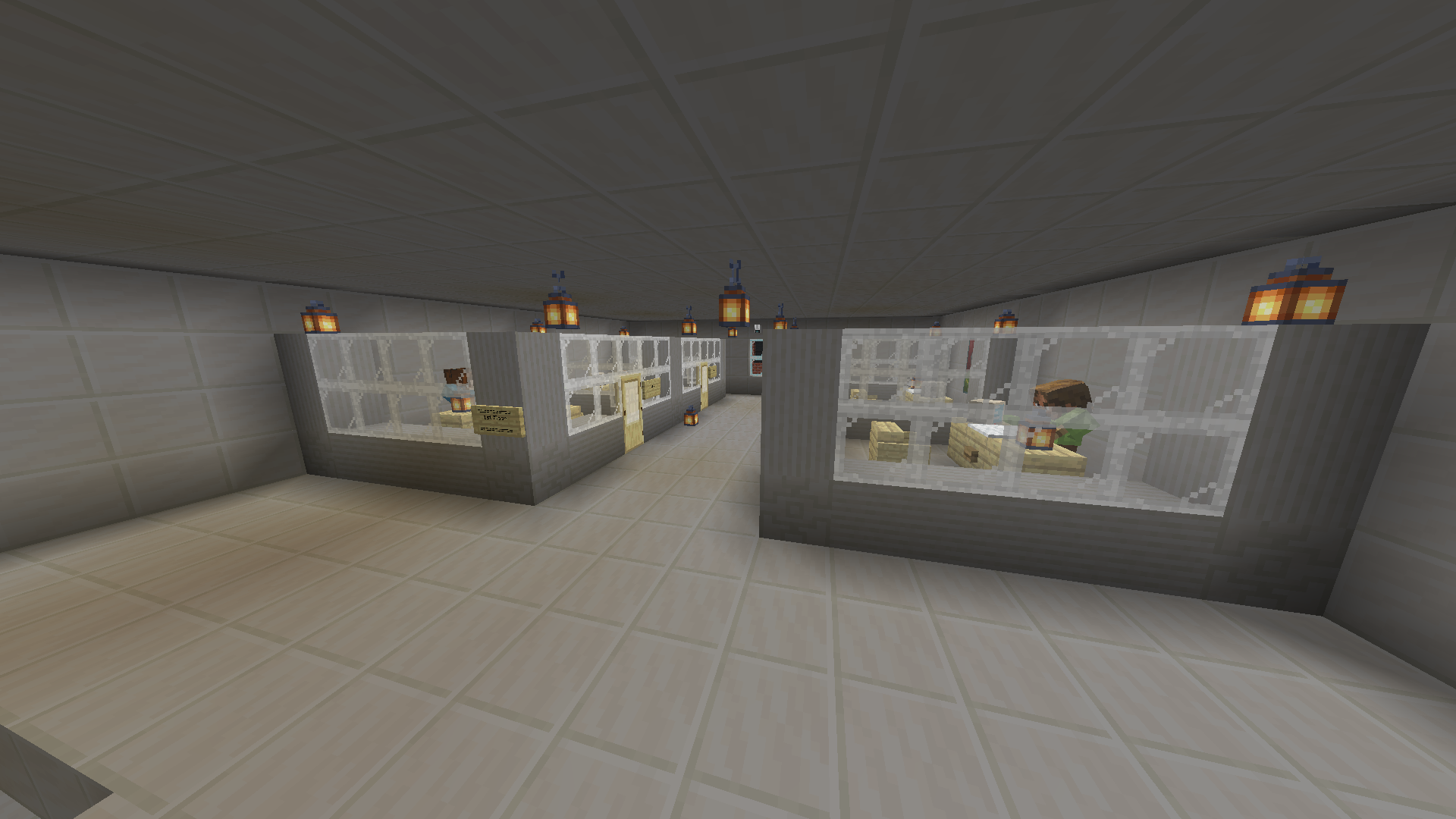
- This map requires SecurityCraft to work. It was made with SecurityCraft v1.8.17, later versions may or may not work.
- This map requires the allowBlockClaim and smallerMineExplosion configuration options of SecurityCraft to be set to true.
- This map works in singleplayer and multiplayer. There are 30 available slots for up to 30 players to play in parallel. However due to an issue in the mod, players using slots that are further away, may or may not be able to view cameras. The welcome message contains a note about this. For that reason, if you are playing this map in singleplayer, it is advised that you use slot 1.
People who worked on the map:
- the_ca11 (Ideas, conceptualization, datapack, building)
- bl4ckscor3 (Building, polishing, bug fixing)
- Tanguygab (Polishing, bug fixing)
- Redstone_Dubstep (Polishing, bug fixing)
- Geforce (Building)
- Vakonof (Building)
Kako instalirati SecurityCraft's Escape Room
With Millida Launcher
Install Millida Launcher
The launcher is free: download it at millida.net/launcher and sign in with any nickname.
Click “Install” on this page
The launcher opens and installs the map for Minecraft 1.15.2 automatically.
Launch the game
A profile with it appears in the launcher: click “Play”.
Manually
Download the map archive
Pick the file SecurityCraft's Escape Room.zip (36 MB).
Unpack it into the saves folder
The world folder (with level.dat inside) must sit directly in .minecraft/saves.
Open the world
“Singleplayer”: the map will be in your world list.
On a server
Replace the world folder
Stop the server and put the map folder in place of world (or set its name in level-name).
Use the “To server” button
On Millida Hosting, the button at the top of the page uploads the file to your server and restarts it for you.
Verzije
Sa zavisnostima
| Minecraft | Loader | Fajl | Datum | Akcije |
|---|---|---|---|---|
| 1.15.2 | — | SecurityCraft's Escape Room.zip36.2 MB |
Česta pitanja
Which Minecraft versions does SecurityCraft's Escape Room work on?
Only Minecraft 1.15.2: there are no files for other versions.
Where can I download SecurityCraft's Escape Room safely?
On this page: the file SecurityCraft's Escape Room.zip (36 MB) is stored on Millida’s server, with no link shorteners. SHA-1 checksum: 048f0e0adfb24af21cf10a56553e8f2118a9ce67.
Recenzije
Budi prvi koji će oceniti SecurityCraft's Escape Room



