

Ray Tracing testing place Mapa za Minecraft 1.21.8
Ova mapa se koristi za testiranje Path Traced Java shader-a/Minecraft Bedrock RTX-a
O Ray Tracing testing place mapi
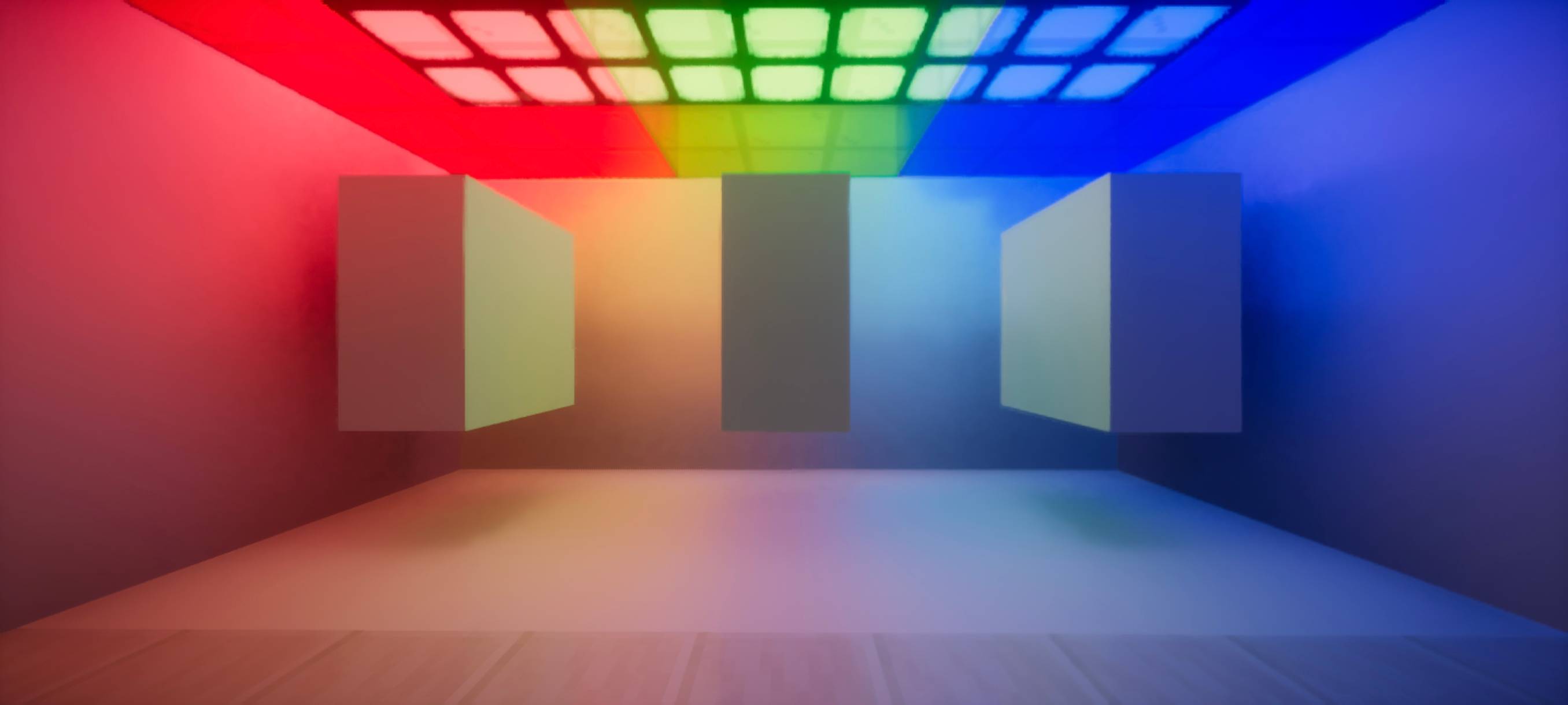
This map is used for testing Path Traced Java shader/Minecraft Bedrock RTX I recommend you to use the following shader if you play on Java: Apollo RT, SEUS PTGI GFME, Kappa PT, Continuum RT, and Sundial. As for Bedrock user, you must have an RTX GPU or AMD 6000 in order to enable Ray Tracing. These are RTX pack I would like to recommend: Vibrant Legacy RTX, Vanilla RTX, and Faithful RTX. Use BetterRTX for better visual. You need to convert this map to Bedrock Edition to test Ray Tracing. If you are going to review this map, please consider to give it a credit. Additionally, this map is not finished if you don't see the progress. Please do not modify the sun path rotation, this is to get the best outcome if you test this map on Bedrock Edition. As for Java shader, change the sun path rotation to 0. Some areas will be reworked as I build more stuff. This map will receive update frequently.
Kako instalirati Ray Tracing testing place
With Millida Launcher
Install Millida Launcher
The launcher is free: download it at millida.net/launcher and sign in with any nickname.
Click “Install” on this page
The launcher opens and installs the map for Minecraft 1.21.8 automatically.
Launch the game
A profile with it appears in the launcher: click “Play”.
Manually
Download the map archive
Pick the file ray-tracing-test-place-final.zip (4.1 MB).
Unpack it into the saves folder
The world folder (with level.dat inside) must sit directly in .minecraft/saves.
Open the world
“Singleplayer”: the map will be in your world list.
On a server
Replace the world folder
Stop the server and put the map folder in place of world (or set its name in level-name).
Use the “To server” button
On Millida Hosting, the button at the top of the page uploads the file to your server and restarts it for you.
Verzije
Sa zavisnostima
| Minecraft | Loader | Fajl | Datum | Akcije |
|---|---|---|---|---|
| 1.21.8 | — | ray-tracing-test-place-final.zip4.1 MB |
Česta pitanja
Which Minecraft versions does Ray Tracing testing place work on?
Only Minecraft 1.21.8: there are no files for other versions.
Where can I download Ray Tracing testing place safely?
On this page: the file ray-tracing-test-place-final.zip (4.1 MB) is stored on Millida’s server, with no link shorteners. SHA-1 checksum: d69e4e270cccb12a2127e9e3052045ecc9458784.
Recenzije
Budi prvi koji će oceniti Ray Tracing testing place



