
Random Skyblock Mapa za Minecraft 26.30
samo jednostavan Skyblock sa nasumičnim ostrvima svakih 90 sekundi
O Random Skyblock mapi
Random Skyblock
⚠️Important note: Any update released will only modify the mod used, not the map. If you have a world, simply take the mod and place it in the old version.
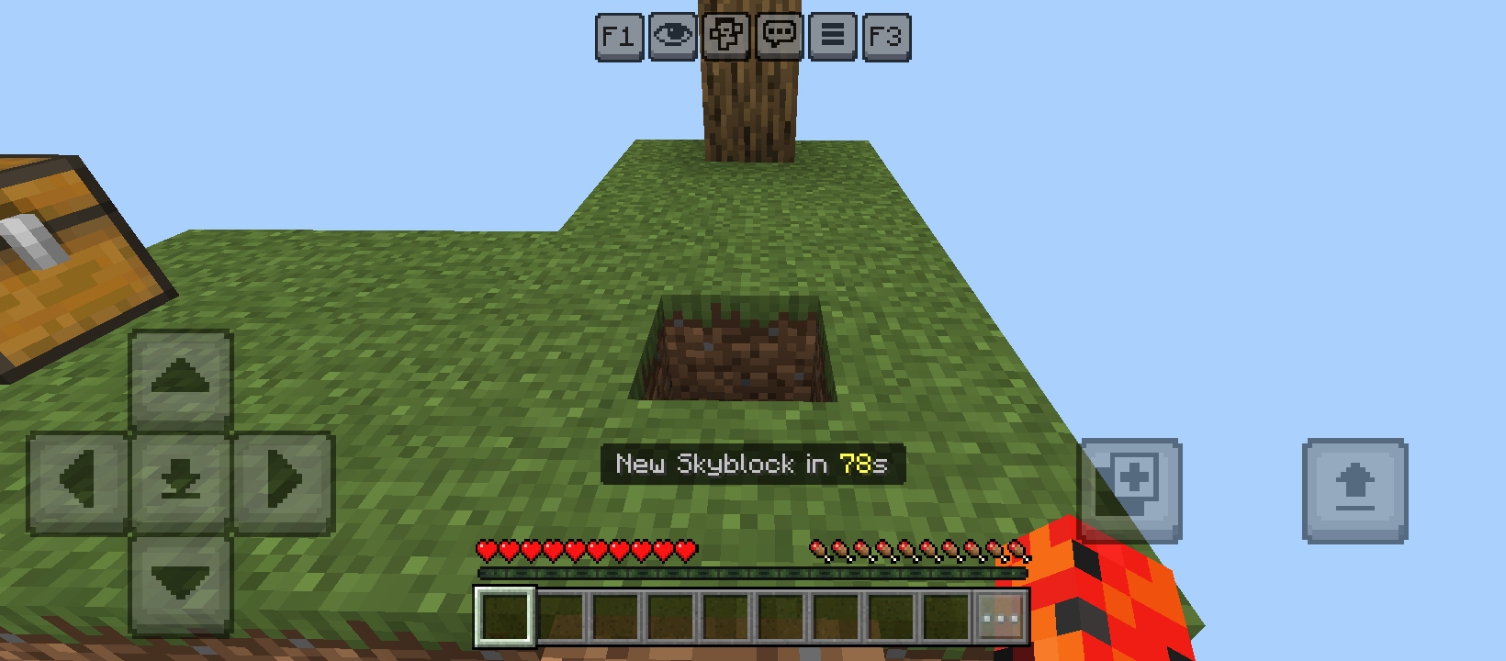
A completely different Skyblock experience for Bedrock Edition.
You will start on a normal Skyblock island, and after enabling the mod, random islands will begin appearing every 90 seconds at the same location in the world.
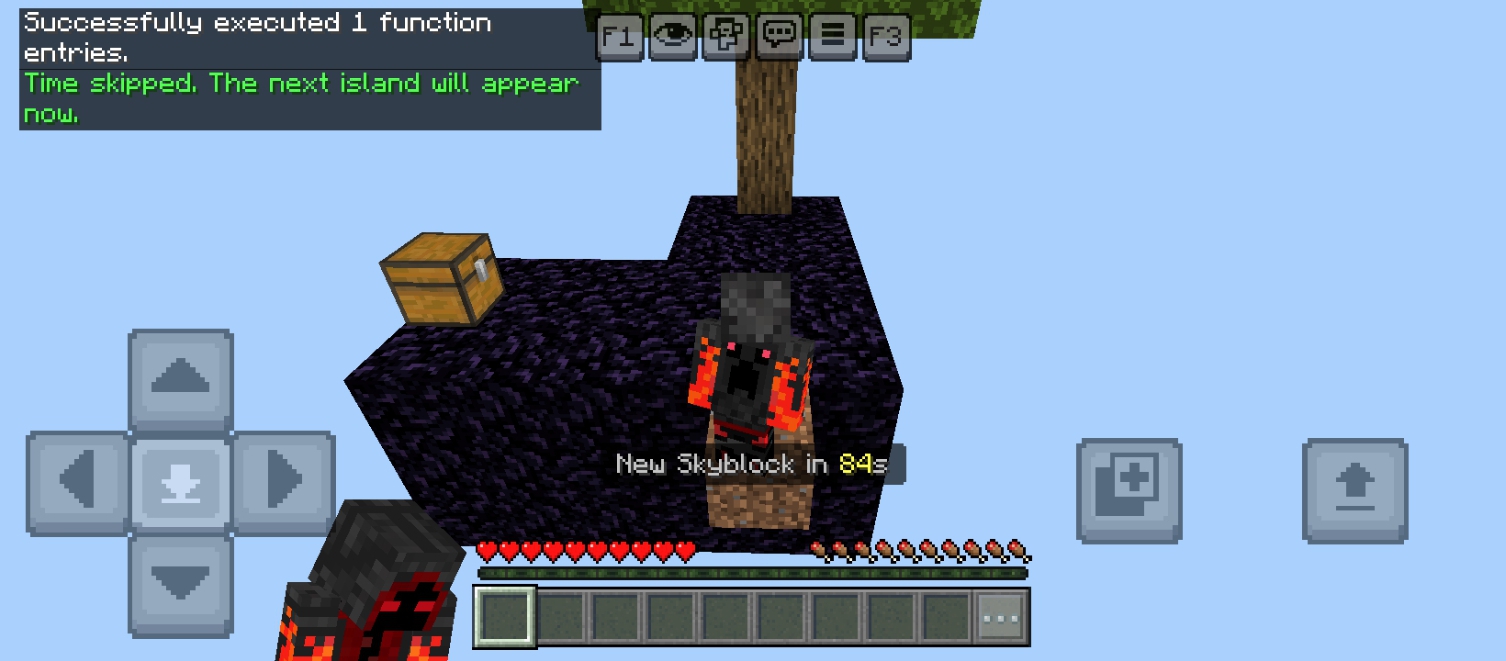
Each time, the island transforms into a different random block type.
You may find yourself surviving on stone, sand, obsidian, ice, slime, or dozens of other blocks.
Features
- Random Skyblock island system
- Hundreds of possible blocks
- Automatic island changes every 90 seconds
- On-screen countdown timer
- Multiplayer support
- Custom commands to control the mod
- Fixed island spawn location
- Sound effect when islands change
- Start on a normal Skyblock island
- Custom world made for the mod
How To Start
Use this command for the first time to start the countdown and enable the mod:
"/function random_start"
Commands
- "/function random_start"
Start the mod and begin the countdown
- "/function random_stop"
Pause the mod
- "/function random_status"
Show mod status and total islands generated
- "/function random_skiptime"
Skip the timer and instantly generate the next island
Notes
- Designed for Minecraft Bedrock Edition
- Islands generate at a fixed world position
- Some islands can be dangerous such as sand or gravel
- Broken and technical blocks were removed for stable gameplay
If you find any bugs or problems, write them in the comments so they can be fixed in future updates.
Hope you enjoy the Random Skyblock experience!
If you record a YouTube video, tag me! I want to see how lucky you are. 😅🤍
YouTube: @WLDIQ
Kako instalirati Random Skyblock
With Millida Launcher
Install Millida Launcher
The launcher is free: download it at millida.net/launcher and sign in with any nickname.
Click “Install” on this page
The launcher opens and installs the map for Minecraft 26.30 automatically.
Launch the game
A profile with it appears in the launcher: click “Play”.
Manually
Download the map archive
Pick the file Random Skyblock v1.10.3.mcworld (2.3 MB).
Unpack it into the saves folder
The world folder (with level.dat inside) must sit directly in .minecraft/saves.
Open the world
“Singleplayer”: the map will be in your world list.
On a server
Replace the world folder
Stop the server and put the map folder in place of world (or set its name in level-name).
Use the “To server” button
On Millida Hosting, the button at the top of the page uploads the file to your server and restarts it for you.
Verzije
Sa zavisnostima
| Minecraft | Loader | Fajl | Datum | Akcije |
|---|---|---|---|---|
| 26.30 | — | Random Skyblock v1.10.32.3 MB 2 |
Česta pitanja
Which Minecraft versions does Random Skyblock work on?
Only Minecraft 26.30: there are no files for other versions.
Where can I download Random Skyblock safely?
On this page: the file Random Skyblock v1.10.3.mcworld (2.3 MB) is stored on Millida’s server, with no link shorteners. SHA-1 checksum: 3a7f366907188d54ae83eb780fc59f56e3bc338a.
Recenzije
Budi prvi koji će oceniti Random Skyblock



