

OneChunk with One layer Hardcore Mapa za Minecraft 26.0.02
Preživi u svetu koji je širok samo jedan čank i dubok jedan sloj. Bez pećina. Bez istraživanja. Bez druge šanse. Ovo je pravo Hardcore preživljavanje na samo 16×16 blokova.
O OneChunk with One layer Hardcore mapi
✨One Chunk. One Layer. One Life.
Welcome to the most extreme minimalist survival challenge.
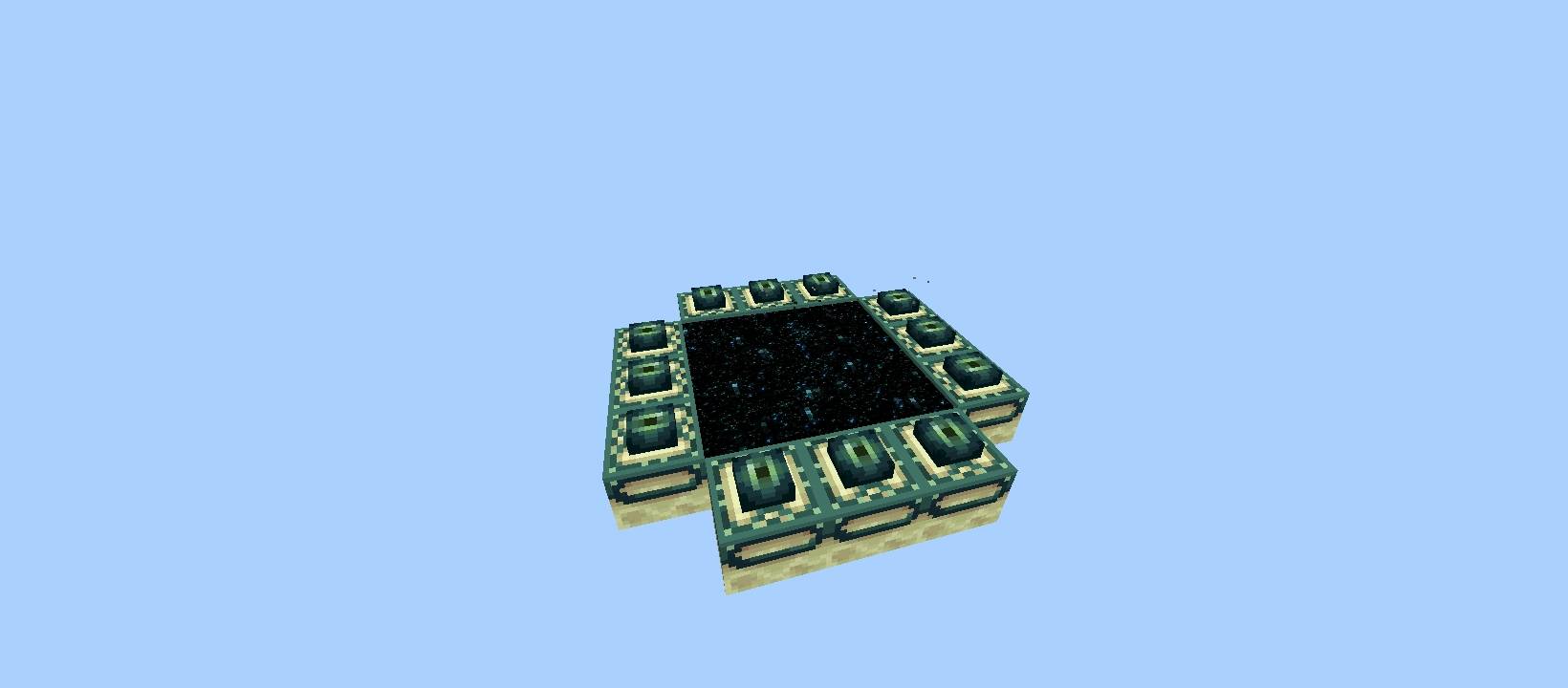
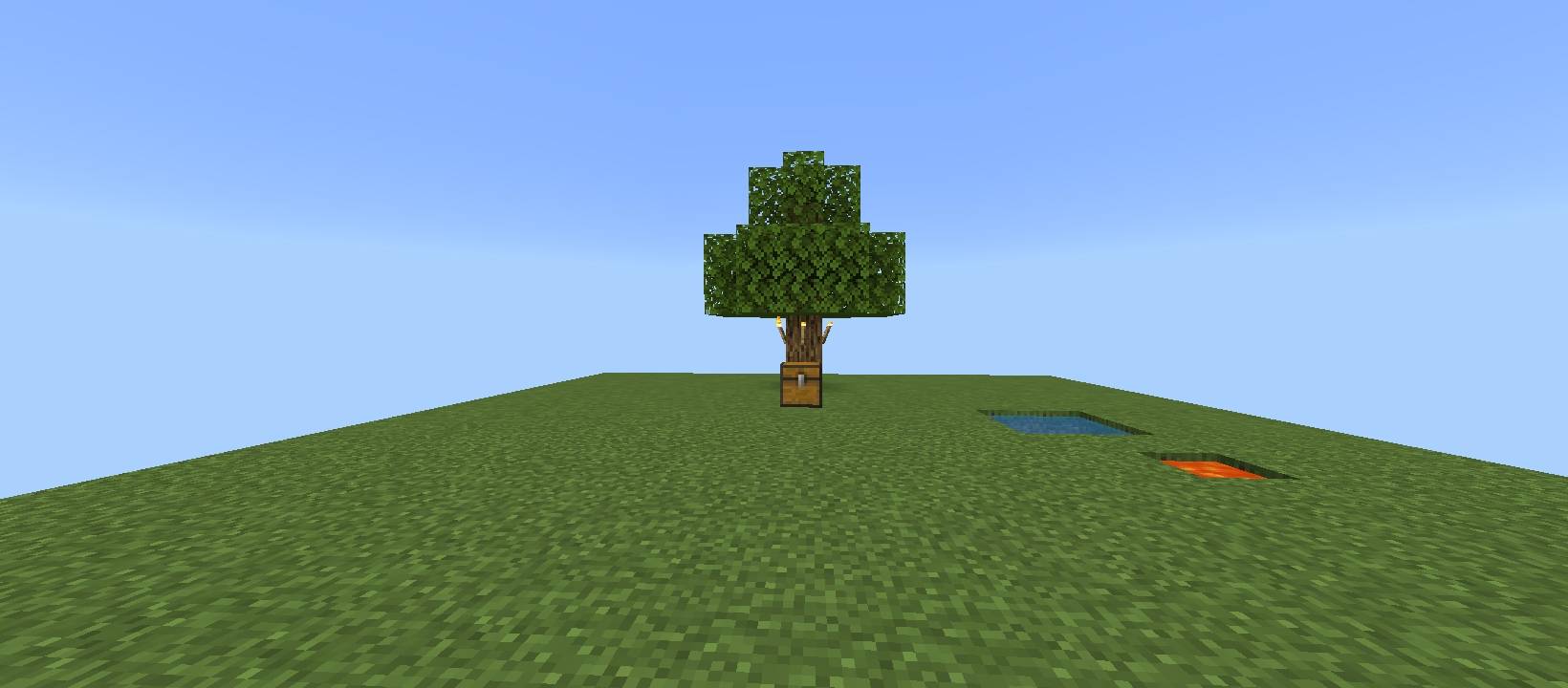
In this Hardcore map, the entire world is limited to a single 16×16 chunk with only one playable layer. There are no underground caves, no mountains, and no escape. Every block matters. Every decision is permanent.
🌍 Map Features
🧱 Only 1 Chunk (16×16 world size)
📏 Only 1 playable layer
💥 Hardcore mode enabled
🔥 The Challenge
You must:
Gather limited resources
Manage food carefully
Plan every block placement
Survive with almost no space
Defeat the Ender Dragon (if you can)
There is no room for mistakes.
🧠 Strategy Matters
This map tests:
Resource management
Efficiency
Smart crafting
Long-term planning
Even basic tasks become difficult in such a small space.
📢 Perfect For:
Hardcore players
YouTube challenge videos
Speedrunners
Minimalist survival fans
⚠️ Warning
This is not a normal survival world.
This is designed to push your skills to the limit.
Can you survive in just one layer?
Kako instalirati OneChunk with One layer Hardcore
With Millida Launcher
Install Millida Launcher
The launcher is free: download it at millida.net/launcher and sign in with any nickname.
Click “Install” on this page
The launcher opens and installs the map for Minecraft 1.21.132–26.0.02 automatically.
Launch the game
A profile with it appears in the launcher: click “Play”.
Manually
Download the map archive
Pick the file OneChunk with One layer.mcworld (83 KB).
Unpack it into the saves folder
The world folder (with level.dat inside) must sit directly in .minecraft/saves.
Open the world
“Singleplayer”: the map will be in your world list.
On a server
Replace the world folder
Stop the server and put the map folder in place of world (or set its name in level-name).
Use the “To server” button
On Millida Hosting, the button at the top of the page uploads the file to your server and restarts it for you.
Verzije
Sa zavisnostima
| Minecraft | Loader | Fajl | Datum | Akcije |
|---|---|---|---|---|
| 1.21.132 | — | OneChunk with One layer.mcworld83.3 KB |
Česta pitanja
Which Minecraft versions does OneChunk with One layer Hardcore work on?
There are files for 26.0.02, 26.0, 1.21.132. The newest is 26.0.02.
Where can I download OneChunk with One layer Hardcore safely?
On this page: the file OneChunk with One layer.mcworld (83 KB) is stored on Millida’s server, with no link shorteners. SHA-1 checksum: 5ccd4bc51f8796d675e7327f028d7392c2907f32.
Recenzije
Budi prvi koji će oceniti OneChunk with One layer Hardcore



