
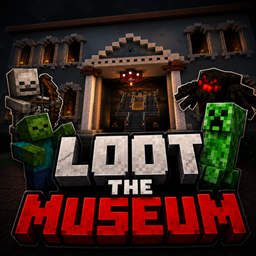
Loot The Museum Mapa za Minecraft 26.30
Ukradi vredne artefakte iz strogo čuvanog muzeja koristeći stealth, pametne zagonetke i precizno tajming. Izbegavaj čuvare, onemogući zamke i pažljivo isplaniraj bekstvo da izađeš neuhvaćen.
🏛️ LOOT THE MUSEUM 🏛️
💎 A thrilling stealth & adventure map where your mission is simple... Break in. Avoid traps. Loot everything. Escape alive.
🎯 About the Map
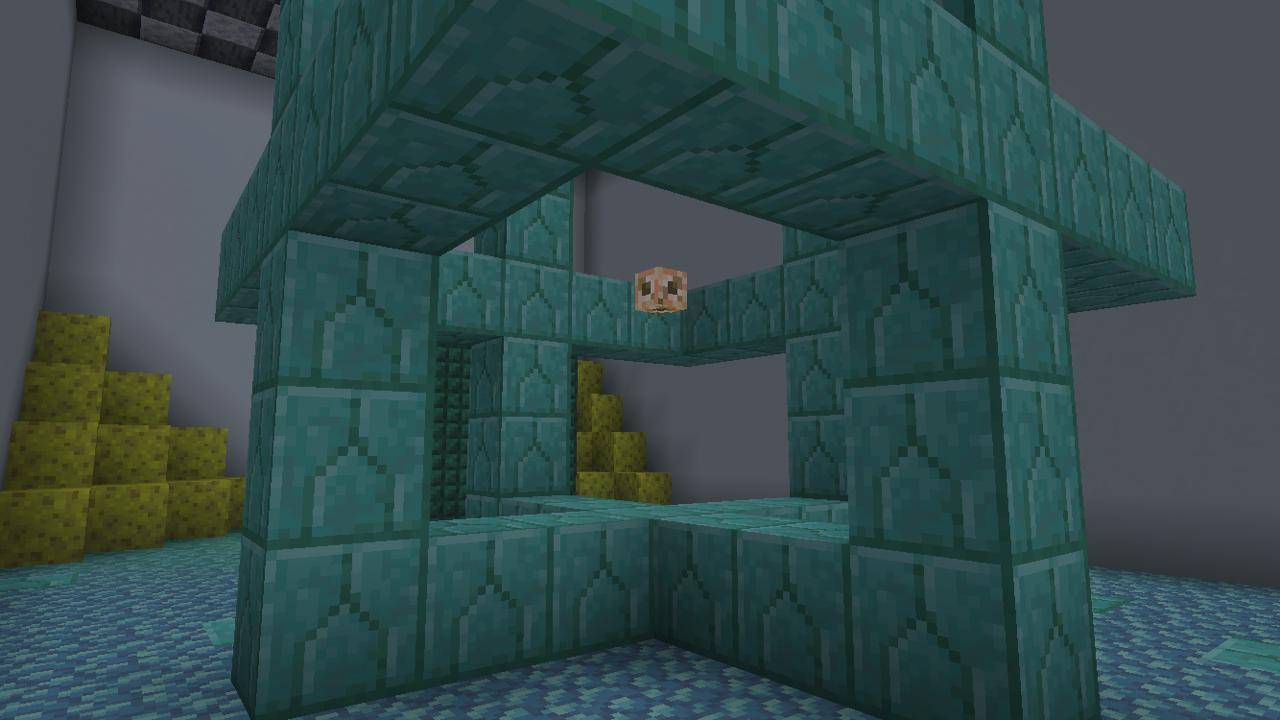
Welcome to Loot the Museum, a high-risk, high-reward adventure map filled with hidden dangers and valuable treasures. Navigate through a heavily protected museum packed with clever traps, dangerous mobs, and secret pathways.
⚠️ Challenges Await
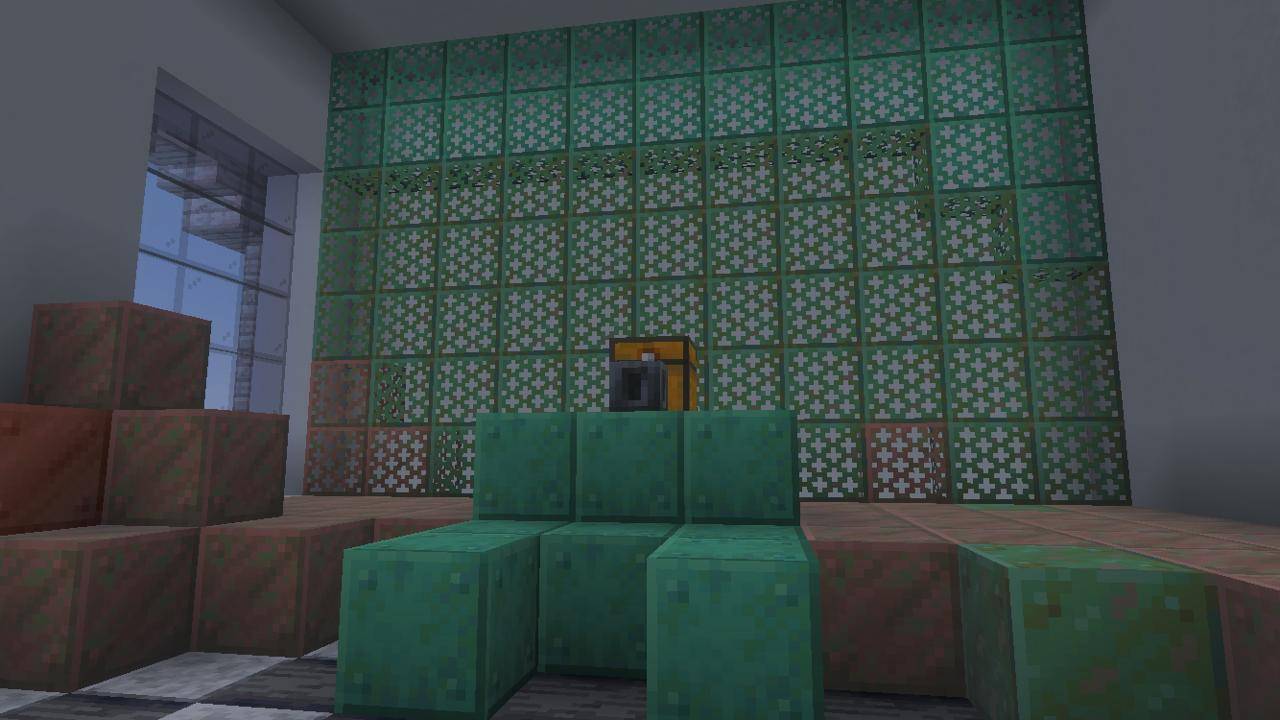
- 🧩 Complex trap systems designed to test your skills
- 👾 Hostile mobs guarding valuable loot
- 🔍 Hidden secrets and alternate paths
- 🚪 Escape routes that aren’t as easy as they seem
✨ Features
- 🏛️ Detailed museum environment
- 🎮 Smooth and immersive gameplay
- 💣 Multiple traps & surprises
- 💰 Rewarding loot system
- 🔥 Perfect for solo or challenge runs
📜 Rules
- 🚫 Do not break blocks unless allowed
- 🎯 Play in Adventure Mode
- 💀 Try to survive using skill, not cheats
- ⚙️ Recommended settings for best experience
🚀 Objective
Infiltrate the museum, collect as much loot as possible, and escape without getting caught or eliminated.
🔥 Do you have what it takes to beat the museum? 🔥
Kako instalirati Loot The Museum
With Millida Launcher
Install Millida Launcher
The launcher is free: download it at millida.net/launcher and sign in with any nickname.
Click “Install” on this page
The launcher opens and installs the map for Minecraft 26.13–26.30 automatically.
Launch the game
A profile with it appears in the launcher: click “Play”.
Manually
Download the map archive
Pick the file Loot_The_Museum_Command_Fixed.mcaddon (217 KB).
Unpack it into the saves folder
The world folder (with level.dat inside) must sit directly in .minecraft/saves.
Open the world
“Singleplayer”: the map will be in your world list.
On a server
Replace the world folder
Stop the server and put the map folder in place of world (or set its name in level-name).
Use the “To server” button
On Millida Hosting, the button at the top of the page uploads the file to your server and restarts it for you.
Verzije
Sa zavisnostima
| Minecraft | Loader | Fajl | Datum | Akcije |
|---|---|---|---|---|
| 26.20 | — | Loot_The_Museum_Command_Fixed.mcaddon217 KB |
Recenzije
Budi prvi koji će oceniti Loot The Museum



