
O Ancient Egypt - Adventure mapi
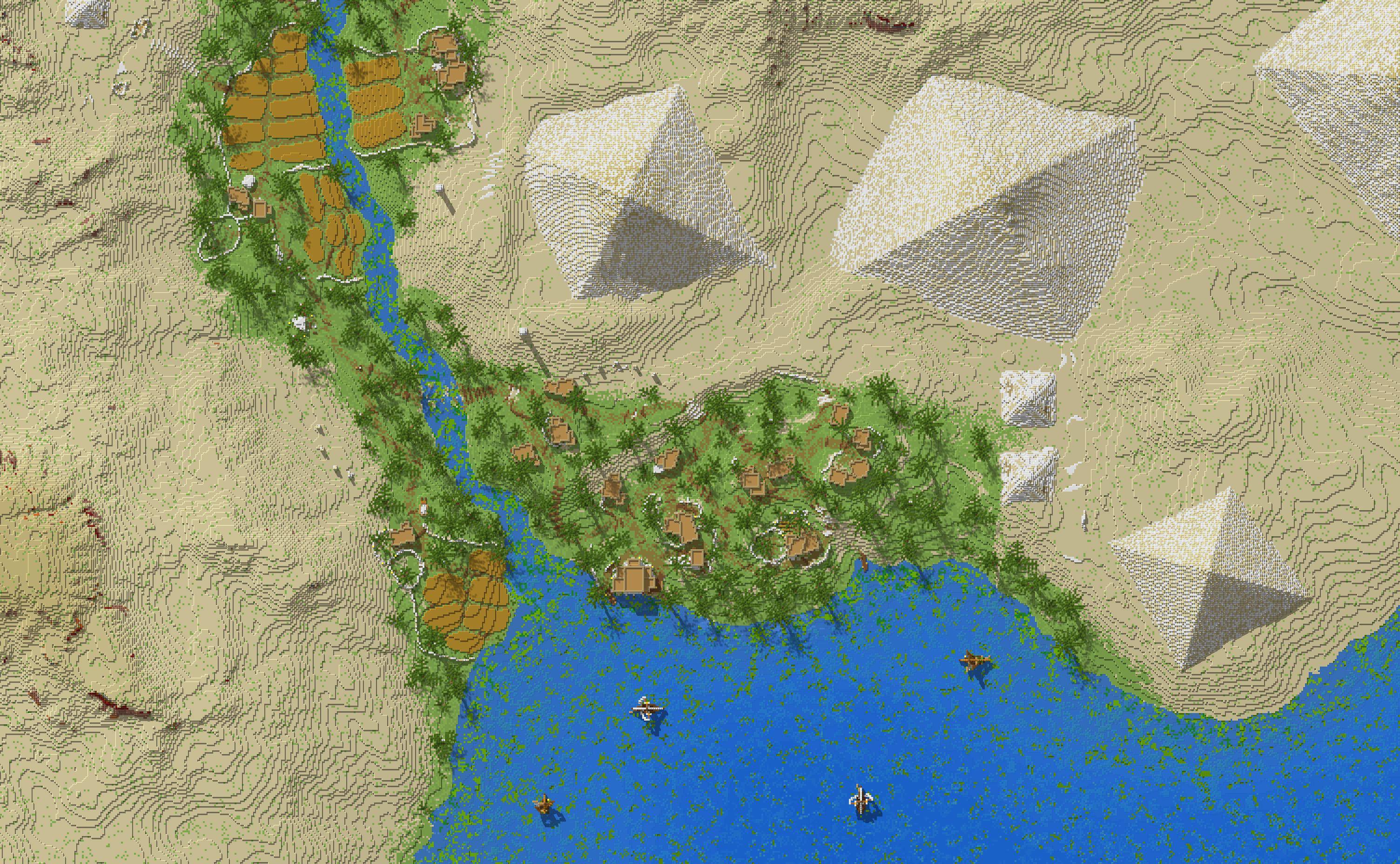
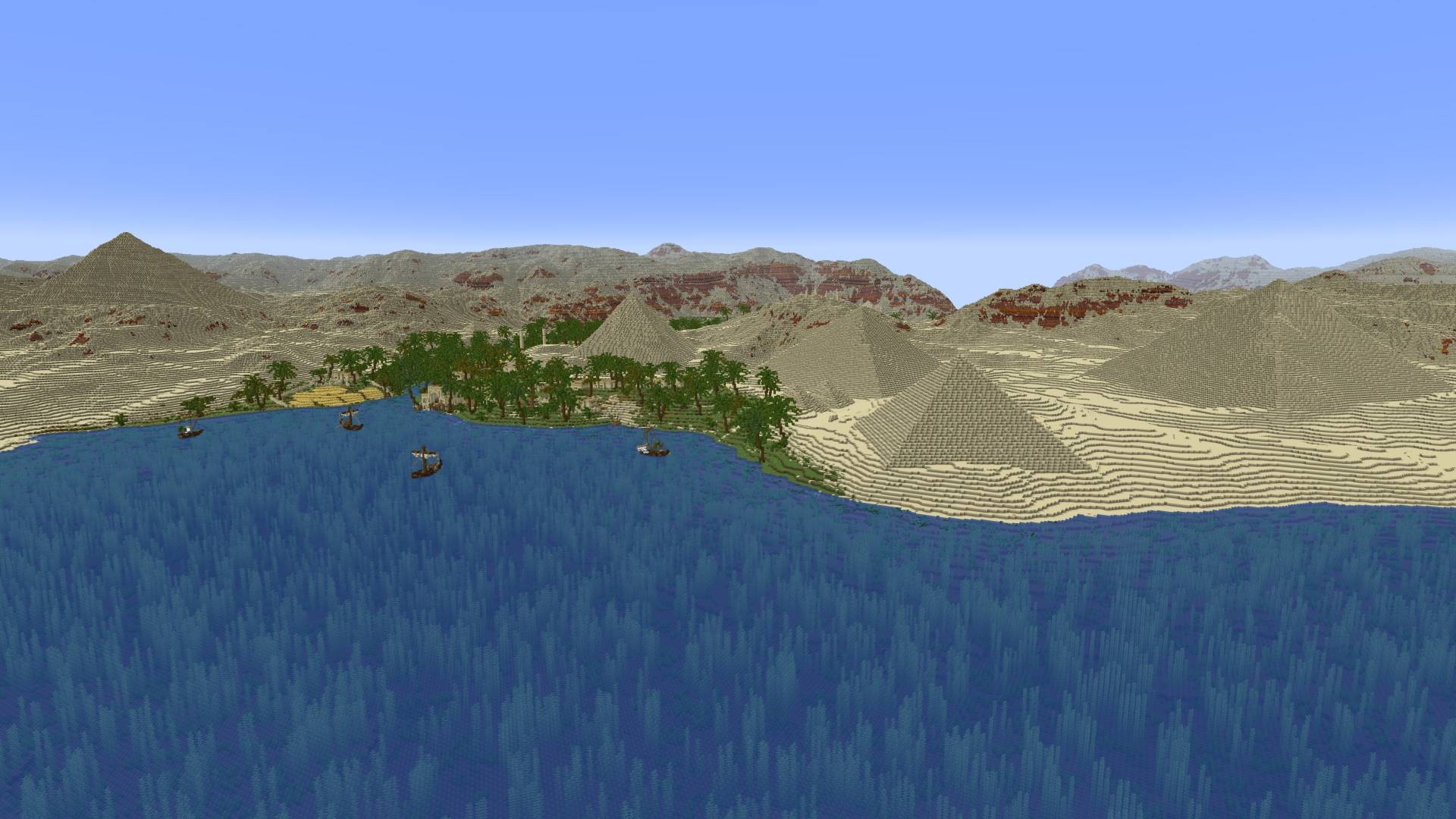
Exploration map set in ancient Egypt featuring various pyramids, temples, furnished houses, and more!
Surival gameplay is not possible!
- No caves and ores!
- No vanilla terrain outside the custom world!
As the sun dipped low over the horizon, the pyramids stood tall and timeless, their shadows stretching across the desert sands.
Terms of use:
My free maps can always be used for non-commercial purposes, as long as you include a link to this page.
Kako instalirati Ancient Egypt - Adventure
With Millida Launcher
Install Millida Launcher
The launcher is free: download it at millida.net/launcher and sign in with any nickname.
Click “Install” on this page
The launcher opens and installs the map for Minecraft 26.30–26.40 automatically.
Launch the game
A profile with it appears in the launcher: click “Play”.
Manually
Download the map archive
Pick the file Ancient Egypt - v1.8.mcworld (38 MB).
Unpack it into the saves folder
The world folder (with level.dat inside) must sit directly in .minecraft/saves.
Open the world
“Singleplayer”: the map will be in your world list.
On a server
Replace the world folder
Stop the server and put the map folder in place of world (or set its name in level-name).
Use the “To server” button
On Millida Hosting, the button at the top of the page uploads the file to your server and restarts it for you.
Verzije
Sa zavisnostima
| Minecraft | Loader | Fajl | Datum | Akcije |
|---|---|---|---|---|
| 26.30 | — | Ancient Egypt - v1.837.6 MB 1 |
Česta pitanja
Which Minecraft versions does Ancient Egypt - Adventure work on?
There are files for 26.40, 26.30. The newest is 26.40.
Where can I download Ancient Egypt - Adventure safely?
On this page: the file Ancient Egypt - v1.8.mcworld (38 MB) is stored on Millida’s server, with no link shorteners. SHA-1 checksum: 697d6692a0170962a7863231171888f229b70990.
Recenzije
Budi prvi koji će oceniti Ancient Egypt - Adventure



