

Gravestone - Auto Equip System Dodatak za Minecraft 1.21.94
Da li si ikada umro i izgubio sve predmete u lavi ili zato što su nestali? Sada uz dodatak Gravestone & Death Path tvoji predmeti će biti sačuvani na sigurnom mestu.
- How use:
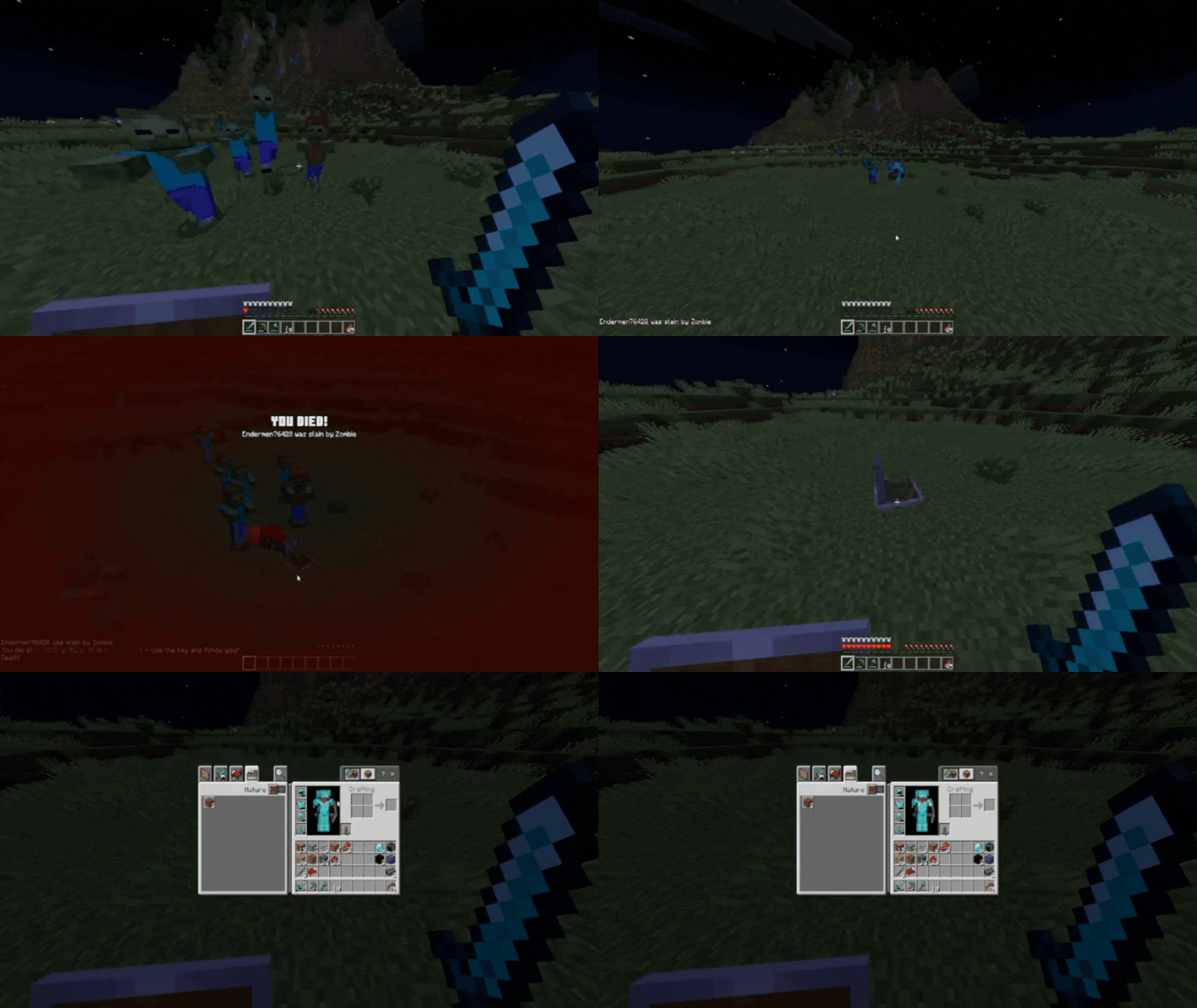
The Gravestone addon is simple to use: After you die a gravestone will appear at your location, storing all your items and you'll be given a key to find your gravestone. To recover your items, use the key on the Gravestone or break it.
- Auto Equip:
This Gravestone Addon have an Auto Equip system. The gravestone, when collected, will place your old items in the sames slots they were before your death, include your Inventory, Armor and Off Hand.
- Gravestone Key:
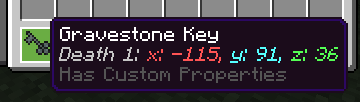
When you die, you'll given a key with some informations, like the number of deaths and your death location.
- Tracking System:
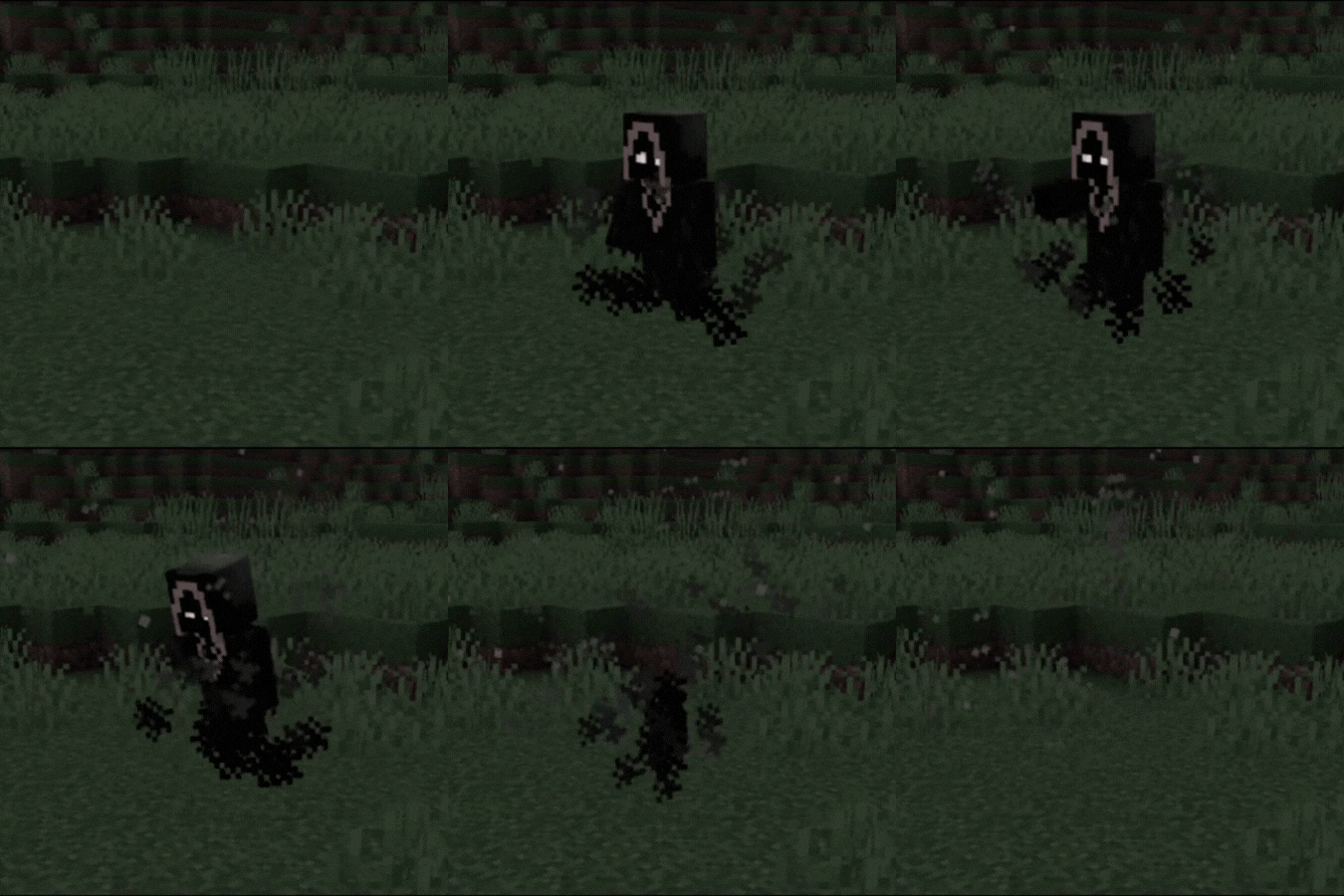
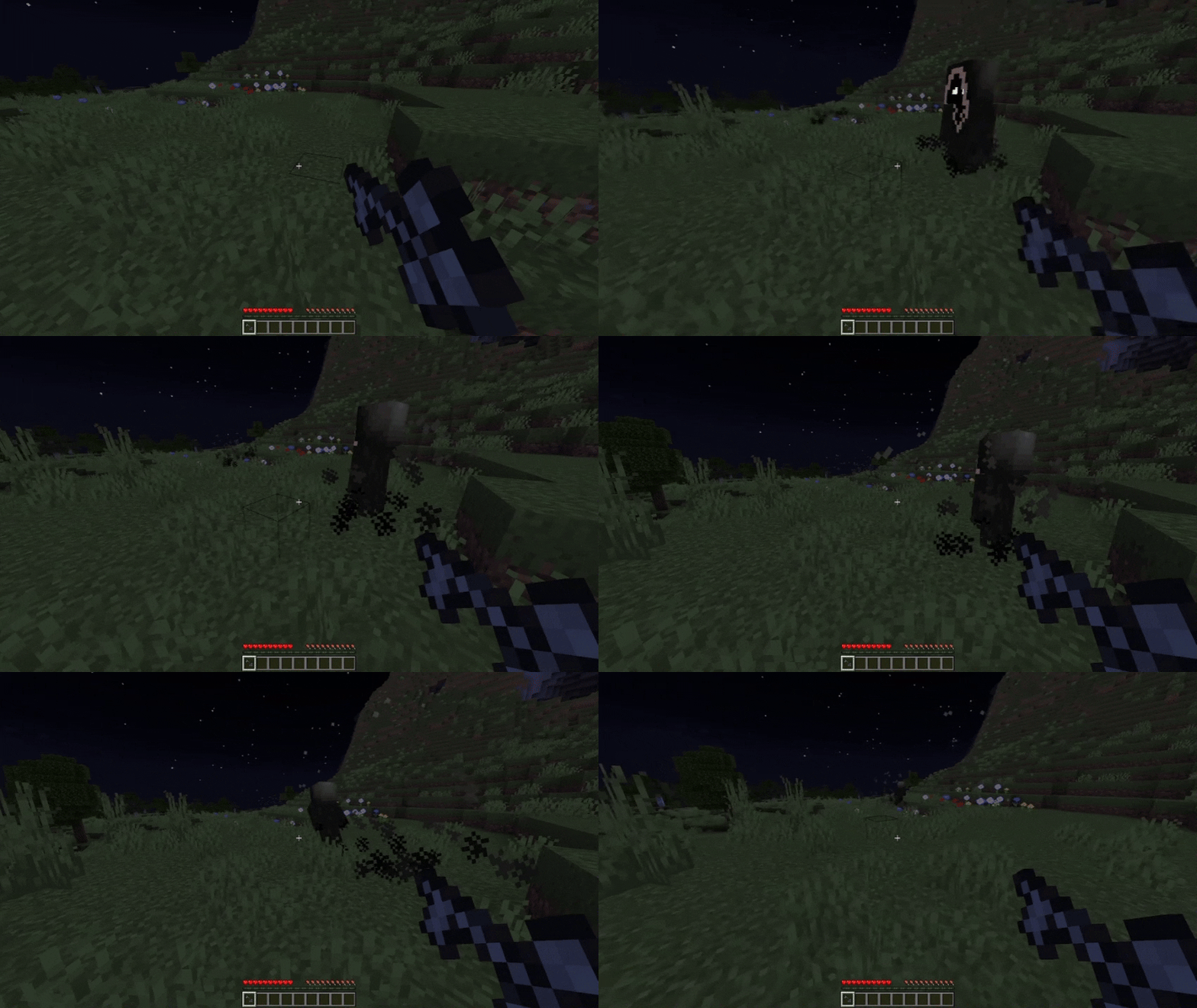
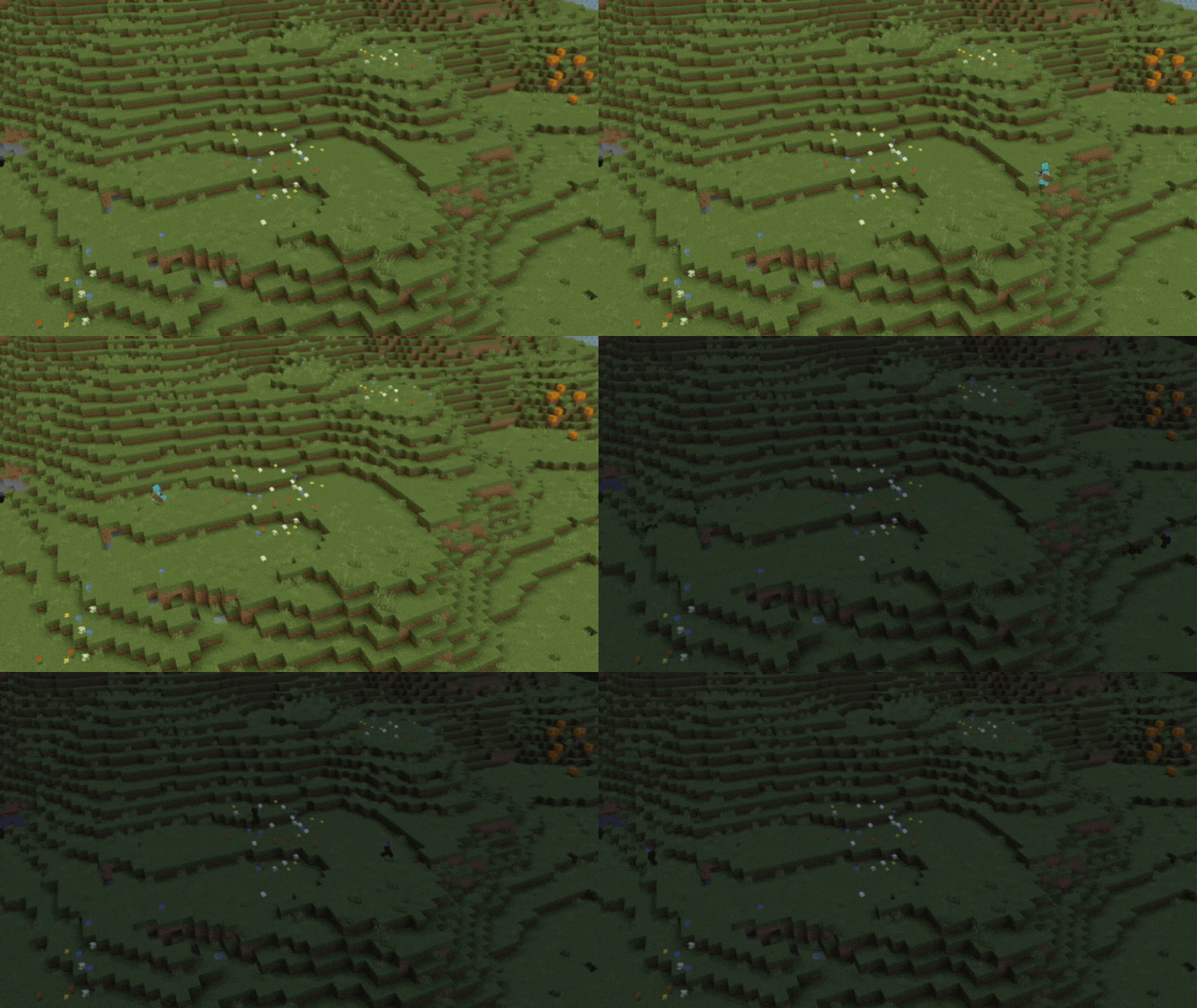
When you used a key on the ground it'll summoning a Reaper, but don't worry, he'll help you! He'll show your the path you took until your death. (Thanks him later for not getting lost in caves anymore!)
Examples:
- Safe Gravestones:
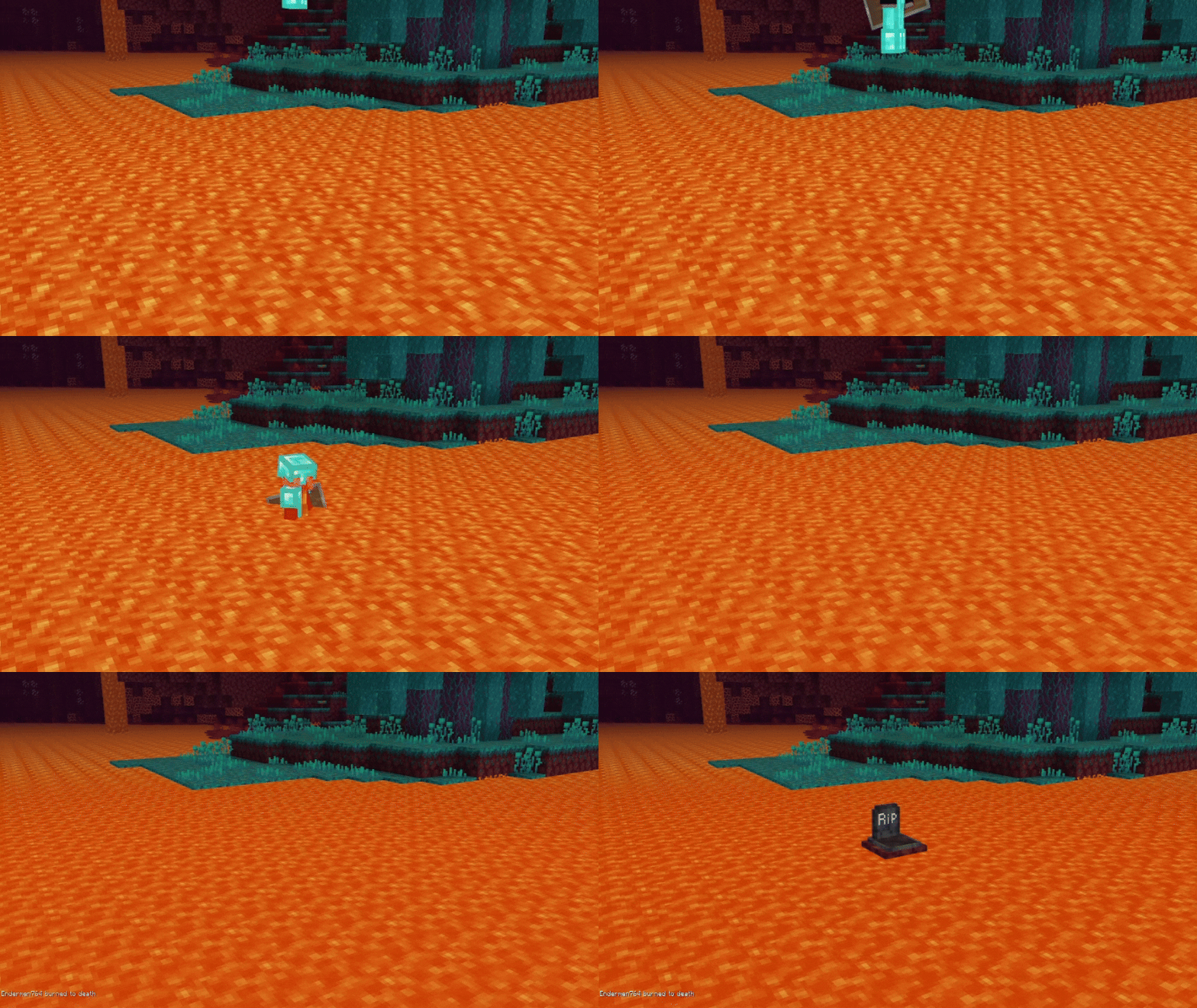
Well, if you die in a stranger place, like on the lava or the void, you won't lose your items, because your gravestone will place in a safe location, to be easier for you pick it up again.

- Gravestone Skulls Variants:
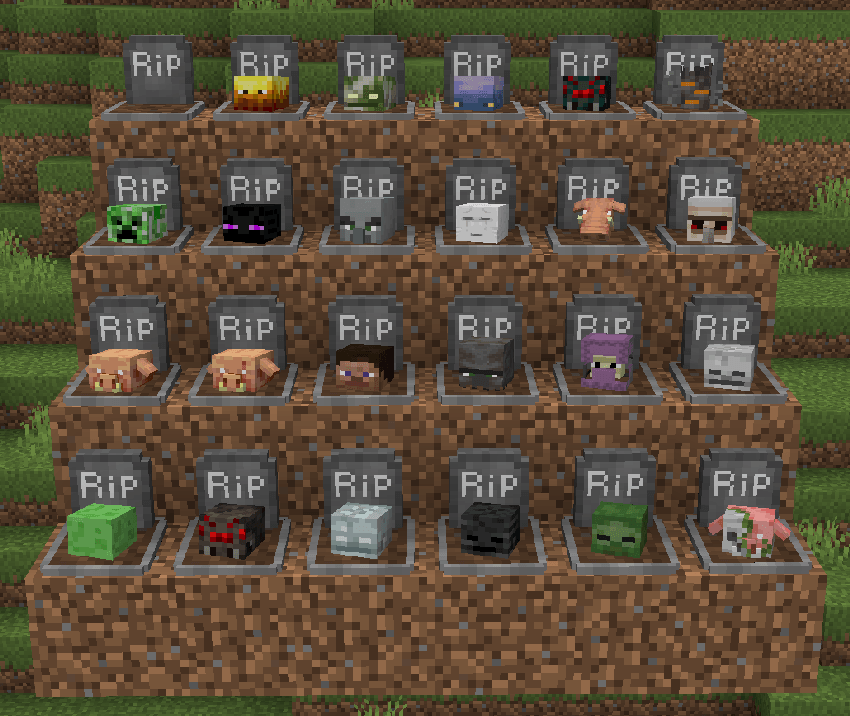
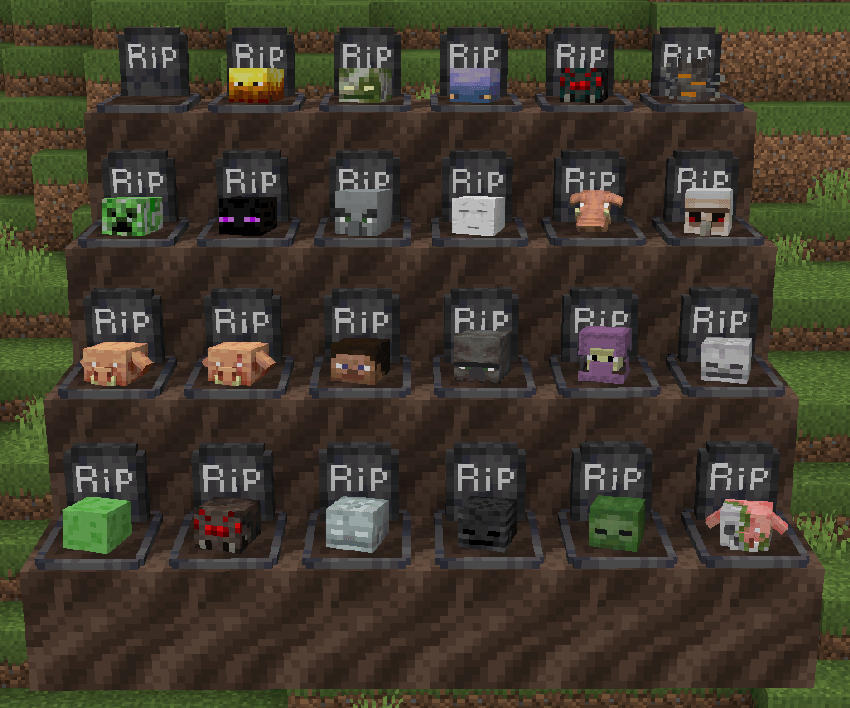
There are a total of 72 Gravestones: 1 normal and 24 with skulls (Along with their Nether and The End versions)
There are 8 secrete gravestones (Can you find?)
I'll add more variants soon!
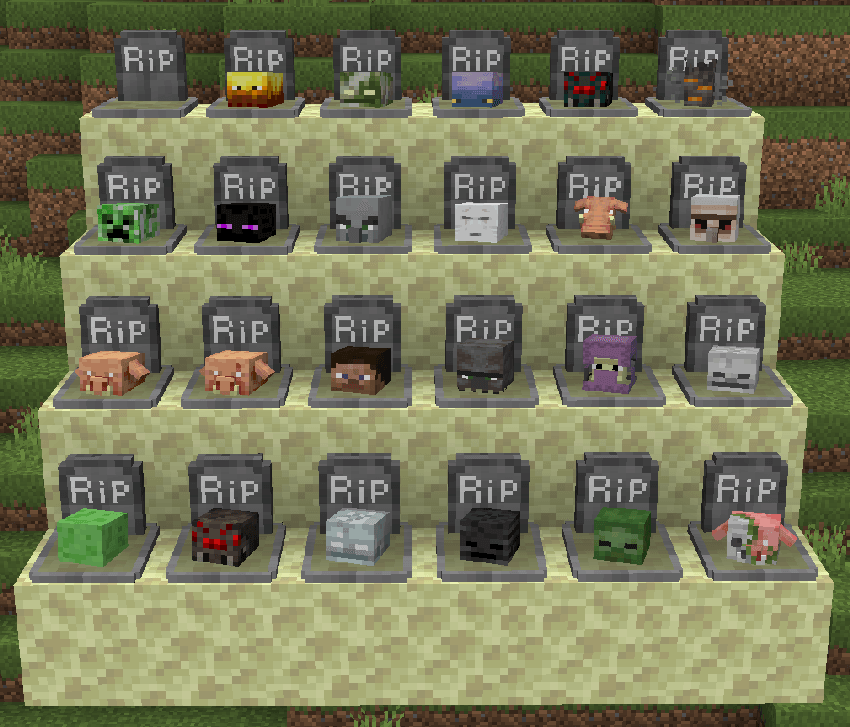
- How to Get:
> Default Gravestone: Is generated when you die naturally or by a mob that doesn't yet exist gravestone.
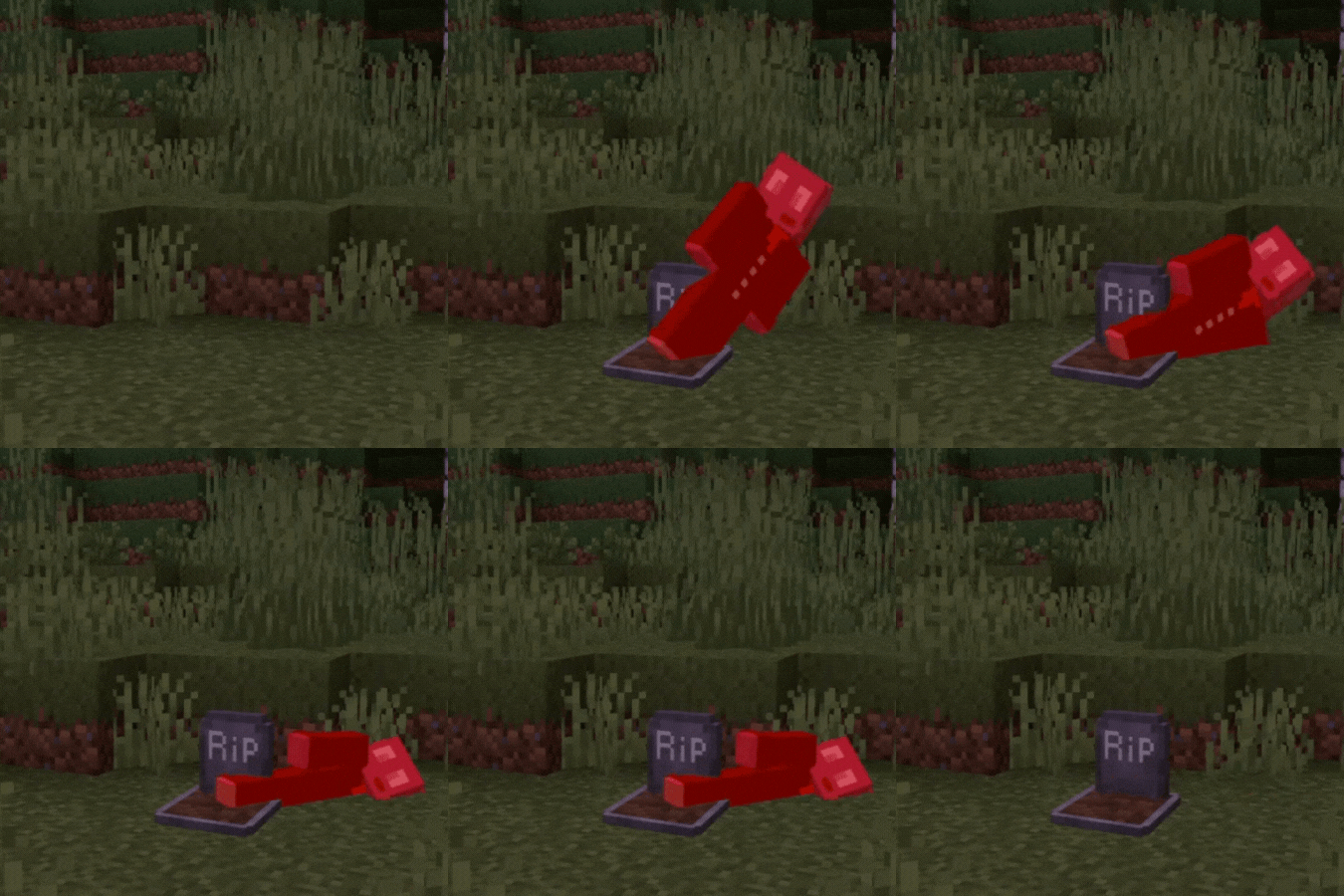
> Bogged Gravestone: Is generated when you die by a Bogged.
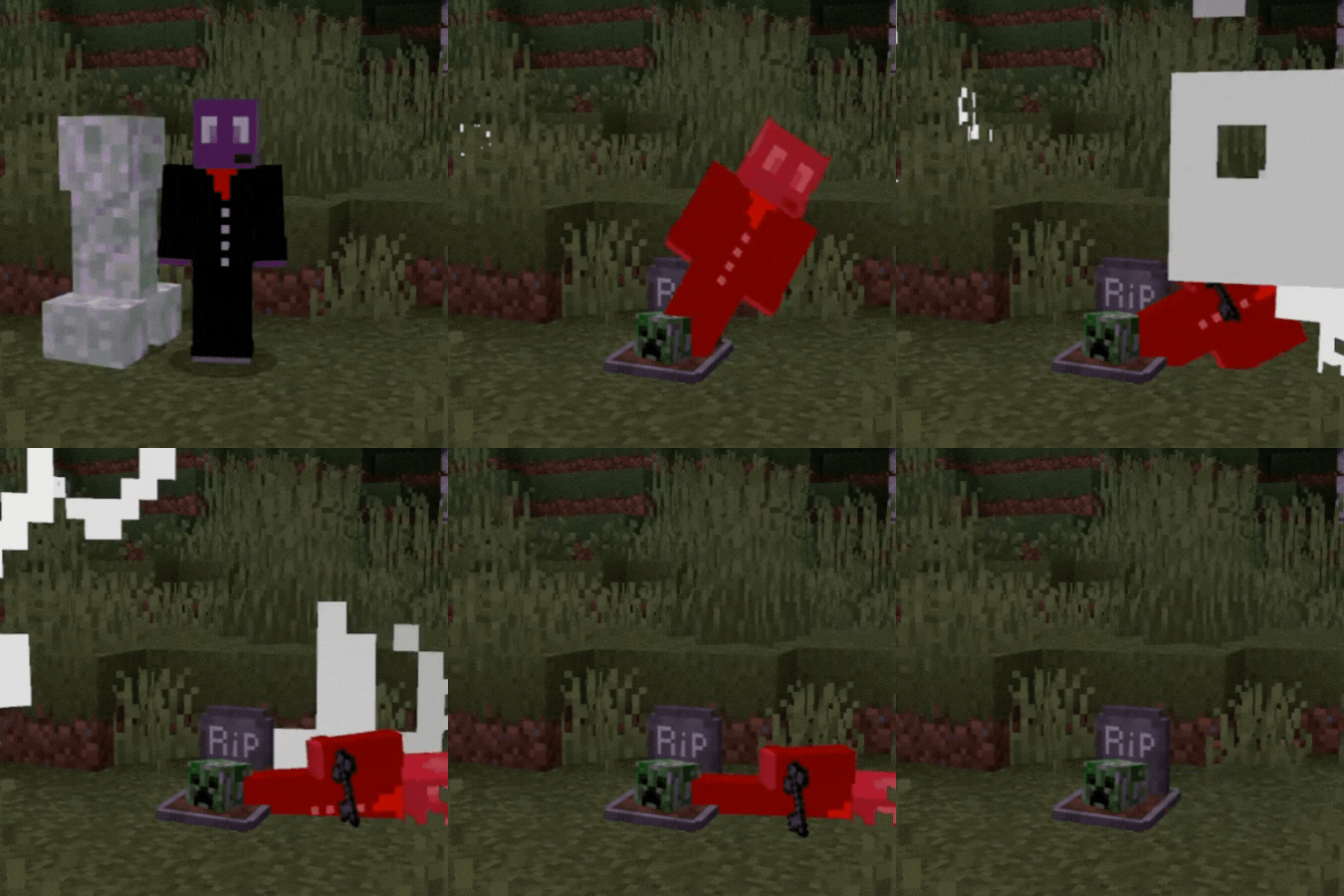
> Creeper Gravestone: Is generated when you die by a Creeper.
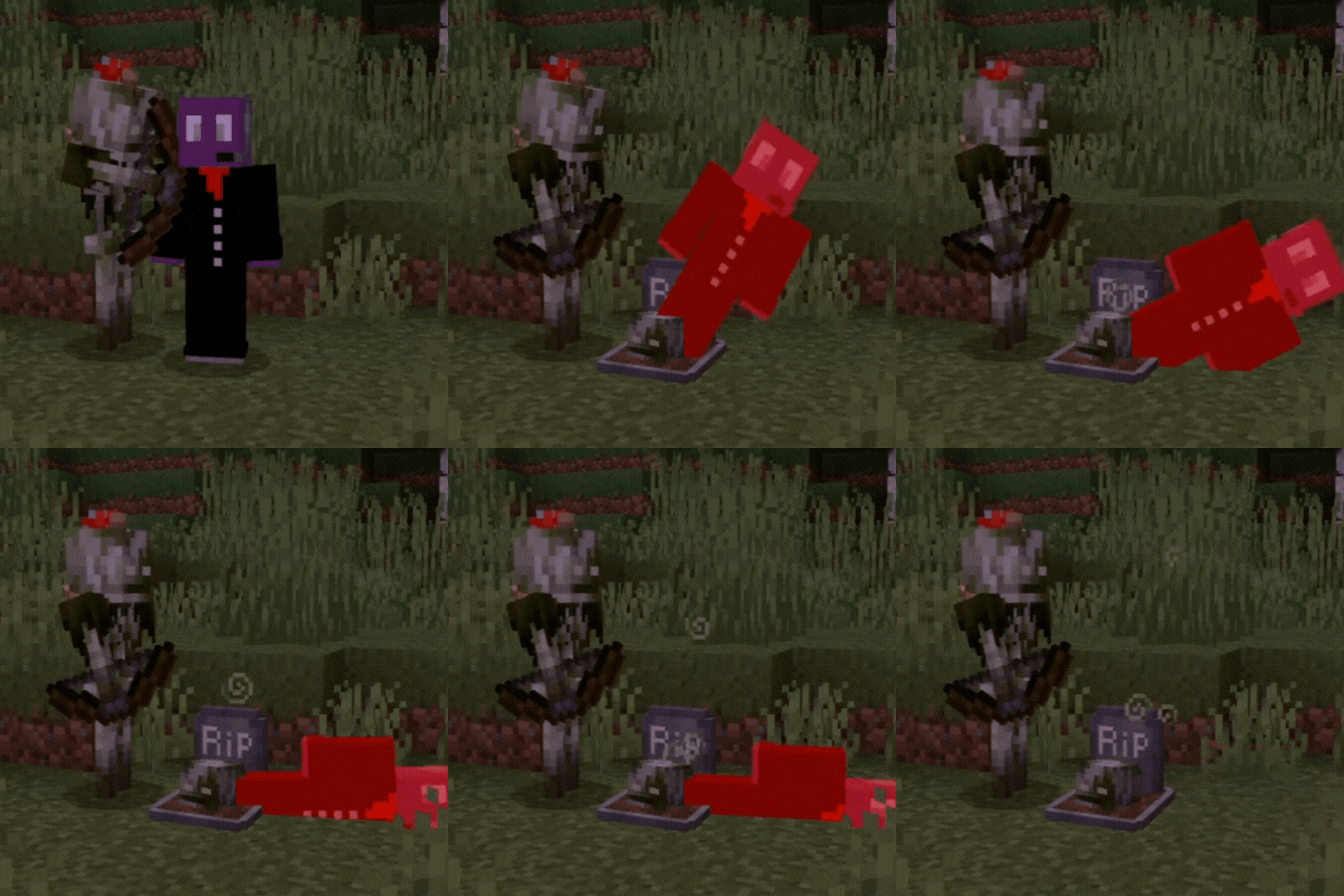
> Skeleton Gravestone: Is generated when you die by a Skeleton.

> Slime Gravestone: Is generated when you die by a Slime.

> Stray Gravestone: Is generated when you die by a Stray.

> With Skeleton Gravestone: Is generated when you die by a Wither Skeleton.

> Zombie Gravestone: Is generated when you die by a Zombie.

Verzije
| Minecraft | Loader | Fajl | Datum | Akcije |
|---|---|---|---|---|
| 1.21.81 | — | Gravestone_&_Death_Path_v2.1.mcaddon218 KB |
Recenzije
Budi prvi koji će oceniti Gravestone - Auto Equip System
