
Build Wand Dodatak za Minecraft 1.21.130
Uzmite Build Wand u ruku i izaberite prvu poziciju bloka gde želite da počnete sa popunjavanjem. Možete to proveriti dodirom na blok u vašoj oblasti. Zatim izaberite drugu poziciju do koje želite da popunite blokove.
O Build Wand dodatku
● HOW TO USE
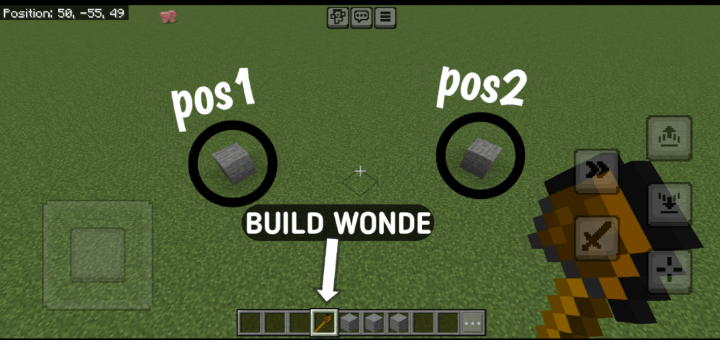
How to Use the Build Wand in Minecraft (3 Steps):
- Equip and Select Positions: Equip a Build Wand (stone, iron, or diamond) and right-click to select two corner positions of your build area. Heart particles mark the first point, and an outline previews the area after the second.
- Choose Build Mode: After selecting both points, a menu appears. Pick a mode: Fill (solid structure), Hollow (only walls), or Pattern (checkerboard, stripes, or random).
- Select Block and Build: Choose a block from your inventory in the next menu (ensure you have enough). For Pattern mode, select a pattern. The wand places the blocks, showing a progress bar, and consumes durability based on blocks placed.
V5
Progress Bar
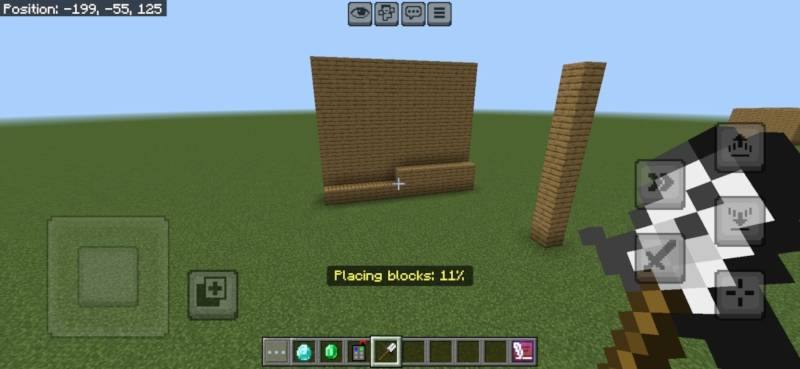
V5.5
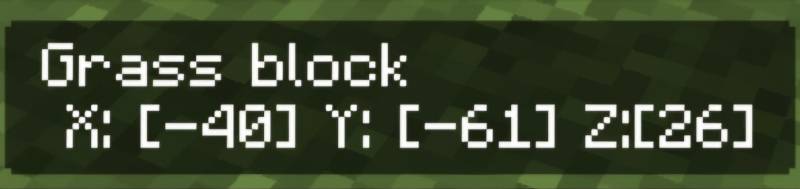
V5.1.0
• Creative Mode Support: Blocks are no longer consumed and tool durability is unaffected when in Creative mode.
• Improved Inventory Handling: Survival mode still removes required blocks and reduces wand durability.
Cleaner Feedback: Enhanced messages and feedback logic based on game mode.
Verzije
| Minecraft | Loader | Fajl | Datum | Akcije |
|---|---|---|---|---|
| 1.21.120 | — | Build Wand V5.2.0.mcaddon17.6 KB |
Česta pitanja
Which Minecraft versions does Build Wand work on?
There are files for 1.21.130, 1.21.120. The newest is 1.21.130.
Where can I download Build Wand safely?
On this page: the file Build Wand V5.2.0.mcaddon (18 KB) is stored on Millida’s server, with no link shorteners. SHA-1 checksum: 35451c25e88f146821e36bd91beaba42b80c862d.
Recenzije
Budi prvi koji će oceniti Build Wand
