

MobileFPS+ Pacote de recursos para Minecraft 26.30
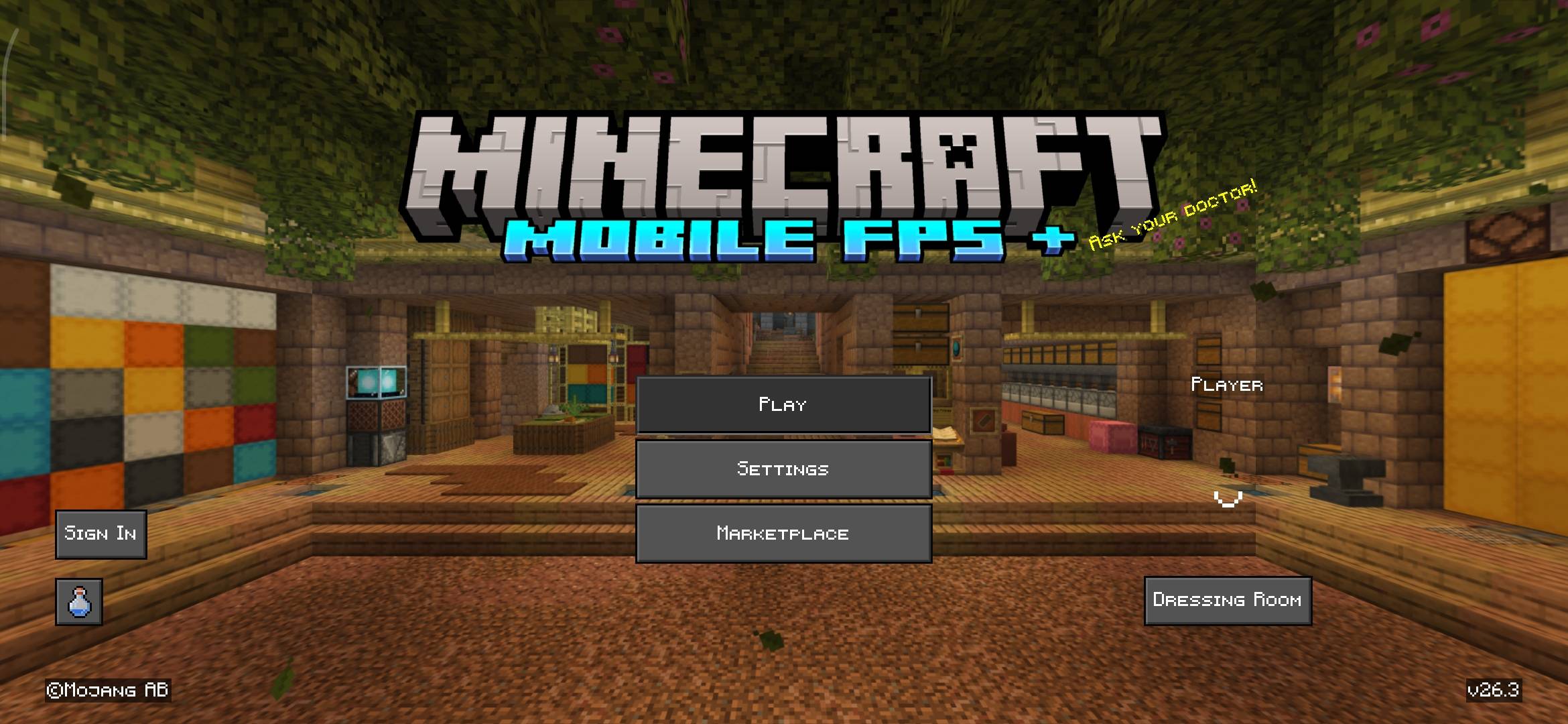
MobileFPS+ é um pacote de recursos leve Vanilla+ projetado para aumentar o FPS em dispositivos móveis e de baixo desempenho, reduzindo sons e usando visuais limpos e otimizados.
Sobre o pacote de recursos MobileFPS+
MobileFPS+ is a performance-focused Minecraft Bedrock resource pack made especially for mobile players and low-end devices. This pack improves FPS and reduces lag while keeping the game visually clean and close to vanilla.
✨Key Features
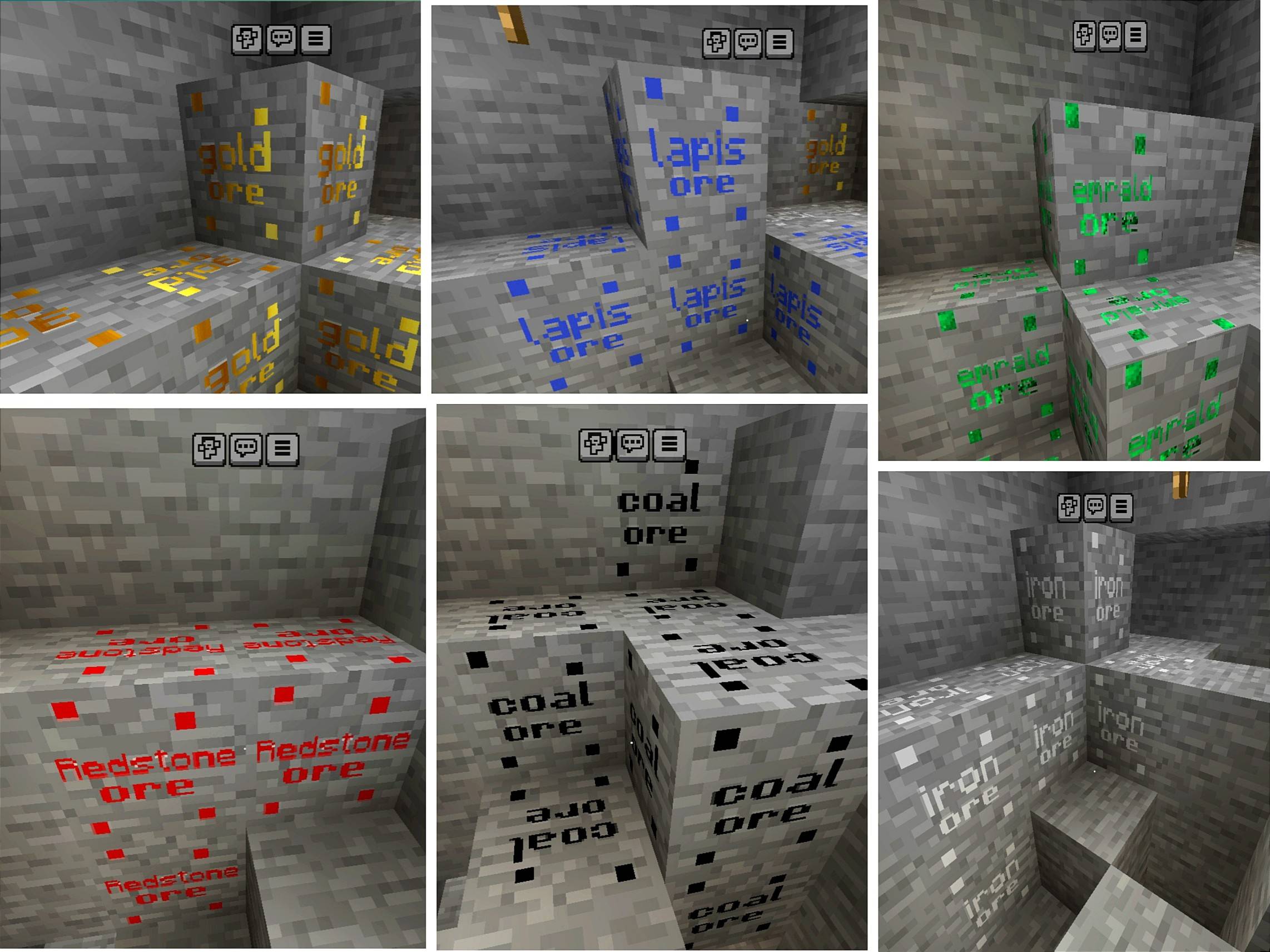
Add new stlyel ore
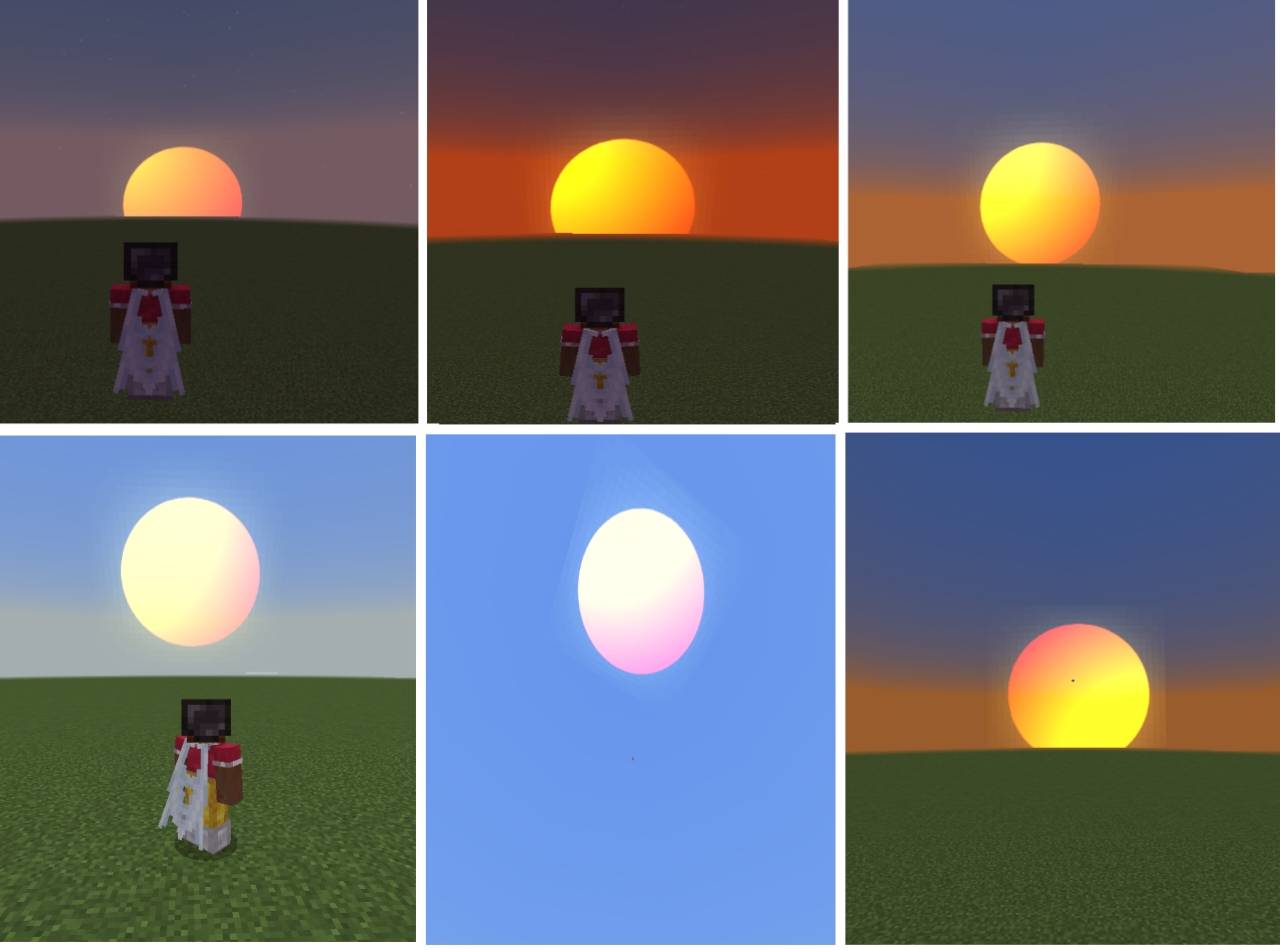
Real life custom sun
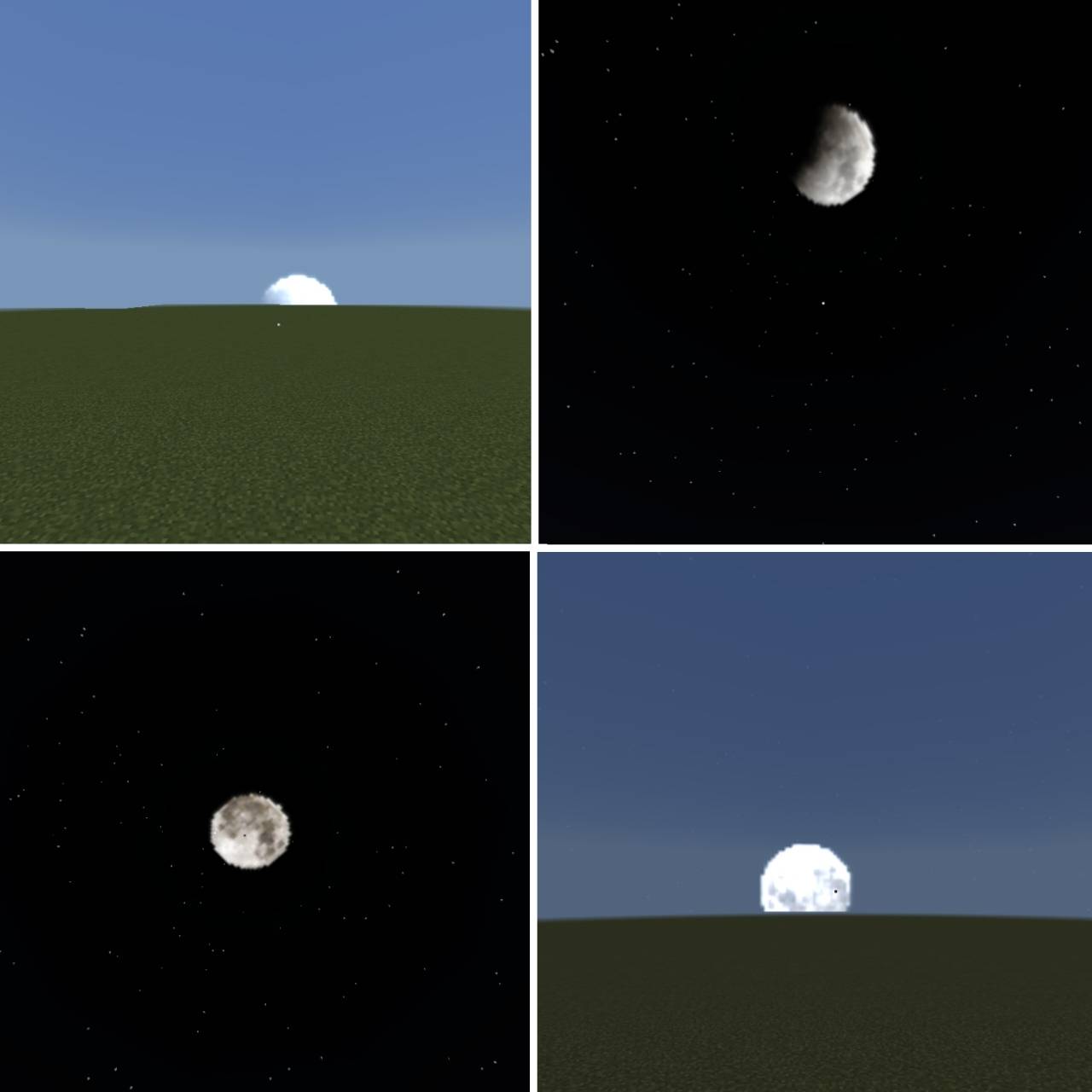
Real life custom moon
🔇 Quieter mobs, blocks, and ambient sounds for smoother gameplay
❌ Removed cave sounds, Wither spawn sound, and Ender Dragon death sound
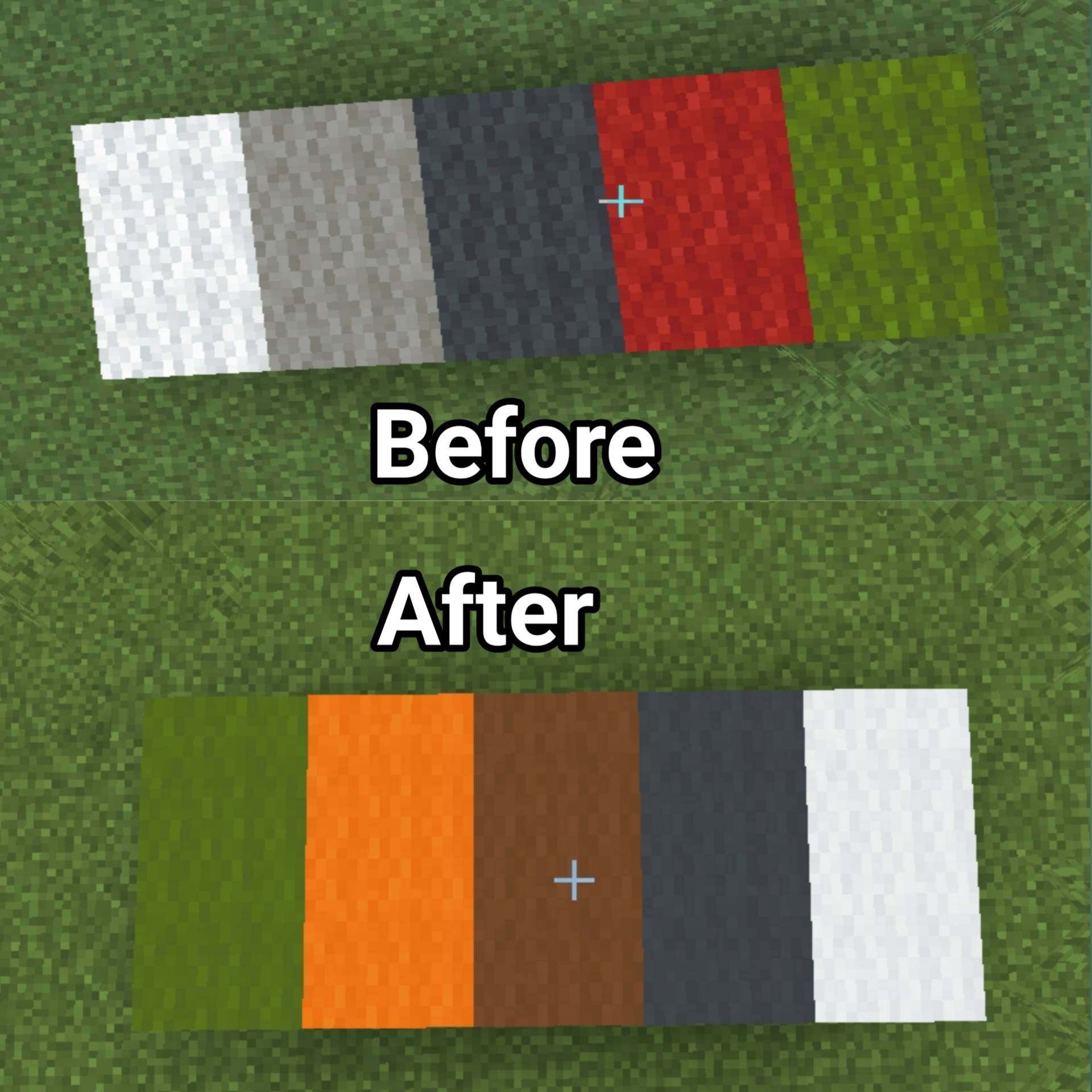
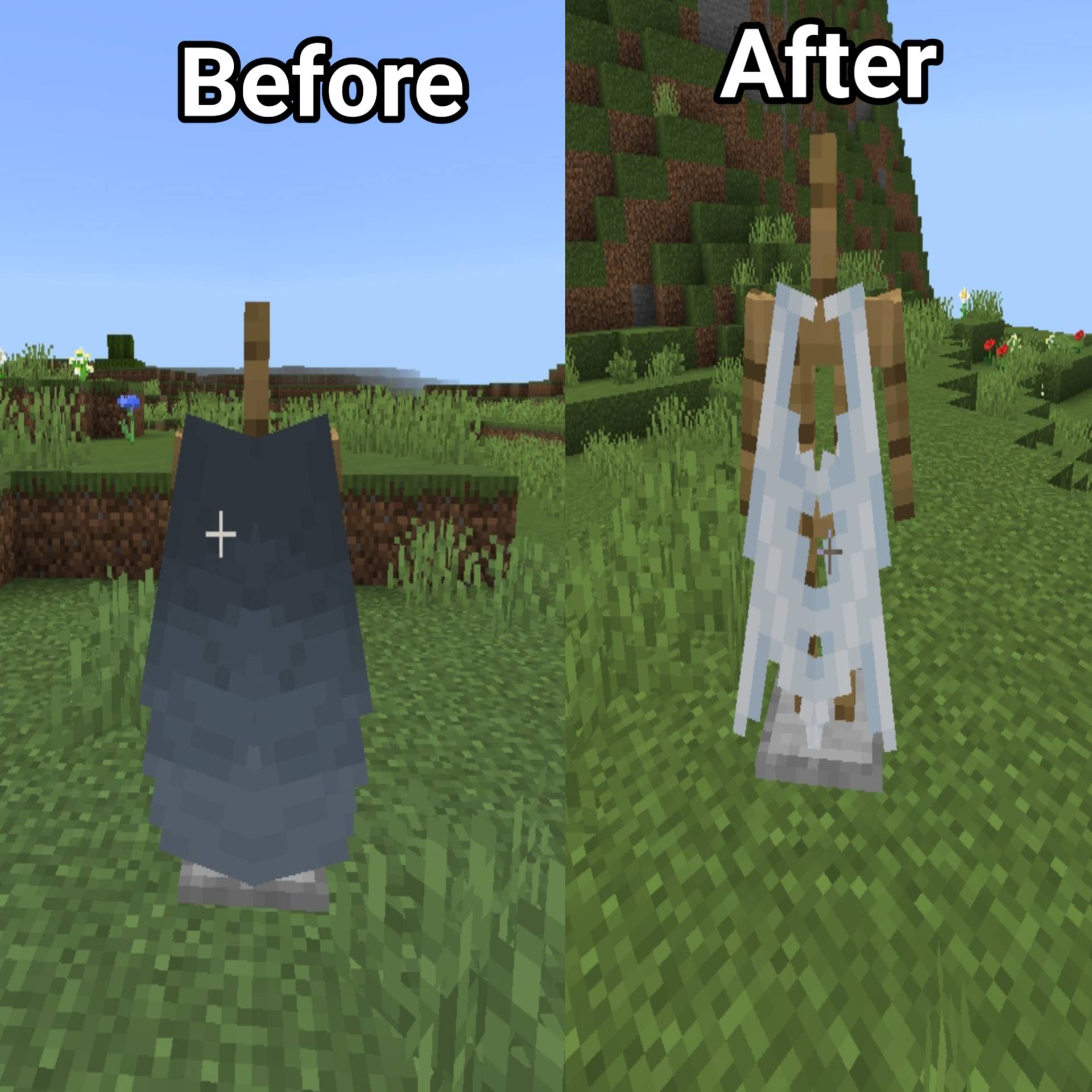
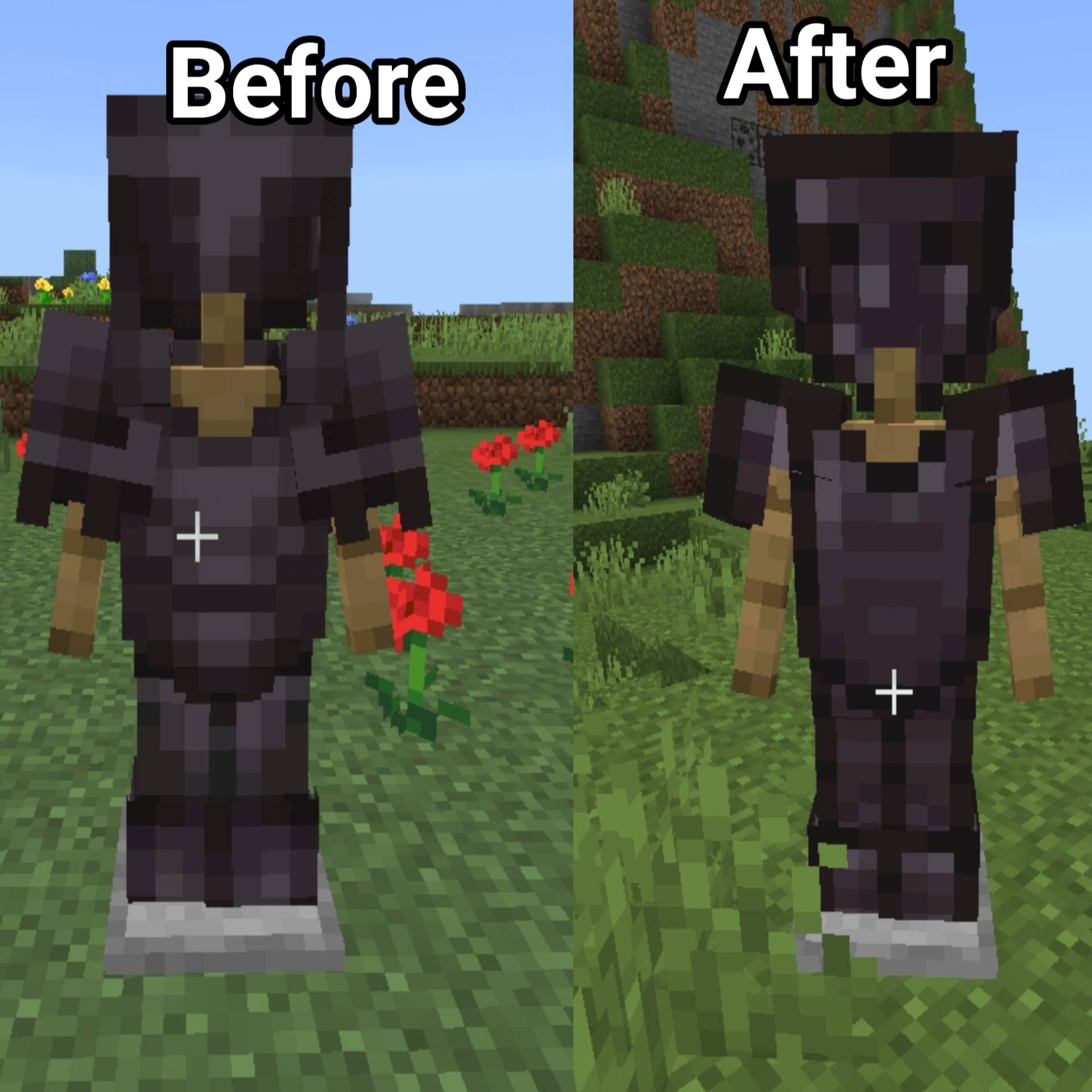
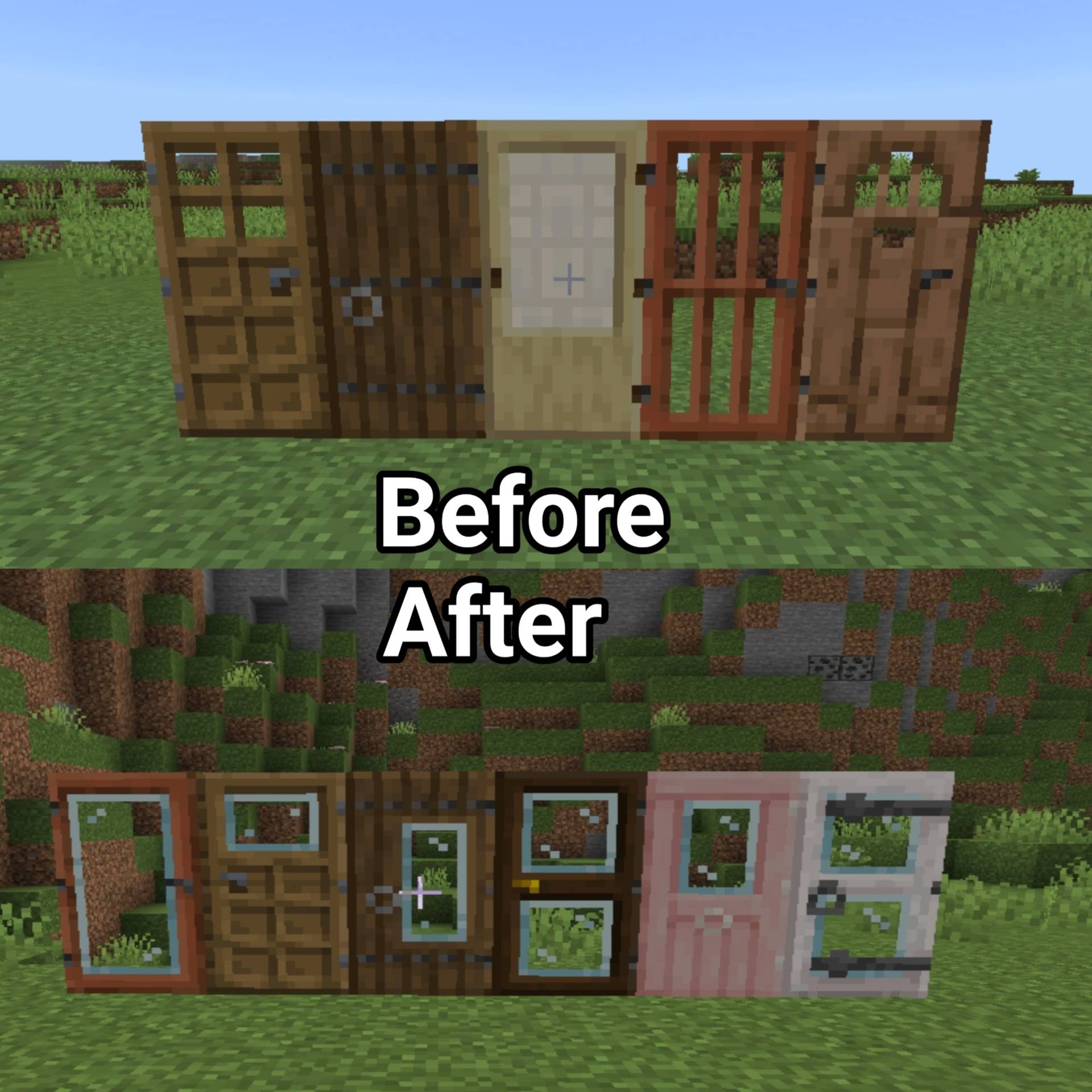
🎨 Clean and simple visuals (wool, armor, elytra, glass doors & trapdoors)
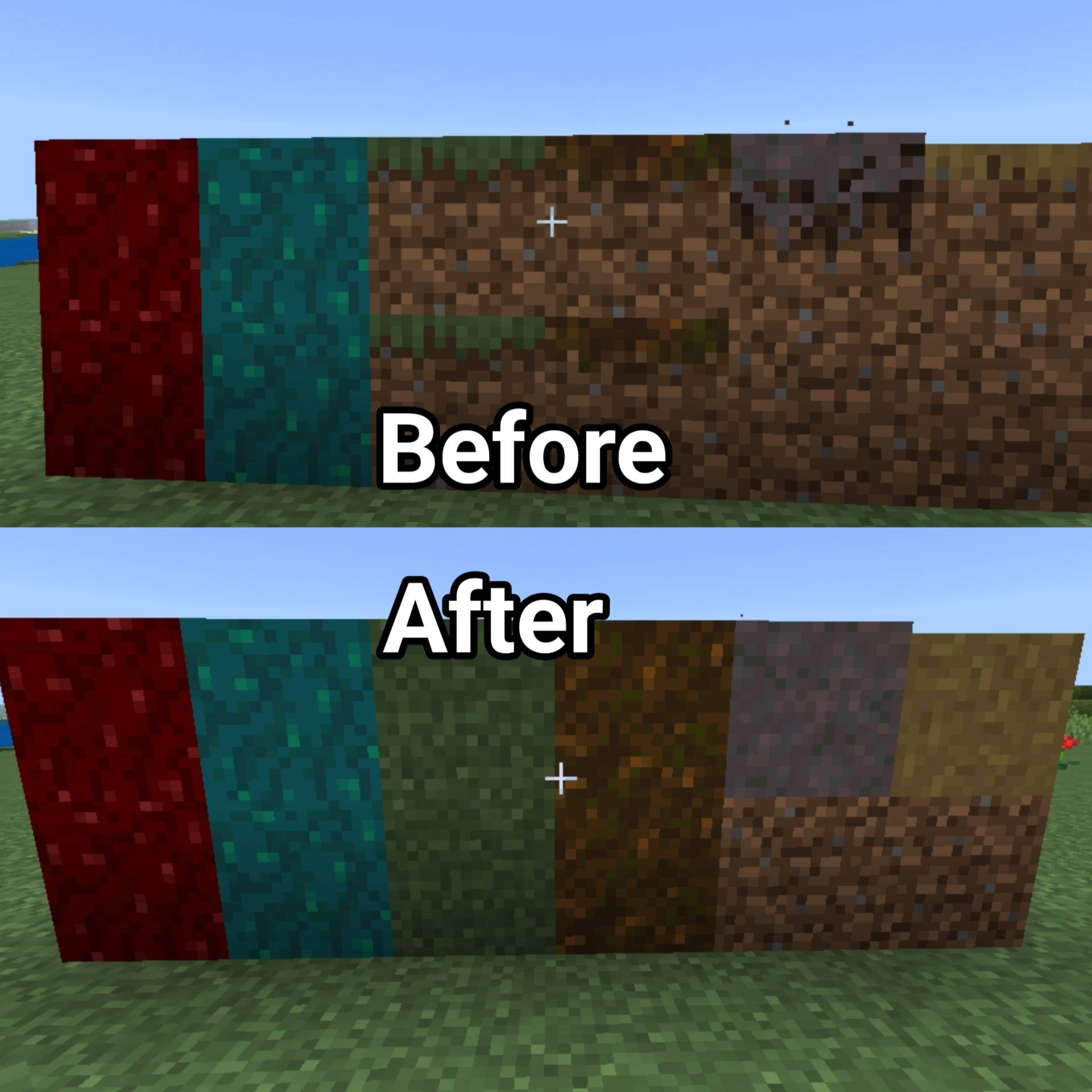
🌿 Full-sided terrain blocks (grass, snow, podzol, mycelium, nylium, paths) !
🛠 Useful visual utilities:
Ore borders
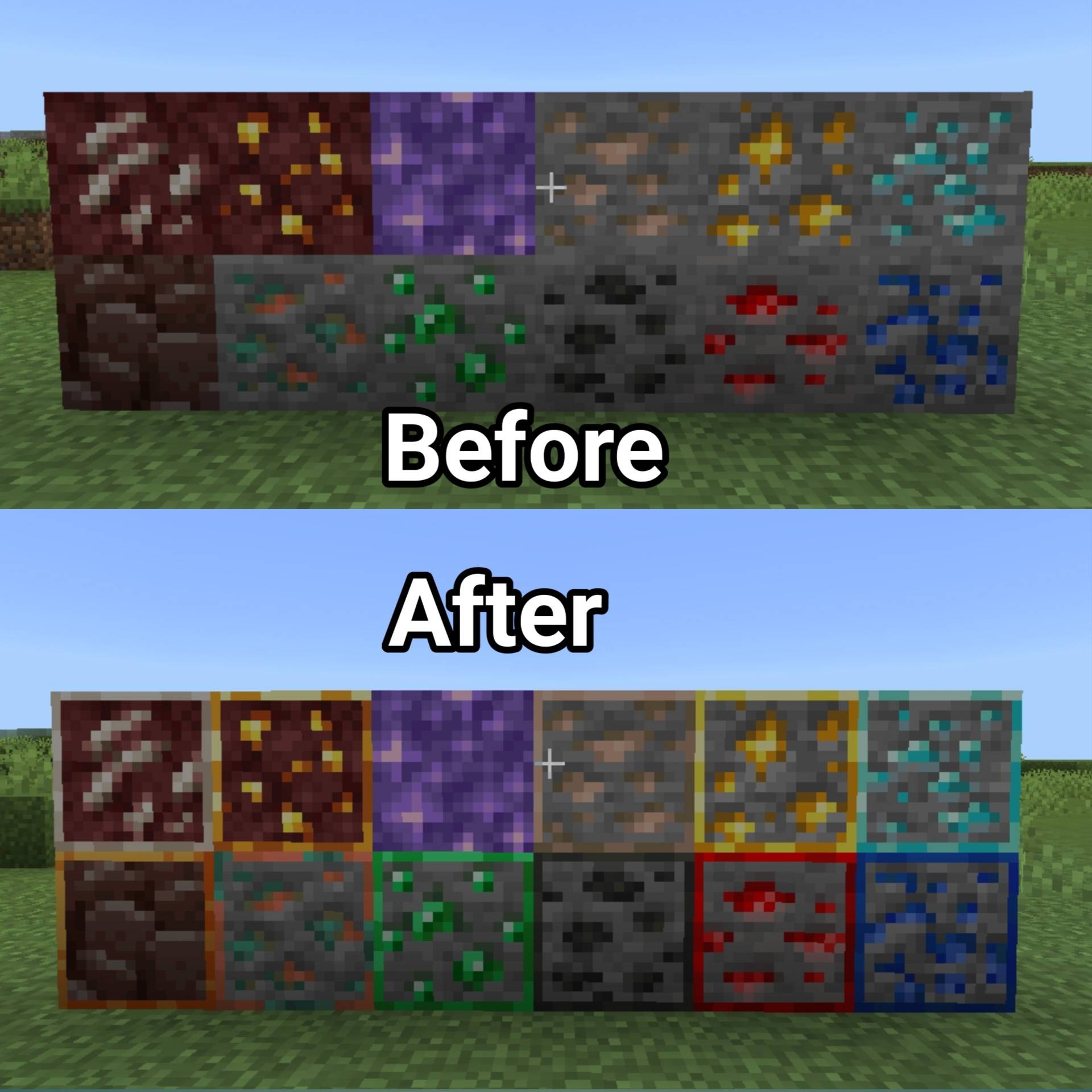
Budding amethyst borders
Visual waxed copper items
🎮📱Optimized For
Mobile / Android devices
Low-end phones & tablets
Long survival and building sessions
Why MobileFPS+?
Better FPS
Less audio distraction
Clean Vanilla+ look
No gameplay changes
Perfect for players who want smooth performance without mods
Como instalar MobileFPS+
With Millida Launcher
Install Millida Launcher
The launcher is free: download it at millida.net/launcher and sign in with any nickname.
Click “Install” on this page
The launcher opens and installs the resource pack for Minecraft 26.0–26.30 automatically.
Launch the game
A profile with it appears in the launcher: click “Play”.
Manually
Download the archive
Pick the file MobileFPS+ V_1.0.10.mcpack (2.0 MB) for your game version. No need to unpack it.
Put it in the resourcepacks folder
The easiest way: “Options”, then “Resource Packs”, then “Open Pack Folder”, and drag the archive there.
Enable the pack
In the same window, move the pack to the right-hand “Selected” column and click “Done”.
Versões
Com dependências
| Minecraft | Loader | Arquivo | Data | Ações |
|---|---|---|---|---|
| 26.0.02 | — | MobileFPS+ V_1.0.10.mcpack2 MB 2 |
Avaliações
Seja o primeiro a avaliar MobileFPS+



