

F3 BUTTON Pacote de recursos para Minecraft 1.21.130
Adiciona uma tela de depuração F3 no estilo da Edição Java ao Minecraft Bedrock/Pocket Edition. Veja FPS, posição, dias jogados, contador e status do inventário, informações da dimensão, dados de chunk, nível de XP e mais.
F3 Button [Debug Screen]
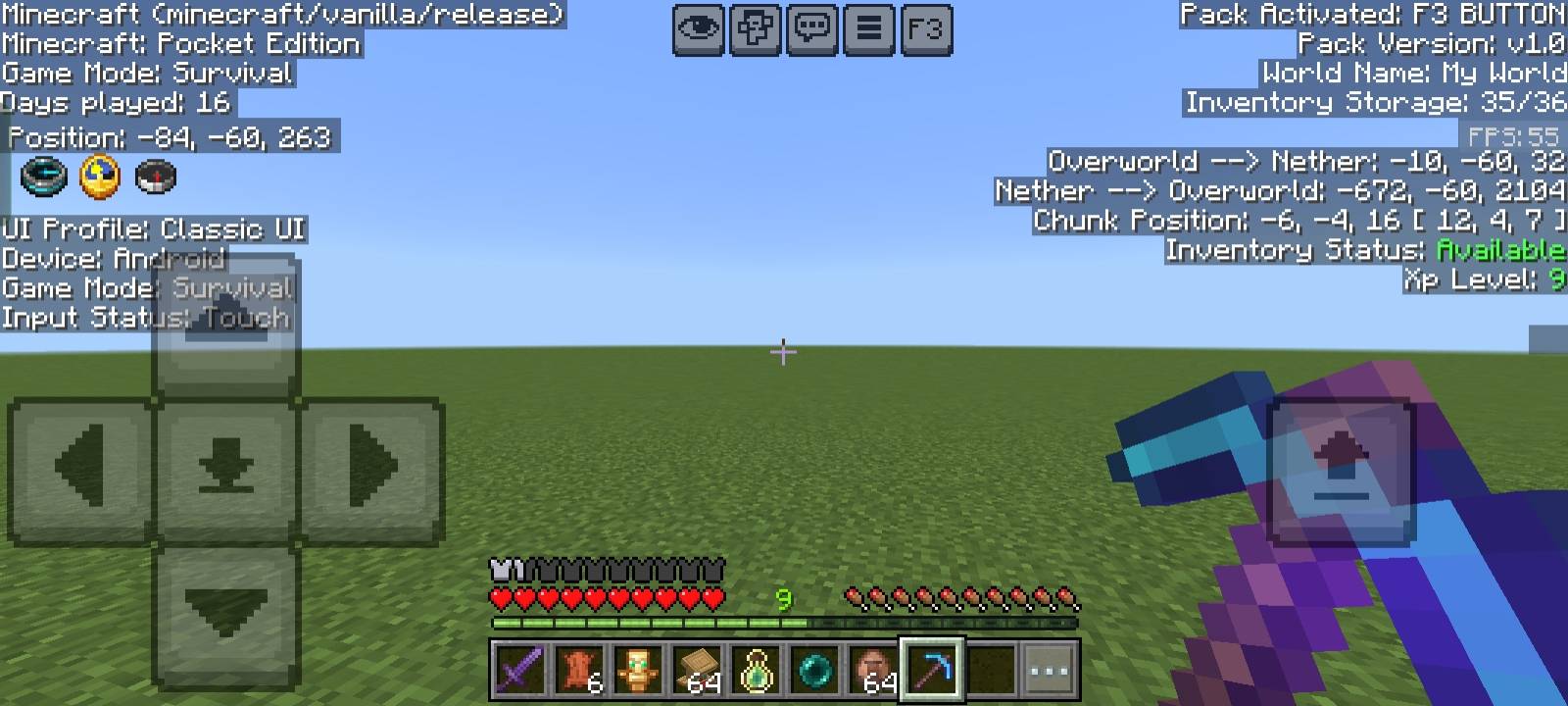
This resource pack adds a Java Edition-like Debug Screen to Minecraft Bedrock / Pocket Edition. With just one button, you can instantly view all important game information with a clean black background overlay for better readability.
✨ This pack is a standalone feature taken from my NeBux UI Pack.
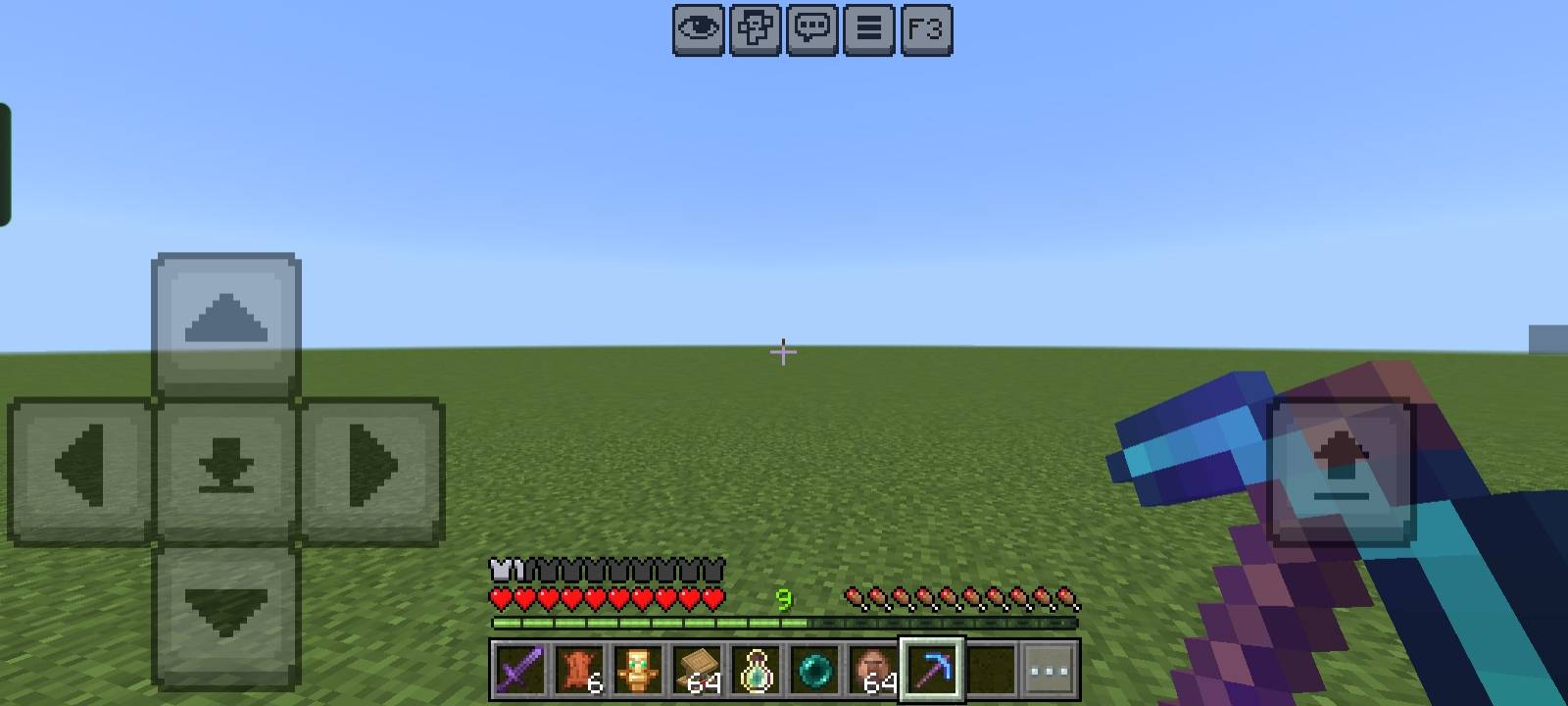
Features:
- 📍 Position (XYZ Coordinates)
- ⏳ Days Played
- 📦 Inventory Counter (used/total slots)
- ✅ Inventory Status (Available / Full)
- ⚔️ Game Mode Info
- 📲 Device & Input Status
- 🎮 UI Profile (Classic / Pocket)
- 🔄 Dimension Info (Overworld ↔ Nether conversion)
- 🧭 Chunk Position
- 🎚️ XP Level Display
- 🎞️ FPS Counter
- 🧾 Pack Information (Pack version, world details)
If you enjoy my packs and want to support my work
❤️ Support Me on Ko-fi
Your support means a lot - thank you!
Como instalar F3 BUTTON
With Millida Launcher
Install Millida Launcher
The launcher is free: download it at millida.net/launcher and sign in with any nickname.
Click “Install” on this page
The launcher opens and installs the resource pack for Minecraft 1.21.130 automatically.
Launch the game
A profile with it appears in the launcher: click “Play”.
Manually
Download the archive
Pick the file Debug_Screen_v1.1.0.mcpack (1.3 MB) for your game version. No need to unpack it.
Put it in the resourcepacks folder
The easiest way: “Options”, then “Resource Packs”, then “Open Pack Folder”, and drag the archive there.
Enable the pack
In the same window, move the pack to the right-hand “Selected” column and click “Done”.
Versões
Com dependências
| Minecraft | Loader | Arquivo | Data | Ações |
|---|---|---|---|---|
| 1.21.130 | — | Debug_Screen_v1.1.0.mcpack1.3 MB |
FAQ
Which Minecraft versions does F3 BUTTON work on?
Only Minecraft 1.21.130: there are no files for other versions.
Where can I download F3 BUTTON safely?
On this page: the file Debug_Screen_v1.1.0.mcpack (1.3 MB) is stored on Millida’s server, with no link shorteners. SHA-1 checksum: fbf579ba1fcc79744e034e7dda743dde9523ab2b.
Avaliações
Seja o primeiro a avaliar F3 BUTTON



