
Collapse-UI Pacote de recursos para Minecraft 26.10
Uma UI Personalizada da Edição Bedrock para parecer mais com console..
Sobre o pacote de recursos Collapse-UI
Collapse-UI is essentially a Bedrock Edition's Custom UI Pack (aka json-ui) to make it looks like console as possible.
It was once Arcdustry-UI, but are written from scratch and uses alot of optimized code than vanilla has, so it may load UI alot faster for some reason.
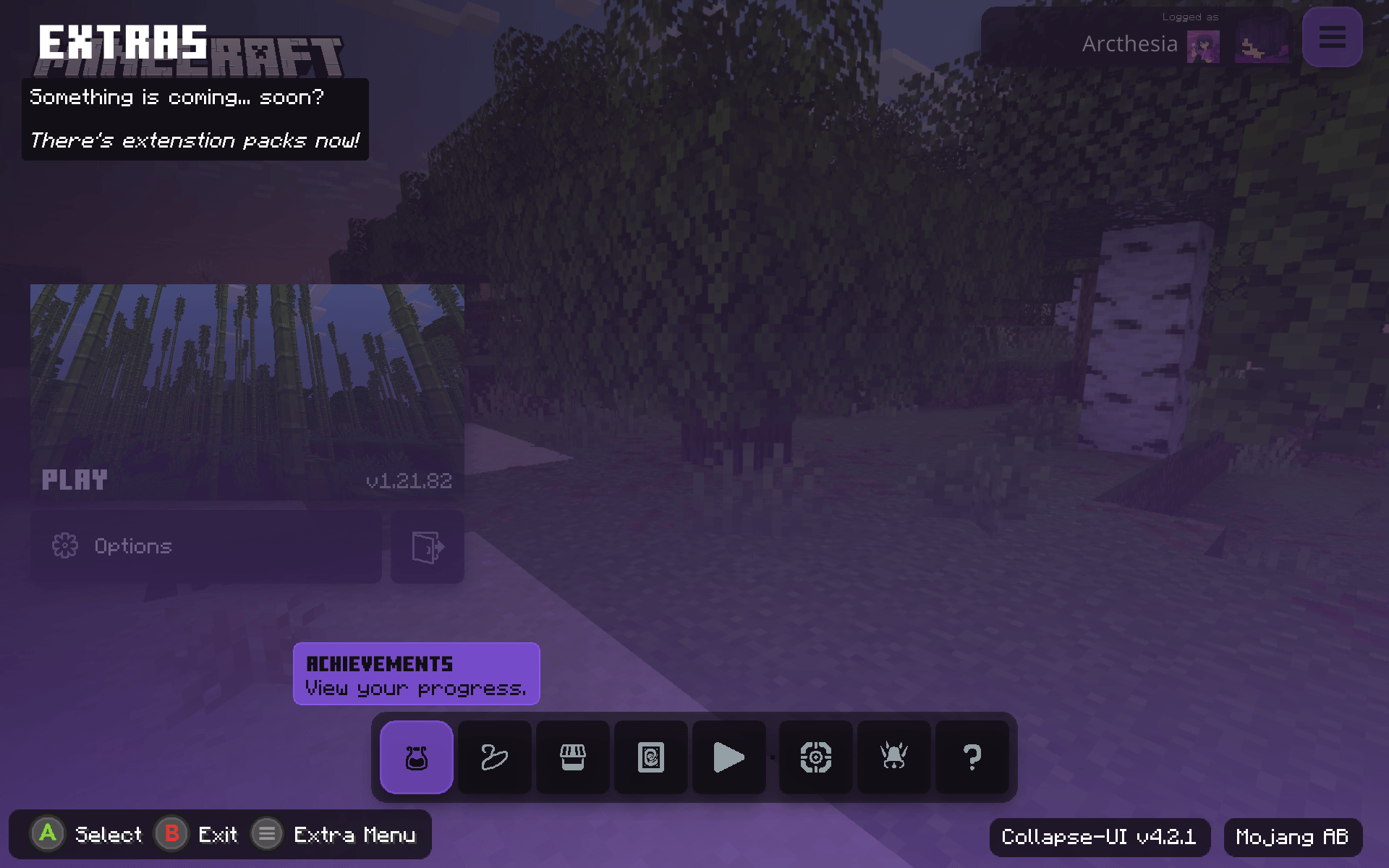
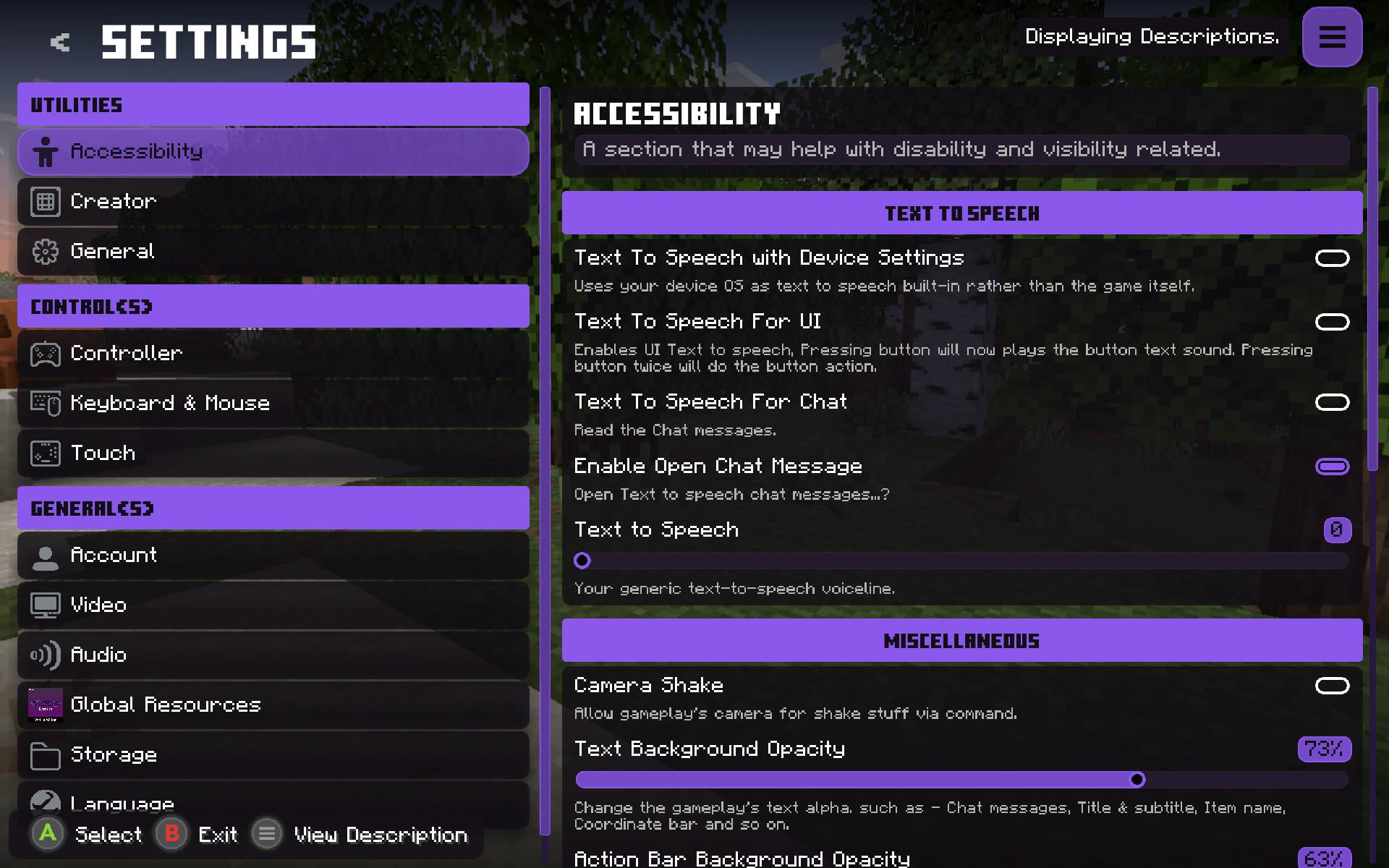
This UI is basically a more of console-alike UI with ease of access to mobile players. It's also customizable though configuration file, which has their own separate own page via the Official website!
This project is a replacement to my previous UI project and will be in maintained in forseenable future
Overview
Como instalar Collapse-UI
With Millida Launcher
Install Millida Launcher
The launcher is free: download it at millida.net/launcher and sign in with any nickname.
Click “Install” on this page
The launcher opens and installs the resource pack for Minecraft 26.10 automatically.
Launch the game
A profile with it appears in the launcher: click “Play”.
Manually
Download the archive
Pick the file CollapseUI-Latest-v1.2.1_celestial.mcpack (11 MB) for your game version. No need to unpack it.
Put it in the resourcepacks folder
The easiest way: “Options”, then “Resource Packs”, then “Open Pack Folder”, and drag the archive there.
Enable the pack
In the same window, move the pack to the right-hand “Selected” column and click “Done”.
Versões
Com dependências
| Minecraft | Loader | Arquivo | Data | Ações |
|---|---|---|---|---|
| 26.10 | — | CollapseUI-Latest-v1.2.1_celestial.mcpack11.4 MB |
FAQ
Which Minecraft versions does Collapse-UI work on?
Only Minecraft 26.10: there are no files for other versions.
Where can I download Collapse-UI safely?
On this page: the file CollapseUI-Latest-v1.2.1_celestial.mcpack (11 MB) is stored on Millida’s server, with no link shorteners. SHA-1 checksum: 4bcb50515fe9cfd5e14e31b72eb5ccce8f3c9f9c.
Avaliações
Seja o primeiro a avaliar Collapse-UI



