
Sobre o pacote de recursos Black UI
A complete UI overhaul in one bold color. Black UI reskins every screen in Minecraft - menus, dressing room, inventory, and crafting - into a sharp, consistent dark theme from start to finish.
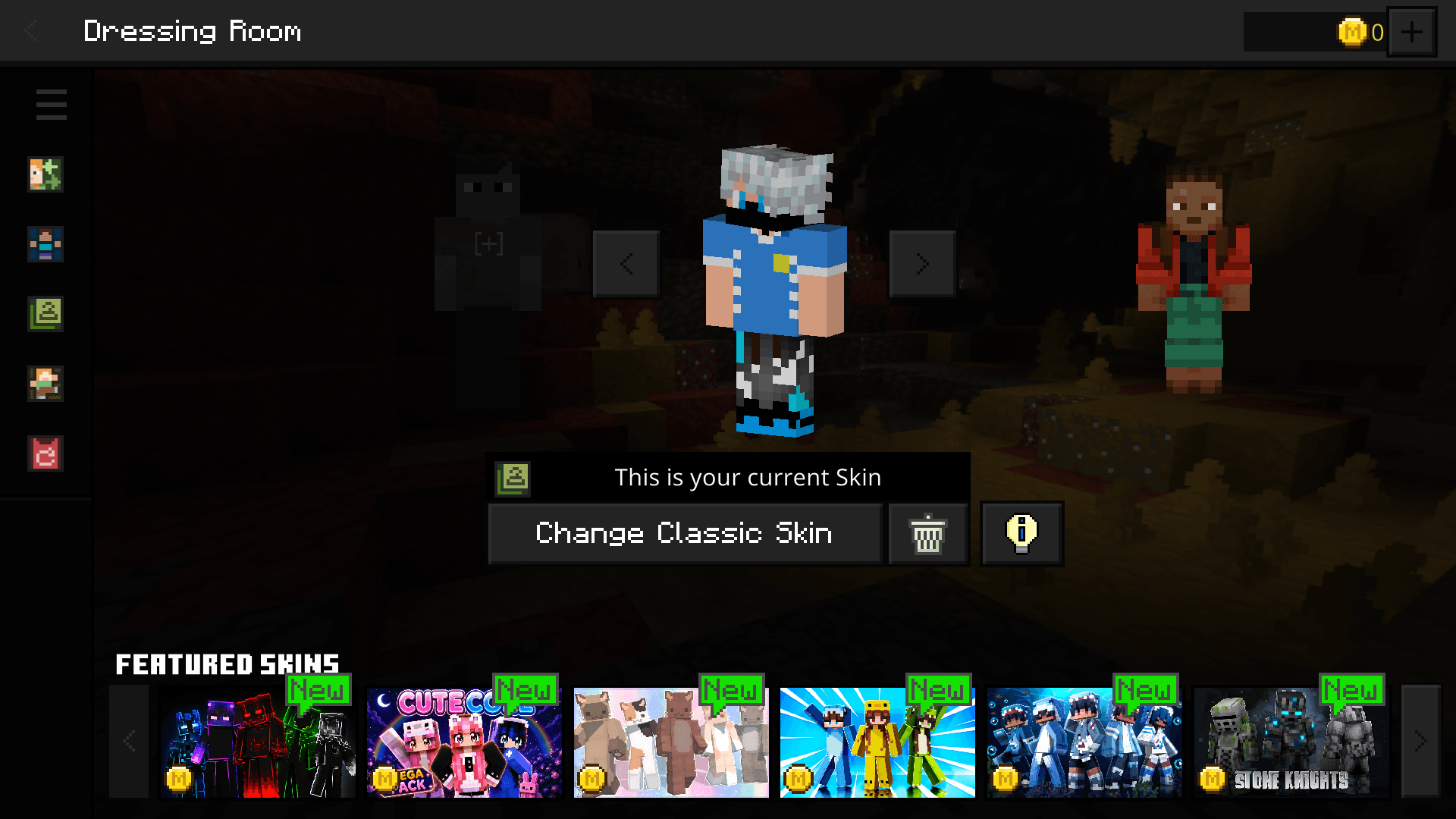
What Gets Reskinned
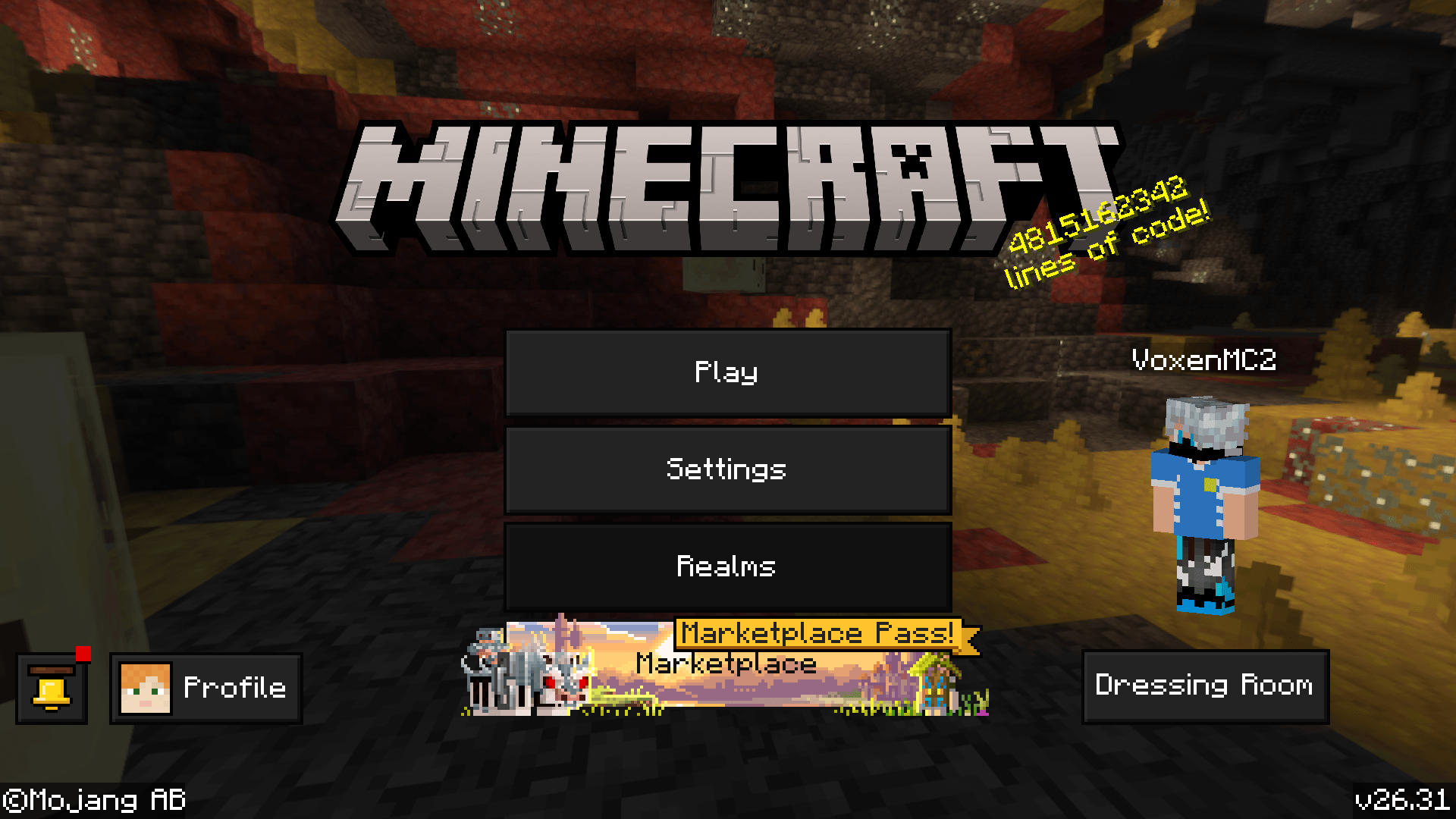
- Main Menu - buttons, panels, and layout all in deep black
- Dressing Room - skin selection screen reskinned to match
- Loading Screen - dark-themed loading bar and tip box
- Inventory & Crafting Table - clean black interface
- All other container UIs - furnace, chests, and more
Important Note
After activating this pack, restart Minecraft. Some UI elements may appear buggy or not load correctly until the game is restarted.
Pure Aesthetic, Zero Gameplay Impact
UI-only pack. All slots, buttons, and functions work exactly as normal. Just a complete black makeover.
Como instalar Black UI
With Millida Launcher
Install Millida Launcher
The launcher is free: download it at millida.net/launcher and sign in with any nickname.
Click “Install” on this page
The launcher opens and installs the resource pack for Minecraft 26.30 automatically.
Launch the game
A profile with it appears in the launcher: click “Play”.
Manually
Download the archive
Pick the file Black UI.mcpack (492 KB) for your game version. No need to unpack it.
Put it in the resourcepacks folder
The easiest way: “Options”, then “Resource Packs”, then “Open Pack Folder”, and drag the archive there.
Enable the pack
In the same window, move the pack to the right-hand “Selected” column and click “Done”.
Versões
Com dependências
| Minecraft | Loader | Arquivo | Data | Ações |
|---|---|---|---|---|
| 26.30 | — | Black UI.mcpack492 KB 2 |
FAQ
Which Minecraft versions does Black UI work on?
Only Minecraft 26.30: there are no files for other versions.
Where can I download Black UI safely?
On this page: the file Black UI.mcpack (492 KB) is stored on Millida’s server, with no link shorteners. SHA-1 checksum: 160c23d24f46f165e3938fd6523bb243081f087f.
Avaliações
Seja o primeiro a avaliar Black UI


