
Basic Boost - Basic but Effective FPS Boost Pacote de recursos para Minecraft 26.20
Basic Boost é um texture pack leve de otimização para Minecraft Bedrock focado puramente em melhorar o desempenho sem alterar a jogabilidade ou os visuais desnecessariamente.
Sobre o pacote de recursos Basic Boost - Basic but Effective FPS Boost
Basic Boost is a clean and simple optimization-focused texture pack for Minecraft Bedrock Edition designed to improve performance while keeping the vanilla experience as intact as possible.
This pack does not add unnecessary tweaks, visual redesigns, or gameplay changes. Every feature is made only to reduce rendering load and help improve FPS, stability, and smoother gameplay on low-end or struggling devices.
INCLUDED PACKS
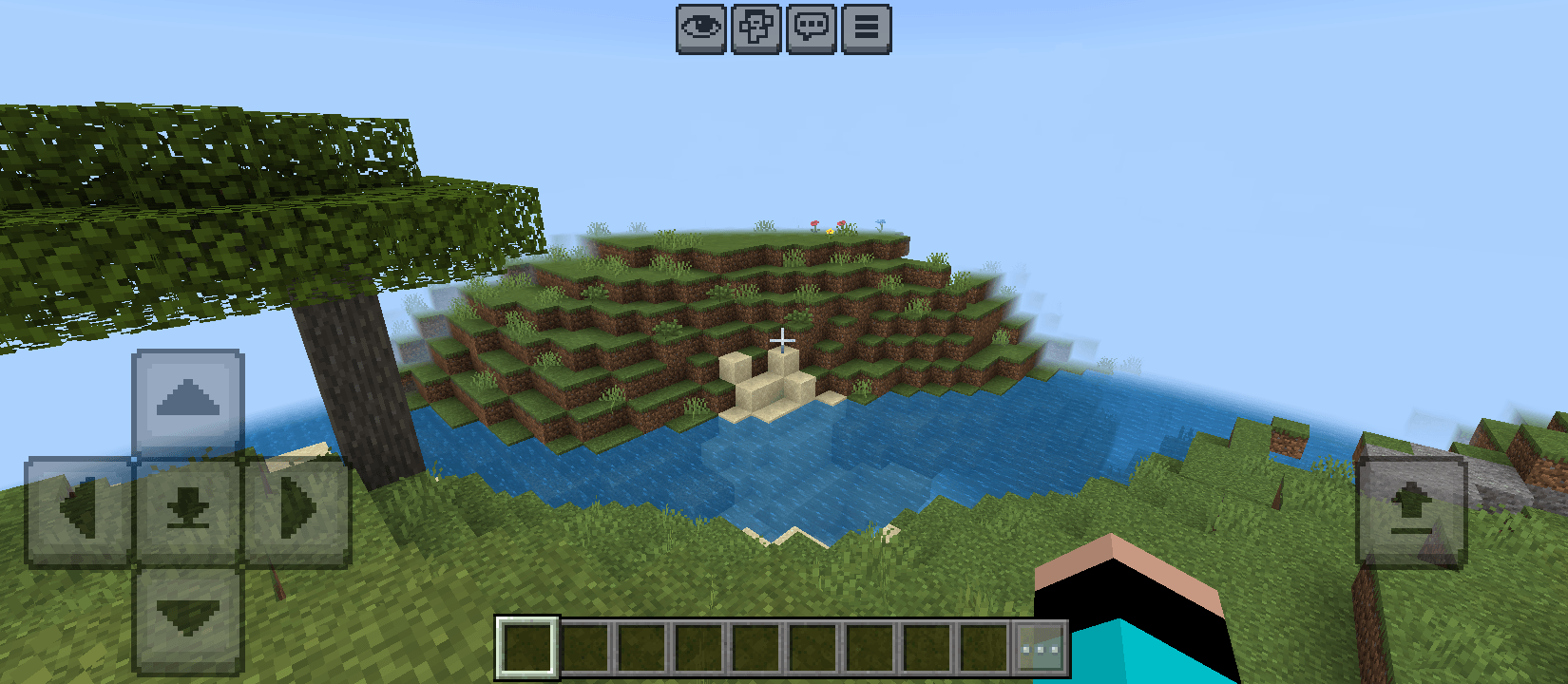
Render Distance
Reduces distant visual rendering to lower GPU and CPU usage. You can disable this pack without removing it using subpack.
Particles
Reduces or removes particles to improve performance during gameplay, combat, mining, and exploration. You can choose either to remove all particles or keep important particles only with subpack. You can disable this pack without removing it using subpack.
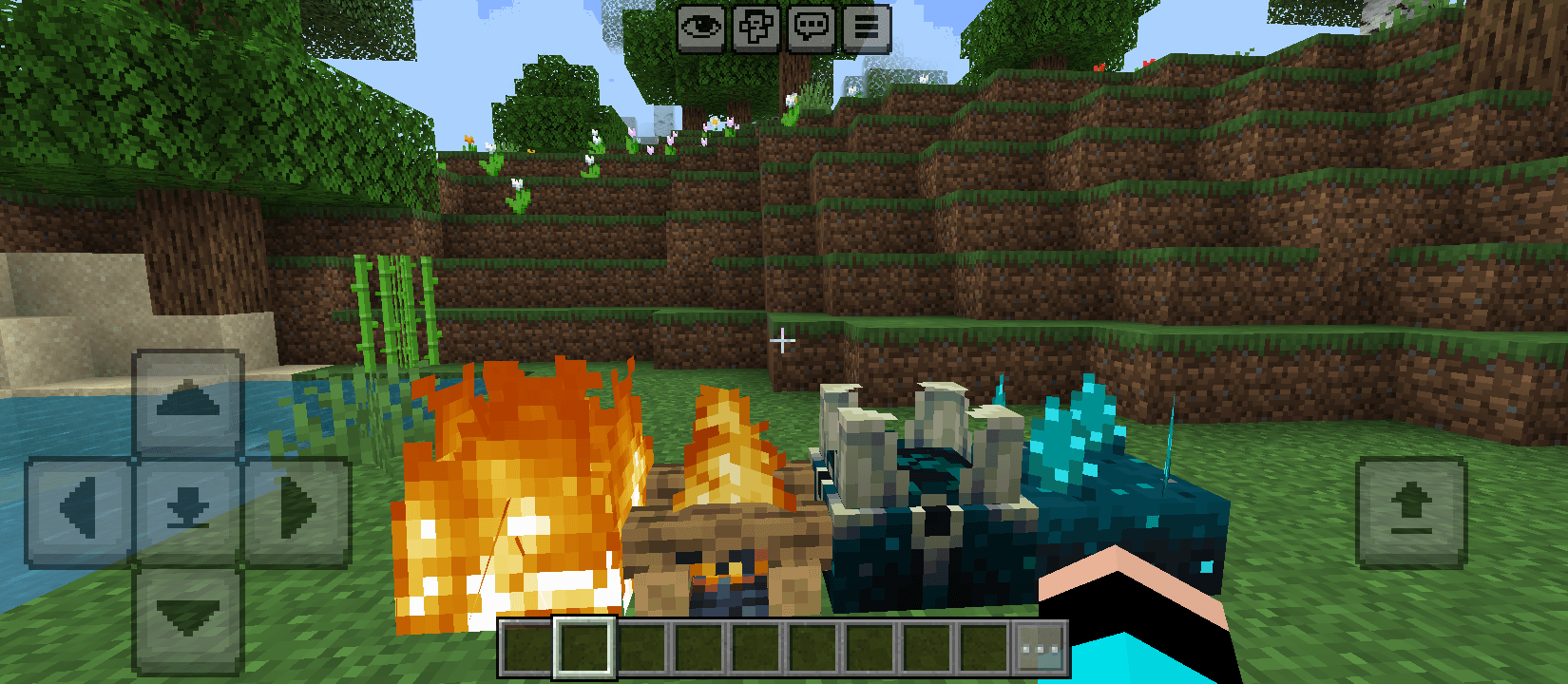
Block Animation
Disables animated block textures such as fire and other flipbook animations to reduce rendering workload. You can disable this pack without removing it using subpack.
RECOMMENDED FOR:
- Low-end devices
- Mobile players
- Devices experiencing lag or FPS drops
- Players who want better performance without changing the Minecraft look and feel
Como instalar Basic Boost - Basic but Effective FPS Boost
With Millida Launcher
Install Millida Launcher
The launcher is free: download it at millida.net/launcher and sign in with any nickname.
Click “Install” on this page
The launcher opens and installs the resource pack for Minecraft 26.0–26.20 automatically.
Launch the game
A profile with it appears in the launcher: click “Play”.
Manually
Download the archive
Pick the file Basic Boost.mcaddon (265 KB) for your game version. No need to unpack it.
Put it in the resourcepacks folder
The easiest way: “Options”, then “Resource Packs”, then “Open Pack Folder”, and drag the archive there.
Enable the pack
In the same window, move the pack to the right-hand “Selected” column and click “Done”.
Versões
Com dependências
| Minecraft | Loader | Arquivo | Data | Ações |
|---|---|---|---|---|
| 26.0.02 | — | Basic Boost.mcaddon265 KB |
FAQ
Which Minecraft versions does Basic Boost - Basic but Effective FPS Boost work on?
There are files for 26.0–26.20, 8 versions in total. The newest is 26.20.
Where can I download Basic Boost - Basic but Effective FPS Boost safely?
On this page: the file Basic Boost.mcaddon (265 KB) is stored on Millida’s server, with no link shorteners. SHA-1 checksum: 0b52d9c85138f4e9cf8c000931042feb00f7a0f2.
Avaliações
Seja o primeiro a avaliar Basic Boost - Basic but Effective FPS Boost



