
Sylvester Plugin para Minecraft
Um plugin para lançar fogos de artifício enormes e também foguetes individuais
Sobre o plugin Sylvester
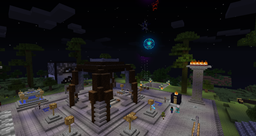
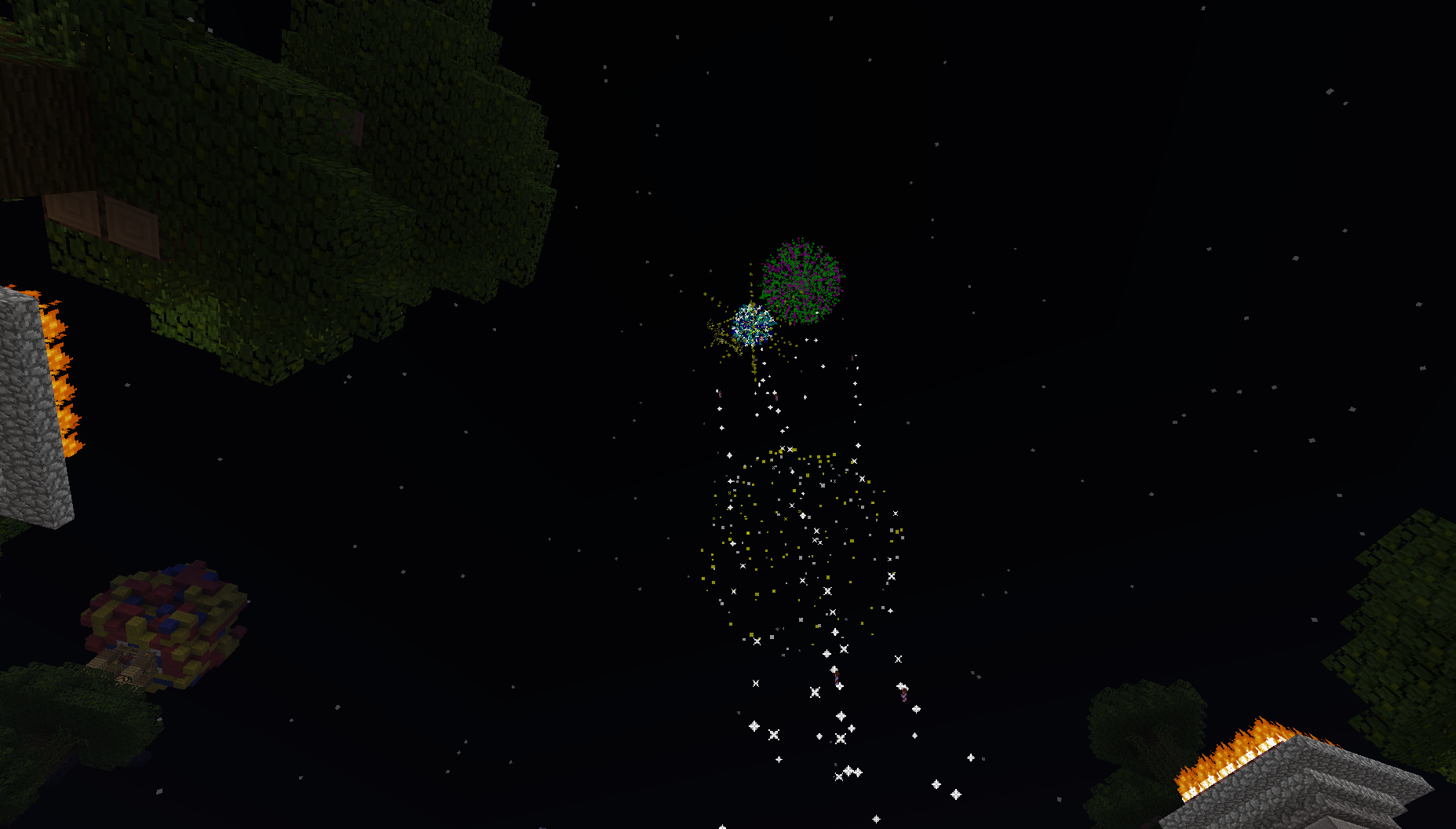
Sylvester is a plugin which allows you to launch huge fireworks or just let your users launch single rockets. Whenever a firework rocket is launched by this plugin (either as part of a firework-block or just as a single rocket) the plugin creates a random firework effect which often is amazing.
Sylvester requires Vault!
Commands: /fwlaunch [amount]
- Launches a firework on a firework-block (redstone lamp)
- /fwlaunch infinite
/stopfirework
- Stops all fireworks until used again
/rocket
- Launches a single rocket and takes a certain amount of money from your account (configurable)
/syl-reload
- Reloads the config
Permissions: sylvester.launch - /fwlaunch sylvester.stopfirework - /stopfirework sylvester.launchsingle - /rocket sylvester.reload - /syl-reload sylvester.signcreate - Allows creating firework signs (see below for further informations)
Usage: 1st option: Place a redstone lamp, focus it, type "/fwlaunch 20" and enjoy 20 firework rockets being launched out of this redstone lamp. 2nd option: Just type "/rocket" and a rocket is launched at your player's location. 3rd option: Place a redstone lamp, put a sign on it's side, and fill the first line with "[Firework]", and the second line with a number (the amount of rockets). Now just power the lamp and enjoy. 4th option: Replace the amount of fireworks on the sign with a dash ("-") and enjoy an infinite firework when the lamp is powered! NEW: Place a redstone lamp, focus it, type "/fwlaunch infinite" and enjoy an infinite firework being launched out of this redstone lamp. config.yml:
#Time in seconds until the firework is primed after using the command or powering the lamp prime_delay: 1 #Maximum of effects in a rocket (I recommend not more than 8) max_effects: 7 #Maximum of colors in an effect (I recommend not more than 7) max_colors: 5 #Maximum of fadecolors in an effect (I recommend not more than 10) max_fades: 9 #Maximum distance to the launcher block for using /fwlaunch max_distance_to_block: 30 #Default amount of rockets being launched when /fwlaunch is used without parameters standard_amount: 15 #Cooldown between each use of /rocket rocket_cooldown: 30 #If server operators get all permissions by default op_all_permission: true #Whether you can't use /rocket when you have not enough money no_negative_balance: true #The amount of money the use of /rocket costs. rocket_charge: 10 #Language variables error_please_wait: "Please wait %secs seconds until you can perform this command." error_no_perm: "You don't have permission to perform this action" error_no_money: "Go and earn some money!" success_create_sign: "You successfully created a firework launcher" no_launcher_in_sight: "No launcher block in sight" success_launch: "Launching firework... Enjoy!" charge_success: "$%amount were taken from your account!" now_active: "Fireworks are now active." now_inactive: "Fireworks are now inactive."
Como instalar Sylvester
A server on Paper or Spigot
The plugin runs on the server core; players do not need to install anything.
File goes into the plugins folder
Download the file Sylvester.jar (9 KB) and put it into the server’s plugins folder.
Restart the server
On startup the plugin creates its own settings folder in plugins.
Or use the “To hosting” button
On Millida Hosting, the button at the top of the page uploads the file to your server and restarts it for you.
Versões
Com dependências
| Minecraft | Loader | Arquivo | Data | Ações |
|---|---|---|---|---|
| — | — | Sylvester v1.7.2 for CB 1.7.2-R0.18.9 KB | ||
| — | — | Sylvester v1.1.0beta12.2 KB |
FAQ
Do players need to install Sylvester?
No, the plugin goes only on the server, into the plugins folder: players do not need to download anything.
Where can I download Sylvester safely?
On this page: the file Sylvester.jar (9 KB) is stored on Millida’s server, with no link shorteners. SHA-1 checksum: e84d3afb0a7089796db8ea1d13f80c5a6ea7c09f.
Avaliações
Seja o primeiro a avaliar Sylvester


