

Homestead - Simple /home Plugin with Economy
Images| Download
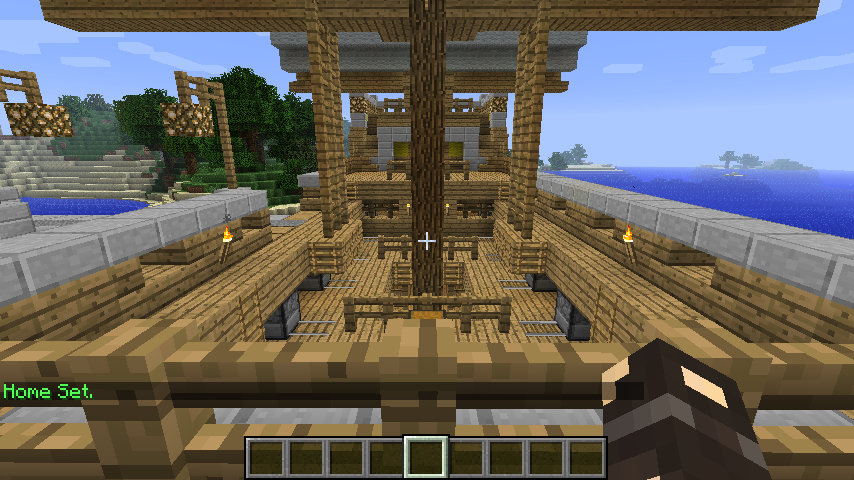
Description
Homestead is a very basic and simple plugin. You can set Home with the /sethome command. After this you can go with /home to your home. If you want, you can withdraw a choosen amount of money for the /home command.

Commands
- /sethome - creates your home
- /home set - same as /sethome
- /home - teleports you home
Permissions
- Homestead.Command.Home - to use /home
- Homestead.Command.Home.Set - to use /sethome or /home set
Optimal Requirements
- Vault for Economy Support
Donations
I know my Plugins aren't the biggest but i would be very proud if some people donate for my work. I am a 14 year young teenager with the hobby to code Java. It make much more fun if im getting a little bit of money for it :P. So if you want to donate via Paypal, click the "Donate" button on the top right corner. Regards Soxra
Como instalar Homestead
A server on Paper or Spigot
The plugin runs on the server core; players do not need to install anything.
File goes into the plugins folder
Download the file Homestead.jar (8 KB) and put it into the server’s plugins folder.
Restart the server
On startup the plugin creates its own settings folder in plugins.
Use the “To server” button
On Millida Hosting, the button at the top of the page uploads the file to your server and restarts it for you.
Versões
Com dependências
| Minecraft | Loader | Arquivo | Data | Ações |
|---|---|---|---|---|
| — | — | Version 1.17.7 KB |
FAQ
Do players need to install Homestead?
No, the plugin goes only on the server, into the plugins folder: players do not need to download anything.
Where can I download Homestead safely?
On this page: the file Homestead.jar (8 KB) is stored on Millida’s server, with no link shorteners. SHA-1 checksum: 4f94c74a41315be3ef6d834f8955e7bce9750eda.
Avaliações
Seja o primeiro a avaliar Homestead



