
The Printer Mod para Minecraft 1.20.4
Duplique itens ao custo de experiência e tempo
 Fabric
 Quilt
QuiltSobre o mod The Printer
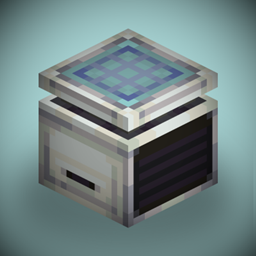
This mod adds a machine into the game that can print any item from XP. Place an item into an empty printer and start sneaking to deposit experience! Jumping while sneaking lets you deposit more XP at a time.
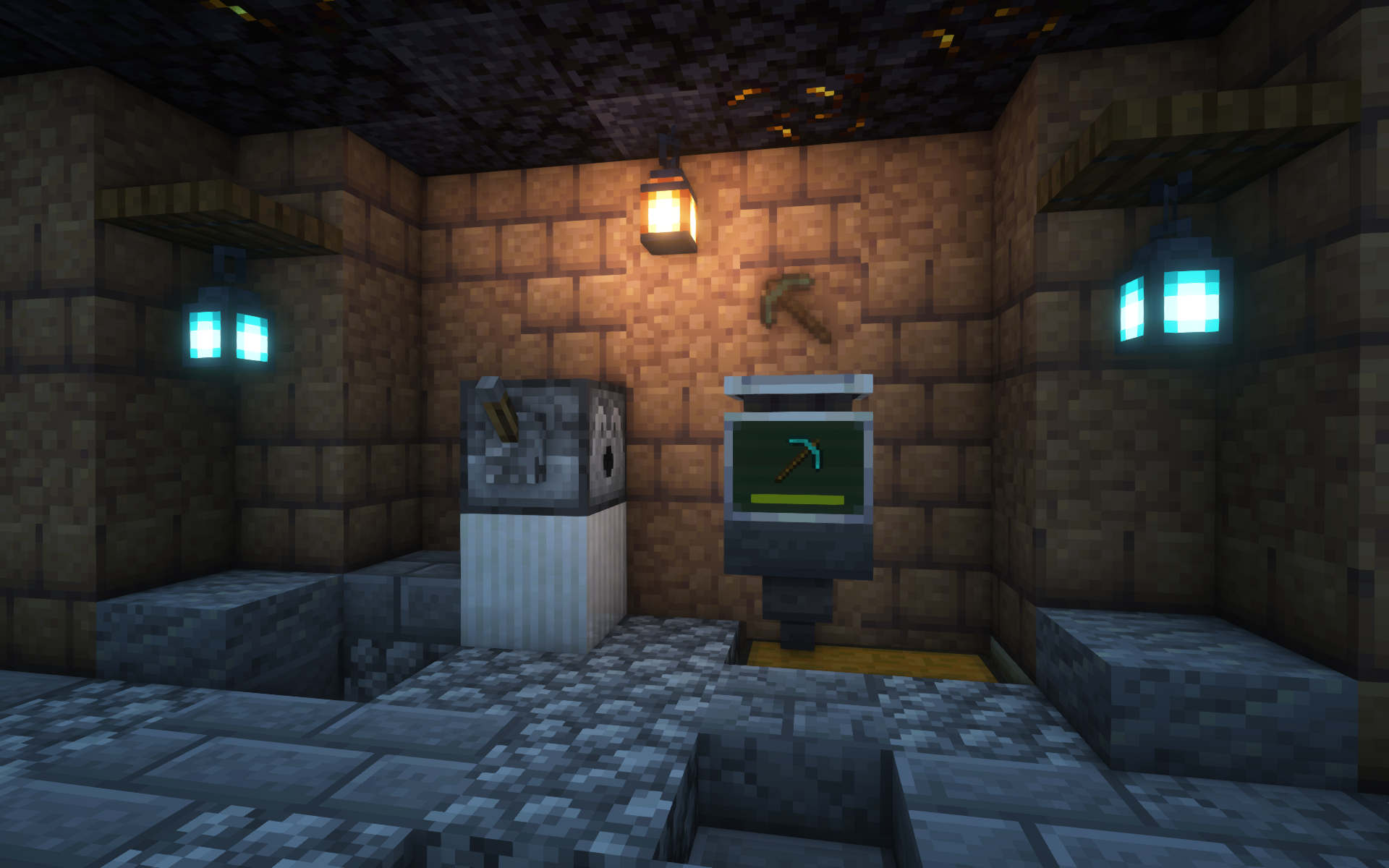
When the XP bar is full, the printing process begins! A translucent item will appear above the machine and slowly become more opaque over time. You can take it out once it's completely solid!
spadeteam's entry to ModFest: Singularity
Additional Features
- EMI and WTHIT integration
- The Printer can pick up lingering XP orbs on its own
- Hoppers can take printed items from machines
- The printed stack is an exact duplicate of whatever you put in, preserving enchantments, name, etc.
- enablePrinter gamerule for whether to allow use of The Printer by default
- Shader-compatible; the image above uses Iris and Complementary Reimagined
...and more!
Customization
The cost and printing duration for a stack depend on various factors, including:
- Material or item type
- Item rarity
- NBT contents
They can also be heavily extended and customized with Printer Rules, a fully data-driven system to modify values depending on the item.
Visit the Wiki for more info on customization features!
License
MIT (c) spadeteam
Como instalar The Printer
With Millida Launcher
Install Millida Launcher
The launcher is free: download it at millida.net/launcher and sign in with any nickname.
Click “Install” on this page
The launcher opens and installs the mod for Minecraft 1.20.4 on Fabric or Quilt automatically.
Launch the game
A profile with it appears in the launcher: click “Play”.
Manually
Install Fabric or Quilt
The loader must match the game version of the mod file, for example Minecraft 1.20.4. After installing it, a separate profile appears in your launcher.
Download the file for your version
In the version list above, pick the file the-printer-1.4.4+1.20.4.jar (428 KB) for your game version and loader.
Put it in the mods folder
The folder is inside .minecraft (Windows: %appdata%\.minecraft\mods). If it does not exist, create it.
Launch the loader profile
Open “Mods” in the main menu: The Printer should be in the list.
Minecraft 1.20.4 runs on Java 17: with a different Java version the game may close right after launch.
Versões
Com dependências
| Minecraft | Loader | Arquivo | Data | Ações |
|---|---|---|---|---|
| 1.20.4 | Fabric, Quilt | 1.4.4 Fabric for 1.20.4428 KB |
FAQ
Which Minecraft versions does The Printer work on?
Only Minecraft 1.20.4: there are no files for other versions.
Is The Printer for Forge or Fabric?
There are files for Fabric: 1.20.4 and for Quilt: 1.20.4. There are no files for Forge or NeoForge: a mod for another loader will not start.
Does The Printer need other mods?
The author lists no required dependencies: the Fabric or Quilt loader is enough.
Which Java does The Printer need?
Minecraft 1.20.4 runs on Java 17. If the game closes right after launch, the usual cause is the wrong Java version in the profile settings.
Where can I download The Printer safely?
On this page: the file the-printer-1.4.4+1.20.4.jar (428 KB) is stored on Millida’s server, with no link shorteners. SHA-1 checksum: afc4624021adc93fe385963dc206deef30d744fd.
Avaliações
Seja o primeiro a avaliar The Printer


