

Tempest Mod para Minecraft 1.20.1
Clima de inverno dinâmico e regional, feito para deixar seus céus no jogo tão miseráveis quanto os lá fora
 Forge
Forge Fabric
 Quilt
QuiltTempest
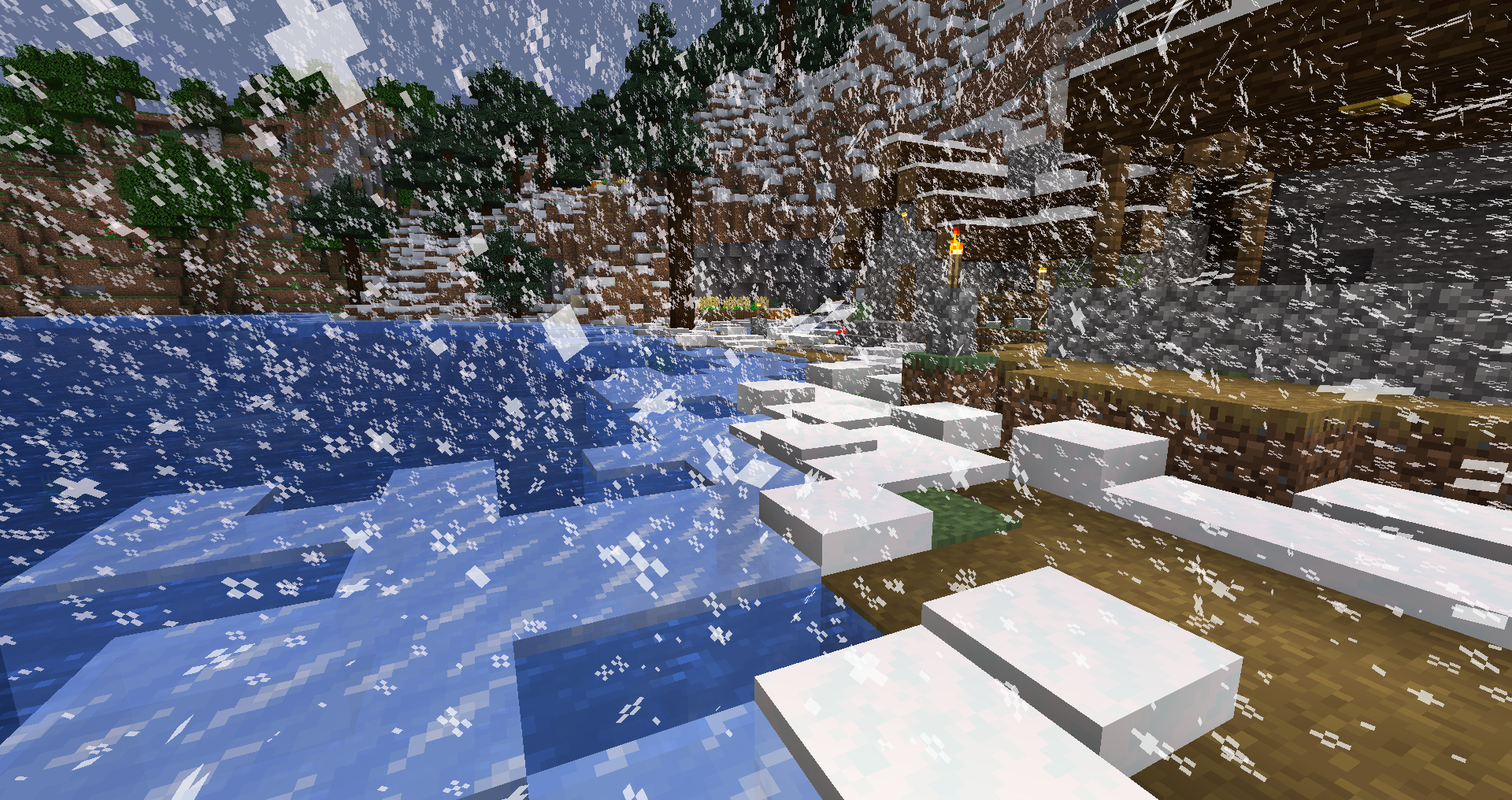
Dynamical, regional winter weather, meant to make your in-game skies as miserable as those outside! Tempest adds noise-based, datapack-controllable regional winter storms, which bring snow, sleet, and ice that melts when the storm is gone.
Weather:
High temperatures, low precipitation
The weather is quite pleasant, but don't be fooled - storms will surely roll in soon!
High temperature, high precipitation
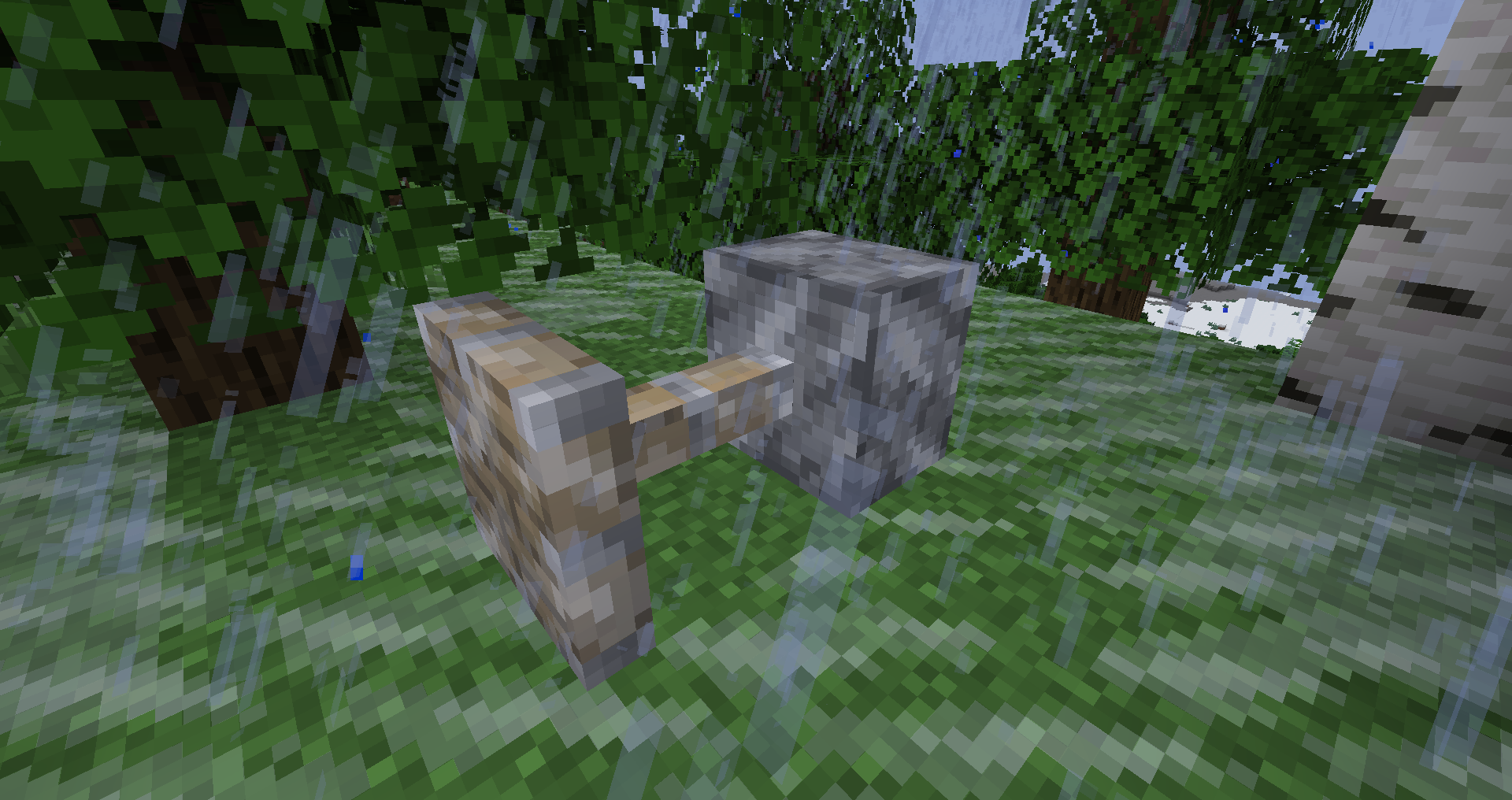
Rain, rain, and more rain - perhaps a bit miserable but nothing too hazardous, though high wind might be annoying.
Low/medium temperature, low precipitation
While nothing is falling from the sky, water will begin to freeze - and will melt again if the weather warms up again.
Low/medium temperature, medium/high precipitation
When the weather is too cold for rain, but not quite at the conditions for snow, comes sleet. Sleet causes the ground to become icy, and can "freeze up" your machines - stopping them from functioning or you from interacting with them (to modify which blocks are affected by this, modify the #tempest:freezes_up tag).
Medium temperature, high precipitation - especially when thundering
Hail can damage glass, crops, and flowers, and even cause some annoyance when walking in it. To configure which blocks can be damaged, modify the #tempest:breaks_with_hail tag.
Low temperature, high precipitation
A blizzard has arrived! Snow, snow, and more snow - snow banks will begin to build up, possibly creating hazardous powder snow underneath. While the snow will melt when the storm moves on, it could last a while...
Como instalar Tempest
With Millida Launcher
Install Millida Launcher
The launcher is free: download it at millida.net/launcher and sign in with any nickname.
Click “Install” on this page
The launcher opens and installs the mod for Minecraft 1.20.1 on Fabric, Forge or Quilt automatically.
Launch the game
A profile with it appears in the launcher: click “Play”.
Manually
Install Fabric, Forge or Quilt
The loader must match the game version of the mod file, for example Minecraft 1.20.1. After installing it, a separate profile appears in your launcher.
Download the file for your version
In the version list above, pick the file tempest-forge-1.20.1-0.1.13.jar (322 KB) for your game version and loader.
Put it in the mods folder
The folder is inside .minecraft (Windows: %appdata%\.minecraft\mods). If it does not exist, create it.
Launch the loader profile
Open “Mods” in the main menu: Tempest should be in the list.
Minecraft 1.20.1 runs on Java 17: with a different Java version the game may close right after launch.
Versões
Com dependências
| Minecraft | Loader | Arquivo | Data | Ações |
|---|---|---|---|---|
| 1.20.1 | Forge | Tempest [Forge] v0.1.13322 KB 1 | ||
| 1.20.1 | Fabric, Quilt | Tempest [Fabric/Quilt] v0.1.13244 KB |
Avaliações
Seja o primeiro a avaliar Tempest


