

 NeoForge
 Fabric
 Forge
About
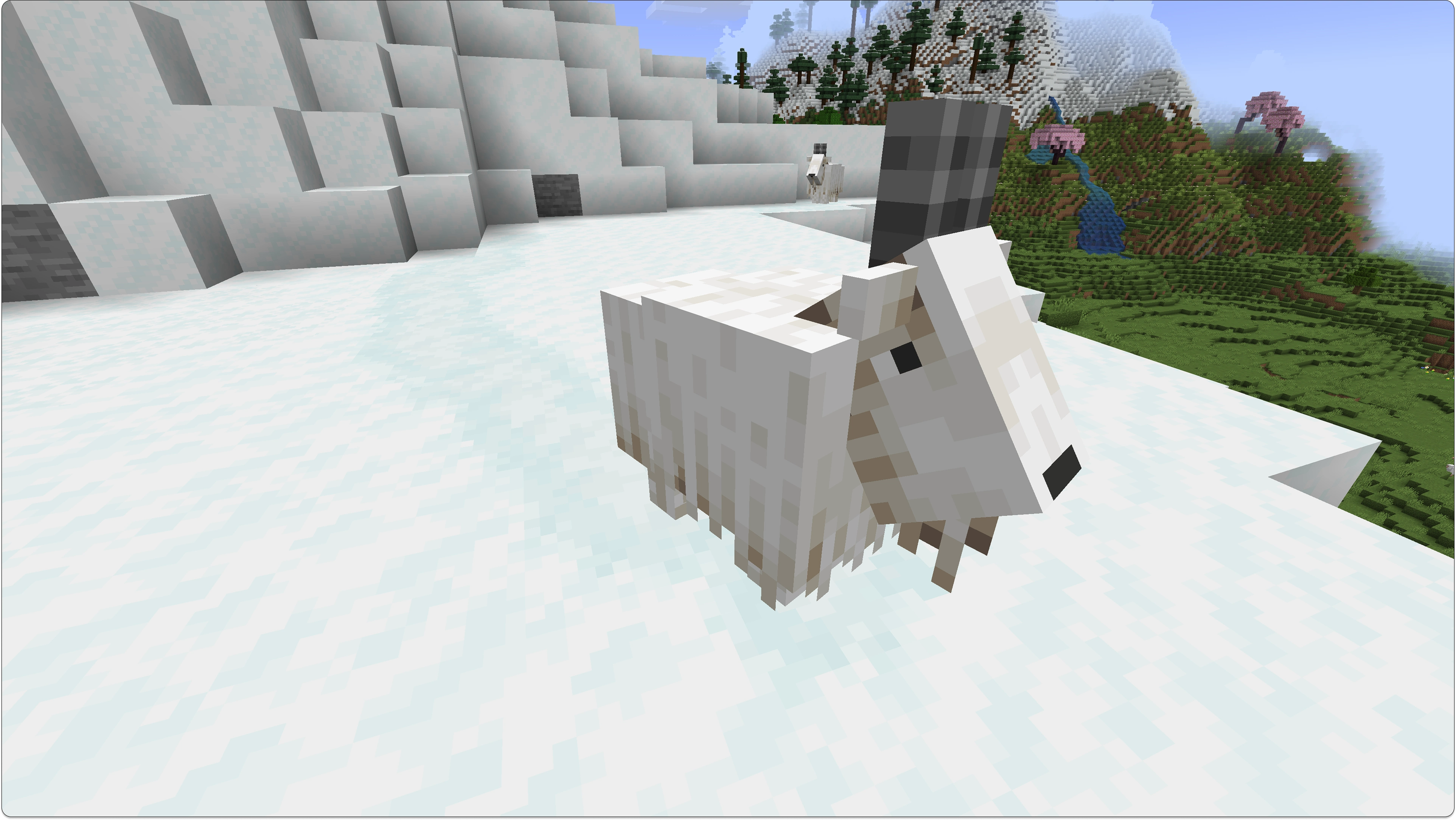
Soft Imprints is a highly configurable client-side mod that adds dynamic imprints to blocks as entities move across them

Features
- Fully client-side
- Entities leave visible imprints when walking on supported blocks
- Built-in profiles for snow, snow layers, sand, and red sand
- In-game config screen with a live preview
- Optional model-based imprint capture for more accurate shapes

Configuration
- Imprint check tick rate
- Imprint appearance and rendering style
- Cache and performance limits
- Bounding-box or model-based imprint detection
- Which entities can leave imprints
- Which blocks can receive imprints
- Individual profile and integration toggles
Addons


Requirements
Fabric version requires Fabric API
Como instalar Soft Imprints
With Millida Launcher
Install Millida Launcher
The launcher is free: download it at millida.net/launcher and sign in with any nickname.
Click “Install” on this page
The launcher opens and installs the mod for Minecraft 1.20.1–26.3 on Fabric, Forge or NeoForge automatically, together with its dependencies: Fabric API.
Launch the game
A profile with it appears in the launcher: click “Play”.
Manually
Install Fabric, Forge or NeoForge
The loader must match the game version of the mod file, for example Minecraft 26.3. After installing it, a separate profile appears in your launcher.
Download the file for your version
In the version list above, pick the file softimprints-neoforge-26.3-2.8.01.jar (581 KB) for your game version and loader.
Put it in the mods folder
The folder is inside .minecraft (Windows: %appdata%\.minecraft\mods). If it does not exist, create it. Required dependencies go there too: Fabric API.
Launch the loader profile
Open “Mods” in the main menu: Soft Imprints should be in the list.
Soft Imprints works on the player’s side only: there is no need to install it on a server.
Versões
Com dependências
| Minecraft | Loader | Arquivo | Data | Ações |
|---|---|---|---|---|
| 26.3 | NeoForge | 26.3581 KB | ||
| 26.3 | Fabric | 26.31005 KB | ||
| 1.20.1 | Forge | 1.20.1592 KB | ||
| 1.20.1 | Fabric | 1.20.1826 KB | ||
| 26.2 | Fabric | 26.21003 KB | ||
| 26.2 | NeoForge | 26.2580 KB | ||
| 26.1.2 | Fabric | 26.1.21004 KB | ||
| 26.1.2 | NeoForge | 26.1.2582 KB |
O que é necessário para funcionar
- Fabric APIobrigatório
FAQ
Which Minecraft versions does Soft Imprints work on?
There are files for 26.3, 26.2, 26.1.2, 26.1.1, 26.1, 1.20.1. The newest is 26.3.
Is Soft Imprints for Forge or Fabric?
There are files for Fabric: 1.20.1–26.3, for Forge: 1.20.1 and for NeoForge: 26.1–26.3.
What does Soft Imprints need to work?
Required: Fabric API. Without it the mod will not start: dependencies go into the same mods folder.
Do I need to install Soft Imprints on a server?
No. Soft Imprints works on the player’s side only: there is no need to install it on a server.
Where can I download Soft Imprints safely?
On this page: the file softimprints-neoforge-26.3-2.8.01.jar (581 KB) is stored on Millida’s server, with no link shorteners. SHA-1 checksum: d6055625ea163f7f79cdd7a4b142d20ca97c970c.
Avaliações
Seja o primeiro a avaliar Soft Imprints


