
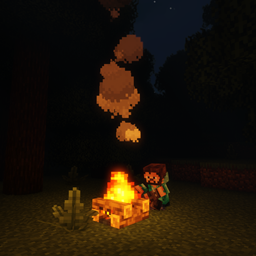
Sitting+ Mod para Minecraft 1.20.1, 1.19.2
Quanto você pode se expressar com uma única tecla? Mais de 20 animações alternáveis para cenários contextuais de sentar, role play para o próximo nível.
 Forge
 Fabric
Sobre o mod Sitting+
Pet the floppa to buy me a coffee!
Note: If somehow this mod isn't working for you try changing the player animator version.
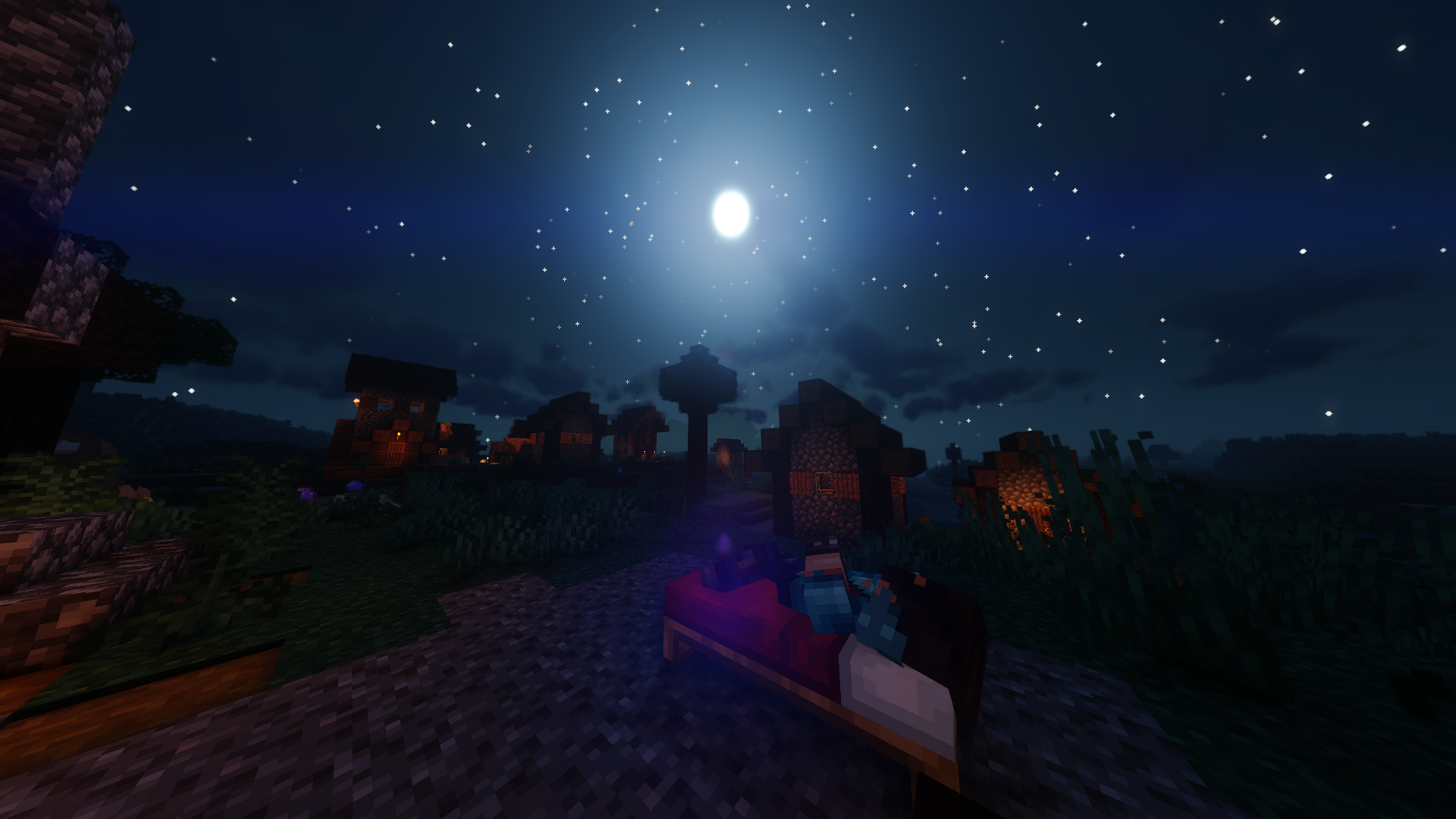
How much can you express yourself with a single key?
Sitting+ is a contextual sitting mod.
With this mod you can sit anywhere by pressing x:
You can toggle poses to better fit the mood of the environment or roleplay purposes:
You can sit On a fence:
(With togglable poses)
You can relax:
(With togglable poses)
Or sit on a stair/slab:
(with togglabe poses)
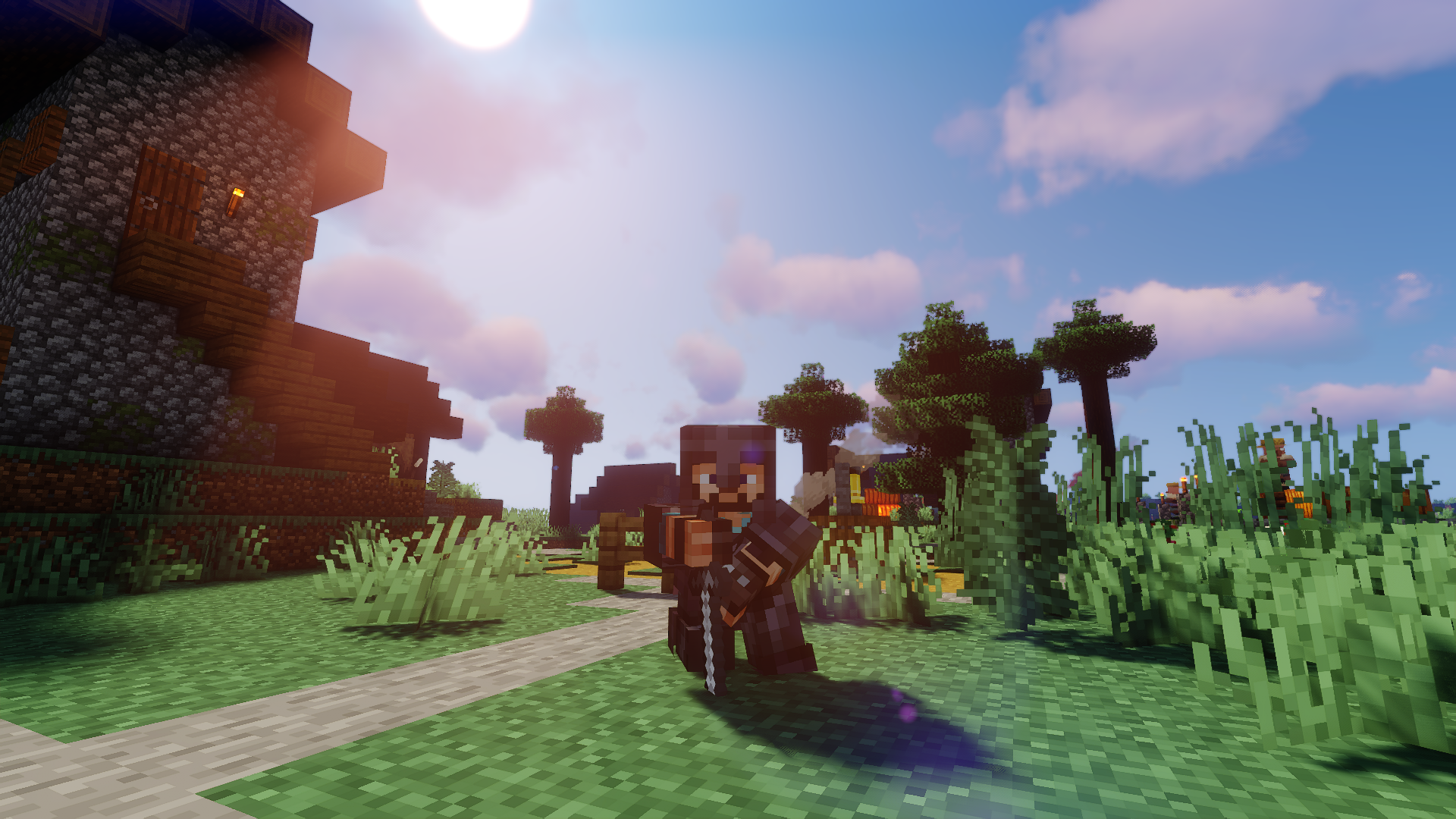
(You must be completely immobile for the pose to trigger)
Sitting with a item in hand triggers that specific item custom pose.
(But you can use a item specific pose with basically anything you have in your inventory, once you trigger the item pose just switch to another item.)
Here's a great short film created by Syx Games, this shows how sitting+ can be used to enhance any minecraft media:
Here's a amazing video of The channel Enderverse showcasing how this, mine, and other mods work best together:
Like the video shows, I highly recommend you to use this mod with a first person mod like real camera mod, or a third person mod like Better Third Person mod..
Do you have a cool idea for a pose? Tell me in the comments or send me a message!!
This mod needs Player Animator https://www.curseforge.com/minecraft/mc-mods/playeranimator
All projects now on:
If anyone want to use this mod in a modpack, or showcase the mod in a video be my guest. Send me a private message with the link so I can play the modpack or watch the video too.
Please don't forget to check my others mods, any feedback is highly appreciated.
I also make vintage story mods! You can check it out here: SaltyWater
Peace.
Como instalar Sitting+
With Millida Launcher
Install Millida Launcher
The launcher is free: download it at millida.net/launcher and sign in with any nickname.
Click “Install” on this page
The launcher opens and installs the mod for Minecraft 1.19.2–1.21.5 on Fabric or Forge automatically.
Launch the game
A profile with it appears in the launcher: click “Play”.
Manually
Install Fabric or Forge
The loader must match the game version of the mod file, for example Minecraft 1.21.5. After installing it, a separate profile appears in your launcher.
Download the file for your version
In the version list above, pick the file sittingplus-2.0.5-1.21.5-FABRIC.jar (21 KB) for your game version and loader.
Put it in the mods folder
The folder is inside .minecraft (Windows: %appdata%\.minecraft\mods). If it does not exist, create it.
Launch the loader profile
Open “Mods” in the main menu: Sitting+ should be in the list.
Minecraft 1.21.5 runs on Java 21: with a different Java version the game may close right after launch.
Versões
Com dependências
| Minecraft | Loader | Arquivo | Data | Ações |
|---|---|---|---|---|
| 1.19.2 | Fabric | sittingplus-2.0.6-1.19.2-FABRIC17.7 KB 1 | ||
| 1.21.5 | Forge | sittingplus-2.0.5-1.21.5-FABRIC21.2 KB | ||
| 1.20.1 | Fabric | Sitting+ - Fabric- 0.0.1715 KB | ||
| 1.20.1 | Forge | Sitting+1.0.140.8 KB 1 |
FAQ
Which Minecraft versions does Sitting+ work on?
There are files for 1.21.5, 1.20.1, 1.19.2. The newest is 1.21.5.
Is Sitting+ for Forge or Fabric?
There are files for Fabric: 1.19.2–1.20.1 and for Forge: 1.20.1–1.21.5. There are no files for NeoForge: a mod for another loader will not start.
Does Sitting+ need other mods?
The author lists no required dependencies: the Fabric or Forge loader is enough.
Which Java does Sitting+ need?
Minecraft 1.21.5 runs on Java 21. If the game closes right after launch, the usual cause is the wrong Java version in the profile settings.
How do I download Sitting+?
With Millida Launcher: it installs Sitting+ into a modpack by itself, for the right game version and loader. The launcher is free.
Avaliações
Seja o primeiro a avaliar Sitting+


