

Ribbits Mod para Minecraft 1.20.1, 1.21.1
Vilas do pântano e sapos musicais!
 Fabric
 NeoForge
 Forge
ForgeSobre o mod Ribbits
Nos apoie no Ko-fi para prévias e acesso antecipado a novos conteúdos!
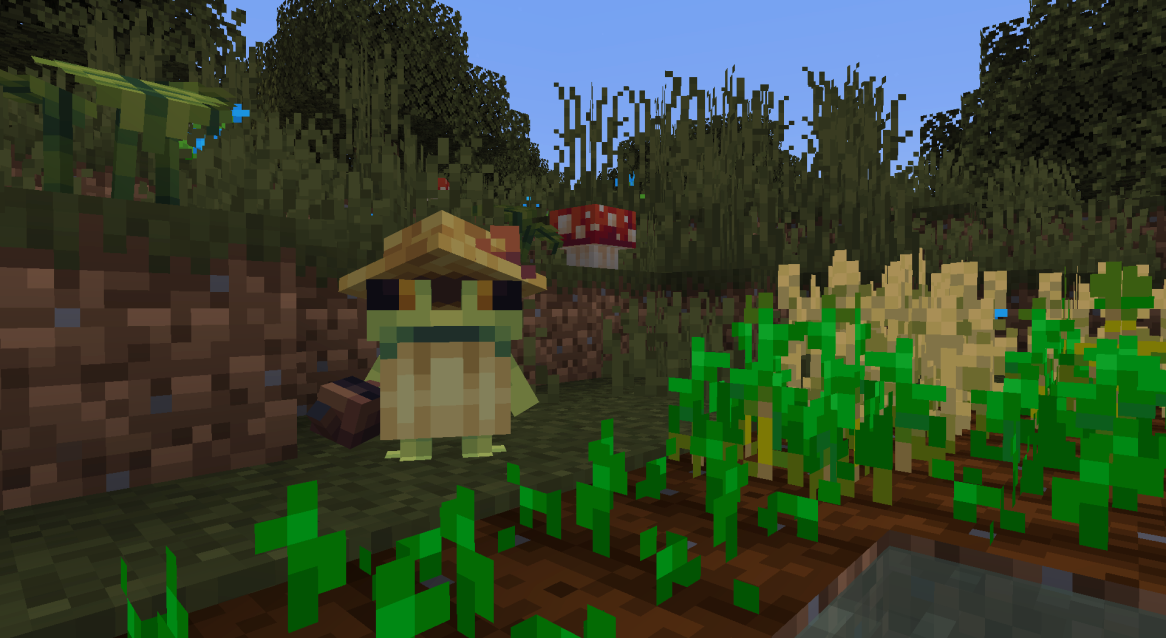
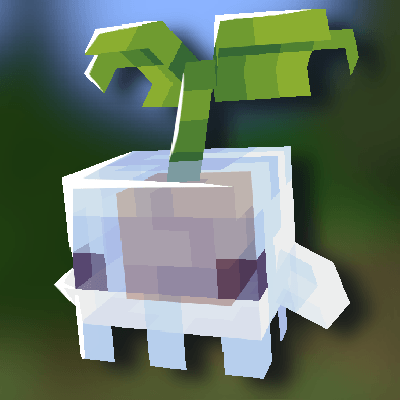
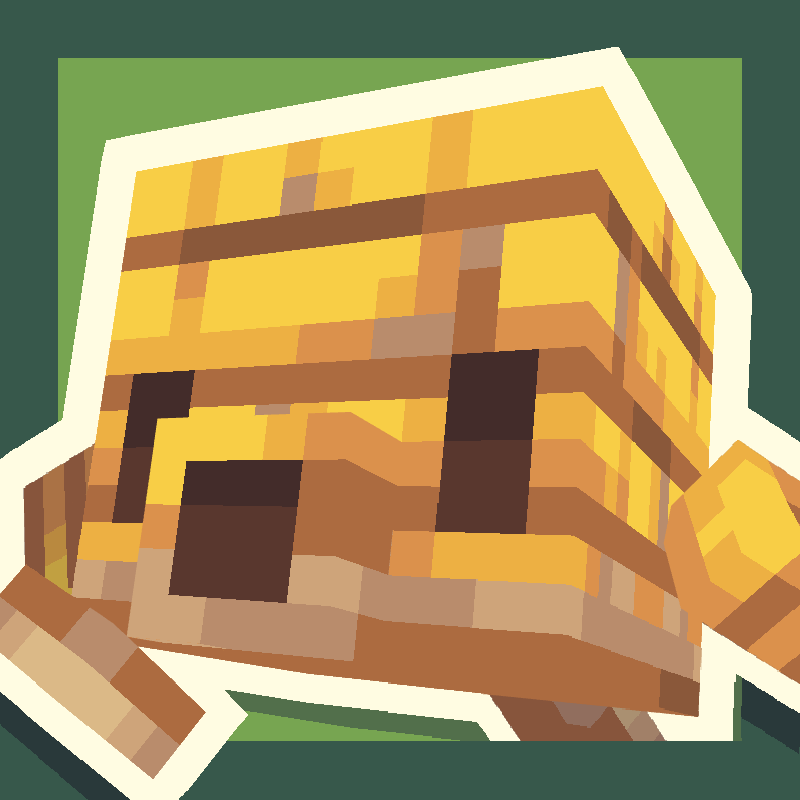
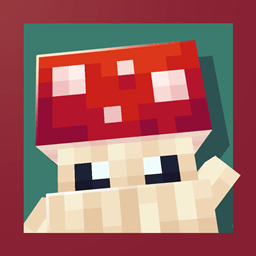
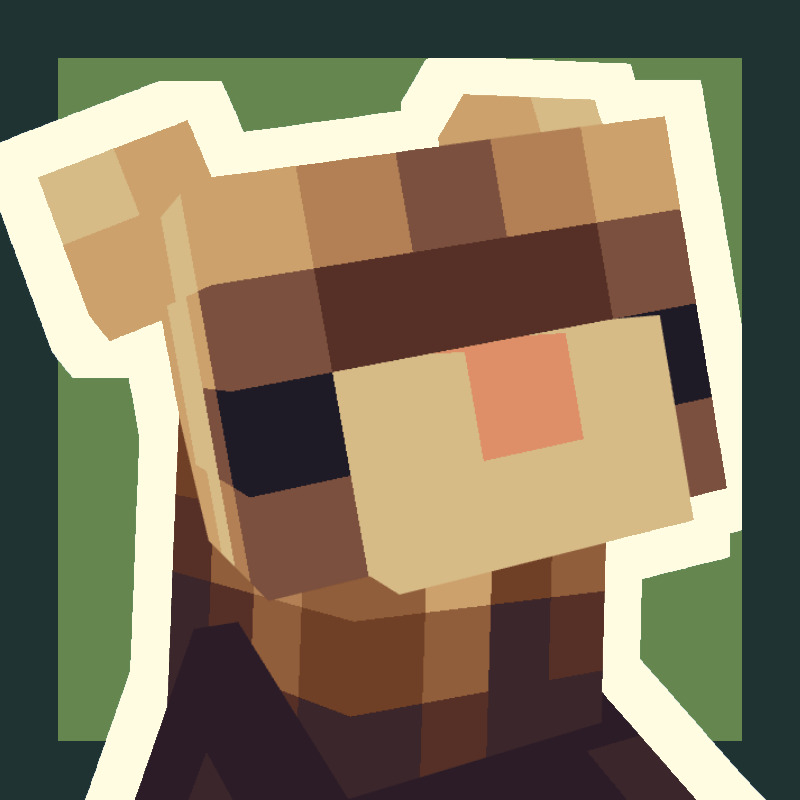
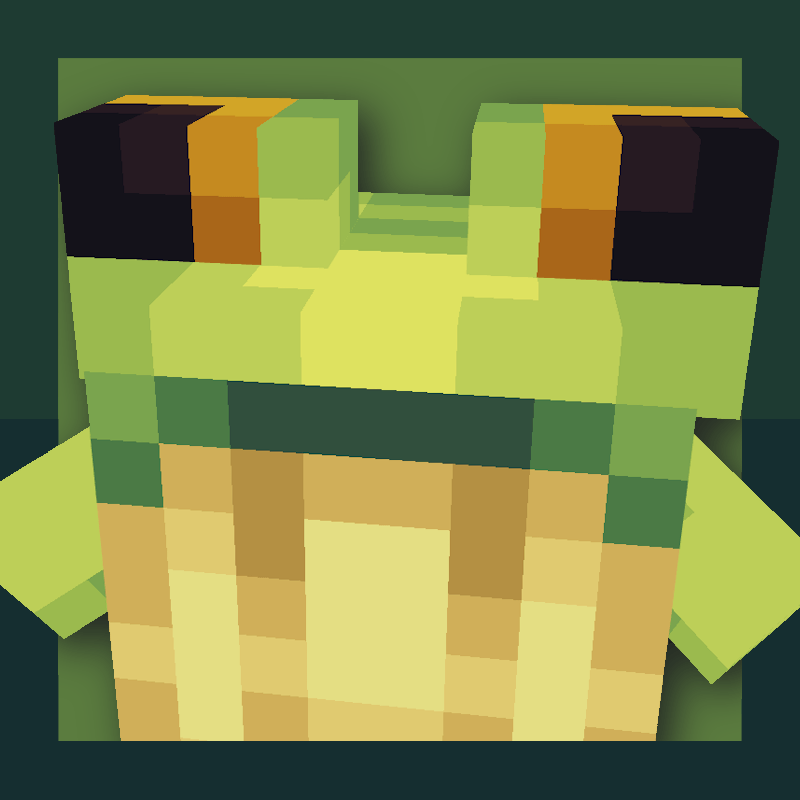
Ribbits adicionará vilas do pântano cheias de pequenos aldeões sapos chamados ribbits! Esses carinhas às vezes se sentam em grupos para tocar música, e você pode se juntar a eles!
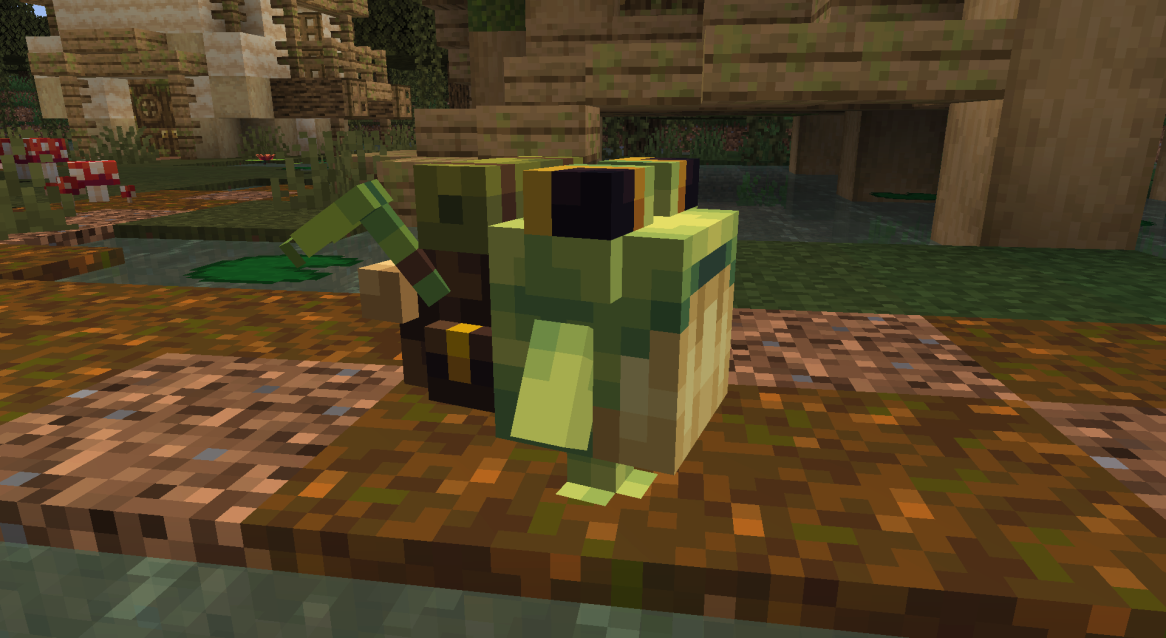
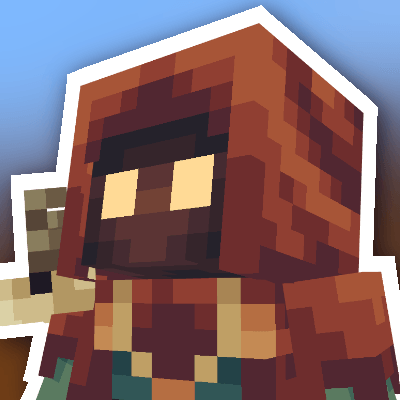
Ribbits mercadores e pescadores podem ser negociados para obter vários itens, incluindo os novos blocos de planta ribbits e maracas! Ribbits feiticeiros ocasionalmente lançam feitiços para fortalecer o jogador, e todos os ribbits jardineiros regam as plantações!
Os ribbits retornam naturalmente para suas casas à noite, mas se você quiser realocá-los, pode redefinir o ponto de casa deles para a posição atual clicando com o botão direito neles com ametista.
Josh/Joosh - Arte yungnickyoung - Programação HellionGames - Programação scratchysd - Sons wesleybenjamin - Música joakota - Construções joshesque - Logo

Como instalar Ribbits
With Millida Launcher
Install Millida Launcher
The launcher is free: download it at millida.net/launcher and sign in with any nickname.
Click “Install” on this page
The launcher opens and installs the mod for Minecraft 1.20.1–1.21.1 on Fabric, Forge or NeoForge automatically.
Launch the game
A profile with it appears in the launcher: click “Play”.
Manually
Install Fabric, Forge or NeoForge
The loader must match the game version of the mod file, for example Minecraft 1.21.1. After installing it, a separate profile appears in your launcher.
Download the file for your version
In the version list above, pick the file Ribbits-1.21.1-Fabric-4.1.6.jar (2.2 MB) for your game version and loader.
Put it in the mods folder
The folder is inside .minecraft (Windows: %appdata%\.minecraft\mods). If it does not exist, create it.
Launch the loader profile
Open “Mods” in the main menu: Ribbits should be in the list.
Minecraft 1.21.1 runs on Java 21: with a different Java version the game may close right after launch.
Versões
Com dependências
| Minecraft | Loader | Arquivo | Data | Ações |
|---|---|---|---|---|
| 1.21 | Fabric | Ribbits [Fabric] 4.1.6 for 1.21.12.2 MB 12 | ||
| 1.21 | NeoForge | Ribbits [NeoForge] 4.1.6 for 1.21.12.1 MB 15 | ||
| 1.20.1 | Forge | Ribbits [Forge] 3.0.5 for 1.20.12.1 MB 12 |
FAQ
Which Minecraft versions does Ribbits work on?
There are files for 1.21.1, 1.21, 1.20.1. The newest is 1.21.1.
Is Ribbits for Forge or Fabric?
There are files for Fabric: 1.21–1.21.1, for Forge: 1.20.1 and for NeoForge: 1.21–1.21.1.
Does Ribbits need other mods?
The author lists no required dependencies: the Fabric, Forge or NeoForge loader is enough.
Which Java does Ribbits need?
Minecraft 1.21.1 runs on Java 21. If the game closes right after launch, the usual cause is the wrong Java version in the profile settings.
Where can I download Ribbits safely?
On this page: the file Ribbits-1.21.1-Fabric-4.1.6.jar (2.2 MB) is stored on Millida’s server, with no link shorteners. SHA-1 checksum: b95ef94e6c4d2b7a706bcbe3cde6a38b2fe936d3.
Avaliações
Seja o primeiro a avaliar Ribbits


