
Platforms Mod para Minecraft 1.21.1
Faça decks, pontes, poços de mina ou até montanhas-russas de madeira
 NeoForge
 Forge
ForgeSobre o mod Platforms
- ShetiPhianCore Obrigatório!
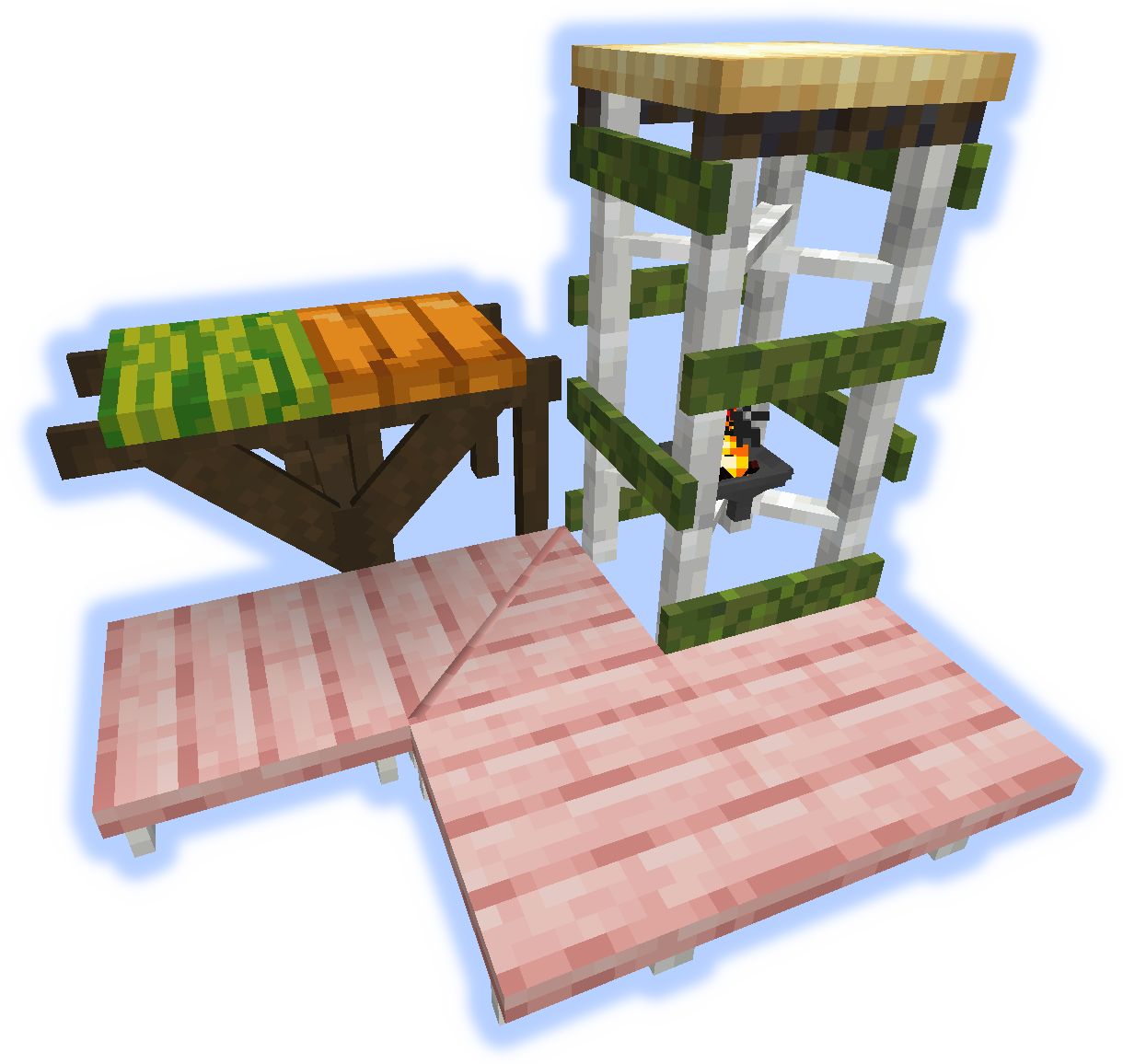
Construa decks, pontes, telhados, poços de mina ou até montanhas-russas de madeira.
Combine quase quaisquer 2 blocos ou itens (modded ou vanilla).
Se um bloco usado emitir luz, o item fabricado também emitirá.
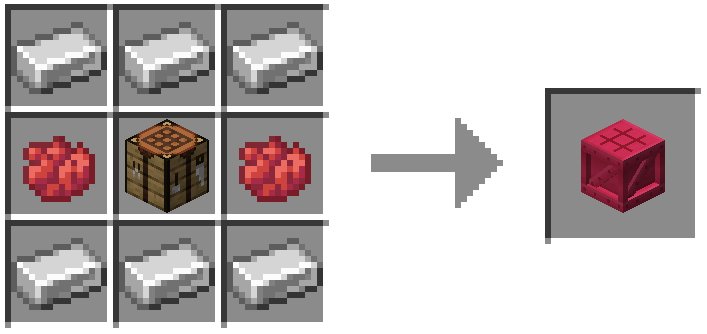
Molduras, Pisos e Plataformas
Molduras podem receber soul/redstone/tochas aplicadas a elas.
Rampas, Degraus e Escadas
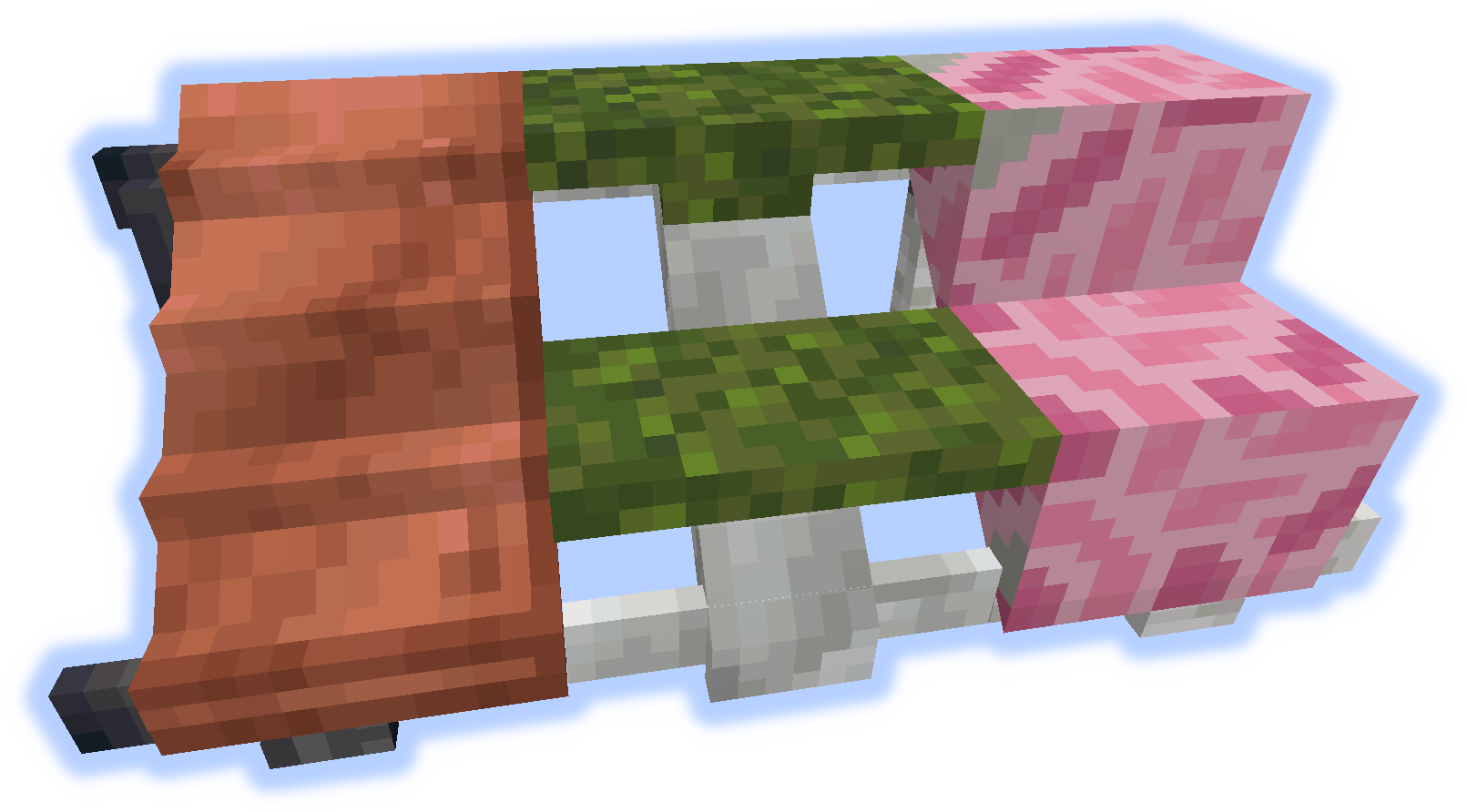
Corrimãos e Elevações
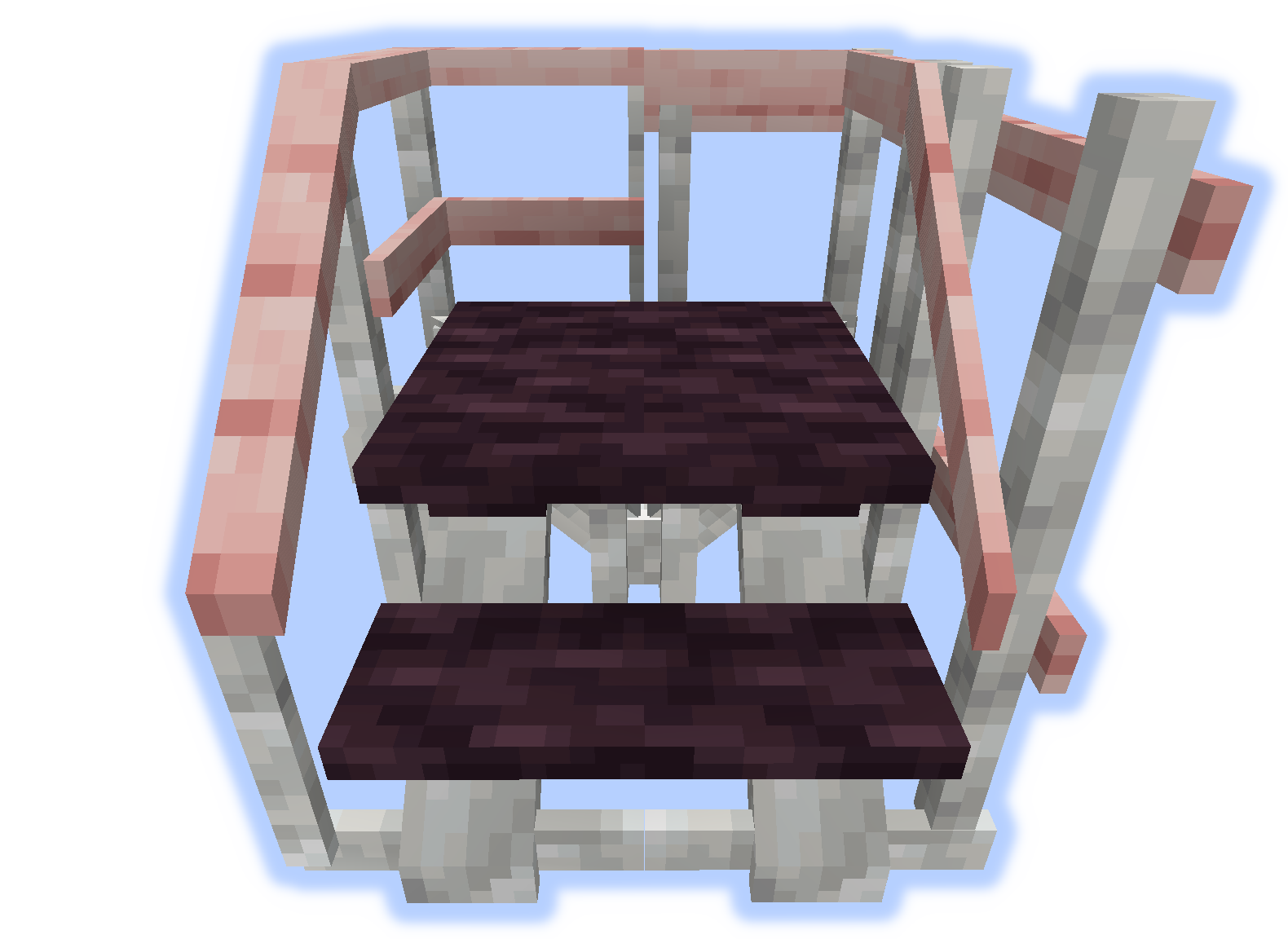
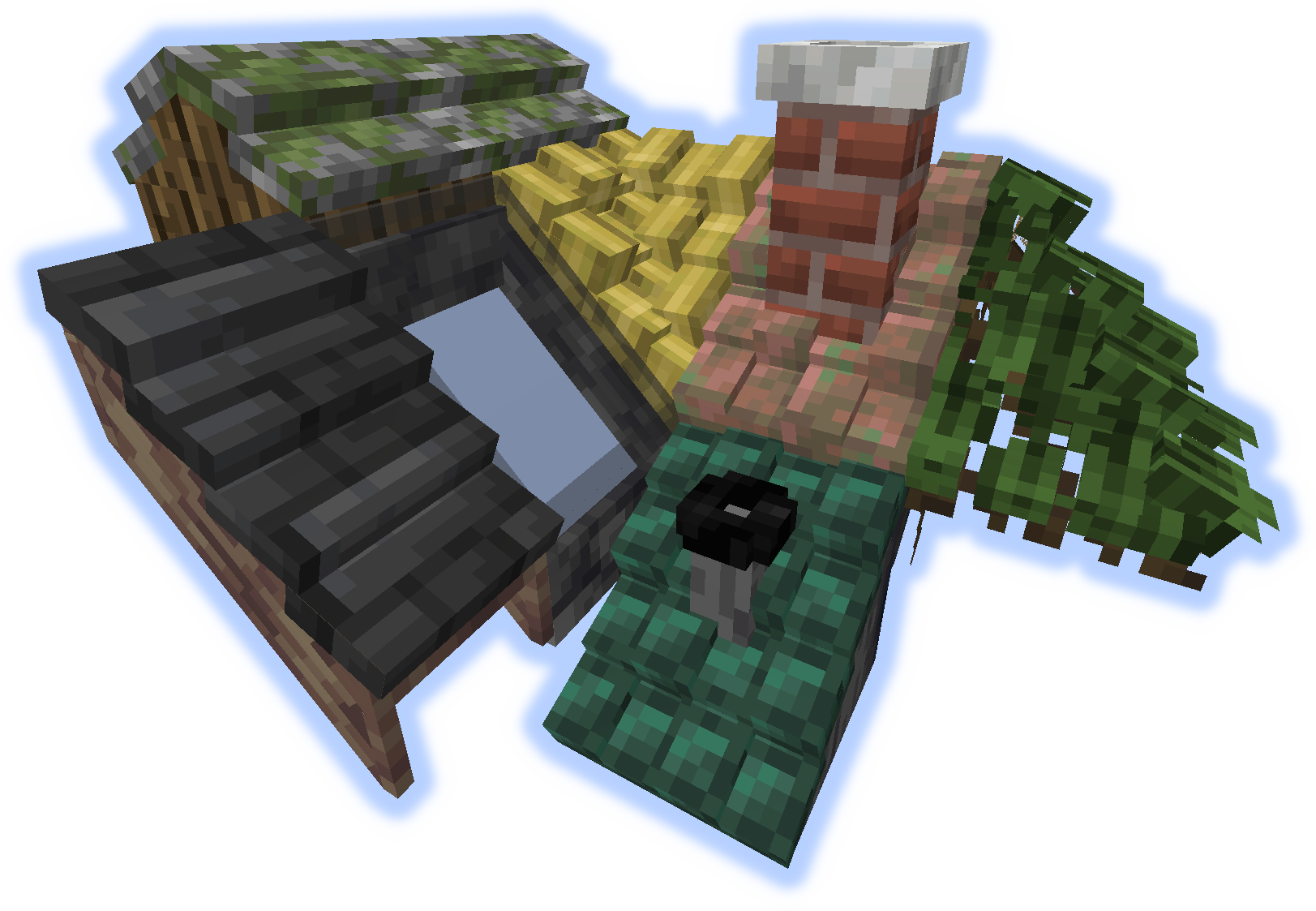
Telhados
Quando uma "elevação" ou "corrimão" é colocado em um telhado, eles se tornam uma chaminé ou um tubo.
Ferramentas
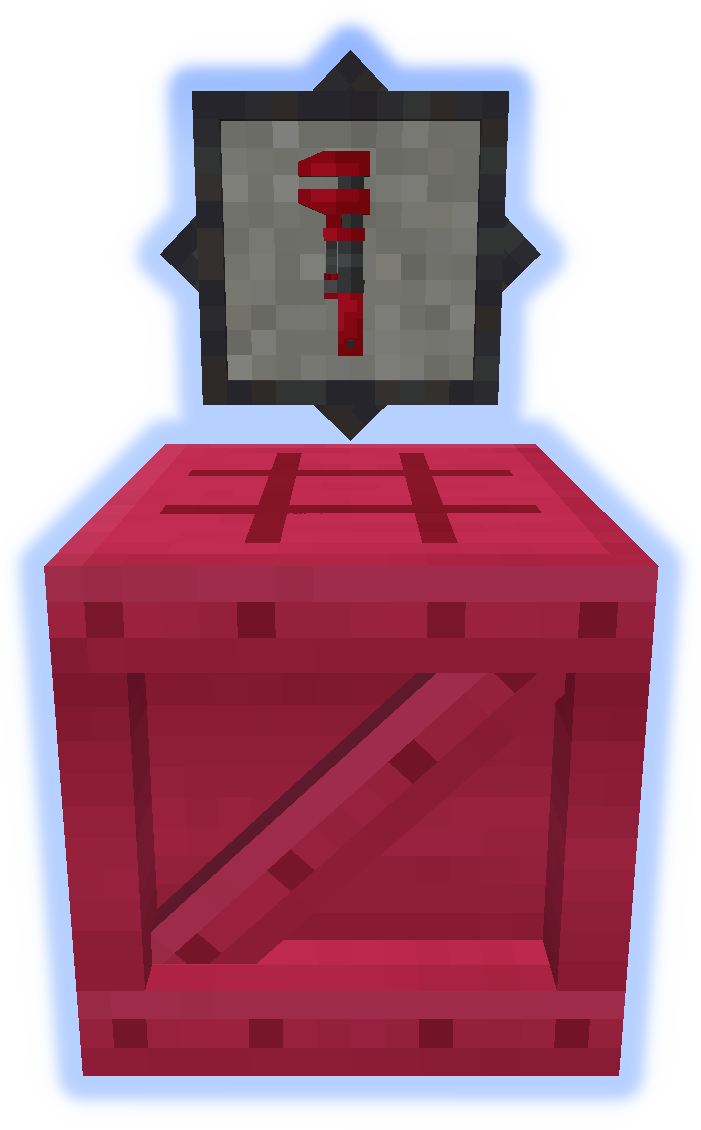
A Chave Inglesa é uma ferramenta muito importante. Experimente na sua mão secundária. (Mais Informações)
O Platformer é usado para fabricar todo o resto do mod. (Mais Informações)
Recursos Especiais
Tapete pode ser colocado em plataformas.
Neve ou Areia se acumularão em seus respectivos biomas.
Chaminés e Tubos emitem partículas (ativável/desativável).
Envie arquivos de localização no github.
Não poste bugs nos comentários, use o Issue Tracker.
Como instalar Platforms
With Millida Launcher
Install Millida Launcher
The launcher is free: download it at millida.net/launcher and sign in with any nickname.
Click “Install” on this page
The launcher opens and installs the mod for Minecraft 1.14.4–1.21.1 on Forge or NeoForge automatically.
Launch the game
A profile with it appears in the launcher: click “Play”.
Manually
Install Forge or NeoForge
The loader must match the game version of the mod file, for example Minecraft 1.21.1. After installing it, a separate profile appears in your launcher.
Download the file for your version
In the version list above, pick the file platforms-neoforge-1.21.1-1.0.jar (808 KB) for your game version and loader.
Put it in the mods folder
The folder is inside .minecraft (Windows: %appdata%\.minecraft\mods). If it does not exist, create it.
Launch the loader profile
Open “Mods” in the main menu: Platforms should be in the list.
Minecraft 1.21.1 runs on Java 21: with a different Java version the game may close right after launch.
Versões
Com dependências
| Minecraft | Loader | Arquivo | Data | Ações |
|---|---|---|---|---|
| 1.21.1 | NeoForge | platforms-neoforge-1.21.1-1.0.jar808 KB 2 | ||
| 1.21.1 | Forge | platforms-forge-1.21.1-1.0.jar804 KB 4 | ||
| 1.21.1 | NeoForge | platforms-neoforge-1.21.1-0.1.jar808 KB | ||
| 1.21.1 | Forge | platforms-forge-1.21.1-0.1.jar804 KB | ||
| 1.14.4 | — | platforms-1.14-1.5.13.jar497 KB 1 |
FAQ
Which Minecraft versions does Platforms work on?
There are files for 1.21.1, 1.14.4. The newest is 1.21.1.
Is Platforms for Forge or Fabric?
There are files for Forge: 1.21.1 and for NeoForge: 1.21.1. There are no files for Fabric: a mod for another loader will not start.
Does Platforms need other mods?
The author lists no required dependencies: the Forge or NeoForge loader is enough.
Which Java does Platforms need?
Minecraft 1.21.1 runs on Java 21. If the game closes right after launch, the usual cause is the wrong Java version in the profile settings.
Where can I download Platforms safely?
On this page: the file platforms-neoforge-1.21.1-1.0.jar (808 KB) is stored on Millida’s server, with no link shorteners. SHA-1 checksum: 4597d439a87ed57aa38ddbe935071c9398057557.
Avaliações
Seja o primeiro a avaliar Platforms


