

Luminax Mod para Minecraft 1.20.1, 26.1.2
Adiciona vários blocos brilhantes simples ao jogo
 NeoForge
 Forge
ForgeLuminax
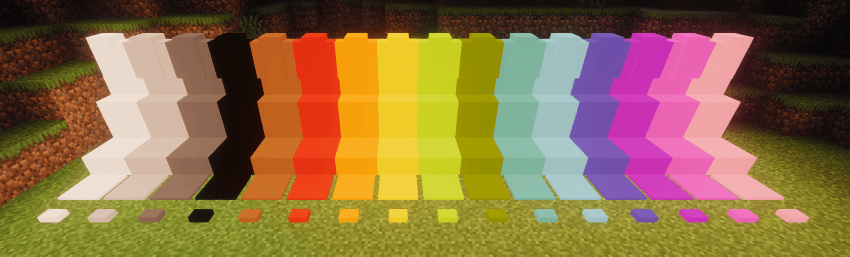
Este mod bem simples adiciona alguns blocos de cor única ao jogo.
Você pode usar a Luminax Wand para modificar a cor e a emissão de luz do bloco.
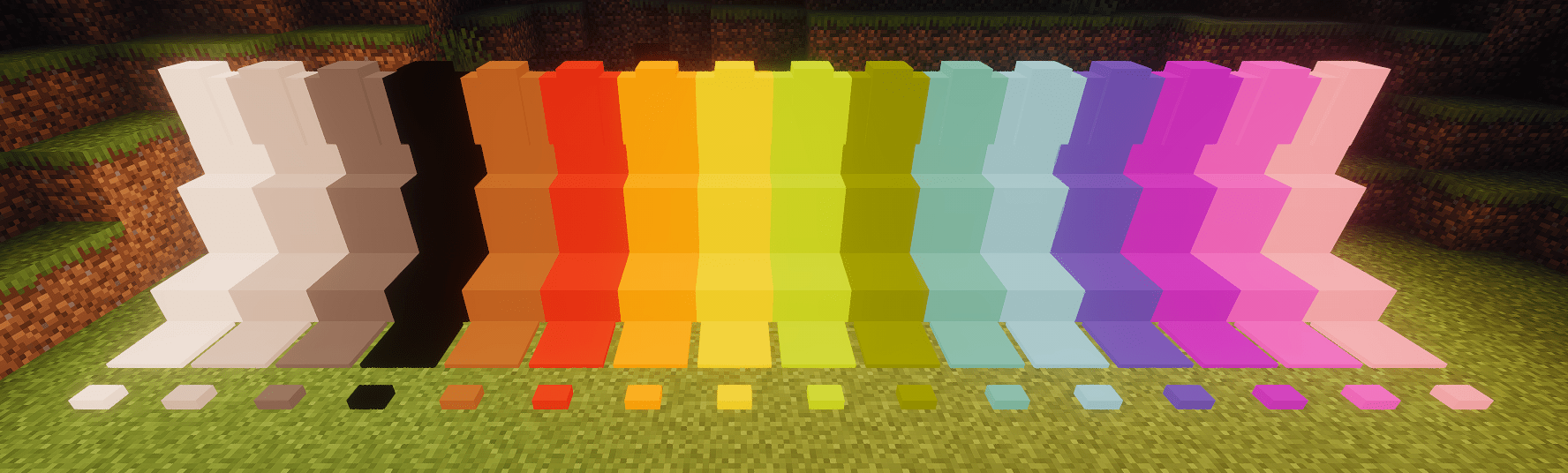
Framed Blocks também é totalmente compatível
Atualmente, os blocos incluídos são:
- Bloco completo
- Laje
- Escada
- Muro
- Placa de pressão
- Botão
Como instalar Luminax
With Millida Launcher
Install Millida Launcher
The launcher is free: download it at millida.net/launcher and sign in with any nickname.
Click “Install” on this page
The launcher opens and installs the mod for Minecraft 1.20.1–26.1.2 on Forge or NeoForge automatically.
Launch the game
A profile with it appears in the launcher: click “Play”.
Manually
Install Forge or NeoForge
The loader must match the game version of the mod file, for example Minecraft 26.1.2. After installing it, a separate profile appears in your launcher.
Download the file for your version
In the version list above, pick the file luminax-2.0.1+26.1.2.jar (527 KB) for your game version and loader.
Put it in the mods folder
The folder is inside .minecraft (Windows: %appdata%\.minecraft\mods). If it does not exist, create it.
Launch the loader profile
Open “Mods” in the main menu: Luminax should be in the list.
Versões
Com dependências
| Minecraft | Loader | Arquivo | Data | Ações |
|---|---|---|---|---|
| 26.1.2 | NeoForge | [Neoforge] Luminax 2.0.1-26.2.1527 KB | ||
| 1.20.1 | Forge | [Forge] Luminax 1.3.0-1.20.11 MB |
Avaliações
Seja o primeiro a avaliar Luminax


