

JustTheTips Mod para Minecraft 1.10.2
Adiciona algumas dicas às telas de carregamento.
Introduction
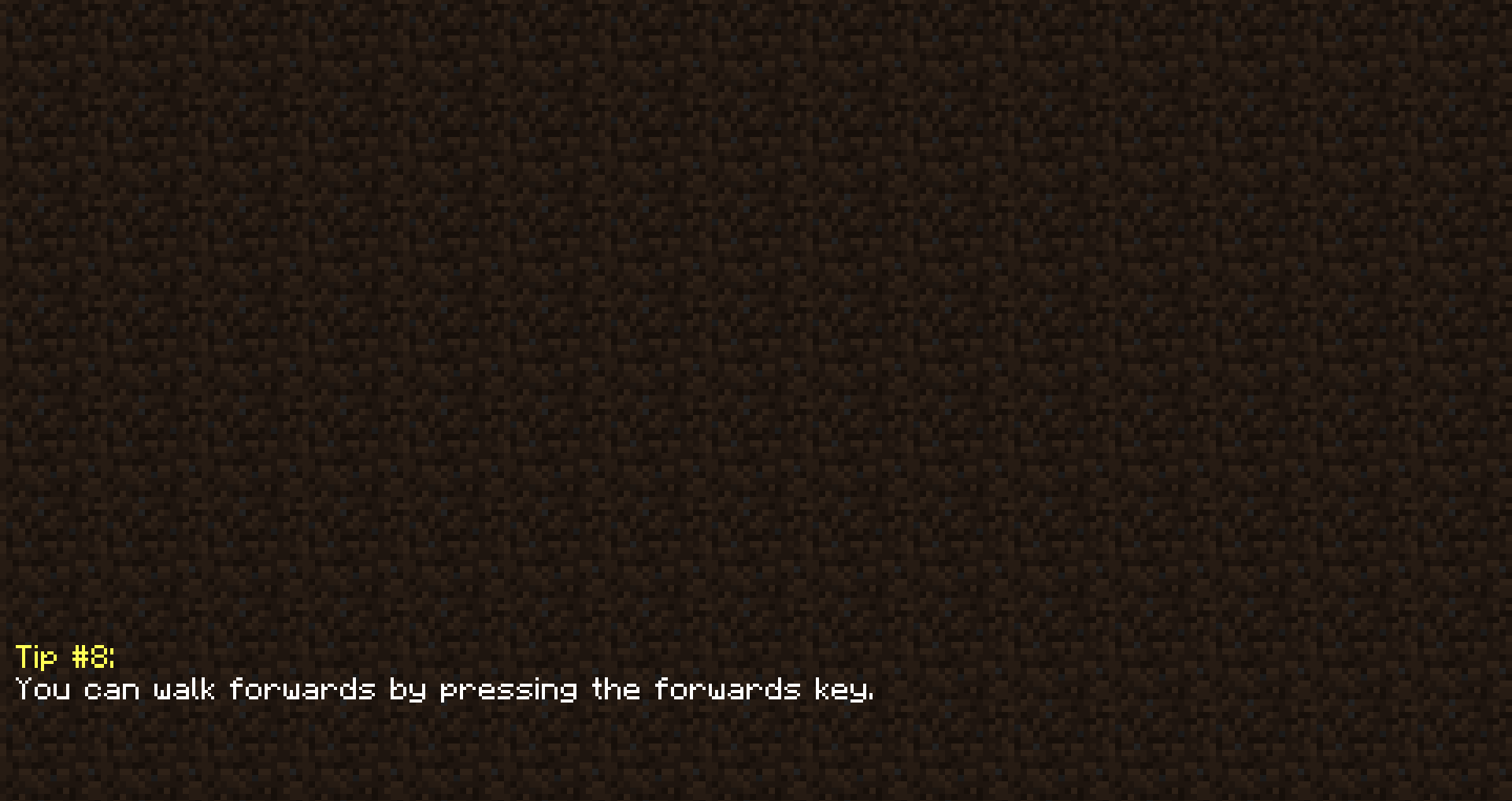
For those who feel that tiled dirt just isn't enough for a loading screen, the addition of something to those screens might be welcomed.
As a simple feature to improve the loading screens, I present the tip-top tip mod, JustTheTips, for all your tip needs
Current Features
- Shows a randomly selected tip on loading screens
Como instalar JustTheTips
With Millida Launcher
Install Millida Launcher
The launcher is free: download it at millida.net/launcher and sign in with any nickname.
Click “Install” on this page
The launcher opens and installs the mod for Minecraft 1.10.2 automatically.
Launch the game
A profile with it appears in the launcher: click “Play”.
Manually
Download the file for your version
In the version list above, pick the file justthetips-1.10.2-1.0.1.1.jar (326 KB) for your game version.
Put it in the mods folder
The folder is inside .minecraft (Windows: %appdata%\.minecraft\mods). If it does not exist, create it.
Launch the loader profile
Open “Mods” in the main menu: JustTheTips should be in the list.
Minecraft 1.10.2 runs on Java 8: with a different Java version the game may close right after launch.
Versões
Com dependências
| Minecraft | Loader | Arquivo | Data | Ações |
|---|---|---|---|---|
| 1.10.2 | — | justthetips-1.10.2-1.0.1.1.jar326 KB |
FAQ
Which Minecraft versions does JustTheTips work on?
Only Minecraft 1.10.2: there are no files for other versions.
Which Java does JustTheTips need?
Minecraft 1.10.2 runs on Java 8. If the game closes right after launch, the usual cause is the wrong Java version in the profile settings.
Where can I download JustTheTips safely?
On this page: the file justthetips-1.10.2-1.0.1.1.jar (326 KB) is stored on Millida’s server, with no link shorteners. SHA-1 checksum: 285bf98d32fcc832744b2ab95aaaedc54b02e870.
Avaliações
Seja o primeiro a avaliar JustTheTips


