

Feywild Mod para Minecraft 1.20.1, 1.21.1
Invoque Fadas com habilidades especiais e Missões
 NeoForge
 Forge
ForgeSobre o mod Feywild
Dont migrate/update a world from an older version to 5.0+, since this is a Reboot!
Come explore the Feywild, a land of magic and Fey.
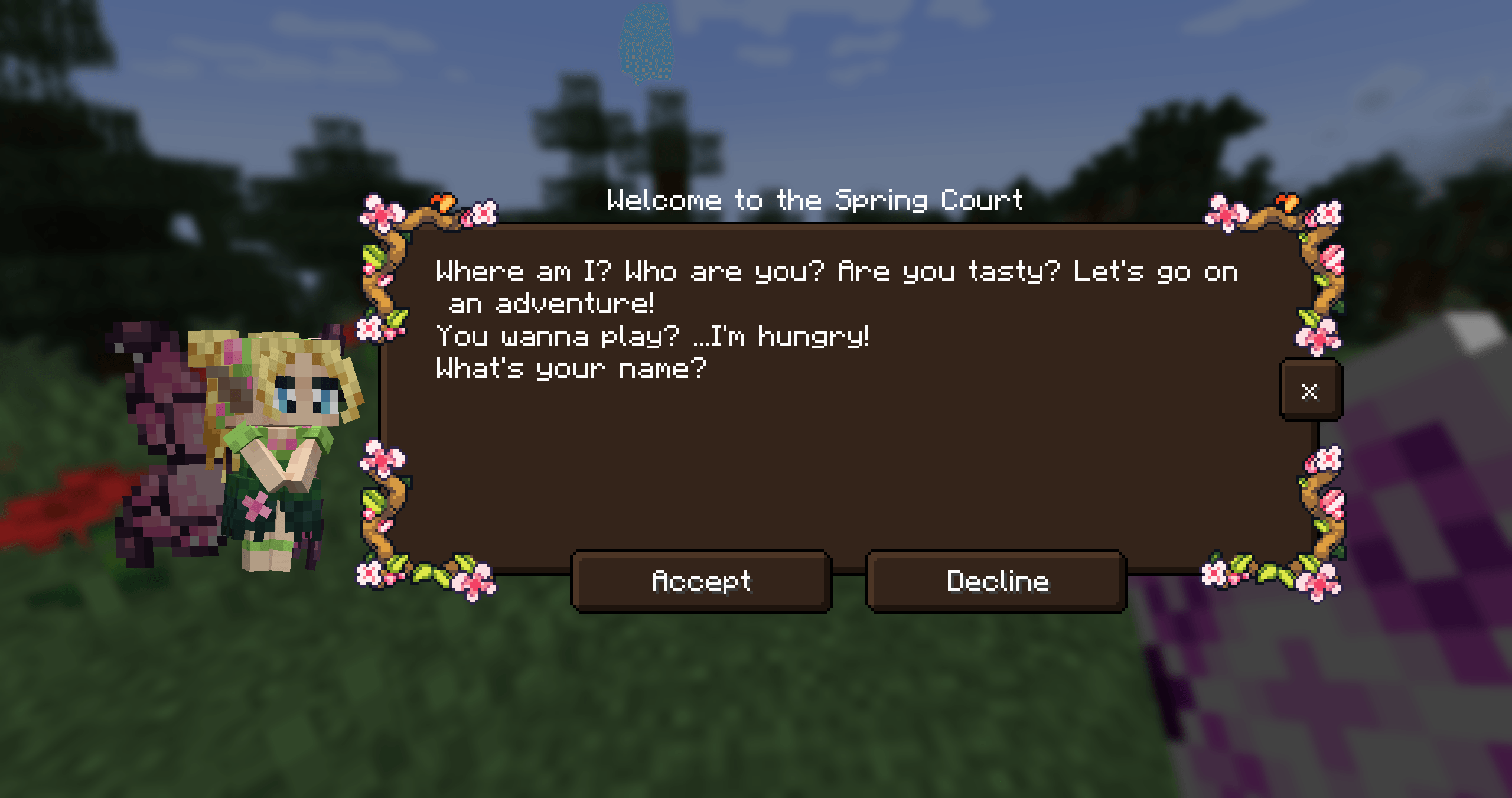
With the Feywild mod you can summon all different kinds of Fey. Fey are the denizens of the Feywild.
Meet the denizens of the Feywild:
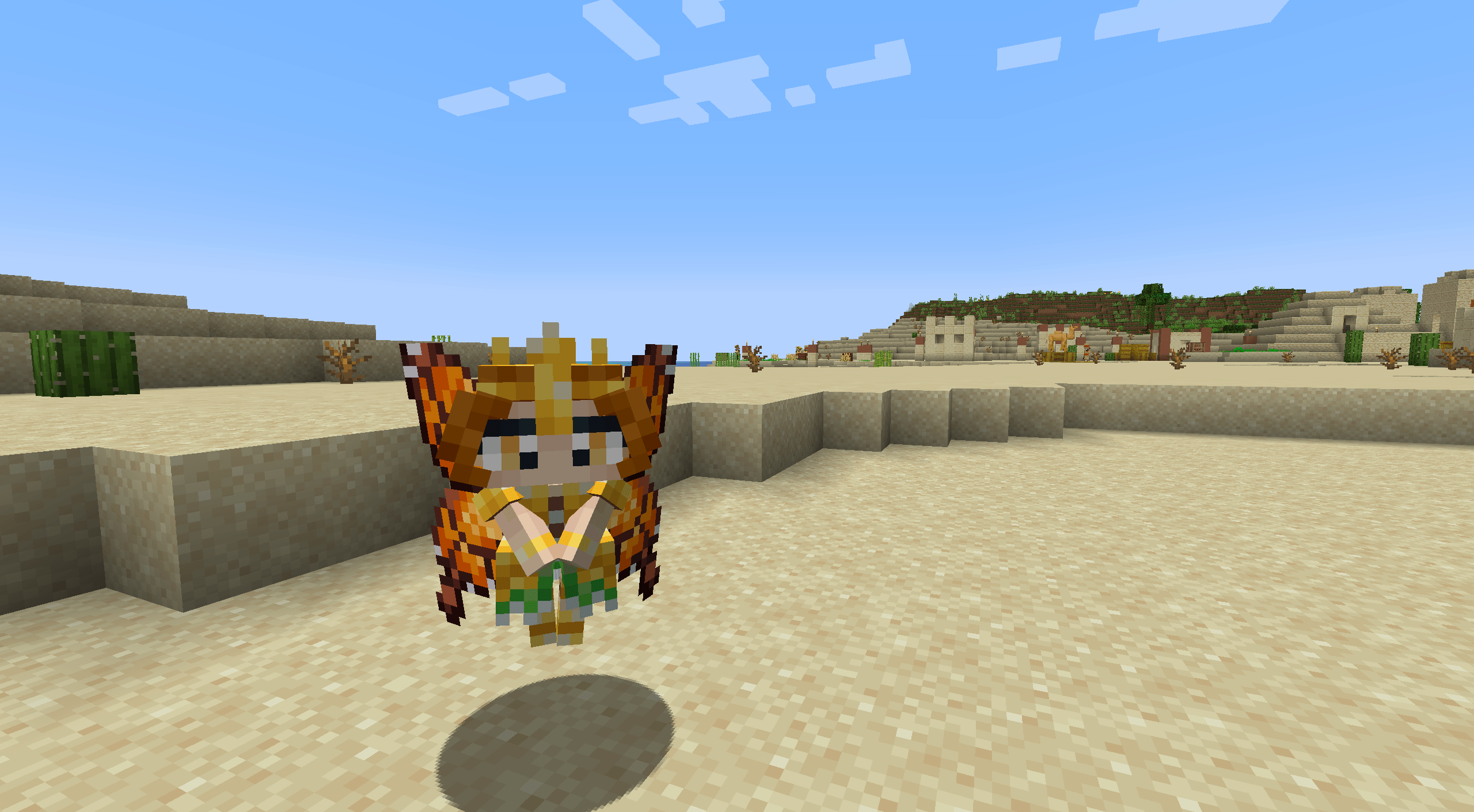
- The Seasonal Pixies
- The Mandragora
- The Shroomling
- The Bellsnickel
- The Bee Knight
- The Tree Ents
- Queen Titania and Queen Mab
- Prince Oberon and The Ashen Lord
The denizens of the Feywild each have their own personality and abilities when summoned.
To do this you require a summoning scroll containing a fey.
How to get started with Feywild?
Dependency: Patchouli Patchouli - Guide Book Patchouli provided the guide book for the mod.
The Feywild Lexicon also provides a prelude to the Quest Stories providing the player with a small guide through the basics of the mod.
Dependency: Quest Giver Quest Giver
The Quest Mod provides the questlines for the Pixies. The Seasonal Pixies each have a storyline with small quest task and rewards.
Compatibilities:
- JEI
- Curios (5.6.0+)
- Supplementaries (5.6.3+)
Some Fey can be put in Jars or Cages.
Feywild Addons; Feywild Library
Our community is sponsored by BisectHosting and it would help us out greatly if you would consider using their services! BisectHosting offers quick, simple, and high-quality server hosting with over a dozen locations available across the world, ensuring low latency.
Use the code "Feywild" to get 25% OFF your first month as a new client for any of their gaming servers.
Como instalar Feywild
With Millida Launcher
Install Millida Launcher
The launcher is free: download it at millida.net/launcher and sign in with any nickname.
Click “Install” on this page
The launcher opens and installs the mod for Minecraft 1.16.5–1.21.1 on Forge or NeoForge automatically.
Launch the game
A profile with it appears in the launcher: click “Play”.
Manually
Install Forge or NeoForge
The loader must match the game version of the mod file, for example Minecraft 1.21.1. After installing it, a separate profile appears in your launcher.
Download the file for your version
In the version list above, pick the file feywild-1.21.1-5.6.3.jar (22 MB) for your game version and loader.
Put it in the mods folder
The folder is inside .minecraft (Windows: %appdata%\.minecraft\mods). If it does not exist, create it.
Launch the loader profile
Open “Mods” in the main menu: Feywild should be in the list.
Minecraft 1.21.1 runs on Java 21: with a different Java version the game may close right after launch.
Versões
Com dependências
| Minecraft | Loader | Arquivo | Data | Ações |
|---|---|---|---|---|
| 1.21.1 | NeoForge | Feywild-1.21.1-5.6.3- Reboot22.4 MB 2 | ||
| 1.20.1 | Forge | Feywild-1.20.1-5.6.3- Reboot22.3 MB | ||
| 1.21.1 | NeoForge | Feywild-1.21.1-5.3.1 - Reboot15.8 MB | ||
| 1.20.1 | Forge | Feywild-1.20.1-5.3.1 - Reboot15.7 MB | ||
| 1.19.2 | — | Feywild - 1.19.2 - 3.0.2 - Chapter 217.1 MB 1 | ||
| 1.16.5 | — | Feywild - 1.16.5 - 2.1.414.6 MB | ||
| 1.16.5 | Forge | Feywild 1.035.8 MB |
FAQ
Which Minecraft versions does Feywild work on?
There are files for 1.21.1, 1.20.1, 1.19.2, 1.16.5. The newest is 1.21.1.
Is Feywild for Forge or Fabric?
There are files for Forge: 1.16.5–1.20.1 and for NeoForge: 1.21.1. There are no files for Fabric: a mod for another loader will not start.
Does Feywild need other mods?
The author lists no required dependencies: the Forge or NeoForge loader is enough.
Which Java does Feywild need?
Minecraft 1.21.1 runs on Java 21. If the game closes right after launch, the usual cause is the wrong Java version in the profile settings.
Where can I download Feywild safely?
On this page: the file feywild-1.21.1-5.6.3.jar (22 MB) is stored on Millida’s server, with no link shorteners. SHA-1 checksum: ffbd3bebf3375e9601febde3a9f0837996f6cced.
Avaliações
Seja o primeiro a avaliar Feywild


