

Default Components Mod para Minecraft 1.21.1, 1.21
Adicione, remova e altere componentes padrão de itens. Baseado em dados e com suporte aprimorado a mods, pode modificar itens selecionados ou todos os itens
- visualizações
- 7 visualizações
- Atualizado
- Atualizado 18.10.2026
- 1.21 — 1.21.1
 Fabric
⚙️ Features
- Reload on the fly, with fast and immediate updates
- Fully data driven, using simple datapacks
- Fully server side, compatible with vanilla clients
- Support for modded items
- Support for modded components
- Dedicated and detailed documentation
- Client code to further extend beyond vanilla/serverside limitation
- Great for
- modpacks, the client support provides extended mod support, like showing on REI
- server-side modding with the vanilla compatibility
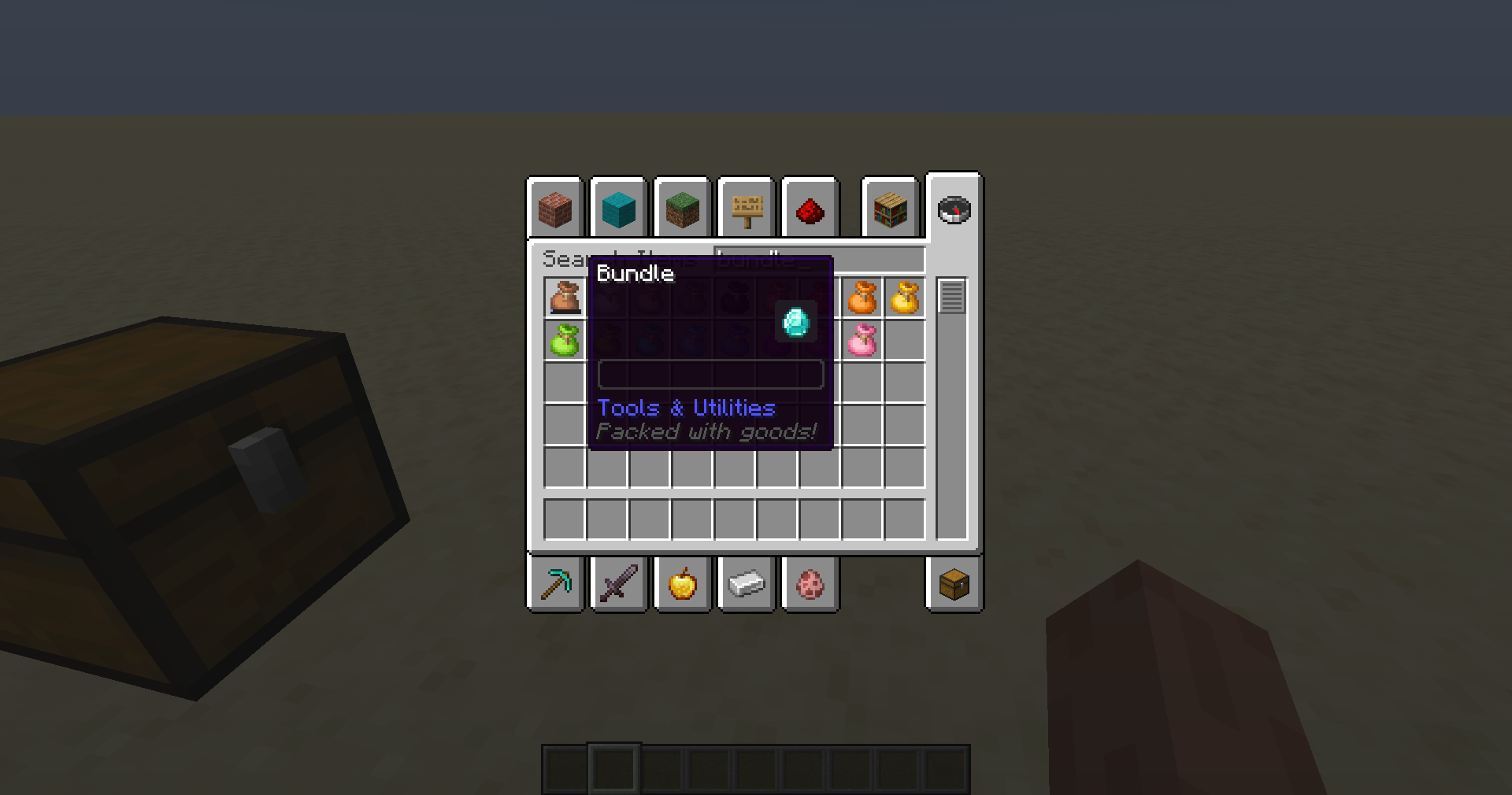
Add and remove data components from all or selected items with a simple datapack, fully serverside, can also be added to the client to provide a better and smoother experience
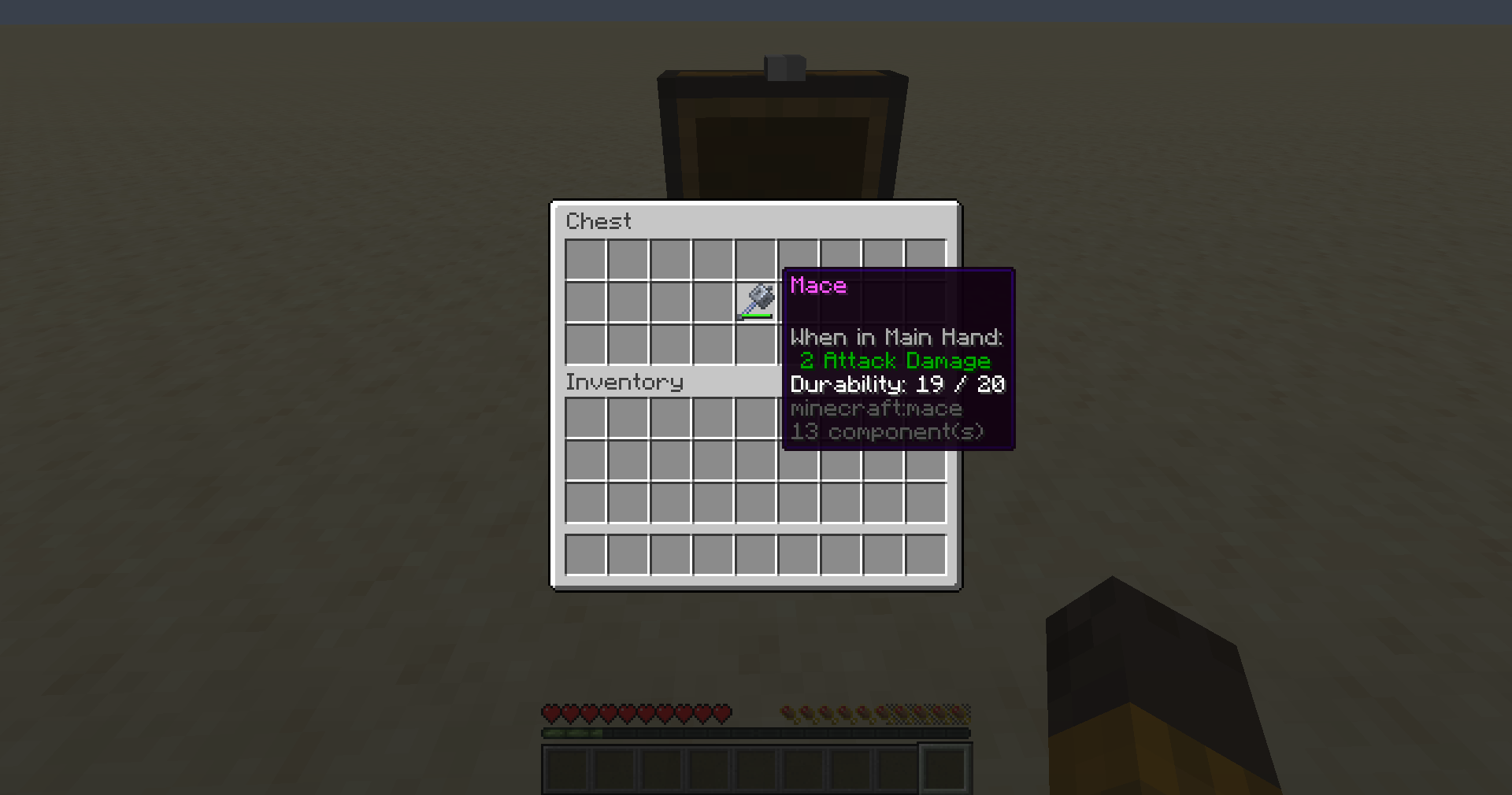
Create great customized modpacks with modified default components for the items Allows to make any item food, a tool, and everything else components allow you to do. The mod can be used to override existing properties. You can remove components from items, providing power for balancing.
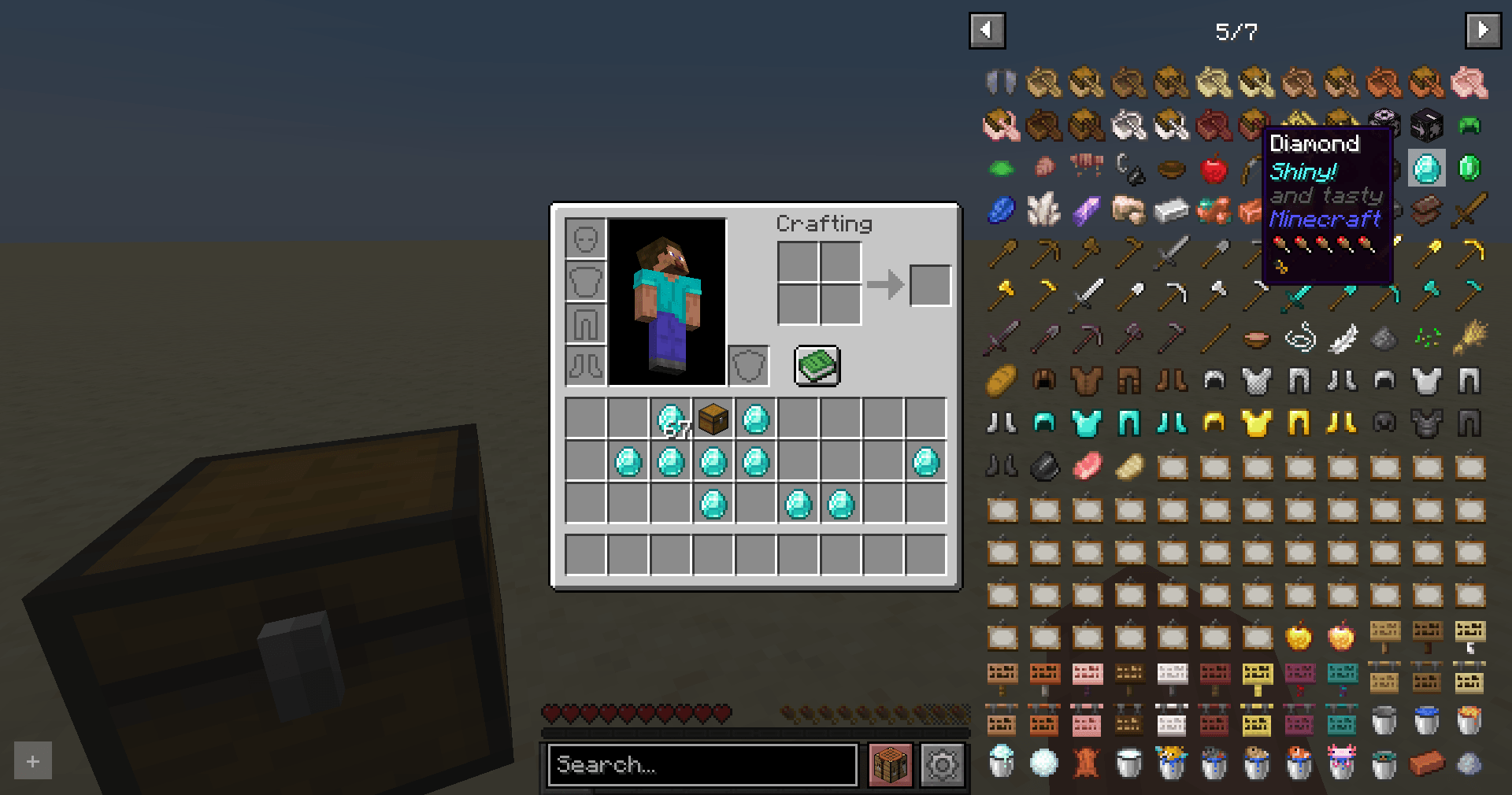
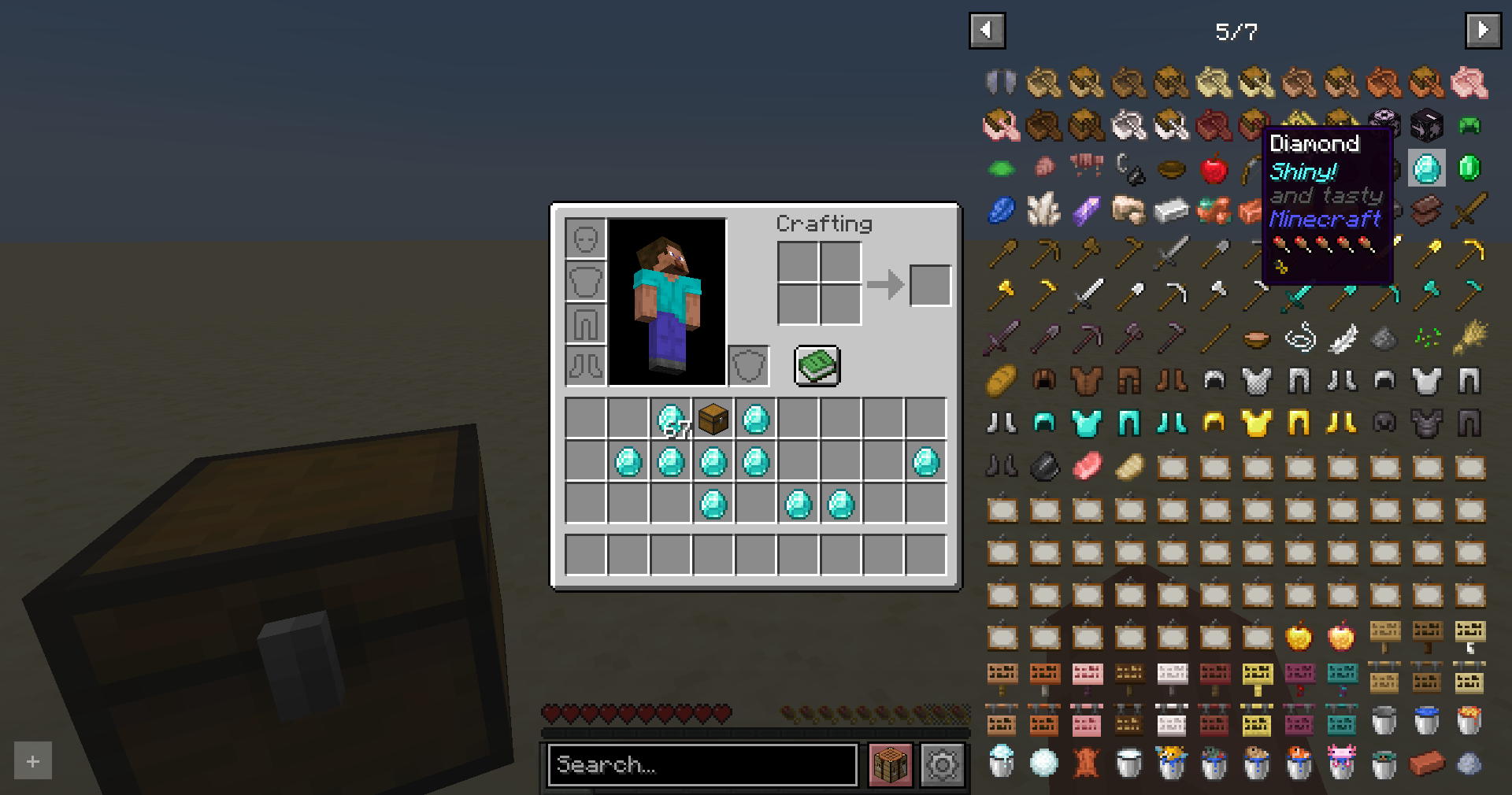
This mod supports both vanilla and modded components and also works with modded items
The mod modifies packets to vanilla clients to provide the best experience. Having the mod on the client is recommended as it can avoid jank caused by ping, server lag and the creative inventory being handled by the client
Como instalar Default Components
With Millida Launcher
Install Millida Launcher
The launcher is free: download it at millida.net/launcher and sign in with any nickname.
Click “Install” on this page
The launcher opens and installs the mod for Minecraft 1.21–1.21.1 on Fabric automatically.
Launch the game
A profile with it appears in the launcher: click “Play”.
Manually
Install Fabric
The loader must match the game version of the mod file, for example Minecraft 1.21.1. After installing it, a separate profile appears in your launcher.
Download the file for your version
In the version list above, pick the file default-components-0.1.0-beta.2.jar (123 KB) for your game version.
Put it in the mods folder
The folder is inside .minecraft (Windows: %appdata%\.minecraft\mods). If it does not exist, create it.
Launch the loader profile
Open “Mods” in the main menu: Default Components should be in the list.
Minecraft 1.21.1 runs on Java 21: with a different Java version the game may close right after launch.
Versões
Com dependências
| Minecraft | Loader | Arquivo | Data | Ações |
|---|---|---|---|---|
| 1.21 | Fabric | [1.21] Release 1.0.269.5 KB | ||
| 1.21 | Fabric | [1.21] 1.0.0 - Alpha 768.8 KB | ||
| 1.21.1 | Fabric | 0.1.0 - Beta 2123 KB |
FAQ
Which Minecraft versions does Default Components work on?
There are files for 1.21.1, 1.21. The newest is 1.21.1.
Is Default Components for Forge or Fabric?
Only for Fabric: 1.21–1.21.1. There are no files for Forge or NeoForge: a mod for another loader will not start.
Does Default Components need other mods?
The author lists no required dependencies: the Fabric loader is enough.
Which Java does Default Components need?
Minecraft 1.21.1 runs on Java 21. If the game closes right after launch, the usual cause is the wrong Java version in the profile settings.
How do I download Default Components?
With Millida Launcher: it installs Default Components into a modpack by itself, for the right game version and loader. The launcher is free.
Avaliações
Seja o primeiro a avaliar Default Components


