
Decorative Storage Mod para Minecraft 1.20.1, 1.21.1
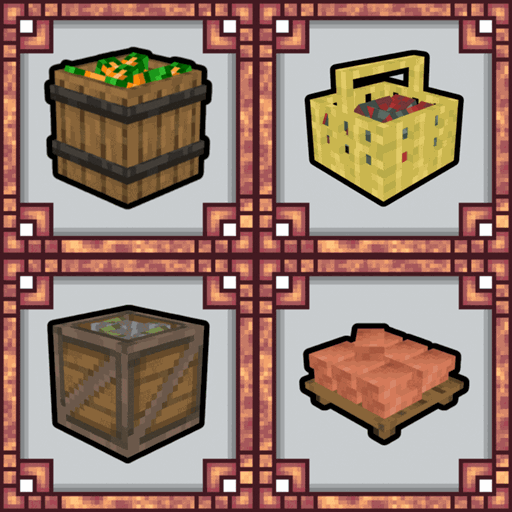
Adiciona muitos barris, bandejas e cestos onde você pode armazenar seus recursos!
 NeoForge
 Forge
 Fabric

📖 About
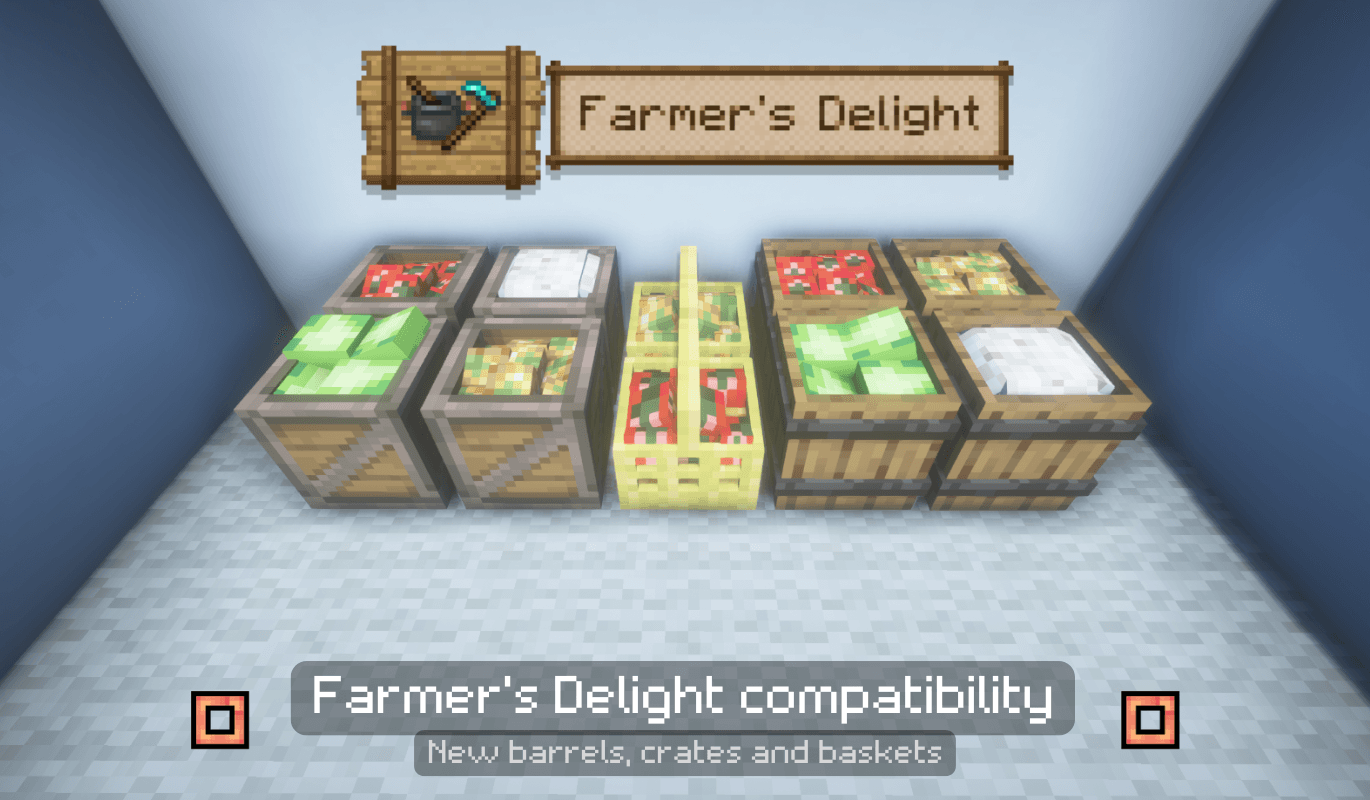
This mod includes a variety of storage solutions, such as barrels, baskets, and trays, perfect for organizing and decorating your Minecraft base. Whether you need a stylish container for your blocks or a decorative piece to complete your room, this mod has it all. Use these items to not only store things, but also to give your world a personalized touch! 🏠 Require Decorative Core
🎥Showcase
🎨 Key Features
- 🛢️ Multiple Types of Barrels: Perfect for storing plants, blocks, and other items.
- 🧺 Baskets and Trays: Stylish and functional containers to add a decorative flair to your base.
- 🏠 Use for Both Storage and Decoration: These items aren't just functional, they make your world look great too!
Como instalar Decorative Storage
With Millida Launcher
Install Millida Launcher
The launcher is free: download it at millida.net/launcher and sign in with any nickname.
Click “Install” on this page
The launcher opens and installs the mod for Minecraft 1.20.1–26.1.2 on Fabric, Forge or NeoForge automatically.
Launch the game
A profile with it appears in the launcher: click “Play”.
Manually
Install Fabric, Forge or NeoForge
The loader must match the game version of the mod file, for example Minecraft 26.1.2. After installing it, a separate profile appears in your launcher.
Download the file for your version
In the version list above, pick the file deco_storage-4.0708-neoforge-26.1.2.jar (749 KB) for your game version and loader.
Put it in the mods folder
The folder is inside .minecraft (Windows: %appdata%\.minecraft\mods). If it does not exist, create it.
Launch the loader profile
Open “Mods” in the main menu: Decorative Storage should be in the list.
Versões
Com dependências
| Minecraft | Loader | Arquivo | Data | Ações |
|---|---|---|---|---|
| 1.21.1 | NeoForge | Decorative Storage - 4.0909 - 1.21.1 - NeoForge711 KB 3 | ||
| 1.20.1 | Forge | Decorative Storage - 4.0909 - 1.20.1 - Forge720 KB 7 | ||
| 26.1.2 | NeoForge | Decorative Storage - 4.0708 - 26.1.2 - NeoForge749 KB | ||
| 1.20.1 | Fabric | Decorative Storage - 3.3106 - 1.20.1 - Fabric520 KB 6 | ||
| 1.21.3 | Forge | Decorative Storage - 2.0712beta - 1.21.3 - Forge122 KB | ||
| 1.20.1 | Fabric | Decorative Storage - 2.0612beta - 1.20.1 - Fabric93 KB |
FAQ
Which Minecraft versions does Decorative Storage work on?
There are files for 26.1.2, 1.21.3, 1.21.1, 1.20.1. The newest is 26.1.2.
Is Decorative Storage for Forge or Fabric?
There are files for Fabric: 1.20.1, for Forge: 1.20.1–1.21.3 and for NeoForge: 1.21.1–26.1.2.
Does Decorative Storage need other mods?
The author lists no required dependencies: the Fabric, Forge or NeoForge loader is enough.
How do I download Decorative Storage?
With Millida Launcher: it installs Decorative Storage into a modpack by itself, for the right game version and loader. The launcher is free.
Avaliações
Seja o primeiro a avaliar Decorative Storage


