
Create: Winery Mod para Minecraft 1.20.1, 1.21.1
Construa sua própria vinícola com o Create.
 NeoForge
 Forge
ForgeAbout
Create: Winery is an addon for Create which adds new wine-themed blocks, items and recipes using Create's mechanisms, allowing you to build your own winery!
Content
Red and White Grapes: Commonly found in plains and forest type biomes
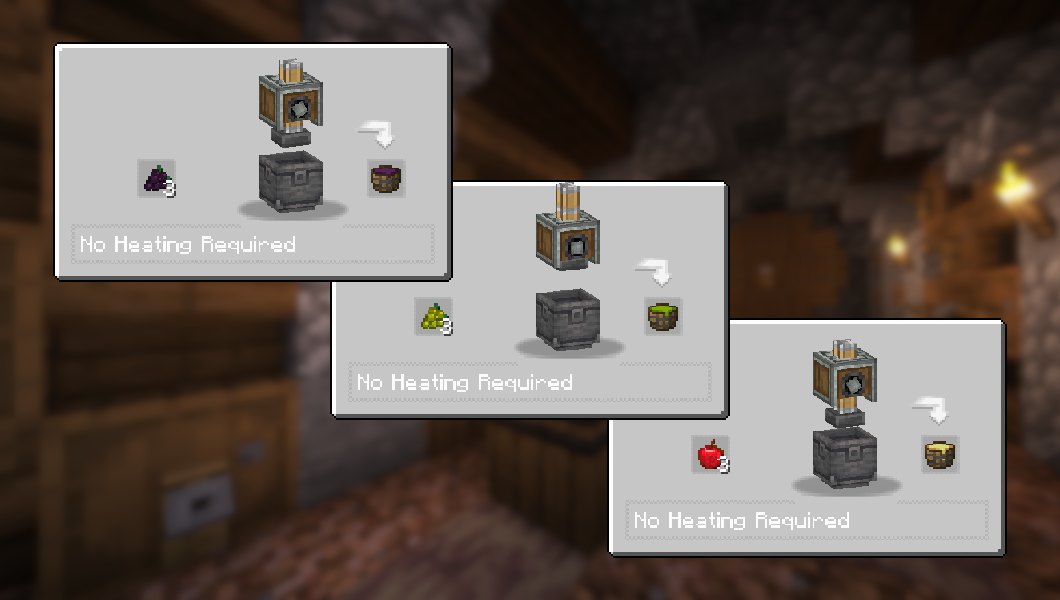
Grape Pomace and Apple Must, made with Create's Mechanical Press
The Wine Cellar: A fully automatable workstation for making wine and cider
Red Wine, White Wine, Rosé and Cider, to drink with moderation...
Many other features and Create interractions to discover!
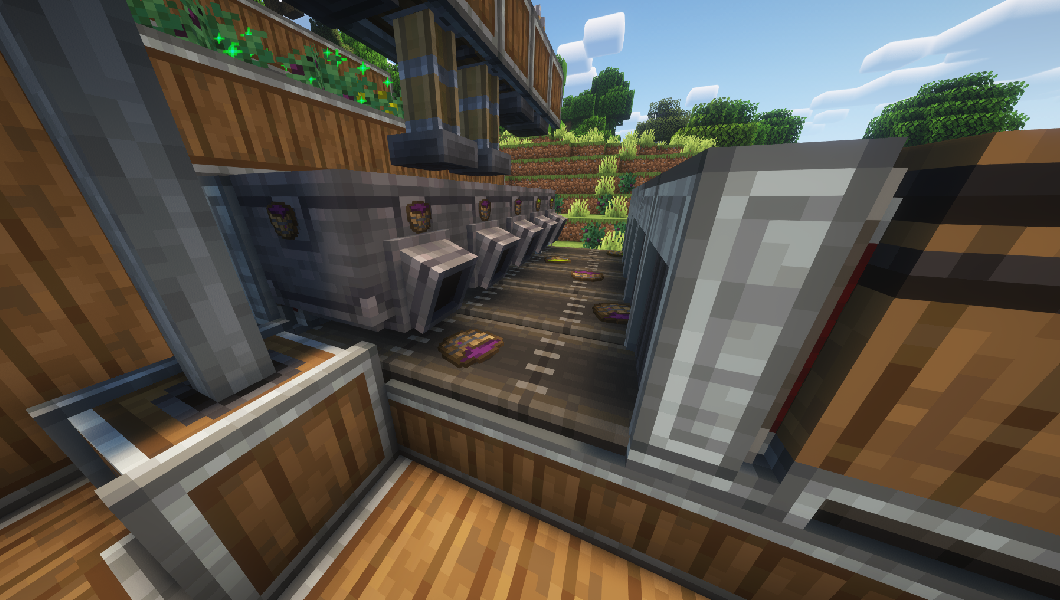
Screenshots
Tools for modpacks
You can add or remove beverages as possible outputs from the Wine Cellar, using item tags:
• Red Wines: red_wines • White Wines: white_wines • Rosé Wines: rose_wines • Ciders: ciders
Structure is as follows: create_winery:{tag}
Dependencies
This mod requires Create for all of the features to work, but can technically be played without.
JEI is recommended for recipes but not required.
Installation
Add the .jar mod file into your mods folder.
Alternatively, you can browse the CurseForge launcher for the mod (if it doesn't show up, try typing the autor's name). Once found, click "Install" to add it to your modpack.
Permissions
You are free to include this mod in any modpack, public or private.
Support my work
Download my projects on CurseForge
Download my projects on Modrinth
Donate on Paypal
Como instalar Create: Winery
With Millida Launcher
Install Millida Launcher
The launcher is free: download it at millida.net/launcher and sign in with any nickname.
Click “Install” on this page
The launcher opens and installs the mod for Minecraft 1.20–1.21.1 on Forge or NeoForge automatically.
Launch the game
A profile with it appears in the launcher: click “Play”.
Manually
Install Forge or NeoForge
The loader must match the game version of the mod file, for example Minecraft 1.21.1. After installing it, a separate profile appears in your launcher.
Download the file for your version
In the version list above, pick the file create_winery-2.0.2-neoforge-1.21.1.jar (501 KB) for your game version and loader.
Put it in the mods folder
The folder is inside .minecraft (Windows: %appdata%\.minecraft\mods). If it does not exist, create it.
Launch the loader profile
Open “Mods” in the main menu: Create: Winery should be in the list.
Minecraft 1.21.1 runs on Java 21: with a different Java version the game may close right after launch.
Versões
Com dependências
| Minecraft | Loader | Arquivo | Data | Ações |
|---|---|---|---|---|
| 1.21 | NeoForge | create_winery-2.0.2-neoforge-1.21.1.jar501 KB 35 | ||
| 1.20.1 | Forge, NeoForge | create_winery-2.0.2-forge-1.20.1.jar513 KB 12 | ||
| 1.21 | NeoForge | create_winery-2.0.1-neoforge-1.21.1.jar499 KB | ||
| 1.20.1 | Forge, NeoForge | create_winery-2.0.1-forge-1.20.1.jar510 KB |
FAQ
Which Minecraft versions does Create: Winery work on?
There are files for 1.21.1, 1.21, 1.20.1, 1.20. The newest is 1.21.1.
Is Create: Winery for Forge or Fabric?
There are files for Forge: 1.20–1.20.1 and for NeoForge: 1.20–1.21.1. There are no files for Fabric: a mod for another loader will not start.
Does Create: Winery need other mods?
The author lists no required dependencies: the Forge or NeoForge loader is enough.
Which Java does Create: Winery need?
Minecraft 1.21.1 runs on Java 21. If the game closes right after launch, the usual cause is the wrong Java version in the profile settings.
Where can I download Create: Winery safely?
On this page: the file create_winery-2.0.2-neoforge-1.21.1.jar (501 KB) is stored on Millida’s server, with no link shorteners. SHA-1 checksum: f6c40e927550c68c3091376d7279aa97c23cd2c2.
Avaliações
Seja o primeiro a avaliar Create: Winery


