
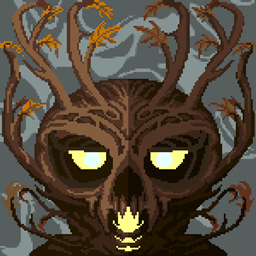
Aylyth Mod para Minecraft 1.19.2
Em meio à jornada da nossa vida, me encontrei em uma floresta escura sem caminhos. A Floresta é conhecida como Aylyth.
 Fabric
 Quilt
QuiltSobre o mod Aylyth
Made for Spookyjam 2021!
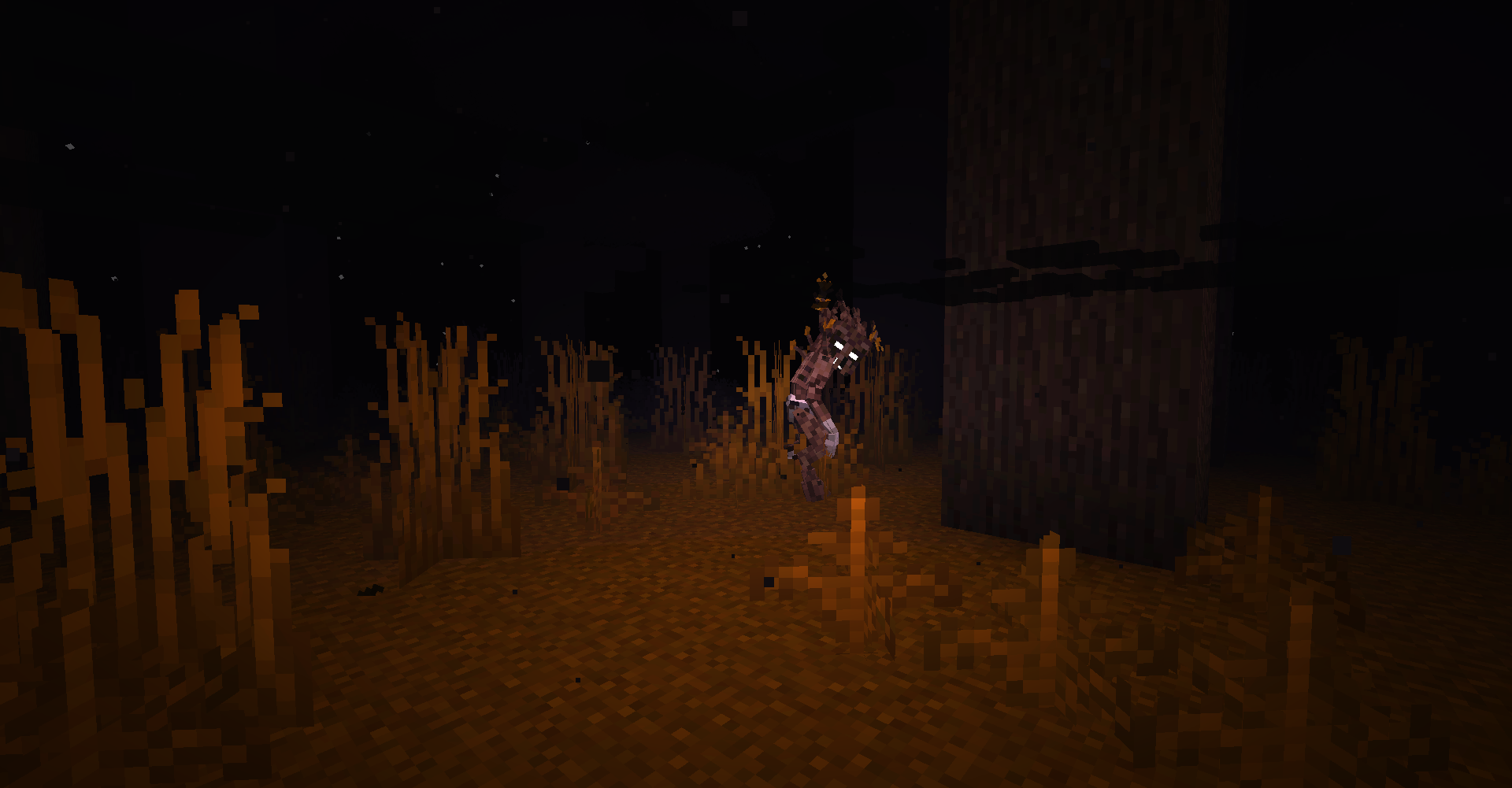
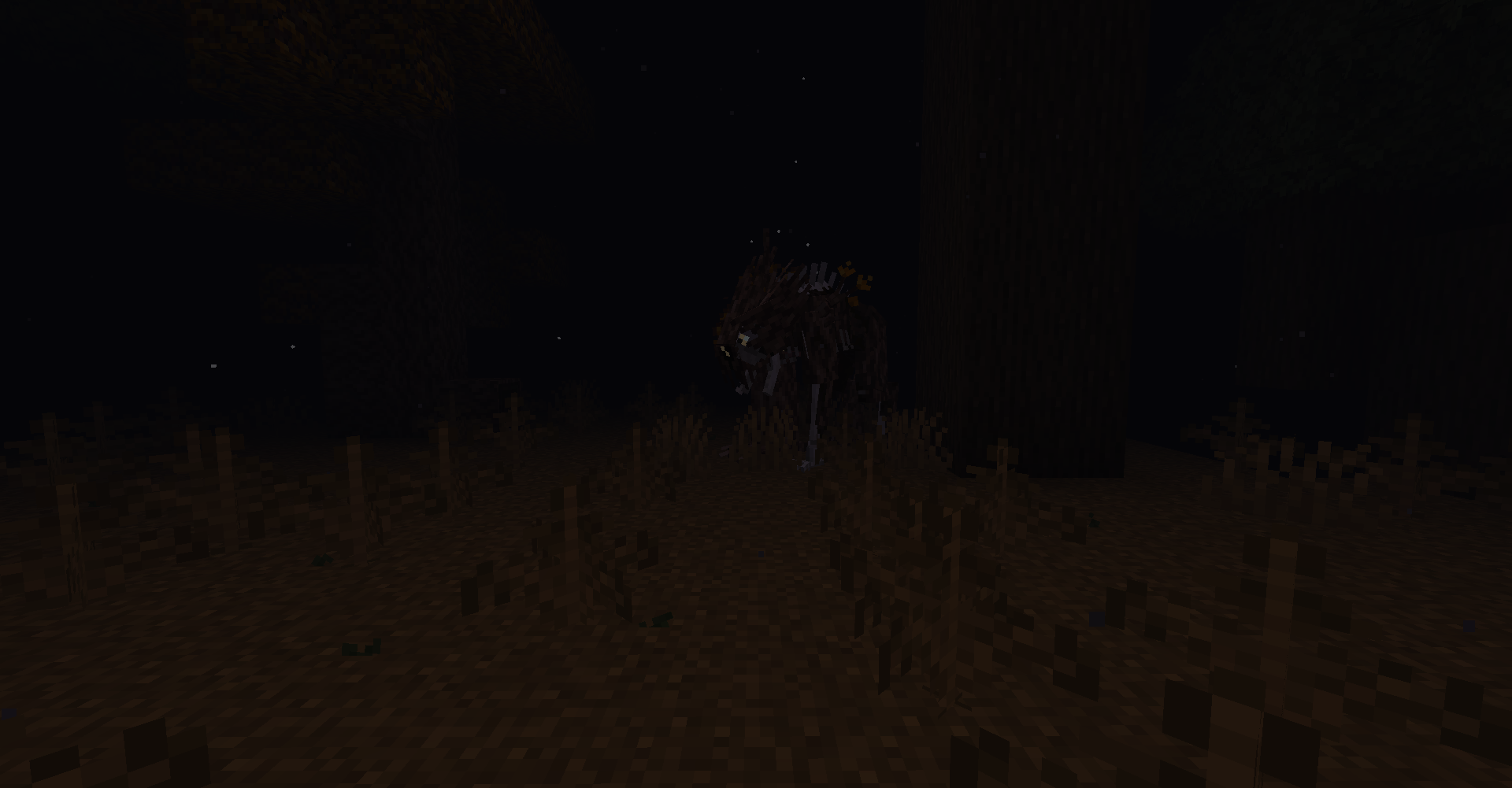
In the darkest of woods, from Giant Redwoods to the shade of Dark Forests, one may find the border between this world and the next, -and what lies between them- is especially weak. Aylyth lurks at the threshold of this world and the beyond, and of life and death. A realm of forgotten mystery, mystique, and menace. Aylyth itself appears as a giant, endless forest of foggy autumnal colours and towering trees, including the insidious Ympe Trees. The longer a living souls stays in Aylyth, the harder it is for it to let you go. Though one may find potentially invaluable things in Aylyth, but everything comes at a cost. In addition, one may spot hazy forms in the fog... some may help, but most are vicious and alien. Can you escape Aylyth, or will you go to the trees as well?
For best results, we recommend using Falling Leaves with Aylyth
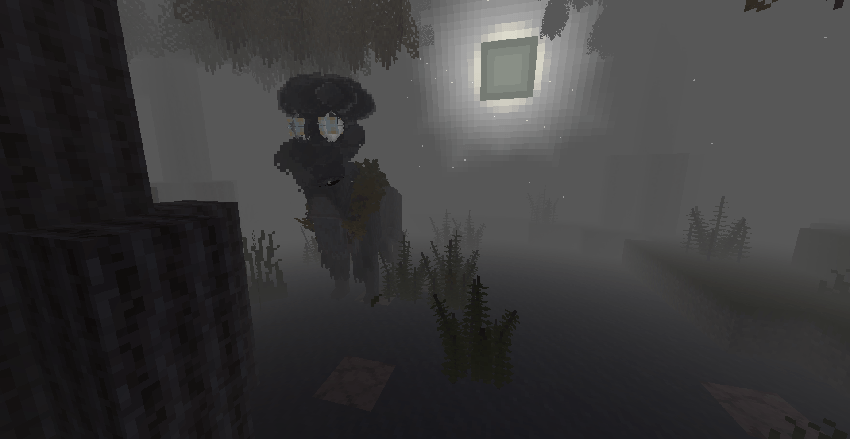
To enter: Aylyth can be entered in a few ways, but the least painful way would be with the help of a Seep. Seeps occur along the trunks of trees in densely forested biomes, and resemble a portal. If you enter it, you will find yourself in the Wood.
Different means of entering the realm exist also, most involving dying in unusual ways in the aforementioned biomes, such as due to falling, drowning, or at the hands of a Witch. Having been to Aylyth once and acquiring an Aylythian Heart, and holding it in your hand or offhand when killed, will cause you to spawn in Aylyth, your belongings still with you.
To leave: one must find either another Seep when in the realm, and pass though that, or find a Pilot Light, will-o-wisp like beings that come in 2 colours, yellow and blue. Right-clicking on them while having at least 5 XP levels will send one back to the Wake.
Credits:
Cybercat5555: Creator, concept, modeler, texturer
MoriyaShiine: Programmer
Aelpecyem: Programmer
MrSterner: Programmer
Ratatosk/Dhyces: Programmer
Voddak: Animator
ChumasY: Animator
DEMONS and MAX: Sounds and music, check out the full playlist here: https://youtube.com/playlist?list=PLEvKVIrWAL5p2HUgbFj-ErcxTXgRjucOO&si=6Wi5WgdCWWWyG2QM
Assasingus14: Sounds
Arathain: Original Bonefly, Soul Mould (Ympe Mould), Soultrap Effigy (Ympe Effigy), Glaive
FAQ:
Q: What version is Aylyth for?
A: Aylyth is currently for Fabric 1.19.2
Q: Will you backport to 1.16.5/earlier/port to Forge?
A: No and no
Q: Can I port the mod to an earlier version/to Forge?
A: No
Q: What is required to run Aylyth?
A: Aylyth requires Fabric 1.19.2, Fabric API, and Geckolib
Q: Can I use Aylyth in a showcase/let's play?
A: Go ahead! Shoot us a link if so!
Q: Can I use Aylyth in a modpack?
A: Depends. Aylyth can be freely added to packs that are to be hosted on Curseforge, but we strongly disapprove of Technic, as it does not give the creators of the mods proper credit.
Q: What inspired Aylyth?
A: Aylyth originally came to me as I was walking under trees in gloomy mid-September 2020. Originally Aylyth was planned to be made for Spookyjam 2020, but I went with another project so Aylyth had to be put aside, and not a single asset was made for it due to this. Aylyth is also inspired largely by Over the Garden Wall, alongside Dante's Inferno, Sir Orfeo, H P Lovecraft (just the general vibe, rather than a given story), with minor influence from Stranger Things and forest-based horror, such as The Ritual and Annihilation.
Q: Help I'm being taken over by branches, what do I do?
A: Ympe Branches will passively take over players who spend too much time in the realm, and they will eventually kill you. They can be subsided by consuming Ympe Fruit, or from simply exiting the realm.
Second place winner, and winner of "Originality"!

Support me on Ko-Fi, if you'd like

Como instalar Aylyth
With Millida Launcher
Install Millida Launcher
The launcher is free: download it at millida.net/launcher and sign in with any nickname.
Click “Install” on this page
The launcher opens and installs the mod for Minecraft 1.19.2 on Fabric or Quilt automatically.
Launch the game
A profile with it appears in the launcher: click “Play”.
Manually
Install Fabric or Quilt
The loader must match the game version of the mod file, for example Minecraft 1.19.2. After installing it, a separate profile appears in your launcher.
Download the file for your version
In the version list above, pick the file aylyth-1.19.2-2.0.1.jar (4.6 MB) for your game version and loader.
Put it in the mods folder
The folder is inside .minecraft (Windows: %appdata%\.minecraft\mods). If it does not exist, create it.
Launch the loader profile
Open “Mods” in the main menu: Aylyth should be in the list.
Minecraft 1.19.2 runs on Java 17: with a different Java version the game may close right after launch.
Versões
Com dependências
| Minecraft | Loader | Arquivo | Data | Ações |
|---|---|---|---|---|
| 1.19.2 | Fabric, Quilt | Aylyth-1.19.2 2.0.14.6 MB | ||
| 1.19.2 | Fabric | aylyth-1.19-alpha7-death-fix.jar2.1 MB |
FAQ
Is Aylyth for Forge or Fabric?
There are files for Fabric: 1.19.2 and for Quilt: 1.19.2. There are no files for Forge or NeoForge: a mod for another loader will not start.
Does Aylyth need other mods?
The author lists no required dependencies: the Fabric or Quilt loader is enough.
Which Java does Aylyth need?
Minecraft 1.19.2 runs on Java 17. If the game closes right after launch, the usual cause is the wrong Java version in the profile settings.
Where can I download Aylyth safely?
On this page: the file aylyth-1.19.2-2.0.1.jar (4.6 MB) is stored on Millida’s server, with no link shorteners. SHA-1 checksum: 25b09dbf0c8bdb08b967041681fc9a41058142d0.
Avaliações
Seja o primeiro a avaliar Aylyth


