
Auroras Mod para Minecraft 1.20.1, 1.21.3
Adiciona auroras magníficas ao mundo!
 NeoForge
 Forge
ForgeSobre o mod Auroras
This mod enhances the game’s visual experience and setting, by introducing stunning auroras.
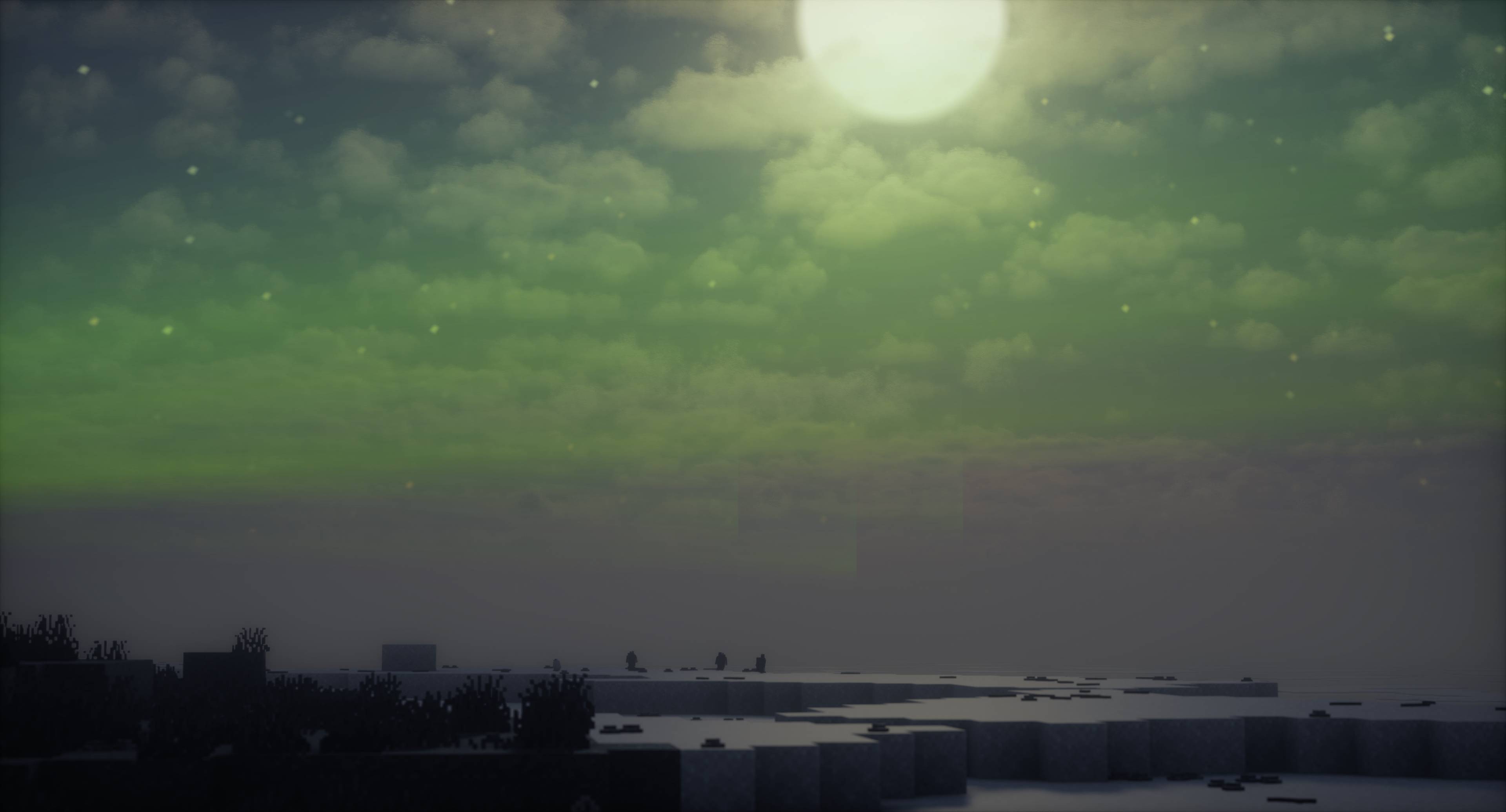
The auroras light up the night sky with vibrant colors, adding a magical and immersive atmosphere to your Minecraft world. The mod works as-is, without the need of any shaders mod or the like, and thus works out of the box in Vanilla. However, the mod is compatible with and has also been designed to work seamlessly with TerraFirmaCraft, a total conversion mod that overhauls Minecraft’s survival mode to create a more realistic and challenging experience. Additionally there has been added explicit compatibility with the Aether -- a beautiful mod to add auroras to!
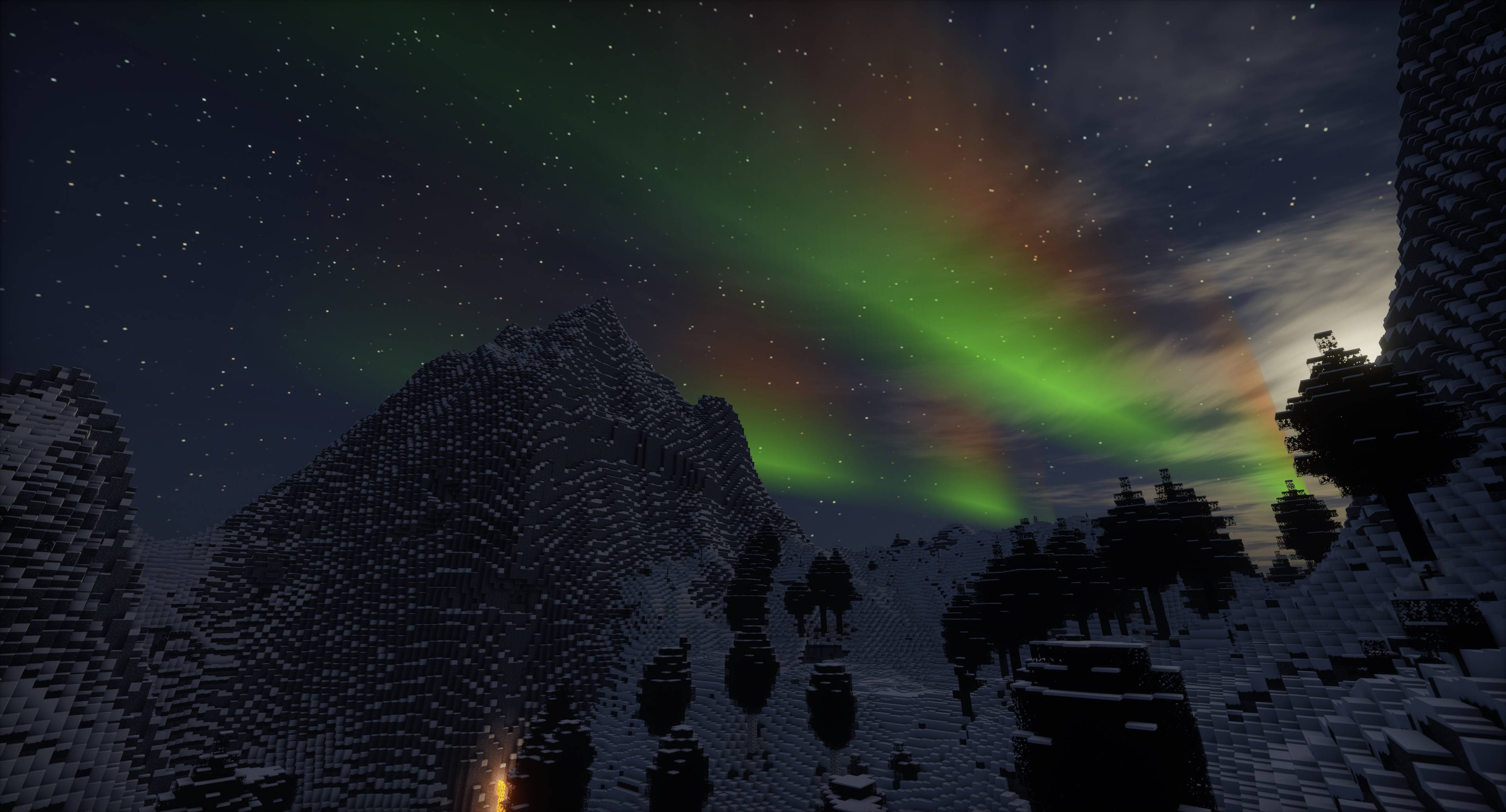
The auroras typically appear as dynamic patterns of light that can take the form of curtains, rays, spirals, or flickers. The colors can range from green and yellow to red, blue, and violet. The lights often shift and change shape, resembling softly blowing curtains. The auroras are usually visible in high-latitude regions around the Arctic and Antarctic Circles.
Many elements and parameters of the auroras can be tweaked from the configs, such as wave frequency, amplitude, colors and more.
By default, for the overworld, the equator is at Z:10000, and there's 20000 blocks from there to either pole. Poles cycle every 40000 blocks. Thus, as an example, the auroras can appear around Z:-10000 and Z:30000 +/- a random offset, and every pole "cycle" after or before that. Furthermore, there are no biome requirements by default, but you can add that yourself. All of these plus many more settings can be configured!
Como instalar Auroras
With Millida Launcher
Install Millida Launcher
The launcher is free: download it at millida.net/launcher and sign in with any nickname.
Click “Install” on this page
The launcher opens and installs the mod for Minecraft 1.20.1–1.21.3 on Forge or NeoForge automatically.
Launch the game
A profile with it appears in the launcher: click “Play”.
Manually
Install Forge or NeoForge
The loader must match the game version of the mod file, for example Minecraft 1.21.3. After installing it, a separate profile appears in your launcher.
Download the file for your version
In the version list above, pick the file Auroras-1.21.3-1.6.2.jar (2.0 MB) for your game version and loader.
Put it in the mods folder
The folder is inside .minecraft (Windows: %appdata%\.minecraft\mods). If it does not exist, create it.
Launch the loader profile
Open “Mods” in the main menu: Auroras should be in the list.
Minecraft 1.21.3 runs on Java 21: with a different Java version the game may close right after launch.
Versões
Com dependências
| Minecraft | Loader | Arquivo | Data | Ações |
|---|---|---|---|---|
| 1.21.3 | NeoForge | Auroras-1.21.3-1.6.22 MB | ||
| 1.20.1 | NeoForge, Forge | Auroras-1.20.1-1.6.22 MB 3 |
FAQ
Which Minecraft versions does Auroras work on?
There are files for 1.21.3, 1.20.1. The newest is 1.21.3.
Is Auroras for Forge or Fabric?
There are files for Forge: 1.20.1 and for NeoForge: 1.20.1–1.21.3. There are no files for Fabric: a mod for another loader will not start.
Does Auroras need other mods?
The author lists no required dependencies: the Forge or NeoForge loader is enough.
Which Java does Auroras need?
Minecraft 1.21.3 runs on Java 21. If the game closes right after launch, the usual cause is the wrong Java version in the profile settings.
Where can I download Auroras safely?
On this page: the file Auroras-1.21.3-1.6.2.jar (2.0 MB) is stored on Millida’s server, with no link shorteners. SHA-1 checksum: 7131fe59f1fc7e8d3b44a9d62fe3c649552f5464.
Avaliações
Seja o primeiro a avaliar Auroras


