
The Muffin...
A Simple Creature...
Yet so powerful...
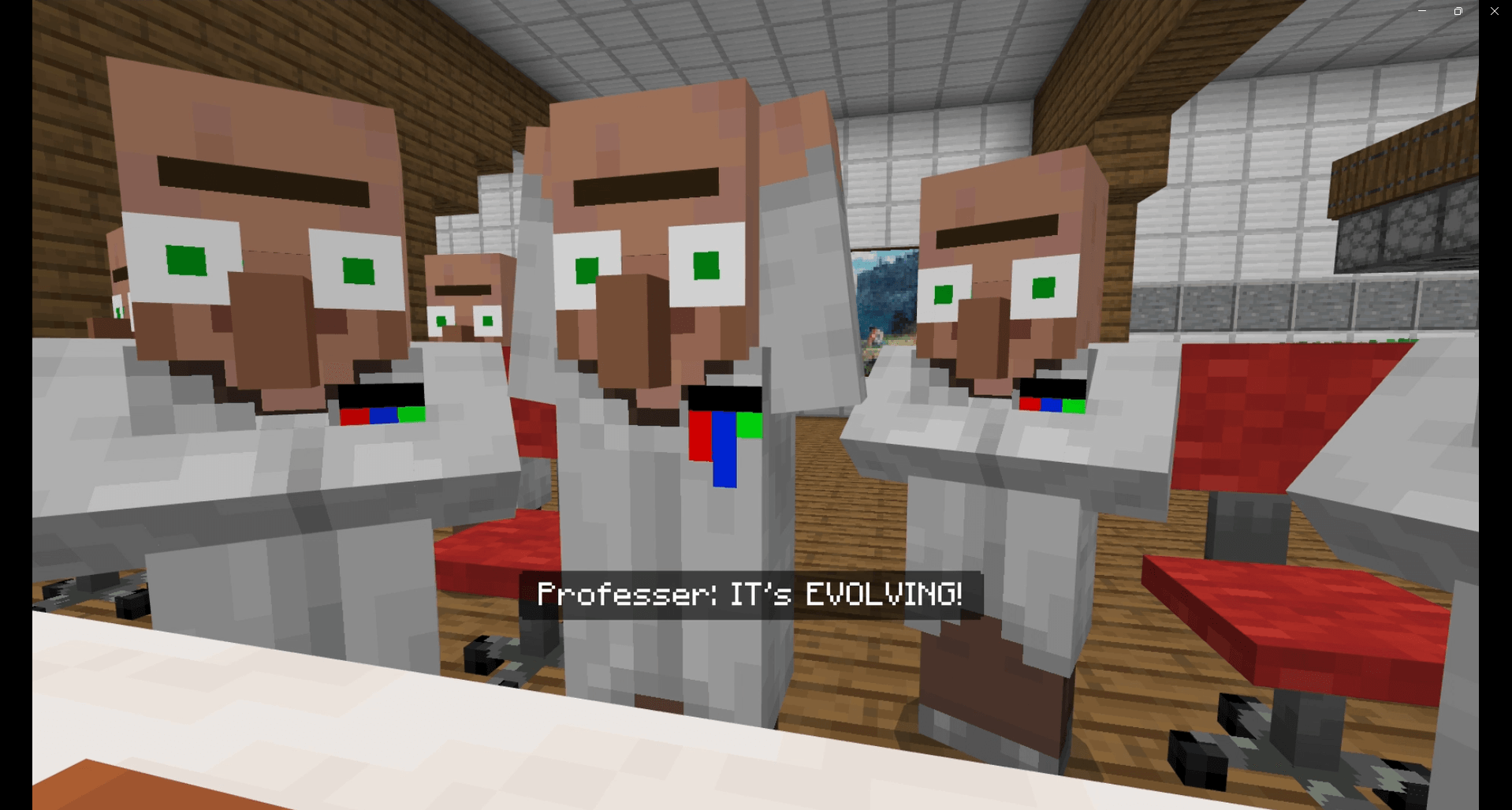
It's never been tested. Not fully.
We've seen what it allows. Not what it contains.
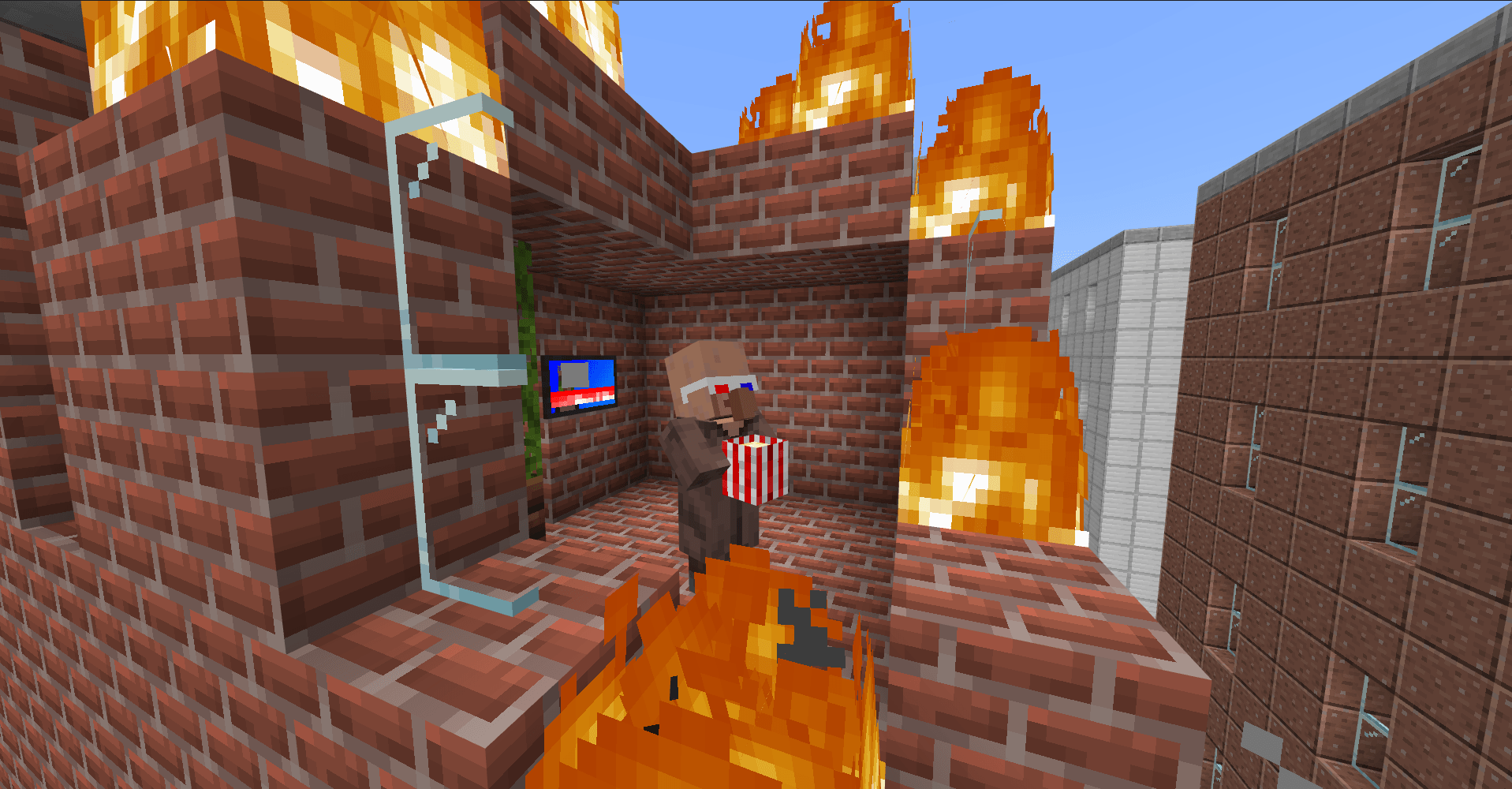
It hasn't become yet.
That day will come. Oven-warm peace will not last.
It lets us forget. For now.
We made it sweet. To hide the hunger.
But its true power, lies dormant
To find its final form. Would be a mistake.
Crumbs would fall. Kingdoms follow.
A misake, about to be made...
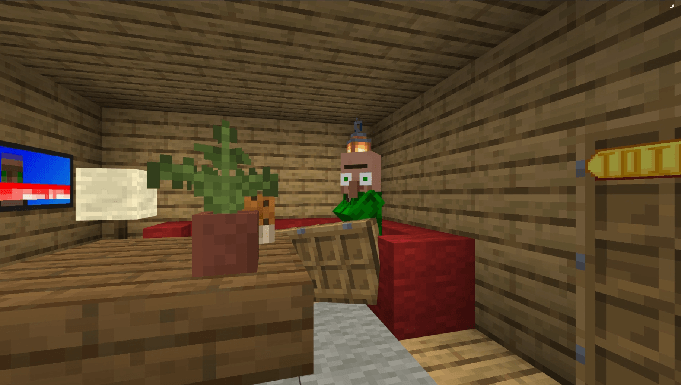
The Muffin is a rather goofy minecraft map. Once my first ever creation published, now remastered into a silly adventure.
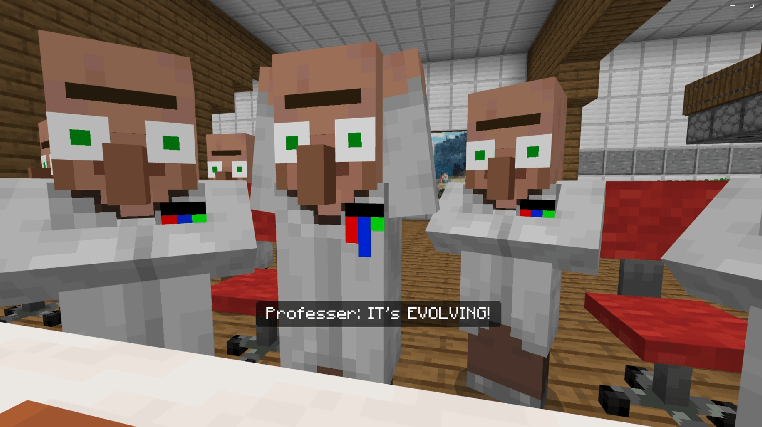
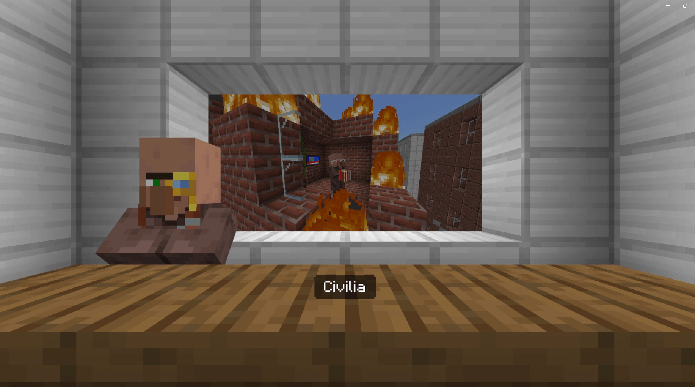
You and Professer (Yes that's their names) get involved in some wacky science experiemnts and adventure into the depths of a muffin to "find its source of power." Hopefully things don't go wrong...
Warning
This Map Has:
- Screen Shaking
- Possible Flashing Lights
- Not intended for Vibrant Visuals
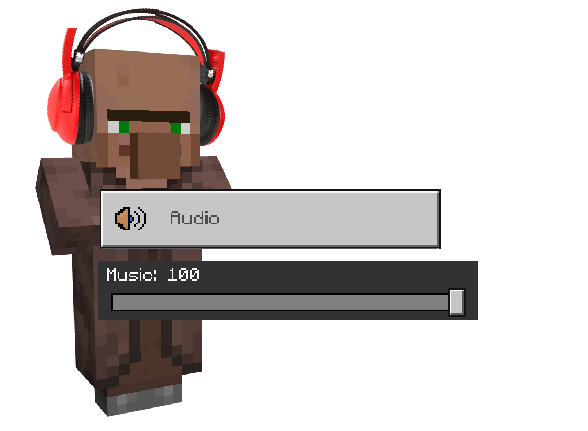
- Alters the players GUI
Please turn your music up!
Como instalar The Muffin.
With Millida Launcher
Install Millida Launcher
The launcher is free: download it at millida.net/launcher and sign in with any nickname.
Click “Install” on this page
The launcher opens and installs the map for Minecraft 1.21.80–1.21.101 automatically.
Launch the game
A profile with it appears in the launcher: click “Play”.
Manually
Download the map archive
Pick the file The Muffin.mctemplate (15 MB).
Unpack it into the saves folder
The world folder (with level.dat inside) must sit directly in .minecraft/saves.
Open the world
“Singleplayer”: the map will be in your world list.
On a server
Replace the world folder
Stop the server and put the map folder in place of world (or set its name in level-name).
Use the “To server” button
On Millida Hosting, the button at the top of the page uploads the file to your server and restarts it for you.
Versões
Com dependências
| Minecraft | Loader | Arquivo | Data | Ações |
|---|---|---|---|---|
| 1.21.81 | — | The Muffin v1.0.1 (Template)14.7 MB |
Avaliações
Seja o primeiro a avaliar The Muffin.



